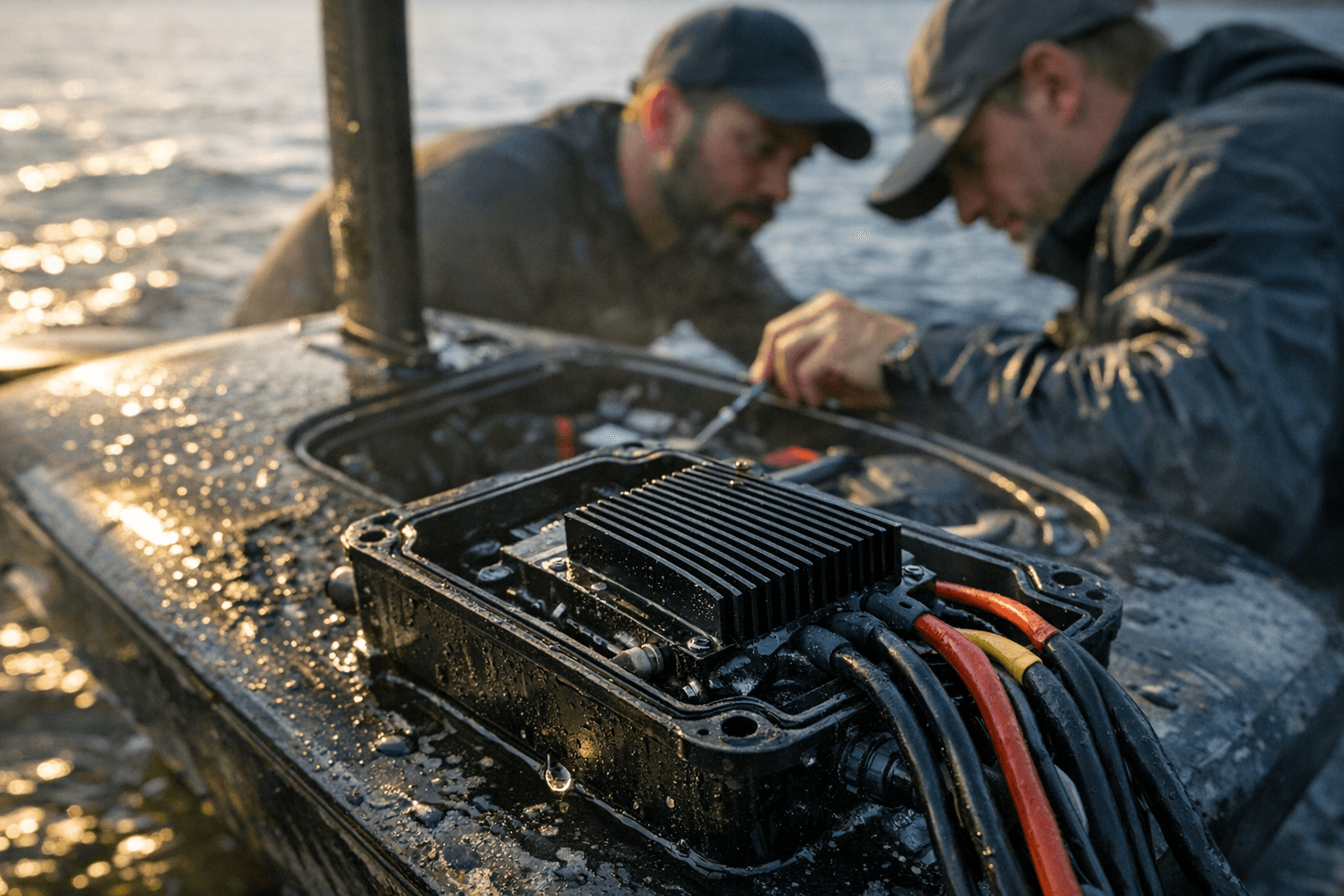
Foil surfers troubleshoot mismatched Flipsky remote wiring after receiver failure
A failed Flipsky receiver can strand an eFoil fast, and the VX3’s wiring split is the trap. Here’s how to sort the harness, pairing, and VESC settings.
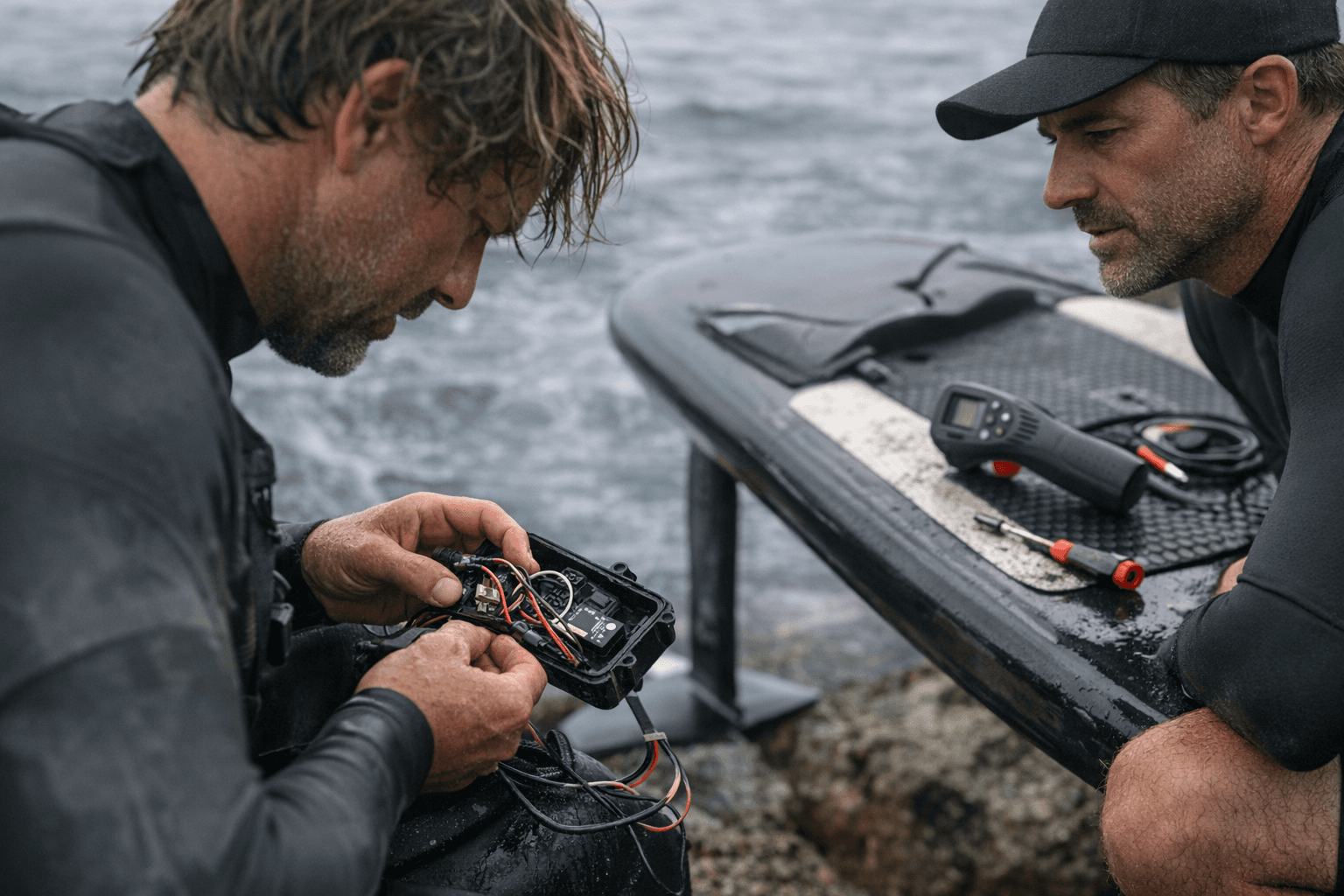
A dead receiver does not feel like a small electronics issue when your eFoil is already on the water or loaded for a peak-season session. It turns the board into ballast, no matter how healthy the battery or motor may be, and that is why a $95 remote package can become a full stop for the day.
When the board is fine but the remote is not
The clearest snapshot came from a FOIL.zone post on April 21, when a rider said the remote receiver on their board had failed and the replacement Flipsky VX3 receiver did not match the old wiring colors. They understood the obvious part, red to red and black to black, but the rest of the harness did not line up with the setup they already had. That is the kind of problem that looks minor on a workbench and becomes a lost session on the water.
A second participant added the detail that there are apparently two sets of cables in the package, with two different color schemes. That answer is useful because it gets at the real issue: this is not just a bad connector or a loose plug, it is a compatibility problem hiding inside what should have been a straightforward replacement. In aftermarket e-foiling gear, the wiring map matters as much as the hardware itself.
Why the VX3 confusion keeps coming back
This is not the first time riders have stumbled over the VX3 receiver harness. Community threads from 2023 on FOIL.zone and esk8.news describe the same kind of uncertainty, especially around whether the receiver cable is a 3-wire or 4-wire version and whether the blue wire is used in PPM or non-VESC setups. That matters because the wiring layout is not just cosmetic. It determines whether the receiver can actually talk to the controller the way the board expects.
One FOIL.zone post from 2023 shows a VX3 setup where the receiver was connected to COMM port #6, with a 1.5m antenna cable routed through the battery box. That detail is a reminder that these builds are often more custom than the product pages make them sound. Once you start mixing board layouts, receiver generations, and cable variants, the assumption that every VX3 package will drop into every eFoil becomes expensive very quickly.
What Flipsky says the VX3 is built to do
Flipsky’s product page presents the VX3 as a fully waterproof remote that ships with a receiver, supports both PPM and UART control modes, carries an IP67 rating, and uses wireless magnetic charging. It is sold for $95, which is part of the appeal. It is hard to ignore the price when the alternative is a stranded board and a lost riding window.
The same page also recommends rinsing the remote with fresh water, or soaking it in fresh water for at least one minute after saltwater use, to reduce residue and extend service life. That is a small maintenance step, but it is exactly the kind of habit that keeps a waterproof-looking controller from becoming a corroded problem later. In this category, sealing is only half the story. Cleaning and connector care matter too.
Flipsky’s tutorial material makes the setup process sound simple on paper, but it also confirms why riders get tripped up. The receiver is meant to connect to the ESC’s PPM port, pairing is required before the remote works, and the blue LED turns solid after pairing succeeds. In the VESC Tool setup shown by Flipsky, users are instructed to select PPM input and a Current No Reverse control type. That is a very specific stack, and it explains why a wrong harness or a mismatched port can keep the board dead even when every part looks new.
What to verify before you order a replacement
The first thing to confirm is whether your current board was wired for PPM or UART. Flipsky’s VX3 supports both, but the tutorial shown for eFoil-style use is centered on PPM, so do not assume the receiver box you pulled off the board was configured the same way as the replacement you just ordered.
Check the harness, not just the box
- Count the conductors and compare the color order to your old setup.
- Look for whether your package includes more than one cable set with different color schemes.
- Confirm whether the blue wire is supposed to be used in your setup or left out.
Check the controller side
- Verify whether the receiver should land on the ESC’s PPM port.
- If your board uses a different port layout, like the COMM port #6 setup seen in the 2023 thread, do not force a one-size-fits-all wiring assumption.
- Make sure the receiver actually has the power path it needs, especially on builds where the ESC has no BEC.
Check the software side
- Pair the remote before expecting the board to respond.
- In VESC Tool, match the input to PPM where that is the intended setup.
- Use the control type Flipsky specifies, Current No Reverse, for the configuration it shows.
Check the water side
- After saltwater use, rinse the VX3 with fresh water or soak it in fresh water for at least one minute.
- Inspect how the antenna and receiver are mounted and routed so water does not creep into the system through a bad installation.
- Treat waterproofing as part of the install, not an afterthought.
The practical takeaway
The VX3 is appealing because it bundles a receiver, offers IP67 waterproofing, uses wireless magnetic charging, and comes in at a relatively low $95. But the rider impact is bigger than the price tag suggests. If the receiver fails, the board is grounded, and if the replacement harness does not match the old setup, a simple swap can turn into an afternoon of tracing wires and second-guessing port assignments.
That is the lesson the community keeps relearning in real time: in e-foiling, the remote is not just a handheld accessory. It is part of the board’s lifeline, and the safest replacement is the one you verify from connector to control mode before you ever put the screwdriver down.
Know something we missed? Have a correction or additional information?
Submit a Tip