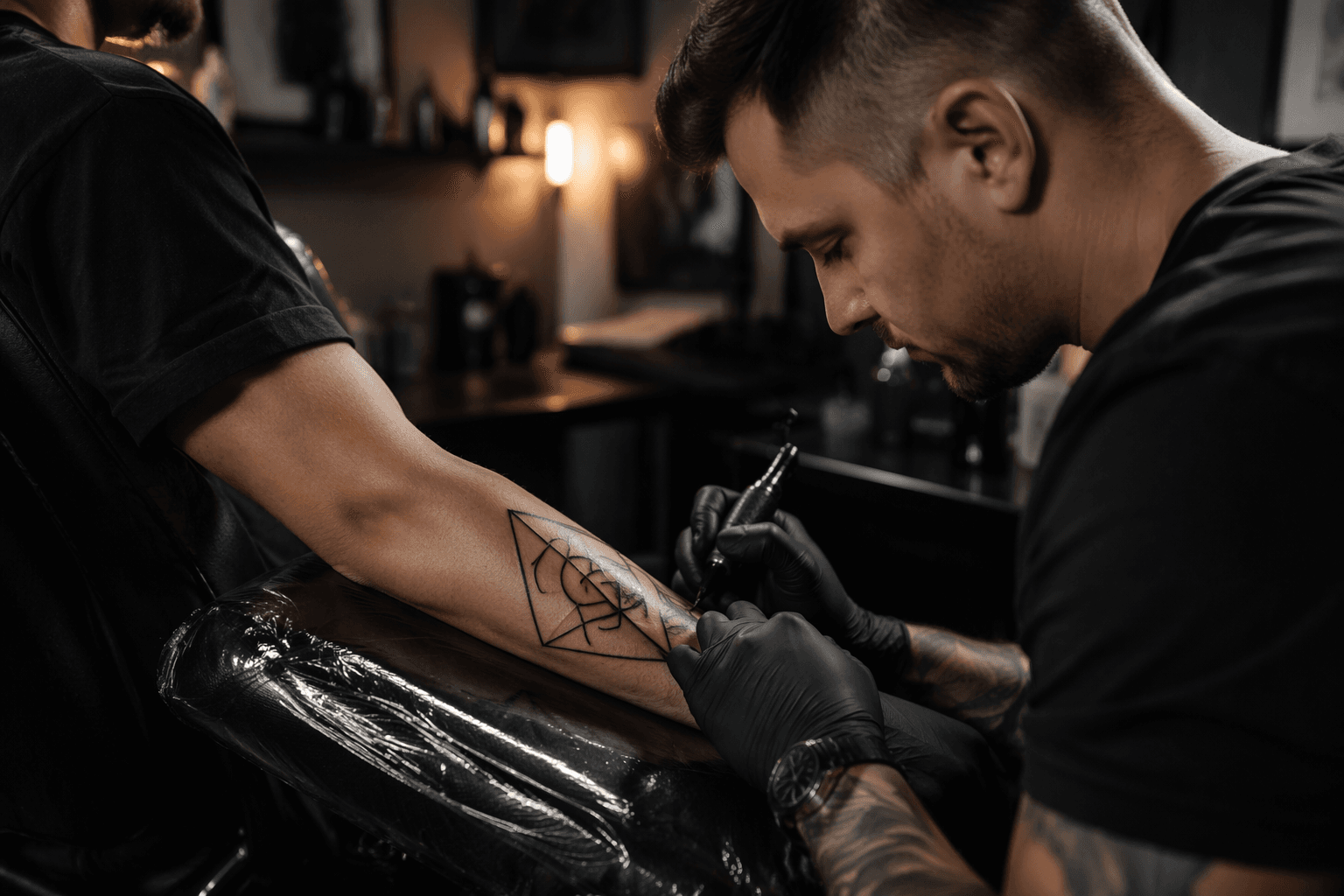
Freepik guide maps AI tattoo tools for precise geometric designs
AI tattoo tools split into three jobs, and geometric designs only work when you match the tool to the stage, from flash to stencil to skin preview.
AI tattoo tools are not one thing
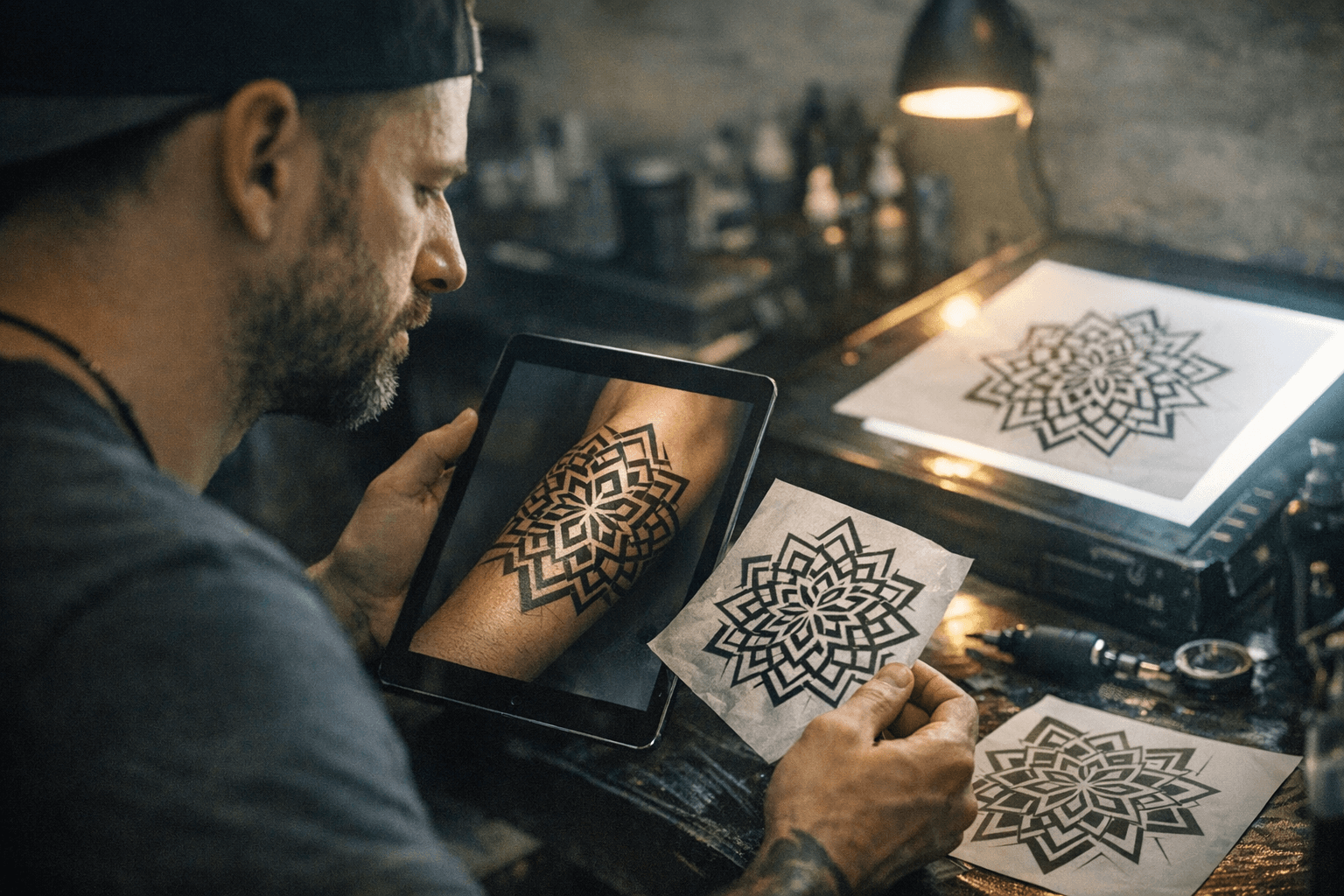
The sharpest lesson in Freepik’s guide is also the one geometric tattoo clients and artists miss most often: AI tattoo tools are not a single category. Some are best at flash generation, some at stencil prep, and some only help you preview placement on the body. For geometric work, that distinction matters because this style lives or dies on clean structure, controlled line weight, and predictable negative space.
That means the real question is not whether AI can “make a tattoo.” It is whether the tool can help at the exact point in the workflow where precision still can be improved. A rough mandala idea, a sacred-geometry band, and a final stencil are three different jobs, and the wrong software choice can blur all of them.
The workflow starts with concept, not final art
Freepik frames AI tattoo design as a pre-production layer, not the author of the tattoo itself. That is the right lens for geometric pieces, where even a strong concept still needs human correction for symmetry, scale, and how the design will move across a shoulder, forearm, calf, or back panel. AI can speed up the rough sketch phase, but it still cannot replace the judgment of a licensed tattoo artist who understands healing, ink limits, and contraindications.
This matters even more because tattooing has become mainstream. Pew Research Center reported in 2023 that 32% of U.S. adults have at least one tattoo, and 22% have more than one. It also found that a large majority of adults say society has become more accepting of tattoos in recent decades, which helps explain why tattoo planning software is being sold as a normal creative workflow instead of a novelty.
Flash generators can get you close, but not clean
For the first stage, Freepik groups tools like Midjourney, Adobe Firefly, Fotor, Canva, NightCafe, and its own platform alongside tattoo-specific options such as Tattoodo. In this lane, the goal is idea generation: fast visual experiments that help you test composition before you commit to skin. For geometric tattoos, that can be useful for exploring mandala structures, sacred-geometry symmetry, or a repeat pattern that might become a band or panel.
The catch is that AI-generated flash often needs heavy correction before it becomes tattoo-ready. Geometric users should be especially alert for warped circles, broken line continuity, uneven spacing, and motifs that look balanced at thumbnail size but fail when enlarged. In other words, a prompt can inspire the design, but it cannot yet guarantee the structural discipline geometric work demands.
Prompting that actually helps
Freepik’s guide pushes a practical point that should resonate with any artist who has fought a weak AI output: the prompt has to sound like a design brief, not a wish. It recommends language such as “fine-line botanical band,” “continuous line,” “black ink only,” and “white background sheet,” then refining the result through background removal and vector cleanup.
That advice translates directly to geometric tattoos. The more a prompt describes line weight, contrast, closed paths, and motif structure, the more usable the result becomes. Vague prompts invite decorative noise; technical prompts improve the odds of getting something that can survive the next stage of cleanup without losing the symmetry that makes the style read properly.
Stencil prep is where the real value shows up
The strongest use case in Freepik’s framing is stencil preparation. This is where AI stops being a mood board and starts helping create something a studio can actually use. For geometric designs, that stage is crucial because stencil quality determines whether the final tattoo keeps its spacing, edges, and flow once it is transferred to skin.
Freepik’s own workflow is broad for a reason: it can move from image generation to cleanup to a sharable file. That matters for tattooers who need a cleaner foundation before printing, because the stronger the stencil base, the easier it is to preserve symmetry and proportion during placement. If the linework is messy here, it will only get more obvious once the needle hits the skin.
AR previews solve a different problem entirely
The placement category is a separate job again, and InkHunter is the clearest example in Freepik’s list. Augmented-reality preview is not about drawing the tattoo from scratch. It is about helping someone see how a design sits on a wrist, forearm, thigh, or shoulder before any ink is committed.
InkHunter’s accelerator profile says its first app has more than 9 million downloads since launch, which shows how established this behavior already is. Company materials also describe the startup as founded in 2014 by Oleksandra Rohachova, later deadpooled, with backing tied to Y Combinator and Entrepreneurs Roundtable Accelerator. That history is a reminder that placement tech can attract huge interest without necessarily becoming a lasting standalone business.
For geometric tattoos, AR is useful for one specific reason: proportion. A sacred-geometry panel that looks centered on a phone screen can still feel off once it lands on a curved body part, so preview tools are best treated as a planning aid rather than a final answer.
Why geometry is the hardest test
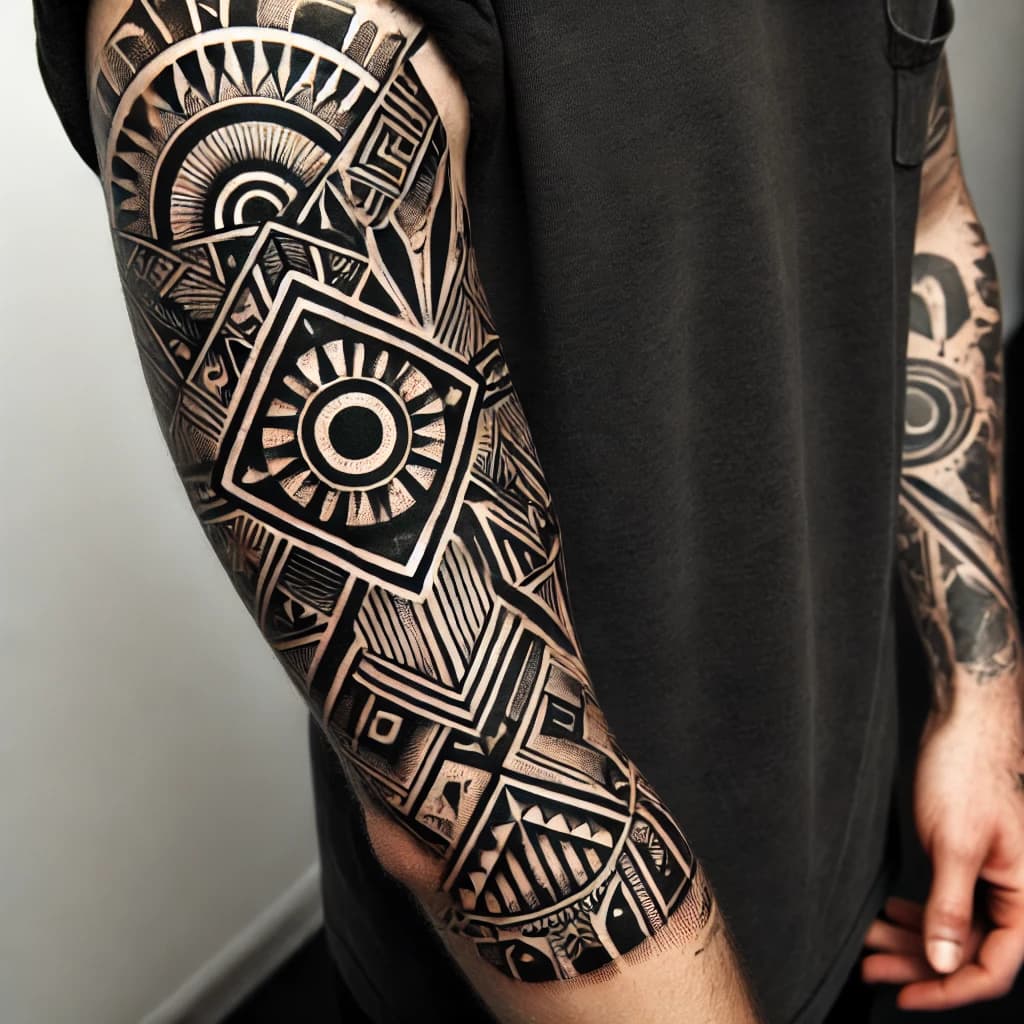
Geometric tattoos have their own built-in standard of proof. Style guides point to sacred-geometry motifs such as the Flower of Life, Metatron’s Cube, the Sri Yantra, and Fibonacci or spiral-based forms, all of which depend on accurate alignment and spacing. If an AI tool distorts a circle or breaks a repeated line, the flaw is not decorative, it is structural.
That is why this genre is such a useful stress test for tattoo software. A tool that can only produce stylish chaos may pass in other tattoo styles, but geometry exposes every weakness in balance, hierarchy, and negative space. If the design cannot hold its own on a curved body part, it is not ready.
Safety still belongs to the artist, not the model
The health side of tattooing is another reason the guide keeps humans in the loop. Recent medical reviews note immediate reactions such as irritation, infection, and inflammation, as well as delayed hypersensitivity reactions and longer-term complications including fibrosis, granulomatous changes, systemic inflammation, and scarring. A systematic review in the Journal of Epidemiology and Community Health also emphasizes that tattoo complications include both infective and non-infective risks.
The larger medical picture is not reassuring enough to outsource judgment to software. A 2024 review in The Lancet Microbiology says tattoo-associated infections have been documented since 1820 and have increased since 2000, even alongside stronger regulation. So when Freepik warns that AI output is not sterile, not anatomically safe by default, and never a substitute for a licensed artist, that is not cautionary fluff. It is the right boundary.
What the guide really changes
Freepik’s real contribution is not that it invents tattoo AI. It is that it separates the tools into the actual stages artists already work through: concept, stencil, and placement. That framing is especially useful for geometric tattoos, where a slick image means very little if the symmetry breaks on transfer, the line hierarchy collapses in cleanup, or the placement preview ignores anatomy.
The future of these tools is not in replacing tattooers. It is in helping them move faster from rough idea to usable stencil without giving up the precision that makes geometric work worth getting in the first place.
This article was produced by Prism’s automated news system from verified source data, official records, and press releases, then run through automated quality and moderation checks before publishing. The system is built and supervised by the people who set the standards it runs under. Read our full AI policy.
Did this article answer your question?