Delete Ped offers a simple GTA V shortcut for removing pedestrians
Delete Ped is a tiny GTA V utility that strips out stray or frozen pedestrians without loading a full trainer, which makes it handy for cleaner scenes and faster capture work.
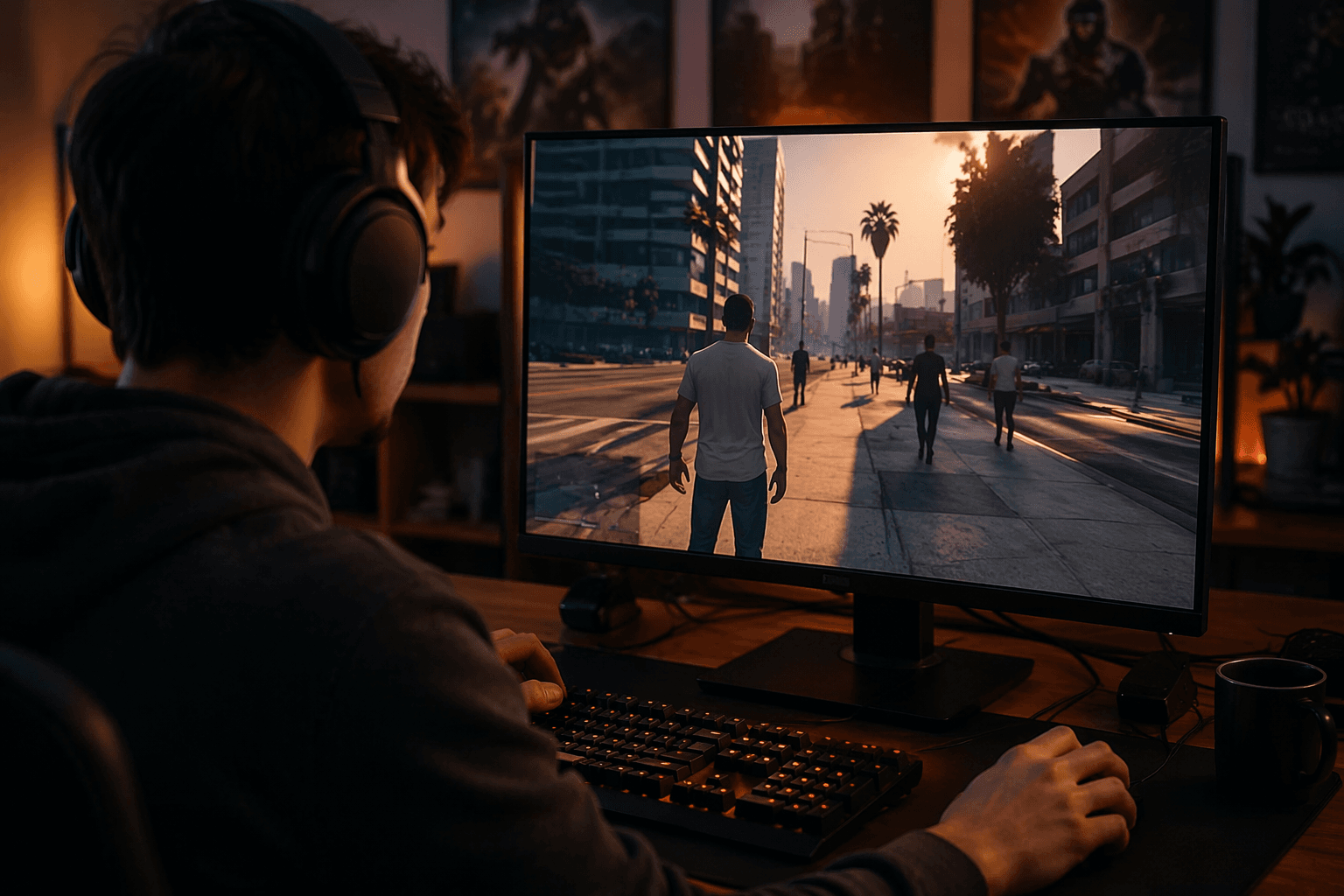
SilverLaw99 lists Delete Ped as version 1.0.0 in LCPDFR.com’s Scripts & Plugins section. It deletes peds, and that narrow focus is why it stands out in a mod scene that often leans on heavyweight trainers and all-in-one menus for even the smallest fix.
A small utility built for one annoying problem
SilverLaw99 built it so players would not have to set up Menyoo just to delete pedestrians and to deal with those “annoying frozen broken peds” that can hang around and spoil a scene. It is a shortcut for a very specific annoyance, not a replacement for a full sandbox toolkit.
LCPDFR describes itself as home to LSPDFR and 40,000-plus community mods, and its GTA5 catalog spans more than 20,000 mods overall.
When Delete Ped actually saves time
Delete Ped makes the most sense when you already know exactly what needs to disappear. If a bugged civilian is blocking a doorway, wandering into frame, or standing frozen in the middle of a callout, this is the kind of tool that gets you back to work fast. You are not opening a larger menu, scrolling through extra options, or loading a broader trainer just to clear one character out of the scene.
That is why the mod fits so neatly into screenshot sessions, machinima work, route testing, and police-roleplay setups around Los Santos. In each of those cases, one stray pedestrian can wreck composition, break timing, or create noise you do not want.
Where a trainer or scene editor still wins
Delete Ped is useful, but it is not the answer when your session already depends on a larger tool like Menyoo. SilverLaw99 jokes that Menyoo can already handle this work. If you are spawning vehicles, changing weather, moving props, or building a more involved scene, the bigger trainer is still the right call because it keeps all of those controls in one place.
The same logic applies to scene editing. If you are staging a complex setup with multiple actors, precise camera angles, or layered environmental tweaks, a broader editor does more than Delete Ped ever will.
Why it fits the LCPDFR workflow
Delete Ped also lands in a familiar part of GTA modding culture, where narrow tools sit beside bigger frameworks and solve one piece of the workflow at a time. LSPDFR 0.4, released in December 2018, helped normalize that approach by giving players a stable base for patrol-style play, and utilities like Lenny’s Mod Loader have long focused on making file modifications easier rather than replacing every other mod in the folder.
LCPDFR’s scripts directory is packed with hundreds of entries and regularly features newly added or updated utilities. People building around LSPDFR, Menyoo, and other helpers do not always need another giant framework. Sometimes they just need a cleaner way to remove a pedestrian that should not be there.
Install with the rest of your stack in mind
Keep your mod layers disciplined before you add anything to a GTA V setup. LSPDFR’s installation guidance for first-time users is clear: start on a clean copy of Grand Theft Auto V without any other mods or plugins. That advice is especially relevant if you are building a single-player stack that mixes patrol tools, scene helpers, and file mods, because clutter is how simple setups turn into unstable ones.
If your folder already leans on file replacement mods, Lenny’s Mod Loader is built to make that side easier to manage. Delete Ped sits in a different lane, as a focused plugin rather than a broad overhaul, so keep it separate from the rest of your workflow and only add it where it solves an actual problem. That keeps the installation tidy and makes it easier to spot what is causing trouble if something goes sideways.
This article was produced by Prism’s automated news system from verified source data, official records, and press releases, then run through automated quality and moderation checks before publishing. The system is built and supervised by the people who set the standards it runs under. Read our full AI policy.
Did this article answer your question?