GTA V Enhanced mod removes chromatic aberration and lens flare
GTA V Enhanced players can keep Ultra PostFX without the smeared color fringing and flare. Version 1.1 adds lens flare removal to a cleanup mod built for sharper driving and cleaner shots.
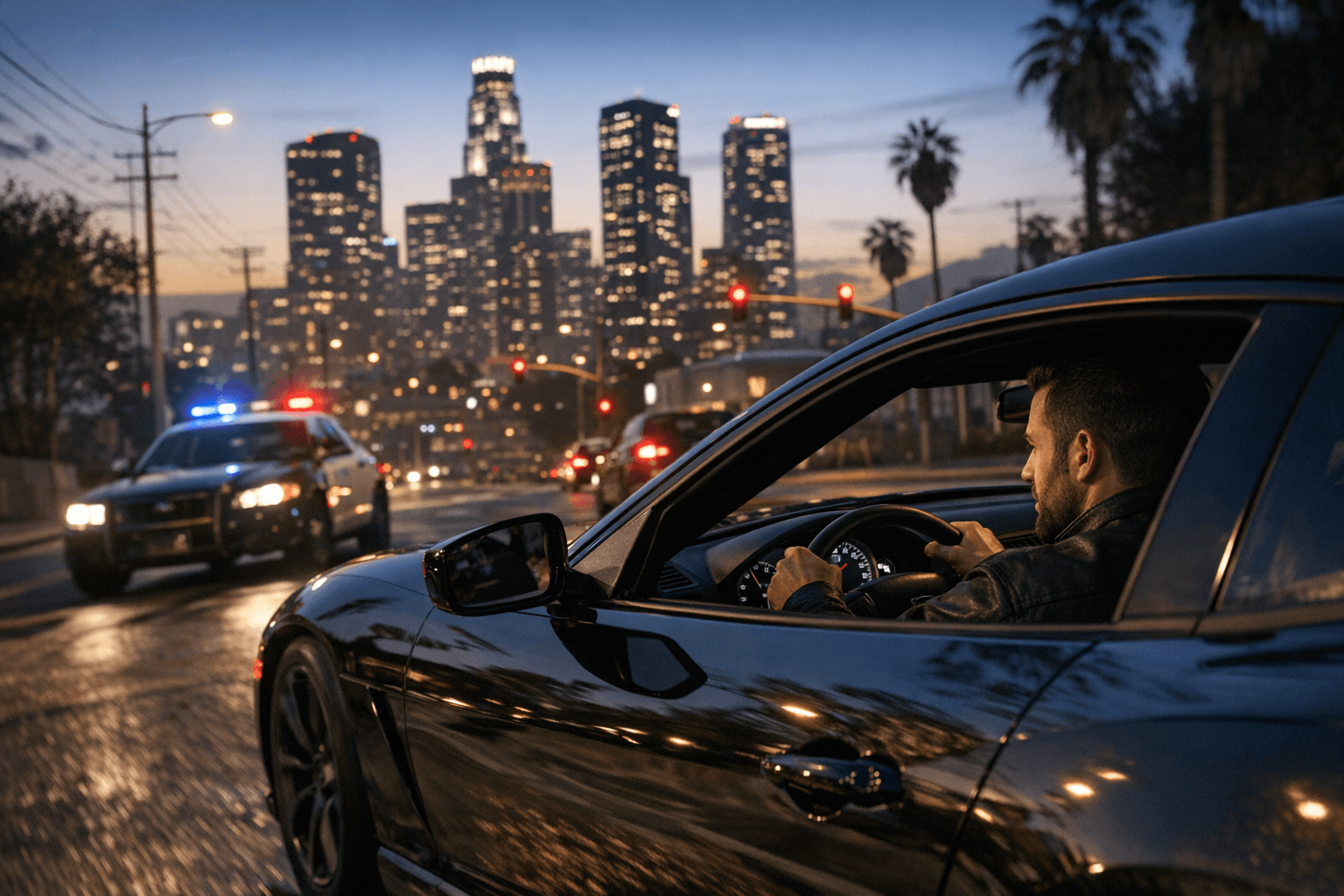
If GTA V Enhanced looks softer than it should, this small utility makes the difference obvious fast. Night driving in Los Santos gets easier to read, screenshots lose the distracting haze around bright lights, and the image keeps Ultra PostFX without the chromatic aberration and heavy lens flare that can make the remaster feel busier than it needs to be.
The mod, Remove Chromatic Aberration and Lens Flare, arrived as version 1.1 on April 15 as an updated cleanup package, with lens flare removal added on top of its original job of stripping chromatic aberration. Its pitch is simple: keep the upgraded PC version’s presentation, but cut the visual noise that some players notice the moment they load into traffic, aim down sights, or pan across neon-heavy streets. By default, it leaves the inebriation effect intact, because the author treats that distortion as fitting for drunk gameplay rather than normal driving or free-roam.
That makes this more than a one-purpose toggle. The page includes a Python script for generating an updated version or tweaking the mod, along with backup files for the people who want to go further than the default setup. There is also an optional route for players who want to keep lens flare while removing the other clutter, which means the package can be trimmed to taste instead of forcing one rigid visual preset. Installation stays inside the familiar GTA V Enhanced workflow through OpenIV, so it slots into the existing modding routine instead of demanding a custom loader chain.
There is also a second version for players who want an even cleaner frame. That alternative removes extra screen filters too, including pause-menu, radio, weapon wheel, character select, and special ability effects. For players who hate the way GTA V’s UI overlays and post-processing stack together, that broader cut-down version goes after the whole layer cake rather than just the obvious lens artifacts.
The appeal lines up with where GTA V Enhanced is right now. Rockstar launched the free PC upgrade on March 4, 2025, then pushed it as the best version of GTAV on PC on April 15, 2025, with ray traced shadows and reflections, ambient occlusion, global illumination, AMD FSR, NVIDIA DLSS, faster loading, and GTA Online features like Hao’s Special Works vehicles and GTA+ access. The problem is that a bigger graphics stack does not automatically mean a better-looking game for everyone, especially when players already know where the defaults overreach.
That is why small cleanup mods keep getting attention while flashier content drops fight for space. A predecessor on Nexus Mods for GTA V Legacy spelled out the basic idea behind the fix: the game uses lens distortion to mimic a real camera, and that process introduces chromatic aberration at the edges of the frame. For players who want sharper shots, cleaner night roads, and less blur fighting the HUD, this is the kind of mod that changes the game in a few clicks and then gets out of the way.
This article was produced by Prism’s automated news system from verified source data, official records, and press releases, then run through automated quality and moderation checks before publishing. The system is built and supervised by the people who set the standards it runs under. Read our full AI policy.
Did this article answer your question?


