GTA V mod removes distracting camera shake for aircraft pilots
No Flying Shake finally cuts the aircraft wobble that made helicopter flying, stunt shots, and aim work harder in GTA V, and version 1.1 adds a clean F8 toggle.
No Flying Shake is the kind of tiny GTA V mod that changes how flying feels the second you load into Los Santos. It strips out the distracting camera shake that has irritated helicopter pilots, stunt flyers, and anyone trying to capture clean footage for years. Version 1.1 makes the fix easier to live with too, thanks to an INI file and a default F8 toggle, so you can switch the effect off and back on without ripping the ASI out of your game.
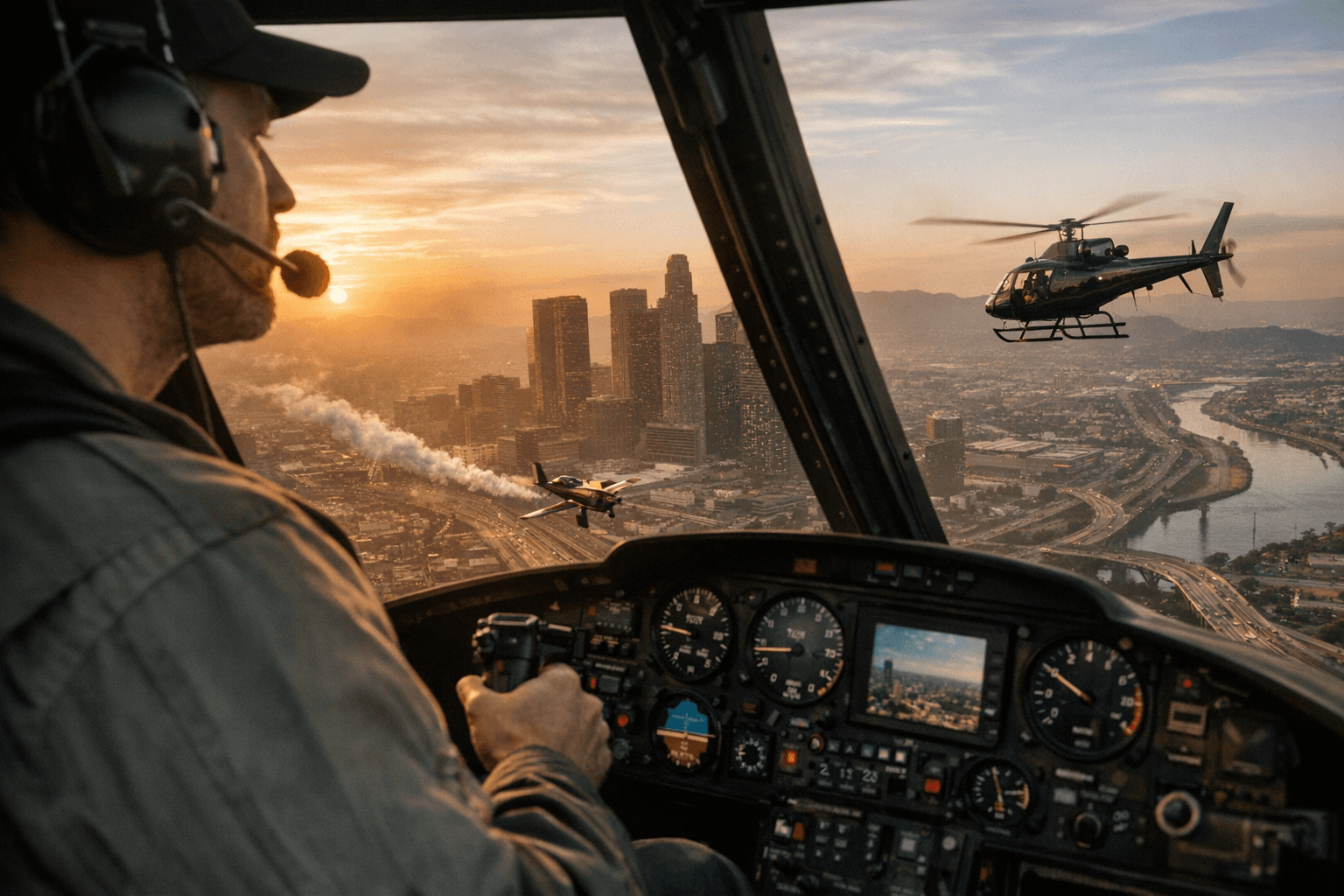
What makes this mod worth talking about is not flashy content. It is the before-and-after result. Before, aircraft work in GTA V could feel like you were fighting the camera more than the plane or heli itself. After, the view stays steadier, aiming feels cleaner, and video and screenshot work stop getting ruined by unnecessary motion.
Why this matters for actual flying
Anyone who spends time in helicopters knows the problem is not abstract. A little shake can be fine when you are free-roaming, but persistent camera motion gets old fast when you are lining up a landing, trying to track a target, or staging a cinematic shot over the city. No Flying Shake exists to remove that specific annoyance rather than to overhaul the whole flight model.
That narrow focus is exactly why it works. It does not try to add realism, new handling, or a new aircraft system. It simply makes the camera behave in a way that is easier to read, easier to aim with, and easier to record. For players who use aircraft for stunt runs, roleplay, or daily cruising, that means less irritation and fewer clips ruined by a twitchy frame.
Version 1.1 turns the mod into something you can actually live with
The big update in version 1.1 is the INI support. That matters because it gives the mod a simple on-off workflow instead of making you treat it like a permanent commitment. F8 is the default toggle, so if you want your flight view clean for a session of piloting or recording, you can switch it off, and if you want the game to feel a little more cinematic again, you can turn it back on just as quickly.
The INI can also reload values when you enable the mod, which means hashes can be changed while the game is running. That is a pretty useful detail for anyone who likes tweaking GTA V camera behavior in real time instead of relaunching every time a setting feels off. The author has also only found 12 camera effect values on the first look, with more possibly to be exposed later, so this is not a dead-end utility. It reads more like the start of a camera-control framework than a one-off patch.
How to install and use it without drama
Installation is deliberately simple, and that simplicity is part of the appeal. The ASI file goes into the GTA folder, and from there the mod handles the rest. There is no elaborate setup chain here, no long list of dependencies, and no need to rebuild your whole mod stack just to fix one ugly camera habit.
1. Place the ASI file in your GTA folder.
2. Launch the game and use F8 to toggle the effect.
3. Edit the INI if you want to adjust values, then reload them by enabling the mod again.
That workflow makes the mod practical for everyday use. You can keep it installed, flip it on when you need stable footage or precise flying, and flip it off if you want the old feel for a session.
This problem has been around far longer than this mod
The reason No Flying Shake feels so useful is that it lands in the middle of a complaint the GTA community has been carrying for a long time. GTAForums threads from 2015 and 2016 were already full of players talking about helicopter and aircraft camera problems, including camera angles that drifted, auto-centered, or snapped downward while flying. That is not a small isolated gripe. It is a recurring aircraft-camera annoyance that has followed the game for years.
Rockstar has also acknowledged a related issue in the Doomsday Heist patch notes, where it mentioned fixing erratic camera angles after requesting a personal vehicle while in an aircraft. That does not solve every flying-camera complaint players have had, but it does confirm the problem was visible enough to show up in official patch notes. When a mod like this arrives later with a direct fix, it fills a real gap rather than inventing a problem nobody had.
The mod’s origin story explains why it feels so targeted
The backstory here matters. The author says they had been trying to solve the problem since they started flying in GTA, and at one point the workaround was to disable camera shake by shooting a gun. That is the sort of ridiculous workaround GTA players recognize instantly because we have all done something similar when the game refuses to behave. It also tells you how annoying the issue was: bad enough to inspire a dedicated mod instead of another temporary hack.
There is also a clear modding lineage behind it. The author thanks a63nt-5m1th from the forums for pointing them toward cameras.ymt and the Cheat Engine route back in 2021, and the current release reflects that earlier camera-metadata digging. In other words, this did not come out of nowhere. It grew out of the same long-running GTA V tooling culture that has already produced camera fixes, script tools, and deeply specific quality-of-life tweaks.
Trade-offs and mod compatibility
The biggest trade-off is obvious: you are removing a camera effect that some players may associate with cinematic motion. If you like a little wobble in cockpit-style shots, you will want the F8 toggle handy, because the mod is best when you decide when the shake belongs and when it does not. That makes it flexible, but it also means it is not meant to be invisible in the way a pure bug fix might be.
There is also a practical compatibility consideration with other flight or camera mods. Because this fix works through camera values and hash-based behavior, anything else that edits the same camera logic could overlap with it. That does not make No Flying Shake fragile, especially since the author says the values have not changed since 2021, but it does mean a heavily modded camera setup may need a little testing to see which tweak is taking priority.
Why this little script punches above its weight
No Flying Shake is not the kind of mod that makes headlines for new missions or shiny vehicles. It is the kind of utility that quietly improves the part of GTA V you deal with every time you take off. For helicopter pilots, stunt players, and creators who want smoother aiming and cleaner footage, that is a bigger win than it looks on paper. A stable camera makes flying feel less like a fight and more like a choice, and that is exactly the sort of fix the aircraft side of GTA V has needed for a long time.
This article was produced by Prism’s automated news system from verified source data, official records, and press releases, then run through automated quality and moderation checks before publishing. The system is built and supervised by the people who set the standards it runs under. Read our full AI policy.
Did this article answer your question?


