GTAForums recommends dual GTA V installs for safer modding
A clean vanilla copy plus a separate modded sandbox is the easiest way to dodge Script Hook V breakage and keep GTA Online out of your PC mods.
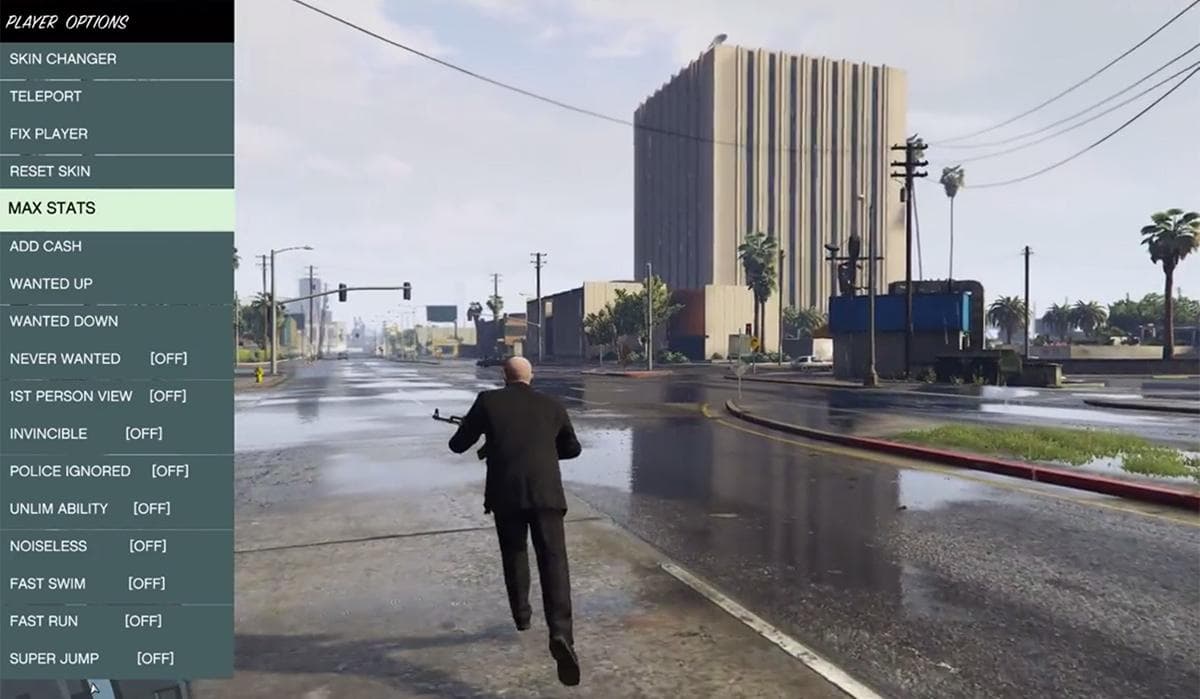
When Script Hook V breaks after a GTA V update, a dual-install setup leaves you with one untouched vanilla copy for GTA Online and patch checks, plus one modded sandbox where scripts, trainers, graphics packs, and add-on content can live without wrecking your clean files.
Why a second install is the right call
GTA V patches have a habit of breaking the tools that power PC modding, and when that happens a single mixed install can leave you stuck repairing everything at once. With two copies, the clean one stays ready for online play or quick validation after an update, while the modded one can absorb changes from Script Hook-based mods, custom scripts, and heavier content packs.
The whole logic of the setup starts with Script Hook V itself. AB Software Development describes the library as enabling GTA V script native functions in custom .asi plugins, and its instructions direct users to copy ScriptHookV.dll into the directory where GTA5.exe sits. The same instructions state that Script Hook V does not work in GTA Online, and it closes GTA V when you enter multiplayer. If your files are mixed, you are one bad launch away from dragging modded content into the wrong mode.
The GTAForums Script Hook V topic, created on April 22, 2015 by Alexander Blade, shows how early the PC crowd locked onto this tool as the foundation for serious modding. GTA V itself launched in 2013.
Who actually needs dual installs
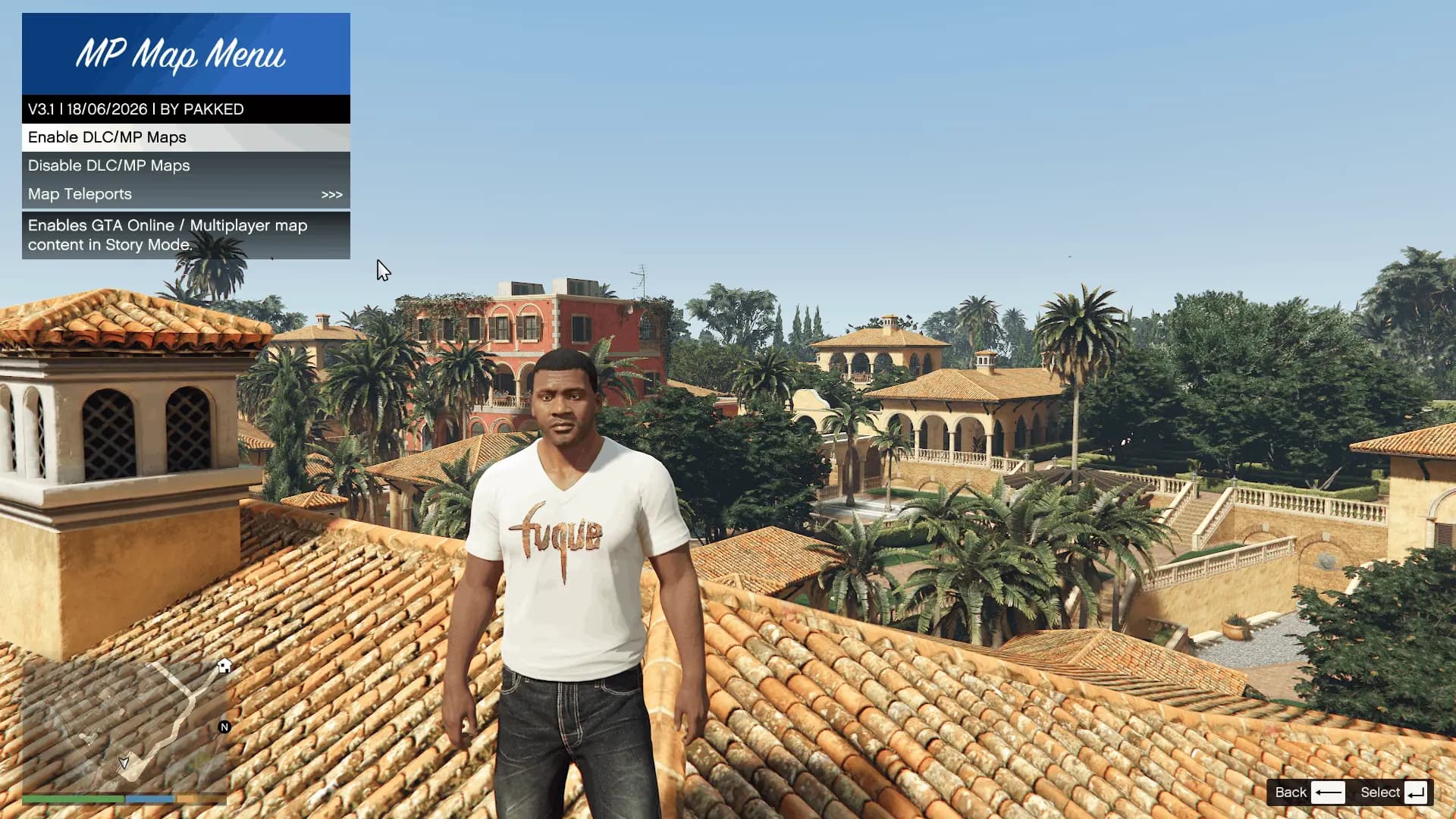
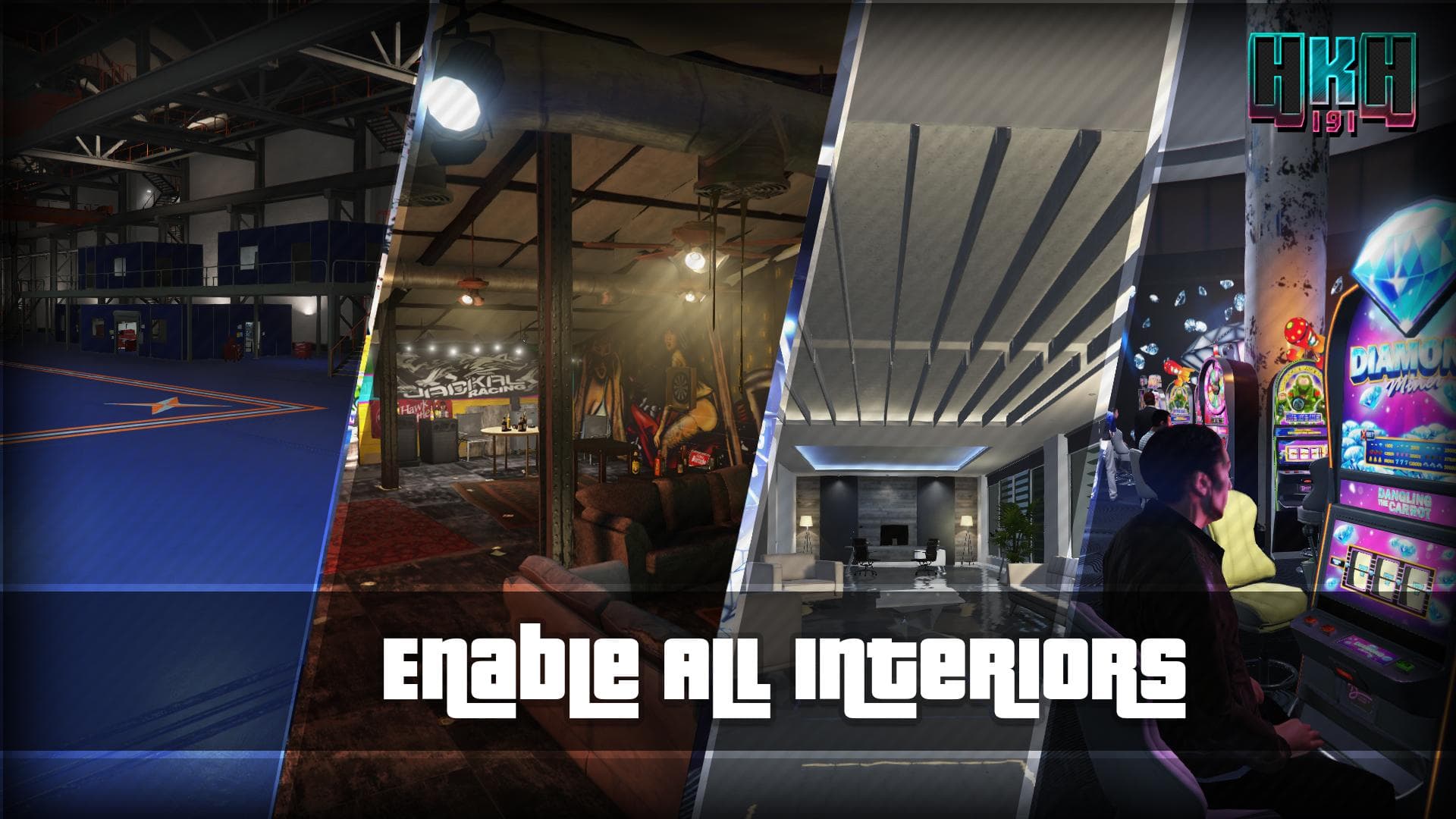
You do not need a second install just because you changed a texture once. You do need one if you regularly use Script Hook-based mods, trainers, graphics overhauls, realism overhauls, add-on vehicles, interior unlocks, map edits, custom scripts, mission mods, or larger content packs. Those are the categories most likely to clash with each other, break after updates, or leave you guessing whether the crash came from the game, the loader, or one bad add-on.
Rockstar describes GTA Online as a dynamic and ever-evolving online universe for up to 30 players, which is exactly why you do not want stray mod files anywhere near that folder. One install for online, one install for offline chaos, keeps the decision simple every time you launch.
That separation also helps with account hygiene. Modding single-player is standard practice in the GTA V PC modding community, but launching GTA Online with modded files present is asking for trouble. A community guide from June 7, 2015 called itself a strictly single-player based guide. Later community advice treated separate install folders as the safest approach and warned that mods should never be used in GTA Online because of potential penalties.
The cleanest setup path
If you want the least painful workflow, set it up like this:
1. Keep one GTA V install untouched and label it your vanilla copy. This is the version Steam can update without collateral damage.
2. Make a second install for offline modding only. Put your modding tools and files there, including ScriptHookV.dll in the main GTA V folder next to GTA5.exe.
3. Never launch GTA Online from the modded copy. If you want online, use the vanilla install every time.
4. When a Rockstar update lands and Script Hook V stops cooperating, test the vanilla copy first, then troubleshoot the sandbox separately.
2025 YouTube modding tutorials still recommend a vanilla install that Steam can update while the modded installation stays protected.
What the split saves you from
The practical win is troubleshooting. If the modded build crashes, you can compare it with the clean one and see whether the problem comes from a specific add-on, a script framework, or a version mismatch. That is a lot faster than untangling a single install where every file has been touched.
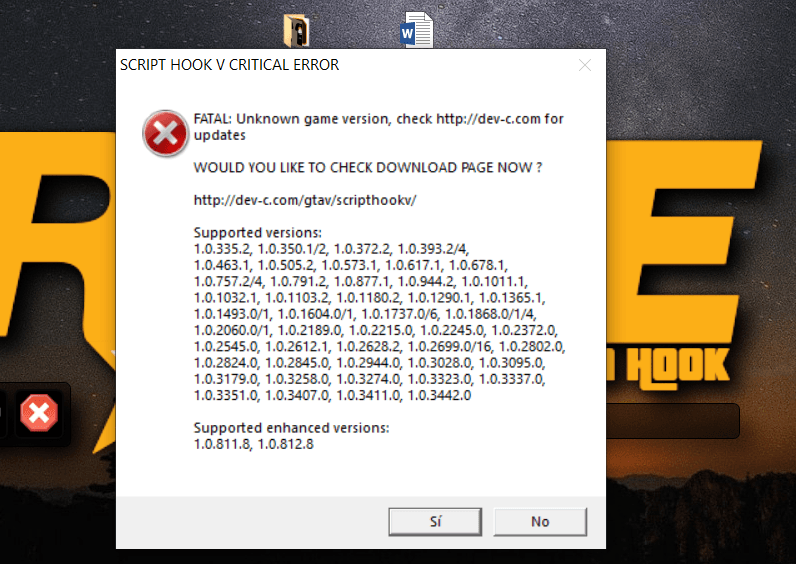
GTA V updates also break the modding chain. Steam discussions in 2025 show the same headache: the game updates, Script Hook V-based setups stop working, and players are told to remove mods, wait for tool updates, or roll the game version back until compatibility returns. A clean copy gives you a known-good baseline while the sandbox waits for compatibility to return.
The mod categories worth isolating
The safest rule is simple: anything that changes gameplay should stay in the sandbox. That means trainer menus, script-heavy mission mods, add-on cars, interior unlocks, map edits, realism overhauls, and graphics packs that overwrite core files.
Script Hook V’s file placement matters in practice. Because it lives in the same main folder as GTA5.exe, you want that folder reserved for the modded copy only. If the clean install stays untouched, you always have a way back when one of those big packs turns into dead scripts after a patch.
This article was produced by Prism’s automated news system from verified source data, official records, and press releases, then run through automated quality and moderation checks before publishing. The system is built and supervised by the people who set the standards it runs under. Read our full AI policy.
Did this article answer your question?