New GTA V Mod Makes Cutscene Recording Clean and Simple
Cutscene Recorder Enhanced turns cutscene capture into a clean two-step job, with fewer retakes and far less cleanup in Rockstar Editor.
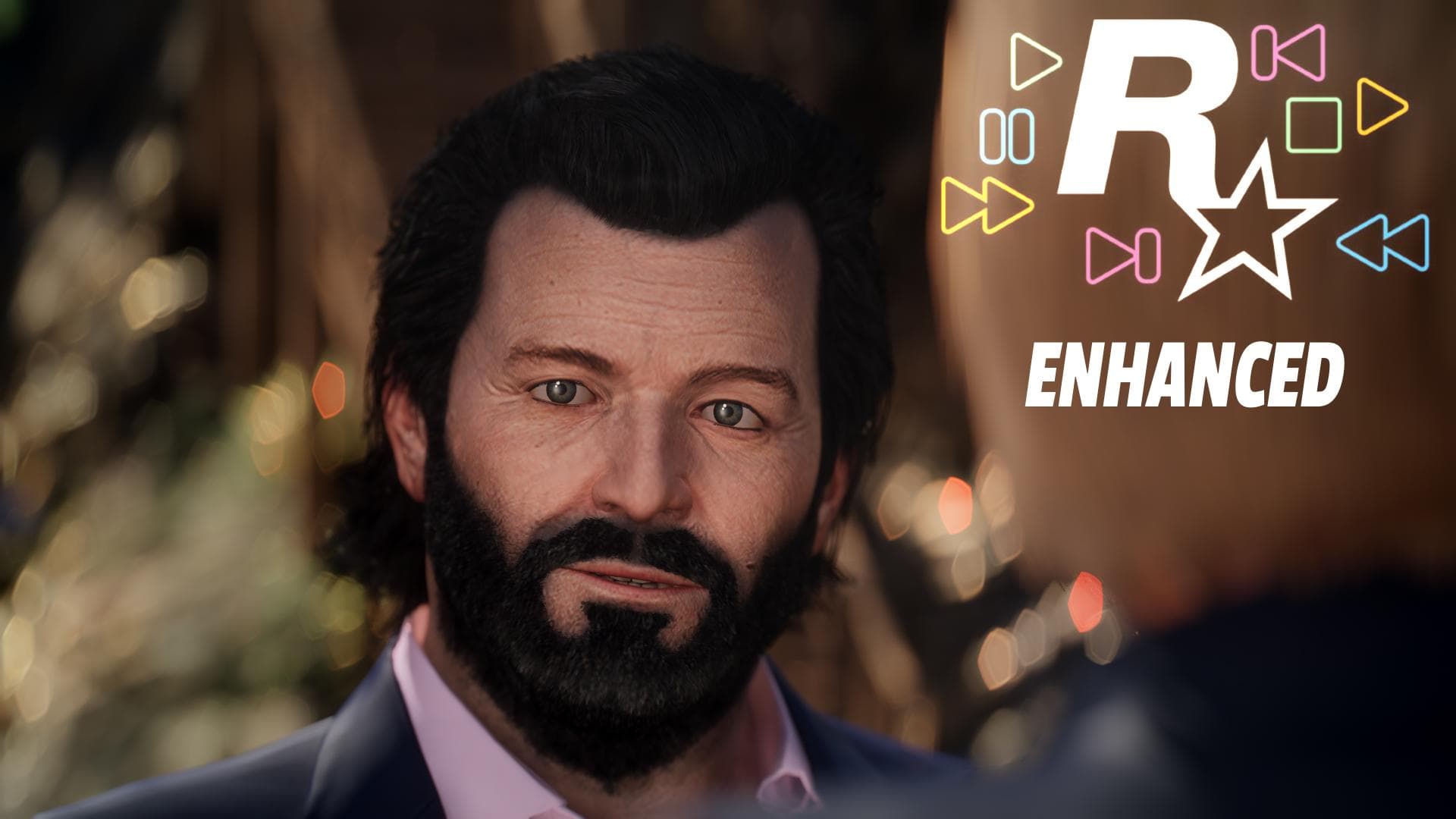
The cleanest way to capture a GTA V cutscene is usually the least glamorous one: hit record before you walk in, stop when the scene ends, and let the edit happen later. That is exactly what IceVip’s Cutscene Recorder Enhanced is built to do, and for machinima work it solves the part that usually wastes the most time. Instead of babysitting the start and end of every scene, you get a predictable recording window and a much cleaner file to work with afterward.
The payoff is bigger than it sounds. In a vanilla GTA V setup, cutscene capture is where a lot of takes go sideways: the recorder starts too late, the ending gets clipped, or you end up trimming around awkward UI and camera clutter before you can even think about pacing. Cutscene Recorder Enhanced strips that friction out of the process by making the workflow dead simple. Start recording first, enter the cutscene, stop recording once it ends, and move on.
Why this matters for machinima
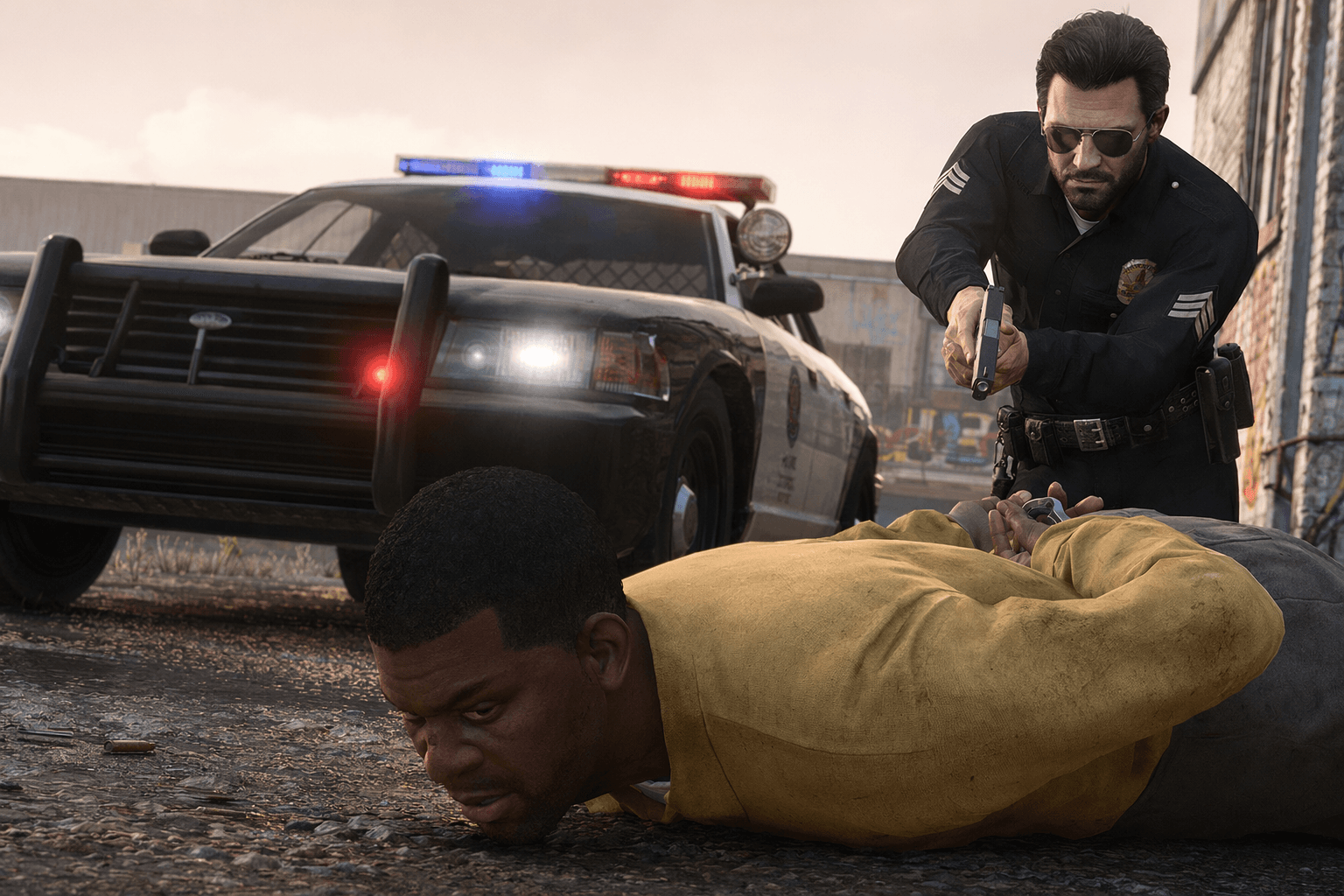
For anyone making story-driven GTA videos, the real enemy is repetition. You are not just trying to get “a clip,” you are trying to preserve a performance beat, a camera angle, and a clean transition with as little damage as possible. This mod is useful because it treats cutscene capture like a production step, not like a lucky accident.
That is also why it fits the GTA creator scene so well. Rockstar Editor has always been the natural home for polishing footage from Story Mode and GTA Online, but the editor only helps once you already have the right material. Cutscene Recorder Enhanced helps you get that material in a form that is easier to use, with fewer sloppy boundaries and fewer edits built around rescue work.
There is a nice bit of history here, too. An older cutscene recorder script on GTA5-Mods.com used the same basic approach, telling users to record before entering a cutscene and warning that the resulting clips would be blocked in the editor unless they installed alloc8or’s No Rockstar Editor Restrictions. Enhanced is really a modern continuation of that same creator-first idea, adapted for Grand Theft Auto V Enhanced workflow rather than pretending the problem went away.
What the mod actually changes
The core function is straightforward: record before the cutscene begins, stop after it ends. That alone removes the guesswork that normally comes with trying to capture a scene by hand. If you have ever been a second late on the record key, you already know how much footage and how many good takes can be lost to that tiny mistake.
Just as important, the mod is designed to sit inside a larger editing chain rather than act like a standalone gimmick. If you want to take the recording into Rockstar Editor afterward, you need No Rockstar Editor Restrictions. That dependency matters because it tells you exactly what this tool is for: reliable capture first, smooth editing second.
The mod page also lists ASI Loader as a requirement, so this is not a one-click novelty drop. It is a utility that expects you to already be running a mod-friendly setup, which is exactly where most Rockstar Editor users already live.
The Rockstar Editor side of the workflow
Rockstar introduced the Rockstar Editor on April 13, 2015, as part of Grand Theft Auto V for PC, with support for recording, editing, and sharing videos made from Story Mode and GTA Online footage. Rockstar’s own guidance says you can start recording in GTA Online or Story Mode, but the Rockstar Editor menu itself is not available in GTA Online. That distinction matters because a lot of creators assume “I recorded it in Online, so I can edit it anywhere,” and that is not how the toolchain works.
Rockstar also notes that Director Mode requires Story Mode to be running. That makes Story Mode the safer base for most machinima setups, especially if your goal is to stage shots, manage camera work, and keep the entire workflow inside the same session. If you are already using camera tools, Rockstar Editor remains the center of gravity, but Cutscene Recorder Enhanced makes it easier to feed clean footage into that pipeline.
There is another practical detail worth keeping in mind: Rockstar says Action Replay clip length depends on how much in-game activity happens during recording, averaging about 30 seconds in busy sections and about 1 minute 30 seconds in quieter ones. That is useful context if you are mixing vanilla clip capture with cutscene work, because it shows why manual control still matters when you care about exact scene boundaries.
Compatibility and setup checklist
If you are already running Rockstar Editor, camera tools, or recording overlays, this is the setup logic that keeps the workflow sane:
- Install ASI Loader first, since the mod lists it as a requirement.
- Install No Rockstar Editor Restrictions if you want to edit the footage in Rockstar Editor afterward.
- Keep Story Mode in mind if you plan to use Director Mode, since that mode requires Story Mode to be running.
- Use the mod for scenes where exact start and stop points matter, especially cutscenes, mission beats, and staged machinima shots.
- Treat GTA Online footage carefully, since Rockstar Editor access is limited there even though recording can start in GTA Online.
If you already rely on external camera controls or overlay tools, Cutscene Recorder Enhanced does not replace them. It just removes one of the ugliest parts of the capture process: trying to line up a perfect clip boundary while the game is doing its own thing. That is what makes it feel less like a mod and more like a workflow fix.
Why creators will care
The best creator tools in GTA are the ones that save you from editing around mistakes you should never have had to make in the first place. That is the real value here. Cutscene Recorder Enhanced does not chase spectacle, and it does not need to. It gives machinima makers, clip editors, and anyone building polished GTA V videos a cleaner capture path, a less annoying edit, and a much better shot at getting the take right the first time.
In a scene where Rockstar Editor is still the finishing bench and Story Mode is still the most reliable stage, a small utility that removes recording friction is exactly the kind of tool that earns its place fast.
This article was produced by Prism’s automated news system from verified source data, official records, and press releases, then run through automated quality and moderation checks before publishing. The system is built and supervised by the people who set the standards it runs under. Read our full AI policy.
Did this article answer your question?


