Corsair Galleon 100 SD Review: Stream Deck Meets Mechanical Keyboard
The Corsair Galleon 100 SD trades your numpad for a full 12-key Stream Deck panel at $349.99, but a forced iCUE/Web Hub software split may frustrate Corsair ecosystem users more than it liberates them.
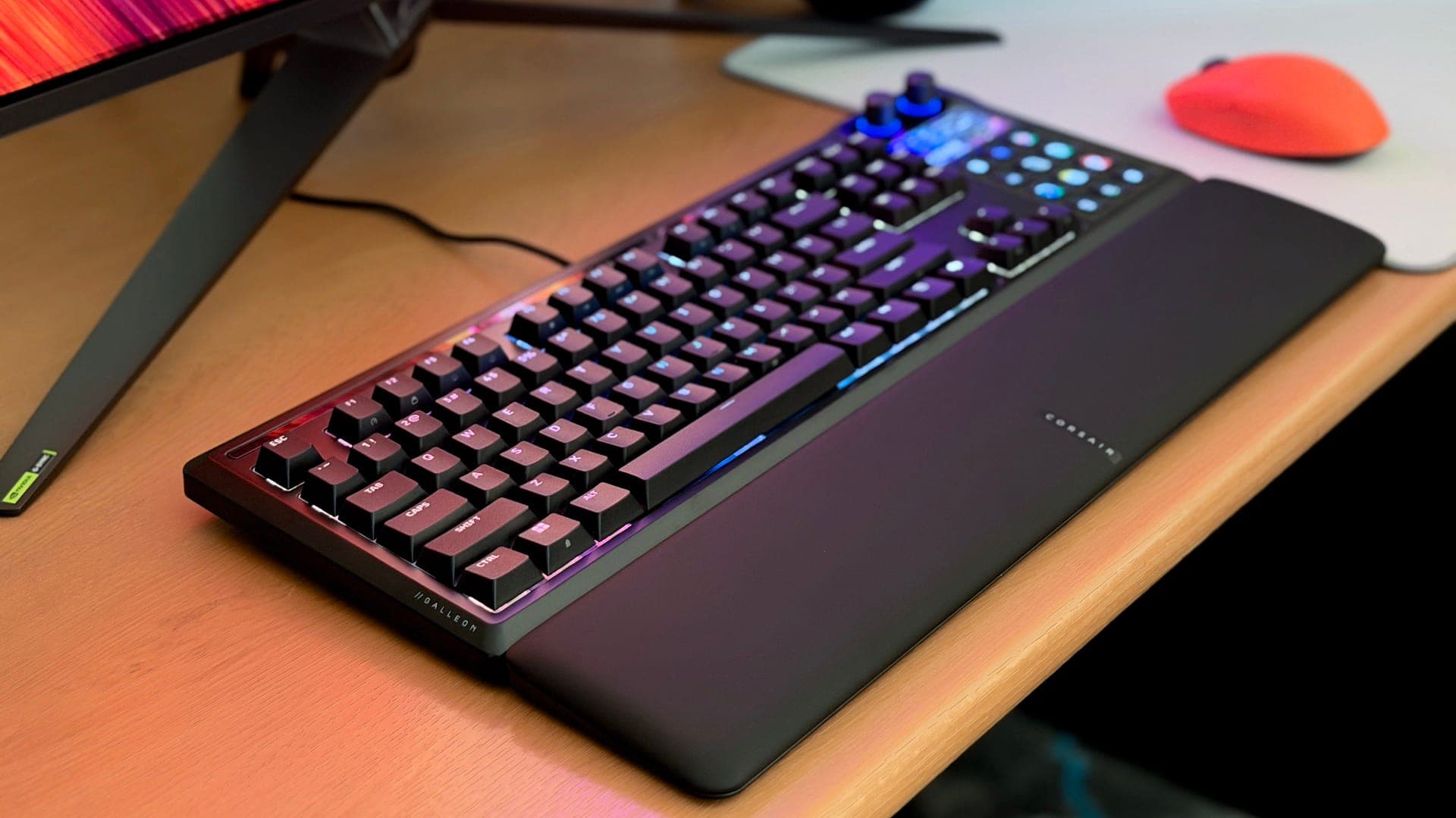
The Corsair Galleon 100 SD arrives with a genuinely provocative premise: swap out the numpad on a full-size mechanical keyboard, drop in a live 12-key Stream Deck panel, a 5-inch color display, and two rotary dials, and sell the whole package for $349.99. First revealed at CES 2026, it is the most direct answer yet to a question the streaming and creator community has debated for years: does consolidating your control deck and your keyboard into a single piece of hardware actually improve your workflow, or does it just compress two compromises into one premium product?
The Build: One Device That Feels Like One Device
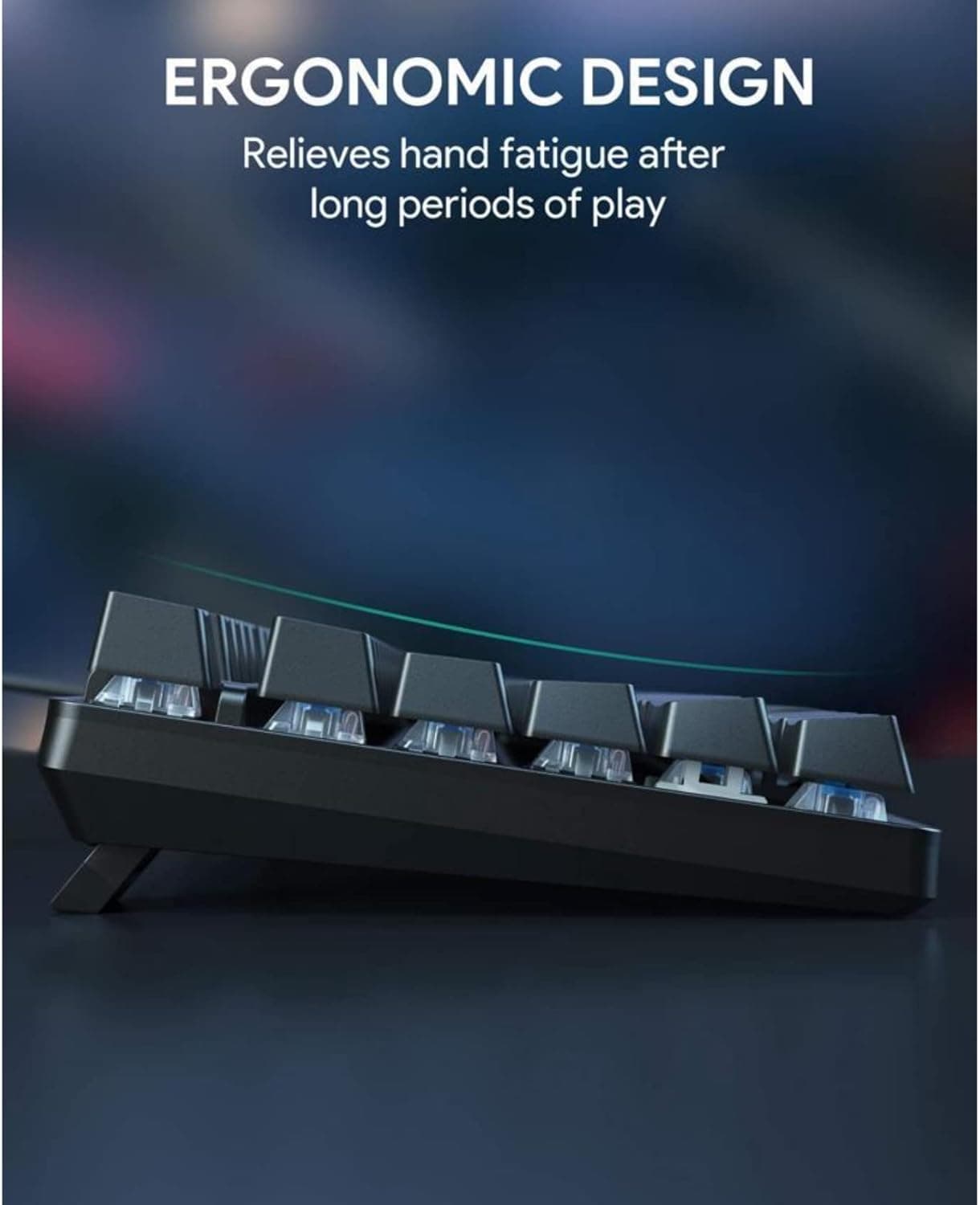
Before getting to the workflow question, the physical execution deserves credit. The Galleon 100 SD is gasket-mounted, wrapped in an aluminum frame, and ships with six layers of sound dampening underneath the keycaps. The result is a keyboard that feels and sounds cohesive rather than bolted-together. The sole switch option at launch is Corsair's MLX Pulse Linear in purple: five-pin, hot-swappable, pre-lubricated, with a 45g actuation force, a 2.0mm actuation point, and 3.6mm of total travel. Corsair rates them at 80 million keystrokes and builds in a Fresnel lens inside the clear switch housing to channel RGB backlighting through the keycap more efficiently. The sound profile lands in "thocky" territory without excessive rattle, and the gasket mount absorbs enough vibration to keep sustained typing sessions comfortable. A magnetic memory-foam wrist rest ships in the box.
The Stream Deck section replaces where the numpad would sit: 12 LCD keys, each individually programmable with custom icons and animations, sit beneath that 5-inch 720x1280 color display, flanked by two rotary dials. This is not a simplified macro cluster; Corsair has embedded the same Stream Deck hardware found in Elgato's standalone units. The integration looks and feels like a single product, not an afterthought.
Three Day-in-the-Life Tasks That Define the Verdict
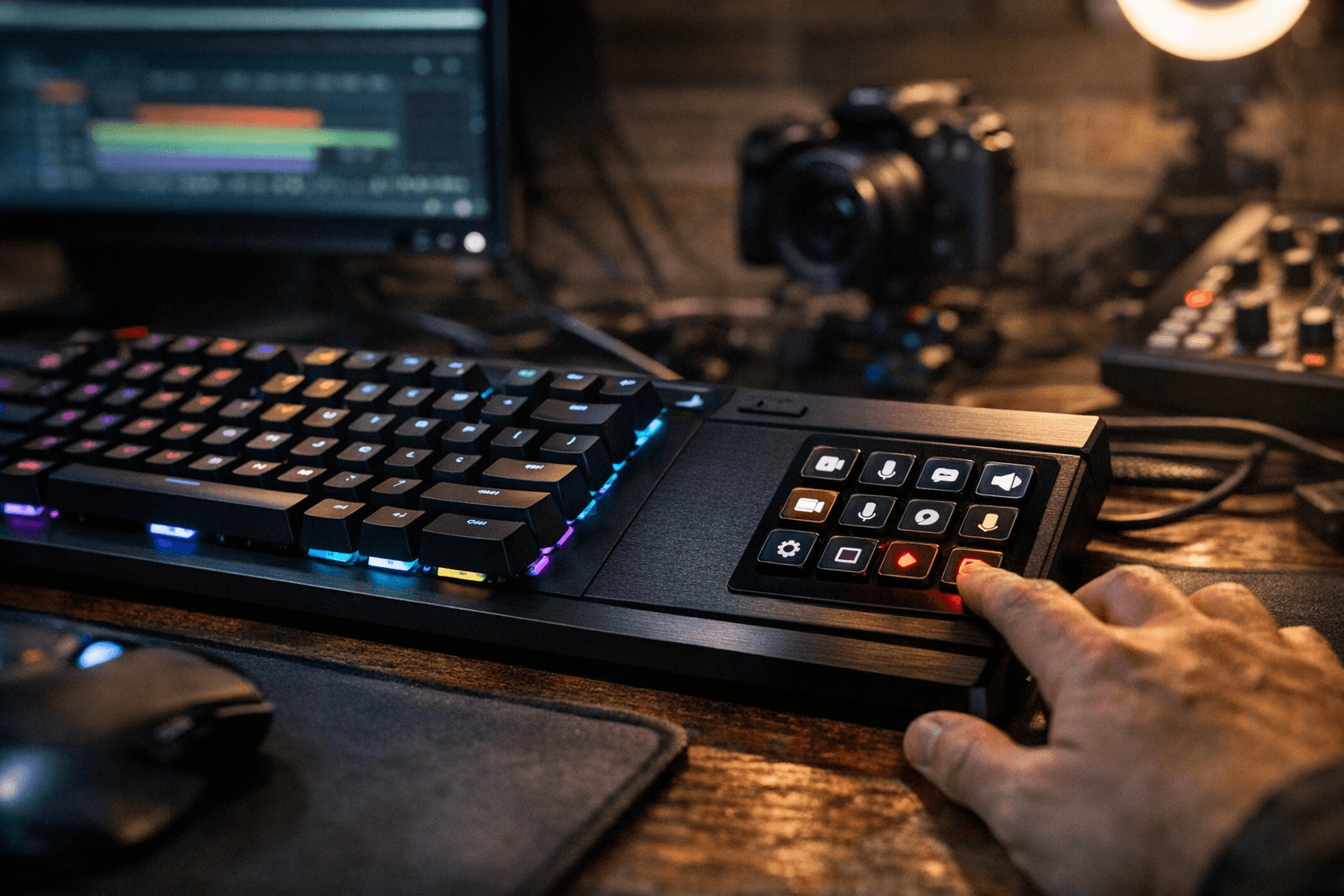
*Scene switching* is where the Galleon 100 SD earns its pitch most cleanly. Triggering OBS scene transitions, toggling mute, or firing a stream alert are all one thumb-reach away from the home row. Because the LCD keys draw from the full Elgato Stream Deck software ecosystem, including the Marketplace plugin library, every shortcut available on a standalone deck is available here. There is no functional difference during a live session, and not having to lift your hand off the keyboard to reach a separate device sitting to the left (or right) of your board genuinely trims reaction time.
*App launching and macro execution* tell a similar story. You can configure individual LCD keys to open Premiere Pro, fire a Discord push-to-talk layer, or load a browser profile, all from within the Elgato software. The two rotary dials are well-positioned for volume trim or timeline scrubbing in video editing. For creators who build multi-action button sequences, this is the same workflow as any Stream Deck Plus, just physically fused to the keyboard.
*Editing shortcuts* expose the first real constraint. The Galleon 100 SD is a mechanical keyboard, not a Hall Effect board, so it does not support analog input or RapidTrigger. Corsair's answer to SOCD (Simultaneous Opposite Cardinal Directions) is FlashTap, which priorities the last-pressed directional input. This is adequate for competitive counter-strafing in shooters, but productivity users looking for analog control in creative applications will not find it here. The 8,000Hz polling rate via Corsair's Axon chip ships at a default of 1,000Hz and must be unlocked manually through the Corsair Web Hub, giving it a ceiling eight times higher than a standard keyboard when fully enabled.
The Software Friction Problem
This is where the workflow verdict gets complicated. The Galleon 100 SD operates across three distinct modes: Hardware Mode for onboard reliability, Web-Based Mode via the Corsair Web Hub for keyboard configuration, and Stream Deck Mode through Elgato's software. The Web Hub is browser-based and can be installed locally, which Corsair frames as a plus given longstanding complaints about iCUE's resource footprint. The catch: to configure the Galleon 100 SD through the Web Hub, you must completely shut down iCUE. For anyone running a broader Corsair ecosystem, including RGB fans, AIO coolers, or RAM modules synced through iCUE, this means system-wide lighting synchronization is severed every time you tweak the keyboard. Corsair has acknowledged it is working to bring full functionality to iCUE, but that resolution was still pending at time of review.
User feedback following launch has flagged another issue: some early adopters report needing to reset the keyboard at least once weekly due to Web Hub glitches. For a $349.99 device marketed to professional streamers mid-broadcast, instability in the configuration layer is not a minor footnote.
The Stream Deck side of the software equation is cleaner. Elgato's ecosystem is mature, the Marketplace plugin library is extensive, and profiles built for a standalone Stream Deck largely transfer without friction.
The Tradeoffs, Quantified
The desk-space argument for the Galleon 100 SD is real but narrower than the marketing suggests. The keyboard's overall footprint is roughly equivalent to a standard full-size board, so you are not gaining open desk real estate; you are replacing two separate devices with one device of similar size. For FPS players who game at low sensitivity and need wide mouse-sweep room, that full-size footprint still demands careful desk planning.
The price comparison is where the calculus gets personal. At $349.99, the Galleon 100 SD costs more than the sum of a solid TKL mechanical keyboard and a standalone Stream Deck MK.2 purchased separately. The premium buys you a single cable run, a cohesive aesthetic, and no second device to position and power. Whether that convenience is worth the difference depends entirely on how much physical and cognitive friction your current two-device setup actually creates.
The locked-in form factor is a genuine constraint for keyboard enthusiasts. The Galleon ships as a full-size board with the numpad replaced; there is no TKL or compact variant, and the MLX Pulse switch is your only factory option, though the hot-swap sockets accept five-pin switches if you want to roll your own feel. Wireless connectivity is absent entirely, a notable omission at this price tier when even many mid-range boards now offer Bluetooth.
The Verdict
The Corsair Galleon 100 SD succeeds as a concept and mostly delivers on execution. Its Stream Deck integration is not a simulation or a virtual overlay; it is the real thing embedded in a genuinely well-built keyboard. For a streaming creator who currently runs a separate Stream Deck plus a separate keyboard and finds the physical split disruptive during broadcasts, this board consolidates that friction into one device with one cable. The MLX Pulse switches, gasket mount, and 8,000Hz polling ceiling make the keyboard side competitive in its own right.
The case weakens if you are already invested in the Corsair iCUE ecosystem, prioritize wireless flexibility, or are evaluating it purely on cost-per-feature against dedicated alternatives. The Web Hub and iCUE conflict is the most significant unresolved issue, and it sits at the exact intersection of the two workflows this keyboard is supposed to unify. Until Corsair resolves that software split, the Galleon 100 SD asks you to choose between your keyboard and the rest of your RGB-synced setup every time you want to update a macro. That is a real cost that does not show up in the spec sheet.
This article was produced by Prism’s automated news system from verified source data, official records, and press releases, then run through automated quality and moderation checks before publishing. The system is built and supervised by the people who set the standards it runs under. Read our full AI policy.
Did this article answer your question?