IQUNIX Magi96 Pro Delivers Premium Build but Frustrating Firmware Experience
The IQUNIX Magi96 Pro's CNC aluminum build and creamy low-profile typing feel impress, but its software setup curve is steep enough to stall buyers who expect Keychron-level firmware polish.

The IQUNIX Magi96 Pro arrives pre-loaded with every physical credential a 96% keyboard buyer could want: a CNC-milled full-aluminum chassis, a 0.43-inch (11mm) front height that eliminates the need for a wrist rest, tri-mode wireless, hot-swappable switches, and a carrying case right out of the box. Whether all that hardware excellence translates into a daily driver worth its premium positioning is a harder question, and the answer depends almost entirely on how much firmware friction you're willing to absorb.
The Build Case: Where IQUNIX Earns Its Price
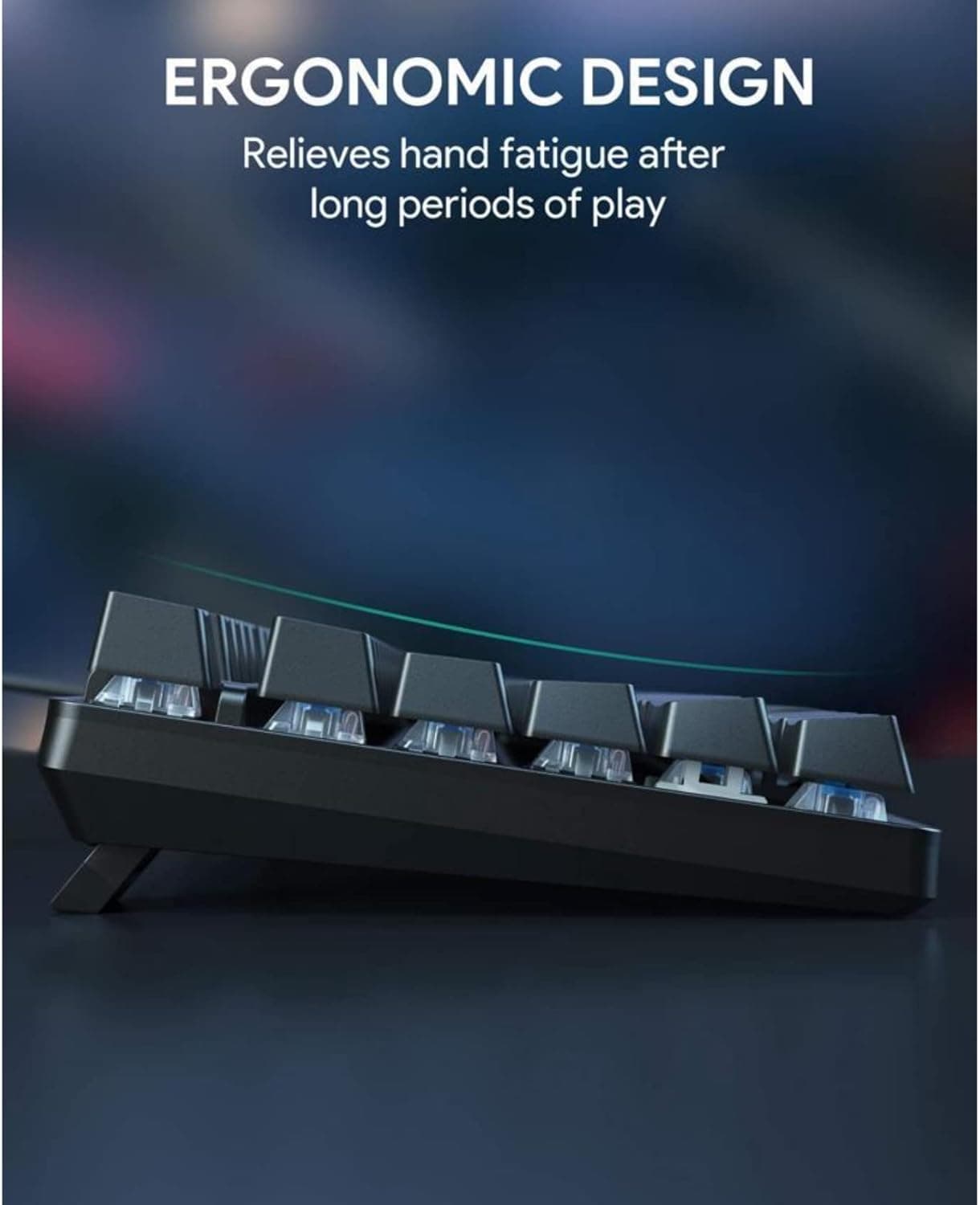
Pick up the Magi96 Pro and the argument for it lands immediately. The CNC-milled aluminum top is carved, not stamped, and the finish reflects that level of manufacturing investment. At 11mm from desk to front edge, this is a genuinely low-profile board, and the ultra-slim switches keep the typing plane flush enough that most users will ditch the wrist rest. IQUNIX pairs that chassis with high-purity PBT keycaps finished with an anti-oil coating, meaning legends stay legible and the surface resists the greasy shine that plagues cheaper double-shot sets after a few months of daily use.
The included accessory set reinforces the premium pitch. The box ships with the keyboard seated inside a carrying case, alongside a coiled USB cable, a USB converter, extra PC-layout PBT keycaps, and two themed aluminum keycaps that function as small collector pieces. That unboxing experience signals a brand that has thought through the buyer's first hour, which matters in a market where $150-plus keyboards are judged on feel at every touchpoint.
Typing Feel and Sound Profile
Daily-driving the Magi96 Pro across office work and extended writing sessions reveals a sound profile that consistently ranks as a positive. The tuned low-profile switches produce a muted, creamy keystroke that sits closer to a laptop's premium typing feel than to the clack of a traditional mechanical board. Typists who work in shared spaces or quiet offices will find this a genuine differentiator. Weight and stability during fast typing sessions also hold up well, with the aluminum case absorbing vibration rather than amplifying it, keeping the acoustics controlled even under heavy keypress loads.
Stabilizers under the larger keys clear the bar for a board at this price point. There are no obvious rattle patterns or wobble complaints that would mark the board as undertreated from the factory, which has historically been a friction point with IQUNIX's earlier releases.
The Firmware Deal-Breaker Question
Here is where the Magi96 Pro's otherwise clean record gets complicated. The board supports VIA for key remapping, macro programming, and RGB customization, which is a reasonable choice on paper. VIA is open and well-supported in the enthusiast community. The problem is execution: the setup curve is steeper than what competitors offer, and the experience of getting remapping, layers, and macros working requires more patience than casual buyers typically anticipate. The vendor software is less intuitive than alternatives, and cross-device profile syncing is not a polished, out-of-the-box experience.
For power users already comfortable loading a JSON configuration file and navigating VIA's web interface, this friction is manageable and community tools can fill the gap. For buyers who expect plug-in-and-customize simplicity, the Magi96 Pro will frustrate before it satisfies.
Wireless Performance and Battery
On the connectivity side, the Magi96 Pro runs a tri-mode setup: Bluetooth 5.1, a 2.4GHz wireless dongle, and USB-C wired. The board supports seamless switching between up to three devices and is compatible with Windows, macOS, iOS, and Linux. Battery life is rated at up to 500 hours in wireless mode with backlighting off, which is a class-leading figure and translates to weeks of real-world use before a recharge becomes necessary. The 2.4GHz mode handles gaming and time-sensitive input without the latency concerns that Bluetooth connections occasionally introduce.
Keycap Compatibility: A Low-Profile Caveat
The low-profile switch architecture is a genuine trade-off for aftermarket keycap enthusiasts. Standard MX-height keycap sets, which dominate the custom market, are incompatible with the Magi96 Pro's low-profile stems. Buyers who rotate through artisan sets or regularly upgrade to group-buy keycaps will find the options dramatically narrower than what a traditional-height board would support. The included PBT caps are quality for stock, but if keycap swapping is part of your workflow, this is a structural constraint worth pricing into the purchase decision before ordering.
How It Stacks Up: Two Recognizable 96% Competitors
The Magi96 Pro's most direct firmware contrast comes from the Keychron K4 HE, Keychron's 96% Hall Effect entry. The K4 HE is the 96% variant of Keychron's HE lineup, and it arrives with a firmware and software ecosystem that is widely considered the most mature in its class. QMK and VIA support are both first-class, profile management is stable, and the Keychron launcher handles firmware updates without the friction that IQUNIX buyers encounter. The K4 HE's Hall Effect switches also add actuation-point adjustability that no traditional switch can match, which matters to gamers and fast typists. Where the Magi96 Pro wins that comparison: its aluminum construction, longer battery life, and carrying case give it a premium tactile identity that Keychron's polycarbonate-heavy options can't replicate.
The NuPhy Air96 V2 rounds out the relevant competitive set as a wireless 96% board that has built a reputation for balancing approachable software with solid wireless performance. It runs VIA natively and the community experience around its configuration is smoother. It doesn't match the Magi96 Pro's build weight or aluminum finish, but for buyers who want a 96% wireless board with less setup overhead, it earns a serious look.
Who Should Buy the Magi96 Pro
The three-way buyer split breaks down clearly after extended daily driving:
- Office typist: The Magi96 Pro is a strong fit. The sound profile, wrist-friendly low profile, and aluminum build make it an easy sell for a quiet desk that needs to project quality.
- Gamer: Proceed with caution. Wireless latency via 2.4GHz is solid, but the steeper macro and remapping setup, combined with the lack of Hall Effect actuation-point control, puts the Keychron K4 HE in the lead for this use case.
- Enthusiast: The hardware is genuinely impressive, but the low-profile keycap constraint and less mature software pipeline mean it serves as a refined daily driver rather than a customization platform. Buy it for what it is: a premium aluminium typing experience, not a firmware sandbox.
IQUNIX has built one of the better-feeling 96% boards on the market. The gap it needs to close is not in the case or the PBT or the switches; it is in the 30 minutes of setup friction that stands between an enthusiastic new owner and a fully configured keyboard.
This article was produced by Prism’s automated news system from verified source data, official records, and press releases, then run through automated quality and moderation checks before publishing. The system is built and supervised by the people who set the standards it runs under. Read our full AI policy.
Did this article answer your question?