Greenkeys reviews Toucan, a split low-profile keyboard with built-in trackpad
Toucan asks a hard question: can a 42-key split board with a 17mm pitch and built-in trackpad really replace your laptop mouse setup on the move?
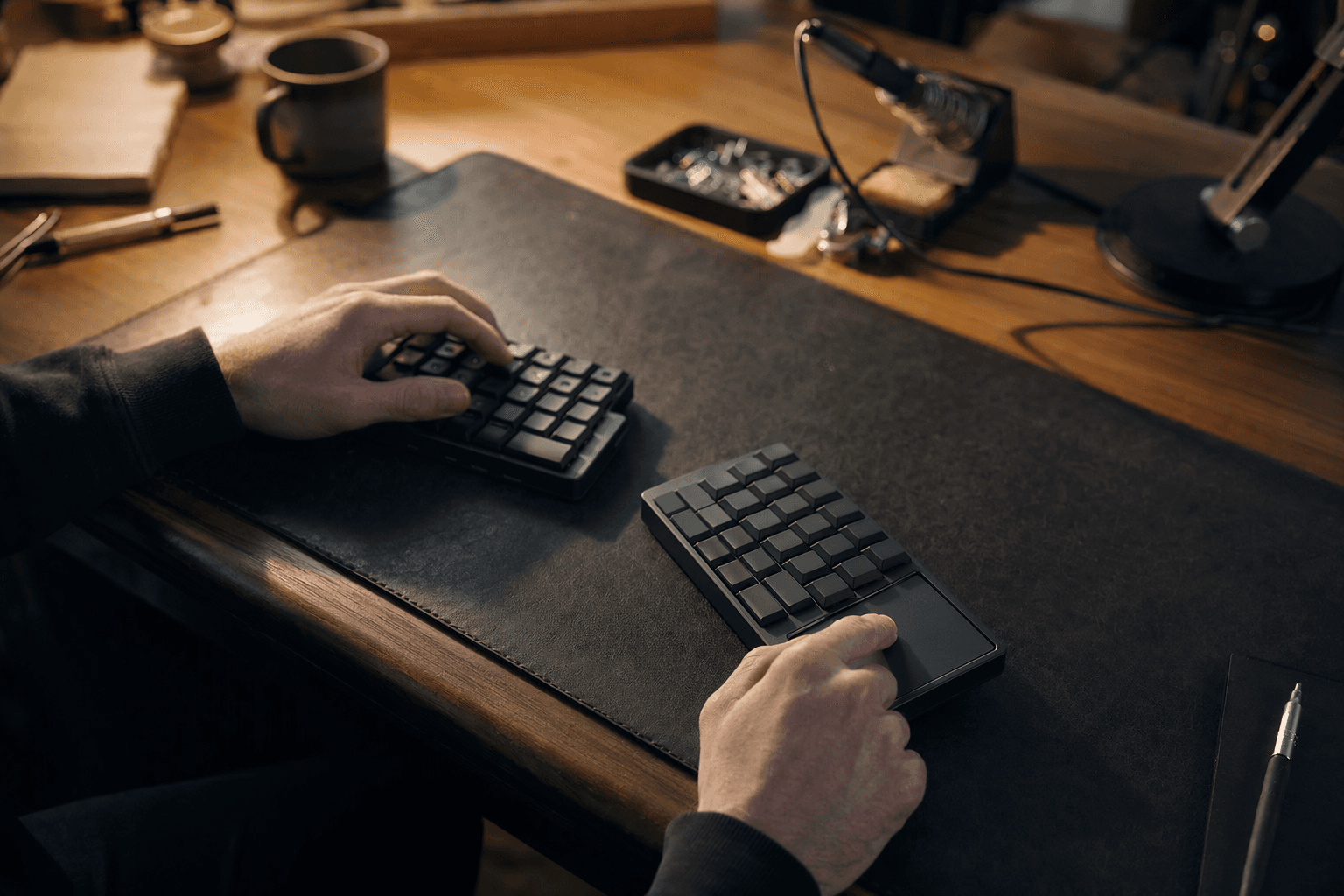
Can a 42-key split board with a 17mm pitch and built-in trackpad really replace the usual laptop-plus-mouse carry kit?
That is the promise behind Toucan, and it is also the trade-off. Greenkeys’ review puts the board in a narrow but fascinating lane: a portability-first split low-profile keyboard that tries to make travel, couch typing, and cramped workspaces feel easier by shrinking the whole desk into one compact wireless package.
Why Toucan exists
Toucan did not arrive as a random minimalist experiment. Beekeeb announced it on November 6, 2025, and positioned it as the next step after the 2022 Piantor release, built from years of feedback and iteration around the Cantor and Piantor layout family. The company’s stated motivation is bluntly practical: frequent business travel and the need for a truly portable split keyboard that could work on work trips, in transit, and even on flights.
That travel-first origin story matters because it explains every odd-sounding decision in the design. Toucan is not trying to be a safer, smaller version of a 75% board or a TKL. It is trying to collapse the entire carry setup, keyboard and pointing device included, into something that still preserves the ergonomics of a separated left and right half.
What the hardware is doing differently
Toucan is a wireless ZMK keyboard with a big display, aggressive pinky-column stagger, and an integrated Cirque 40mm GlidePoint circular trackpad. Beekeeb’s product page lists it as a 42-key wireless split keyboard with touchpad, and the listing includes both DIY kit and pre-soldered versions. It runs on the Seeed Studio XIAO nRF52840 Plus controller, which fits the board’s portable, cable-light identity.
The production version uses an anodized aluminum top plate rather than the 3D-printed case shown in the prototype. That shift says a lot about the board’s direction: this is not meant to feel like a rough experiment anymore. It is meant to survive real carry, real packing, and the kind of repeated use that comes with constant motion between desks, bags, cafés, hotels, and airport gates.
The 17mm pitch changes the whole feel
The 17mm pitch is the detail that makes Toucan most interesting, and most polarizing. It is tighter than the standard full-size spacing most typists know, which immediately tells you the priority is compactness over familiarity. That smaller pitch helps the board stay genuinely travelable, but it also changes the learning curve in a way that people used to normal board spacing will feel quickly.
That is the central ergonomic gamble. Split boards already ask your hands to adapt to a different relationship between the halves, thumb clusters, and modifiers. A tighter pitch adds another layer of adjustment, which may feel cramped at first even if the layout itself is kinder to the shoulders and wrists than a flat laptop keyboard. Toucan is betting that the payoff, a smaller footprint and easier transport, is worth that adaptation.
What it feels like in real use
On a travel tray table, Toucan makes immediate sense. Designboom highlighted the board’s compactness for airplane and train tray tables, and that is exactly the use case where a split low-profile board with no separate mouse starts to look clever instead of quirky. You can imagine the appeal for anyone trying to work in a seat where a normal keyboard plus trackpad or mouse would feel like a negotiation with gravity.
The couch is a different test, but Toucan still has a strong argument there. A split board can let your hands settle in a more natural position than a one-piece slab balanced on your knees, and the onboard trackpad means you are not constantly reaching for another device or shifting your posture to find one. For mobile work, especially when you are moving between hotel desks, coffee shop tables, and temporary setups, the value is in not having to assemble a full workstation every time you want to answer a few messages or edit a document.
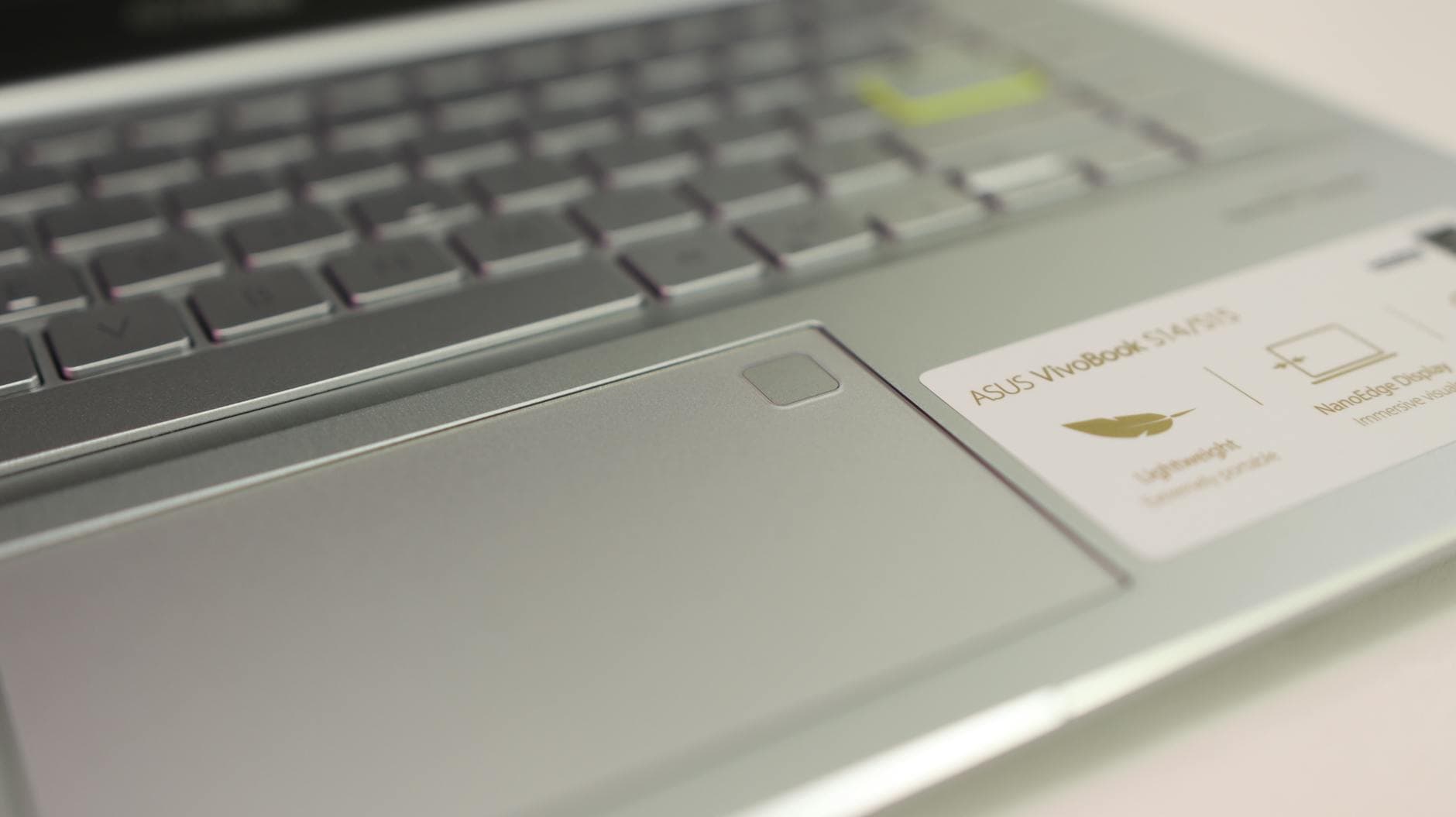
Cramped desks are where Toucan’s identity gets clearest. A traditional compact board can save space, but it still leaves the pointing device problem unsolved. Toucan tries to remove that friction entirely by putting the trackpad on the board, and Notebookcheck specifically framed the design as an attempt to replace the mouse altogether. That is a meaningful difference when your desk is too small for a separate mouse pad or when you are using the board in a place where every extra accessory becomes clutter.
The built-in trackpad is the real convenience feature
The integrated Cirque 40mm GlidePoint trackpad is not a gimmick tucked into the spec sheet. It is the feature that makes Toucan feel like a full mobile input system rather than just a reduced keyboard. Beekeeb’s own materials and independent coverage both point to the same idea: cursor movement, clicking, and scrolling can happen without reaching for a separate pointer.
That is why the board feels more ambitious than many other compact split designs. The trackpad turns Toucan into a one-piece travel companion, and that changes how you pack, how fast you set up, and how often you have to think about accessories. It also helps explain why this board is aimed squarely at people who already understand the compromise involved in low-profile switches and split ergonomics.
Bluetooth, dongles, and the display make it more portable, not less
Toucan’s wireless setup is built for mixed-device life. Beekeeb says it can connect over Bluetooth to computers, notebooks, tablets, and iPads, and it can also pair with a Bluetooth dongle such as the Prospector. That makes the board feel less like a desk-only enthusiast toy and more like a carry-anywhere input device that can follow the user across operating systems and screen sizes.
The display matters more than it first appears, too. Designboom noted that it shows battery and connection status, which is exactly the kind of small quality-of-life detail that becomes important when the whole pitch is mobility. If the board is supposed to live in bags and move between devices, quick status feedback helps it feel dependable rather than fragile.
Who Toucan is for
Toucan is for people who already know they want split ergonomics, but do not want to drag a bigger board and separate mouse through the day. It will make the most sense to users who value desk flexibility, travel convenience, and a single integrated setup more than standard spacing or familiar key count. The aggressive pinky-column stagger and 42-key layout are not compromises hidden from view, they are the point.
That said, Toucan is not a universal answer. The tight pitch and highly specific layout make it a niche board by design, and the learning curve is part of the cost of admission. If you want a keyboard that disappears into the background, Toucan is not that. If you want one device that can plausibly replace the laptop keyboard and mouse for a mobile workflow, it is one of the more thoughtful attempts yet.
What Toucan says about the portable ergonomic niche
Toucan fits a broader shift in the hobby: portable ergonomic keyboards are no longer just about splitting the board in half. They are blending custom keyboard ideas, wireless operation, low-profile builds, integrated pointing, and travel-friendly packaging into something closer to a carry system than a traditional keyboard. That is why this release stands out in the mechanical keyboard world.
The best way to read Toucan is not as a replacement for every board, but as a serious answer to a very specific problem. Beekeeb tested it on flights from Hong Kong to Tokyo, built it around travel, gave it a trackpad instead of a separate mouse, and shrank the layout to 42 keys with a 17mm pitch. In other words, it is not asking whether it looks like a normal keyboard. It is asking whether a better portable workflow is worth learning a very different one.
This article was produced by Prism’s automated news system from verified source data, official records, and press releases, then run through automated quality and moderation checks before publishing. The system is built and supervised by the people who set the standards it runs under. Read our full AI policy.
Did this article answer your question?