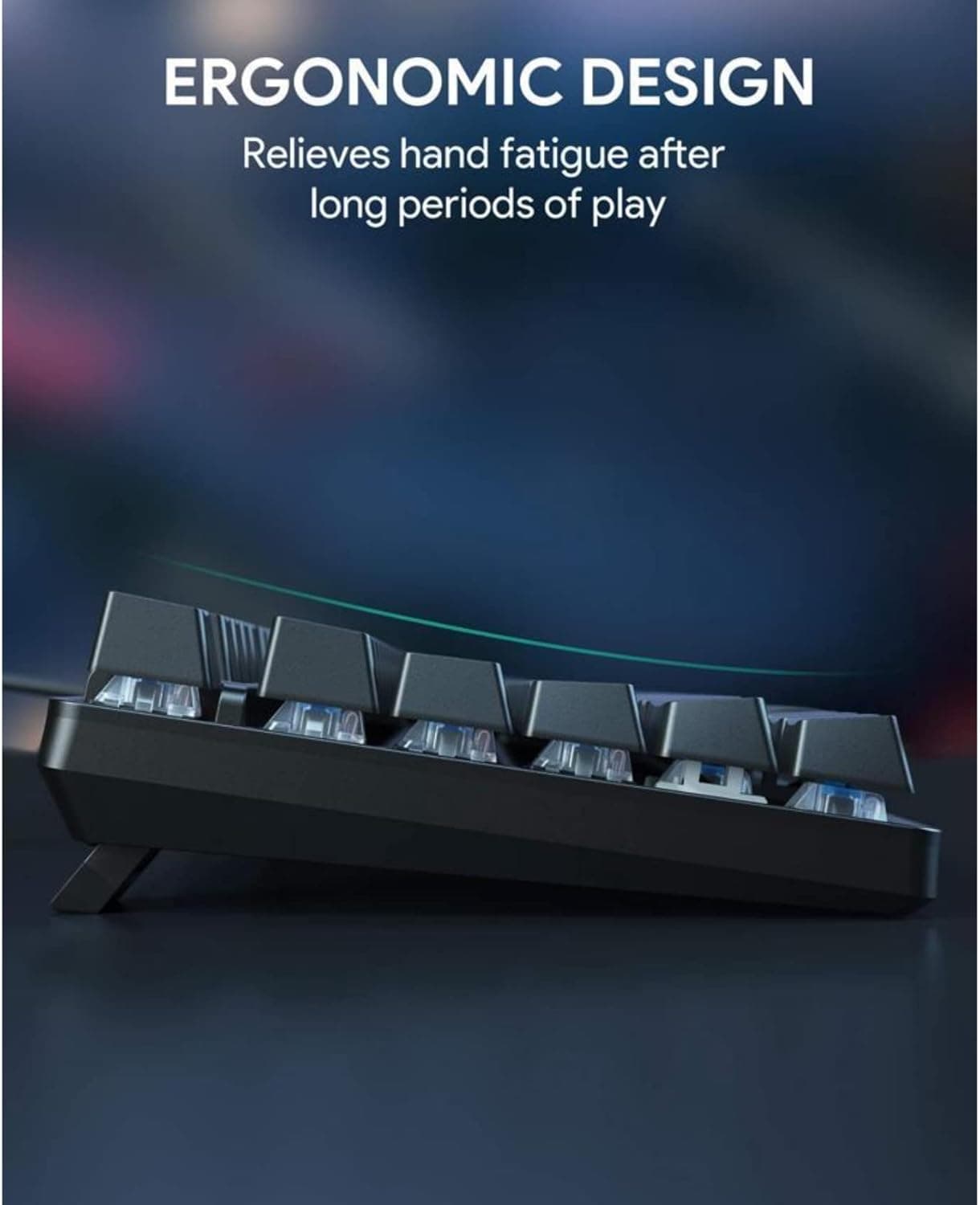
Micro Center Reviews MCHOSE K99 V2 Retro, Nostalgia Meets Practical Wireless Design
The K99 V2 Retro leans into 1990s nostalgia, but its tri-mode wireless, strong sound, and hot-swap-friendly practicality make it a real desk contender.

The K99 V2 Retro works because it does not stop at looking nostalgic. Micro Center’s hands-on take on Sean Mekinda’s review shows a board that pairs translucent plastics and 1990s-style memories with the kind of wireless, configurable, sound-focused build that makes sense on a real desk.
Retro styling that still has to earn its space
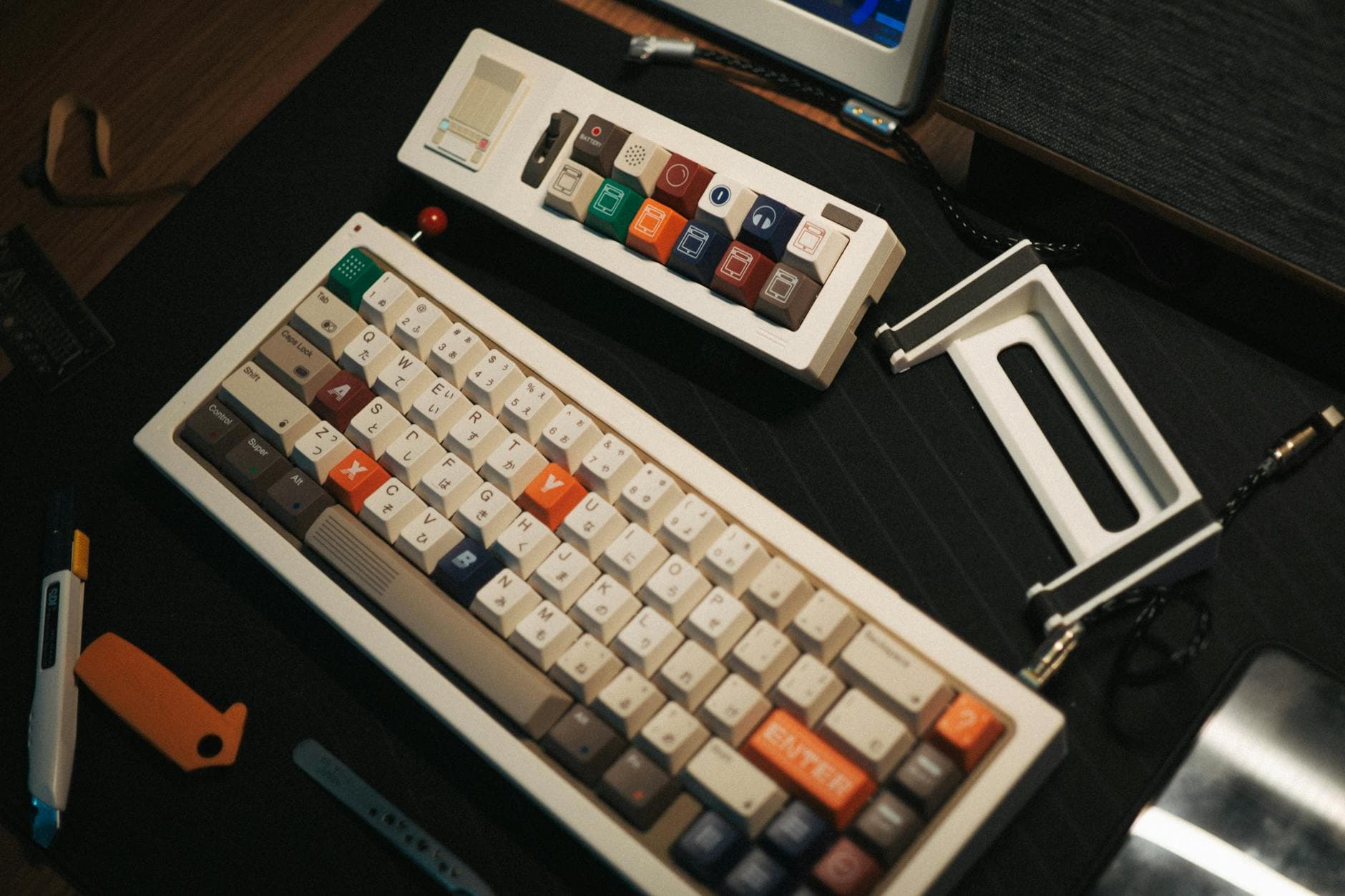
The first thing the K99 V2 Retro sells is mood. Its 98% layout uses 99 keys, which keeps the footprint compact without stripping away the practical keys people actually reach for every day. The retro shell feels like it could have been pulled from a school computer lab, but the point is not costume work alone. The design only succeeds if it can survive actual writing sessions, game nights, and a normal desktop setup, and that is where the rest of the package matters.
That tension between nostalgia and usability is what makes the board interesting. Once the RGB lighting comes on, the look becomes more modern, but the effect is restrained rather than neon-heavy. Thick keycaps and under-key lighting keep the glow subdued, while a rear RGB strip adds enough visual punch to make the board pop without turning it into a light show.
A layout built for daily use
The 98% format gives the K99 V2 Retro its strongest everyday argument. It preserves the efficiency of a fuller board while avoiding the wasted space that can make retro-styled keyboards feel more like display pieces than tools. On a crowded desk, that matters as much as the plastic finish, because a board that looks good but eats too much room gets old fast.
Connectivity is where the K99 V2 Retro fully leaves nostalgia behind. Retail listings show BT5.0, USB-C, and 2.4GHz wireless support, so the board is clearly built for modern multi-device use. The tri-mode setup gives it the flexibility to move from a laptop to a desktop without fuss, and the listed 8,000mAh battery points to a keyboard designed to stay in rotation rather than live on a cable.
Typing feel and sound are doing real work here
A retro shell can only carry so much weight if the typing experience is flat. That is why the review’s praise for the linear Icy Creamsicle switches matters so much. They are described as quick, snappy, and satisfying enough to hold up through real writing use, which is exactly the kind of daily-driver detail that separates a fun-looking board from one that stays on the desk.
The sound profile gets similar treatment, and it is easy to see why. In the enthusiast space, acoustics now sit alongside feel and layout as part of the buying decision, not as an afterthought. The official product page backs up that impression with a refined gasket-mounted structure and six layers of sound-dampening padding, both of which point to a board tuned for a deeper, more controlled typing sound rather than hollow novelty.
Software and mod potential give it staying power
The K99 V2 Retro also benefits from software that sounds built for actual ownership, not just setup day. MCHOSE HUB is described as multifunctional peripheral-management software for keyboards, mice, audio devices, and magnetic-switch keyboards, and it supports key remapping, lighting effects, and polling-rate settings. That kind of control matters because a playful exterior needs a serious backend if it is going to feel like a personal tool instead of a finished prop.
Mod potential is part of the appeal too. The broader K99 line is hot-swappable with 3-pin and 5-pin switch compatibility, which keeps the platform open to switch changes and future tinkering. For mechanical keyboard users, that flexibility is often the difference between a board that gets used as-is and one that becomes a long-term project.
What the early reception says
The early response helps explain why the K99 V2 Retro has gotten attention beyond pure aesthetics. Judge.me lists the board at 4.86 out of 5 stars based on 42 reviews, which is a strong showing for a board competing on personality as much as on specs. One verified review praised it as a great-feeling, great-sounding keyboard, and that is exactly the kind of feedback this model needs to justify its retro theme.
Micro Center’s write-up framed the board as budget friendly, with wireless connections and stellar sound, and that combination is the real story. A pretty keyboard is easy to find; a pretty keyboard that handles connectivity, acoustics, and everyday ergonomics without falling apart is harder. The K99 V2 Retro seems to understand that distinction.
Why MCHOSE’s direction matters
MCHOSE’s own branding helps explain the board’s mix of playfulness and practicality. The company describes itself as a gaming peripherals brand created by young tech enthusiasts, and it says it opened its first global flagship store in Shenzhen’s Longhua district. That background fits the K99 V2 Retro’s approach: it is not trying to imitate vintage hardware with museum-level fidelity, but to reinterpret that look for a modern desk setup.
That makes the K99 V2 Retro more than a nostalgia piece. It bridges two buying instincts that often pull in opposite directions, the urge to own something visually distinct and the need to rely on it every day. With a compact 98% layout, tri-mode wireless, an 8,000mAh battery, gasket-mounted construction, and a sound profile people are already praising, this is a retro board that does not ask to be admired from a distance. It asks to be used.
This article was produced by Prism’s automated news system from verified source data, official records, and press releases, then run through automated quality and moderation checks before publishing. The system is built and supervised by the people who set the standards it runs under. Read our full AI policy.
Did this article answer your question?