Krteq brings low-profile ortholinear design, easier building, and QMK support
Krteq turns low-profile ortho into a practical build, not just a render. QMK, VIA, hotswap sockets, and a safer USB-C setup make it a serious daily-driver test.
Krteq feels like a turning point for low-profile ortholinear boards
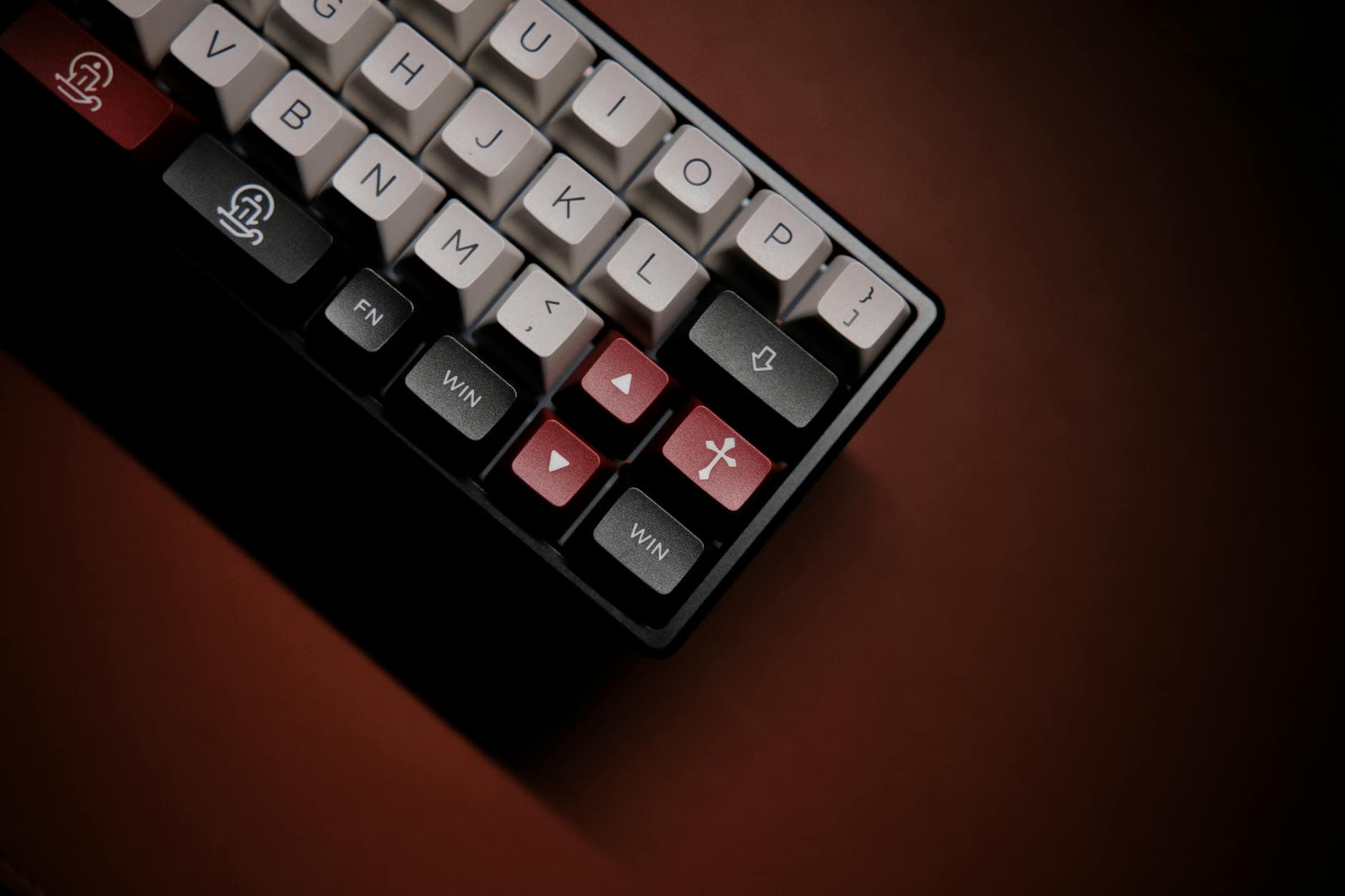
Krteq lands in that rare sweet spot where a hobby project stops reading like a proof of concept and starts looking like something you could actually build, type on, and keep around. Jan Bláha’s 61-key design keeps the ortholinear logic of a 5x12 board, adds two extra keys, and wraps it in a low-profile package that still feels deliberate rather than experimental.
That matters because the low-profile ortho corner of the keyboard world has always been full of good ideas that stumble on real-world friction. Krteq is interesting precisely because it tries to lower that barrier: easier assembly, more familiar firmware tooling, better protection for the USB port, and a layout that looks as though it was designed by someone who types on these things every day.
What makes Krteq different from the usual ortho project
The broad shape is familiar, but the details are where Krteq starts to separate itself from the average render-heavy custom board. It is a tray-mount PCB design with hotswap sockets, a Raspberry Pi Pico controller tray, and a 3D-printed case with an integrated plate backlight. The whole board measures 233 mm × 127 mm × 30 mm, which keeps the footprint compact without making it feel like a novelty object.
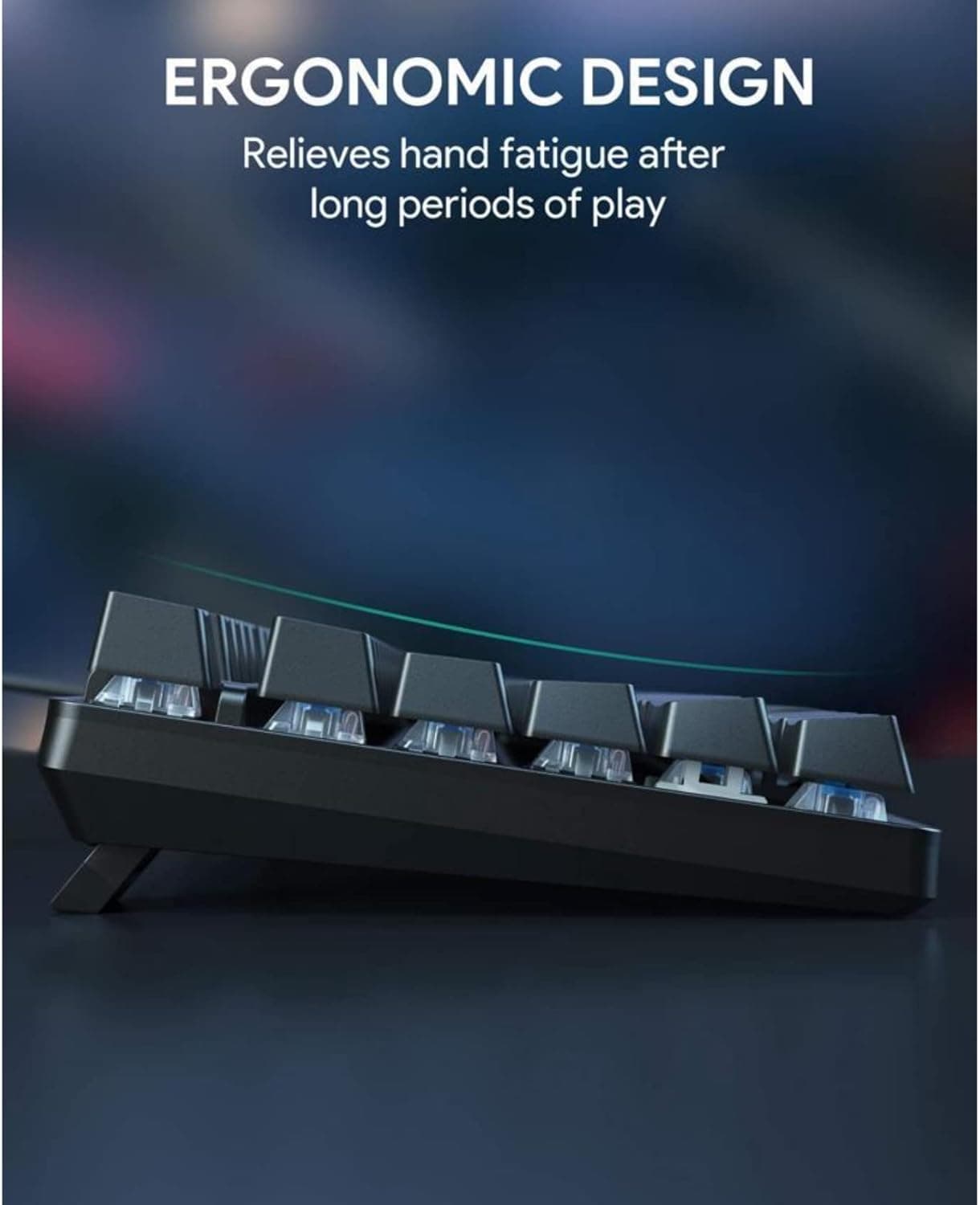
The typing angle is a fixed 7 degrees, a small but important choice that keeps the profile comfortable for desk use. That angle already worked for Krtkus, the predecessor, and Krteq keeps it while tightening the overall package around the things builders actually notice: access, protection, and parts compatibility.
The real upgrade is buildability
Bláha frames Krteq as a successor to Krtkus, and the redesign reads like a direct response to the recurring pain points that make many open-source keyboard projects harder than they need to be. Krtkus was already open source and already VIA-compatible through QMK, but Krteq goes after the rough edges that tend to show up once a project leaves the render stage and enters the parts bin.
The biggest practical shift is the move from an Arduino Pro Micro to a Raspberry Pi Pico. That gives the board enough GPIO for the new backlight and indicator LEDs, which is exactly the kind of boring-but-essential improvement that determines whether a build feels complete or merely promising. The project also moves the MCU inside the case and connects it with a panel-mount cable, so the USB-C port is better oriented and better protected than before.
Why the switch choice matters for mainstreaming low-profile
Krteq’s switch story is one of its most important design decisions because it tries to make low-profile building feel more normal. Bláha chose Gateron KS-33B switches so the hotswap PCB can use standard MX hotswap sockets instead of special low-profile sockets, which removes one of the more annoying sourcing hurdles in this niche.
That is a quiet but meaningful shift. A lot of curious MX users are willing to try a different layout or a lower board, but they hesitate when the build starts demanding unusual sockets, narrow part compatibility, or a scavenger hunt for obscure components. By leaning toward standard MX hotswap infrastructure, Krteq brings low-profile ortholinear design closer to the parts ecosystem people already know.
QMK and VIA are the accessibility lever
The other major question around Krteq is not whether it is clever, but whether it is approachable enough to escape the enthusiast lab. Here, QMK and VIA compatibility do a lot of work. They let you reshape the board without living in command-line tooling all the time, which is a huge quality-of-life gain for anyone who wants deep remapping without a steep firmware learning curve.
That matters even more on an ortholinear board with a shifted number-row layout, where the whole point is to rethink how you reach common keys and shortcuts. Krtkus was already designed to reduce dependence on layers for everyday use, and Krteq keeps that philosophy while pushing the project toward something more complete and less intimidating to configure.
Krteq versus Krtkus: a cleaner, more complete successor
Krtkus, published in 2024, set the template: an extended 5x12 low-profile ortholinear keyboard for Choc V1 and Gateron KS-27/KS-33 switches, powered by an Arduino Pro Micro and running VIA-compatible QMK. It was open source, had a 7-degree tilt, and was built in KiCad and Blender, with a README that pointed toward future upgrades like a spacebar stabilizer, Num/Caps indicators, an LED matrix, and a hotswap version.
Krteq reads like those wishes becoming hardware. It adds hotswap support, indicator lighting, a spacebar stabilizer, and a more protected controller layout, while also moving to a Raspberry Pi Pico for the extra GPIO headroom. Even the USB-C arrangement feels like a direct answer to the kind of wear-and-tear concern that makes a keyboard useful for years instead of weeks.
The remaining tradeoff is still the hardest one
For all the improvements, Bláha says the biggest challenge in low-profile keyboards remains keycaps. That is why the build uses Tai-Hao Thins and Keychron LSA ABS, both practical choices in a space where good low-profile caps are still harder to source than standard MX sets.
That detail is more important than it first looks. A keyboard can be beautifully engineered, but if the keycap ecosystem lags behind the rest of the build, the project still feels niche. Krteq does not pretend that problem is solved; instead, it works around it with available parts and a package that feels intentionally realistic.
Why Krteq matters beyond one build
Krteq is completely open source, with the PCB, case, and firmware published in the repository, and that openness is part of the story too. Open-source keyboard projects have long excelled at ambition, but not always at usability. Krteq suggests a maturing phase, where the project is no longer just asking whether a low-profile ortholinear board can exist, but whether it can be built, maintained, and lived with like a normal daily keyboard.
That is the real community litmus test here. If low-profile ortho boards are going to move beyond curiosity builds, they need to feel less like compromises and more like options. Krteq gets strikingly close by combining standard-ish hotswap hardware, QMK and VIA support, a safer internal controller layout, and a footprint that still looks compact on a desk.
This article was produced by Prism’s automated news system from verified source data, official records, and press releases, then run through automated quality and moderation checks before publishing. The system is built and supervised by the people who set the standards it runs under. Read our full AI policy.
Did this article answer your question?