Logitech MX Mechanical Mini review praises compact, comfortable typing feel
MX Mechanical Mini turns a compact wireless board into a credible daily driver by keeping the layout comfortable instead of cramped. It trades modder appeal for turnkey polish and portable ease.
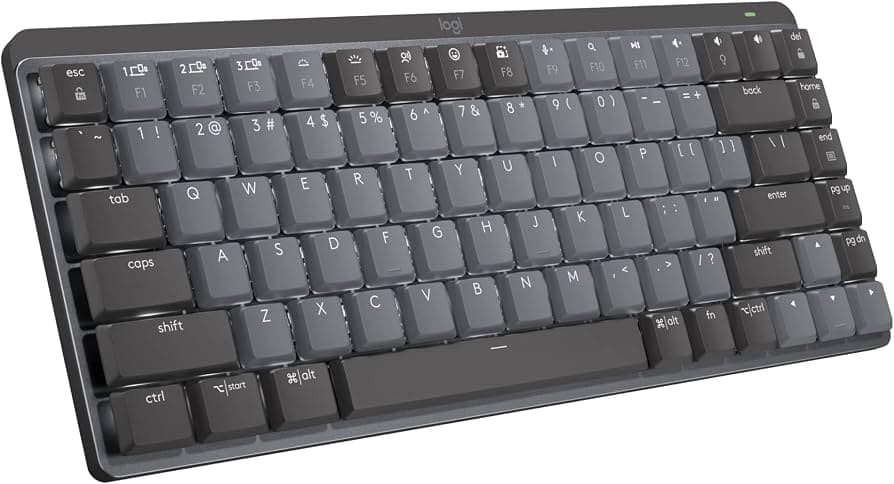
At A$229.95, Logitech’s MX Mechanical Mini is priced like a premium office tool. Logitech shrinks the board without making it feel like a compromise. The real test is whether it feels natural enough to live with every day.
Built for work, not a workbench
Logitech launched the MX Mechanical and MX Mechanical Mini on May 24, 2022 as part of the Master Series, and the intent was clear from the start: creation and productivity. The company also pointed to a growing group of software developers who wanted mechanical typing feel in a professional desktop keyboard, which is why the Mini aims so hard at everyday comfort instead of enthusiast spectacle.
That positioning puts the board in a different lane from the hobby kits, gasket mounts, and switch experiments that define a lot of mechanical-keyboard conversation. The MX Mechanical Mini is a premium compact wireless board for work, travel, and day-to-day typing, with the full-size MX Mechanical sitting beside it for anyone who wants a complete layout.
The layout is the selling point
The Mini earns its name without making the board feel stingy. Logitech preserved sensible key sizing and spacing, so the keyboard feels natural quickly instead of forcing a long adjustment period. That is a bigger deal than it sounds, because compact boards often win desk space by shaving off a numpad and then asking your hands to adapt to awkward gaps or cramped positioning.
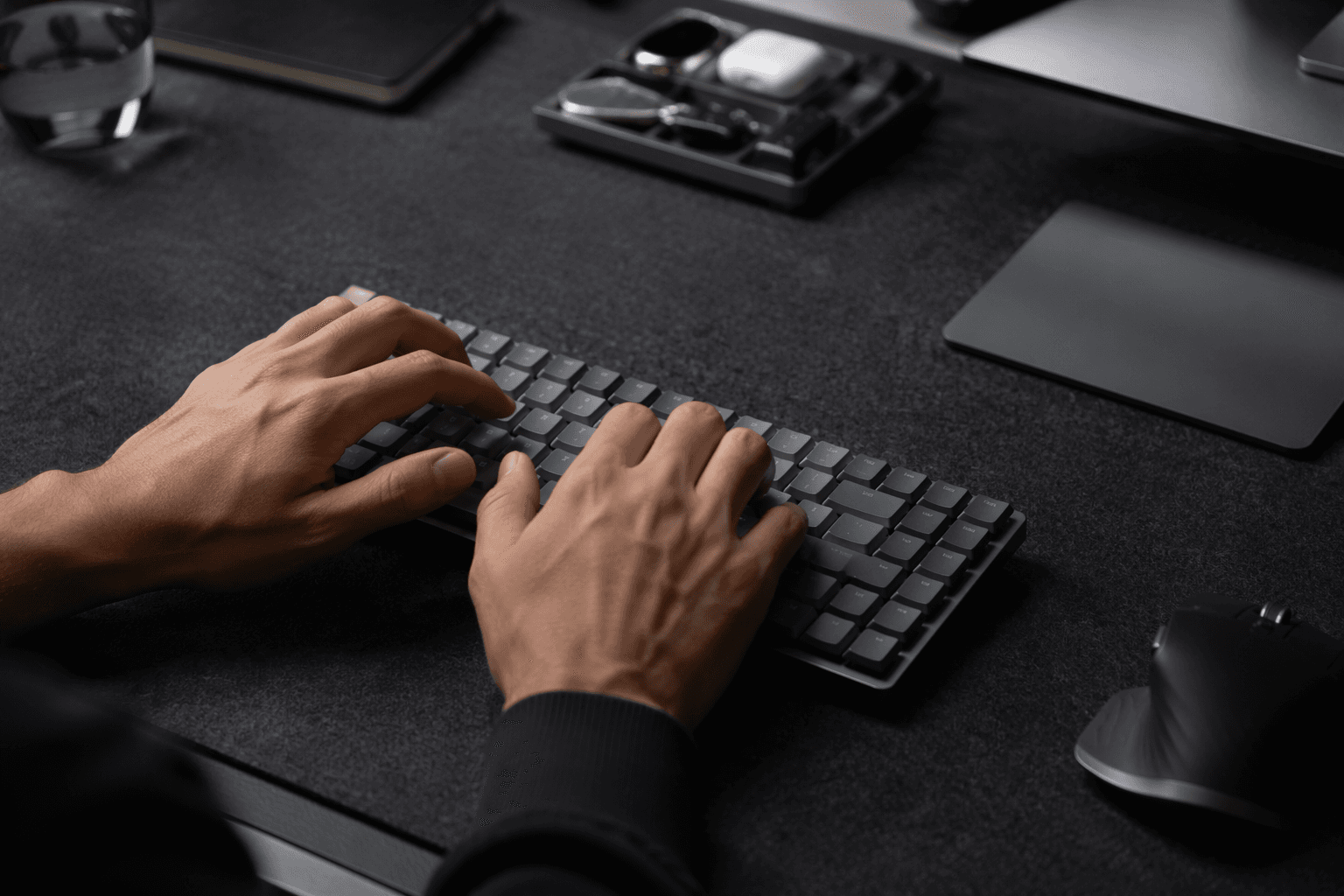
The low-profile design helps that impression hold together. Because the board sits flatter on the desk, it can feel more comfortable for people who prefer a neutral wrist angle or spend long hours typing.
There is still a clear tradeoff: no numpad. For anyone who lives in spreadsheets, accounting software, or repeated numeric entry, that omission will matter quickly, and Logitech’s full-size MX Mechanical exists for exactly that reason. The portability side of the equation is real, too. The Mini weighs about 612 g, while the full-size MX Mechanical comes in around 828 g, which makes the Mini easier to toss into a bag and easier to justify on a crowded desk.
Feel first, then finish
A board like this lives or dies on surface feel, and Logitech gives the Mini enough polish to justify the asking price. The construction is solid, the keycaps have a pleasant matte surface, and the secondary legends are clearly differentiated, which makes the board look and use like a finished product rather than a parts bin build.
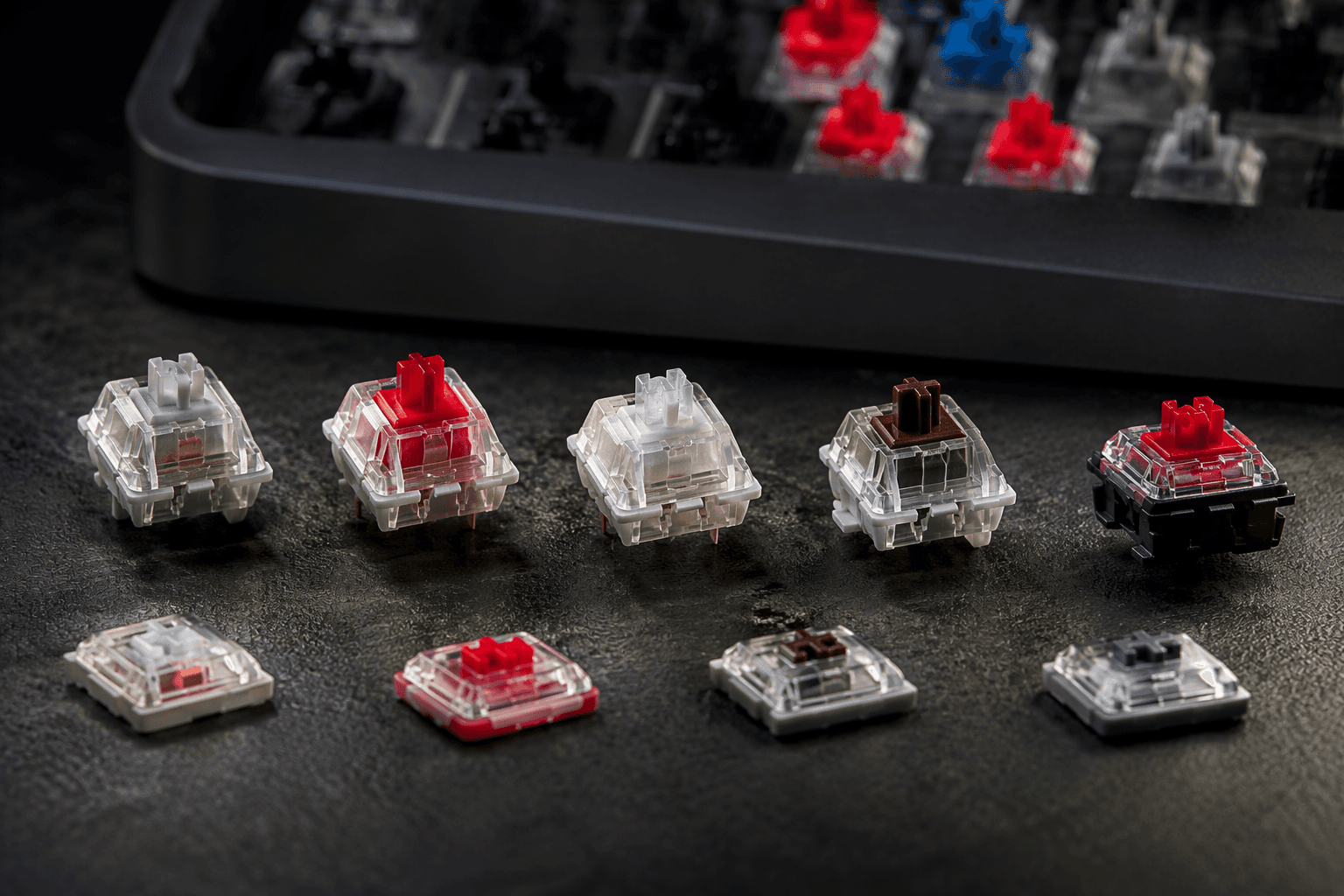
The switch lineup is also unusually broad for a mainstream wireless board. Logitech offers Tactile Quiet, Clicky, and Linear versions, which gives buyers a real choice in how the board behaves on an office desk, at home, or in transit. That range does some of the work that enthusiasts normally chase through mods and switch swaps, even if it does not turn the Mini into a tuning platform.
The Mini is built around feel, not experimentation. The sound profile is determined more by the switch choice and low-profile design than by any enthusiast-style case work, foam stack, or plate tinkering.
Wireless convenience is the other half of the pitch
Logitech leans hard into the clean, ready-to-use side of the equation. The Mini includes Bluetooth, Logi Bolt wireless support, quick charge, smart illumination, and can pair with up to three devices. It supports Windows, macOS, Linux, Chrome OS, iPadOS, iOS, and Android, so the board is built to move between systems without feeling tied to one desktop.
That flexibility is the real productivity story here. Pairing with three devices turns the board into a desk anchor for a laptop, tablet, and work machine at once, while the included Logi Bolt receiver and USB-C charging cable keep the setup uncomplicated from day one. It also supports Logi Options+ software.
Who it is for, and who will outgrow it
The MX Mechanical Mini works best for anyone coming from a laptop keyboard or a conventional office board who wants a better typing feel without entering the custom-keyboard rabbit hole. It solves the most common compact-board problem, the cramped hand position, better than many smaller layouts, and it does so with a finish that feels premium enough to match the price. The tradeoff is that you are paying for convenience, portability, and cross-device polish rather than open-ended tinkering.
If you care most about firmware-level customization, repair-friendly internals, or the kind of sound tuning that comes from a custom kit, this is not the board that will keep you busy for long.
Logitech added a Designed for Mac version on September 28, 2022, giving the line a platform-specific variant.
This article was produced by Prism’s automated news system from verified source data, official records, and press releases, then run through automated quality and moderation checks before publishing. The system is built and supervised by the people who set the standards it runs under. Read our full AI policy.
Did this article answer your question?