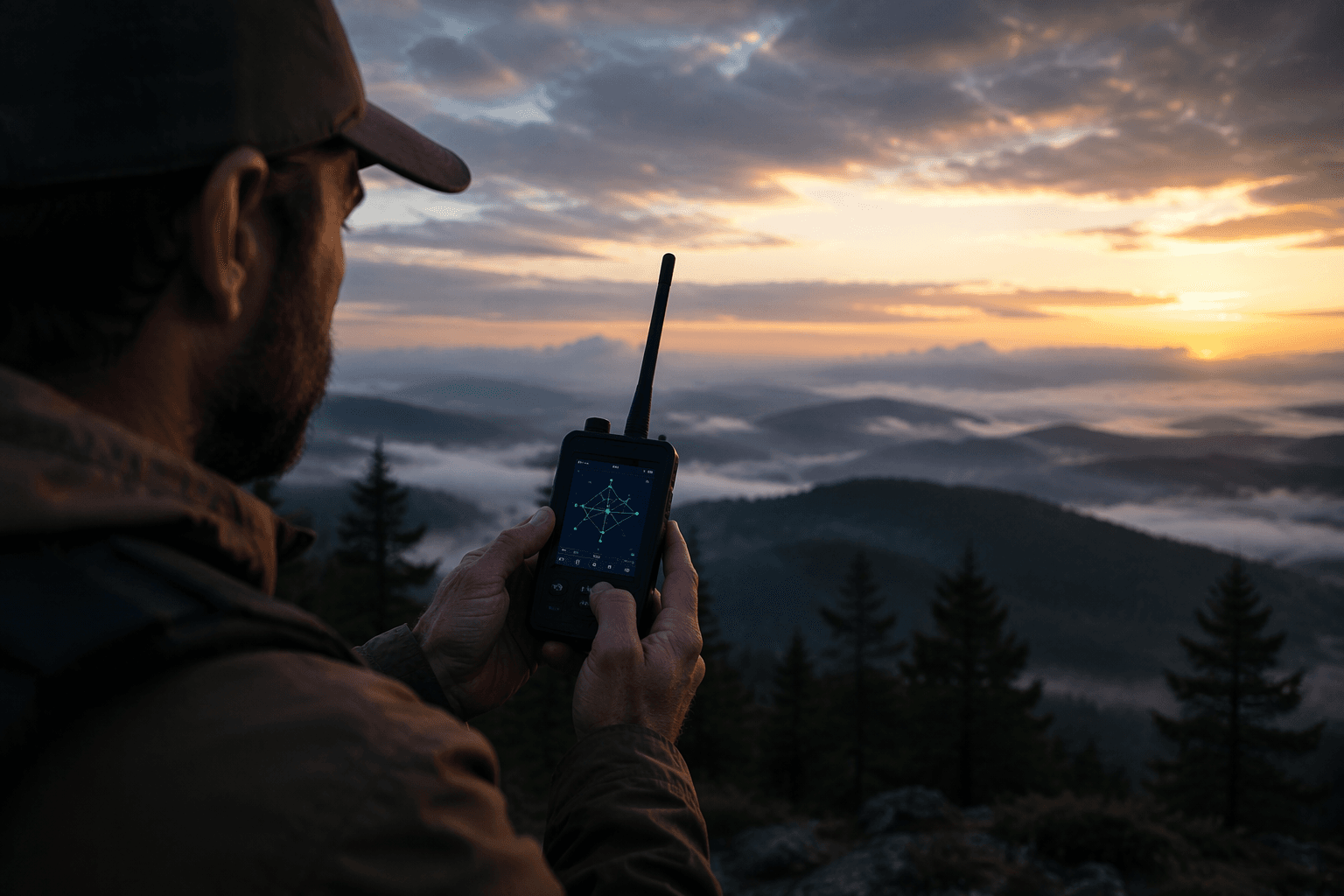
Bluetooth lets Meshtastic users update rooftop nodes without climbing
Yes, you can flash some rooftop Meshtastic nodes over Bluetooth without climbing up to them. The ThinkNode M6 test says it works, but only if you back up first and respect alpha-firmware risk.
Bluetooth can save the climb, but only if you treat it like maintenance
Can you update a hard-to-reach solar node without physically climbing to it? On the ThinkNode M6 test, the answer is yes. The creator used Bluetooth to push the latest alpha firmware over the air, skipping the usual open-the-enclosure, re-cable, re-flash routine that makes rooftop maintenance such a chore.
That matters because Meshtastic keeps landing in places where access is the whole problem: roofs, poles, vehicles, and other awkward spots where a nice idea turns into a real service call. Meshtastic describes itself as an open-source, off-grid, decentralized mesh network for affordable, low-power devices, and its own docs explicitly call out solar-powered outdoor hardware and remote node administration as core use cases.
What the Bluetooth workflow actually buys you
The practical win here is not just convenience. It is the ability to maintain a deployed node without turning a field upgrade into a ladder job, especially when the node is part of a solar setup that is meant to sit outside and keep working. If Bluetooth OTA is stable on your hardware, it can reduce downtime, cut labor, and make routine updates realistic for elevated repeaters and remote trackers.
Meshtastic’s ecosystem supports that idea from several angles. Bluetooth settings are configurable through the web UI and client APIs, official flashing paths exist for nRF52, RP2040, and RP2350 devices, and there is separate guidance for Bluetooth OTA updates. In other words, Bluetooth flashing is not a side stunt, it is one maintenance path inside a much larger toolkit.
The safe way to do it starts before the flash
The most important detail in the ThinkNode M6 test is not the update itself, it is the backup. The creator backed up the configuration first so private keys and settings could be preserved, and that is the difference between a field trick and a recovery headache. When you are dealing with a node that already lives in a hard-to-reach spot, losing config means the climb comes back anyway.
A sensible update sequence looks like this:
1. Back up the node configuration before touching firmware.
2. Make sure the device has stable power and a strong Bluetooth connection.
3. Use the appropriate Meshtastic OTA path for the hardware.
4. Verify the node comes back with the same identity, keys, and settings.
5. Keep a physical recovery plan in reserve if the flash or restore fails.
That sequence is especially important because Meshtastic’s FAQ is clear: alpha releases are for users willing to accept extra risk and instability, while beta is the recommended choice for most cases. The ThinkNode M6 test used the latest alpha firmware, so the result is useful, but it is also a reminder that “works once” is not the same as “safe for every deployment.”
Where the cracks show up
This is where the reality check comes in. The clip does not present Bluetooth OTA as flawless. It calls out a config-import bug in the new alpha build, which means the update path was tested in the same messy conditions that real nodes face. That makes the result more valuable, not less, because field maintenance is never just about getting new bits onto hardware.
The concern is not hypothetical. Meshtastic’s firmware issue tracker includes reports of configuration import failures over Bluetooth on earlier versions, including cases where imports stalled around 74% to 78% on multiple Heltec v3 devices. For anyone managing a node that matters every day, that kind of failure mode is the reason you do not treat remote flashing as a substitute for recovery planning.
When Bluetooth is enough, and when it is not
Bluetooth OTA shines when the node is reachable enough for a short maintenance session but too awkward to open or reflash by hand. That makes it a strong fit for solar repeaters, rooftop base stations, and other devices that are mounted for coverage, not convenience. Meshtastic’s own hardware lineup reinforces that use case, with devices built for outdoor deployment and flexible mounting in remote environments.
Hardware that makes the most of this workflow
Two examples show why this matters:
- WisMesh Repeater Devices are designed for outdoor deployment and flexible mounting in remote environments.
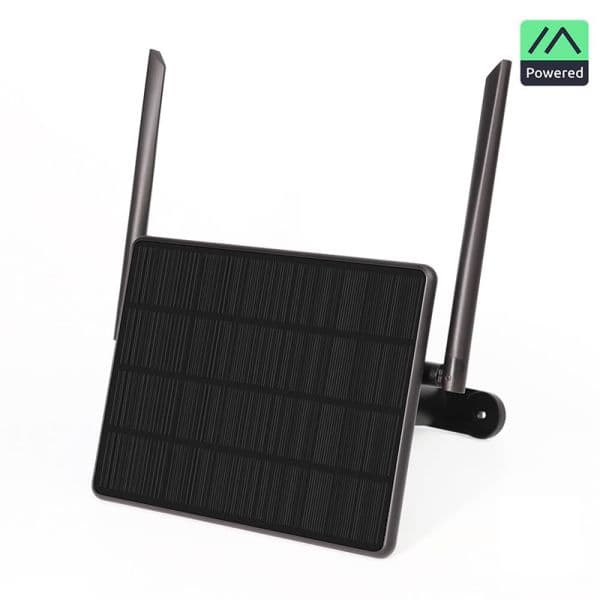
- The SenseCAP Solar Node is built for long-term outdoor use and pairs a 5W solar panel with 18650 battery slots.
Those are exactly the kinds of nodes where avoiding a climb can save time, reduce wear, and keep the network online. If Bluetooth OTA works on your setup, you can keep maintenance light. If it does not, the job still needs to be designed around physical access from the start.
Bluetooth is useful, but Meshtastic has other ways in
The biggest mistake would be to treat Bluetooth as the only path. Meshtastic’s docs also note that remote node administration can happen over the mesh instead of via Bluetooth, serial, or IPv4, which is a more advanced way to keep control of distant hardware. That matters because different deployments call for different recovery routes, and a node that is already hard to reach should never depend on a single maintenance channel.
So the real takeaway from the ThinkNode M6 test is straightforward: Bluetooth can absolutely let you update a rooftop node without climbing up to it, but only when the node, the firmware, and the workflow are all cooperating. For off-grid gear that lives outdoors, that is a breakthrough in convenience, not a repeal of field discipline. When the ladder stays on the ground, the backup copy earns its keep.
This article was produced by Prism’s automated news system from verified source data, official records, and press releases, then run through automated quality and moderation checks before publishing. The system is built and supervised by the people who set the standards it runs under. Read our full AI policy.
Know something we missed? Have a correction or additional information?
Submit a Tip