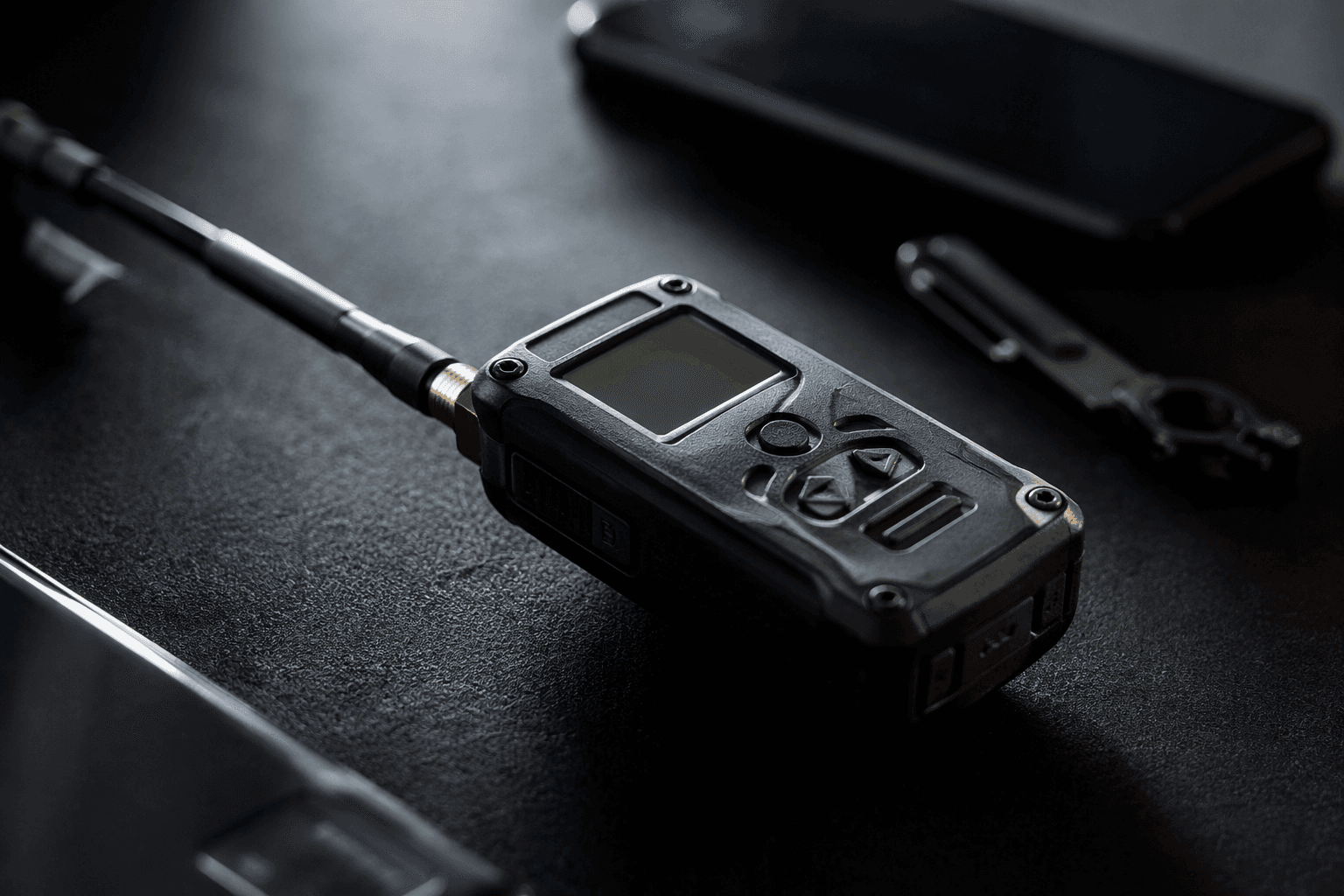
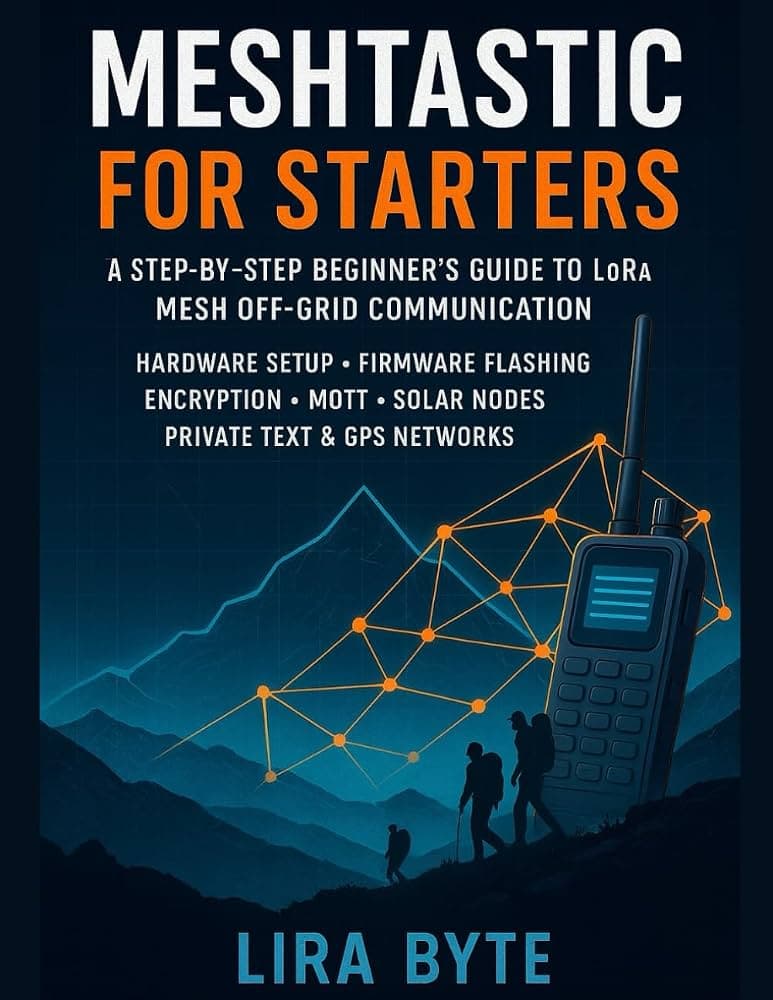
Meshtastic beginner guide explains LoRa mesh and first node setup
This guide works only if it gets a newcomer past the usual traps: the wrong node, the wrong region, and a channel that never talks back.

Meshtastic can sound simple until you try to start from zero. A good beginner guide has to do more than define LoRa mesh in the abstract; it has to get you from unopened box to first working message without making you cross-reference hardware lists, forum threads, and half-finished setup notes. That is the real test here: whether the guide clears the first 30 minutes of confusion around hardware choice, app setup, channel basics, and the first successful transmission.
What the guide has to teach first
The strongest part of a true beginner on-ramp is that it treats Meshtastic as a whole system, not just a radio with a logo. Meshtastic describes itself as an open source, off-grid, decentralized mesh network built to run on affordable, low-power devices, and its whole pitch depends on that mix of simplicity and independence. It uses inexpensive LoRa radios as a long-range off-grid communication platform where cell towers and internet access are unavailable or unreliable.
That matters because a first-time user usually does not need more jargon. What they need is the basic mental model: messages are passed through a mesh, devices repeat what they hear, and the network is shaped by the hardware and settings you choose on day one. Meshtastic is community-driven and open source, which is part of why the ecosystem feels broad enough to need a real onboarding guide instead of a single quick-start page.
The first 30 minutes should prove four things
A useful beginner guide should make the first half hour feel structured instead of improvised. It should answer four questions in order: what hardware to buy, how to get the app talking to the radio, how to choose the correct region and channel, and how to send the first message without guessing.
1. Pick supported hardware, not just the cheapest board you spot. Meshtastic’s supported-hardware pages separate official and community-supported devices, and that distinction matters when you are trying to avoid dead ends.
The docs point to families such as Heltec Automation and RAKwireless, and the RAK starter kits are presented as a way to get the minimum needed to begin.
2. Install the client you will actually use. Meshtastic offers Android and Apple apps, plus a browser-based web client and a web flasher.
The downloads page says the web flasher works in Chrome and Edge and supports major device architectures, which is a practical detail for someone whose first hurdle is simply getting firmware onto a board.
3. Set the right region and the right channel. Meshtastic’s configuration docs include a country-by-country LoRa region list, so region choice is not optional window dressing.
Channel setup is just as unforgiving: matching channel names are required for devices to communicate on the same channel with other devices.
4. Send one message and make sure the path is real. The point of the first message is not to show off range; it is to prove the node is alive, the settings match, and the radio is actually part of the network.
For a newcomer, that first transmission is the moment the hobby stops being theoretical.
How a Meshtastic message actually moves
The guide is at its best when it turns hidden plumbing into something readable. Meshtastic’s overview says that when you send a message in the companion app, it is relayed to the radio through Bluetooth, Wi-Fi/Ethernet, or serial, then broadcast. If no confirmation arrives, the radio retransmits up to three times, and radios that have already heard the packet ignore it.
That sequence is the part many beginners miss. They expect the app to feel like a chat app on a phone, but the system is really a chain of app, radio, broadcast, and repeaters in the mesh. Once that clicks, a lot of early confusion disappears, including why phones are optional, not required, and why the same device can behave differently depending on how the node is connected.
Buying the right node without overthinking it
The beginner guide’s hardware advice only works if it respects how many ways there are to start. Meshtastic is built around affordable, low-power devices, but not every board is equally friendly for a first build. The supported-hardware pages are effectively a buying guide as much as a technical reference, because they steer people toward devices the project already knows how to support.
That is especially important for users who come in through outdoor use cases, preparedness conversations, or the maker side of the hobby. A newcomer does not need the most elaborate setup; they need something that can be powered, configured, and connected without turning the first hour into a repair session. A good guide makes that tradeoff explicit and keeps the focus on getting one reliable node online before chasing range or fancy add-ons.
The community around the radios is part of the setup
Meshtastic is not just software and boards. Its docs say support is volunteer based, and the FAQ points people toward the Meshtastic Discord server, where many users and developers already spend time helping each other. The community pages also list local groups that are actively organizing Meshtastic networks in their regions, which shows how much of the hobby lives in practical peer support.
For a newcomer, this is as important as firmware. The difference between a stalled project and a working node is often whether someone can answer the obvious question you did not know how to phrase. A beginner guide that points toward docs, Discord, and local groups is doing real work, because it tells you where the living knowledge actually is.
Why the ecosystem feels more established now
Meshtastic has clearly moved beyond the phase where one short explanation could cover everything. The project’s 2.6 preview said next-hop routing followed about 1.5 years of preparation, implementation, simulation, and real-world testing, which is a sign of a platform that keeps refining how it moves messages. The broader ecosystem also keeps growing around it, including the Meshtastic Build-Off 2026, a global online competition running from May through August 2026 with a prize pool of more than $3,000.
That combination of routing work, community support, browser tools, mobile apps, and organized events tells you why a fresh beginner guide matters now. The hobby is large enough that newcomers need a map, but still open enough that one well-tuned first node can make the whole thing feel immediate.
The best version of this guide does not leave you admiring the idea of a mesh. It gets you through the messy first 30 minutes, from choosing the right board and region to watching one message move the way Meshtastic promised it would.
This article was produced by Prism’s automated news system from verified source data, official records, and press releases, then run through automated quality and moderation checks before publishing. The system is built and supervised by the people who set the standards it runs under. Read our full AI policy.
Know something we missed? Have a correction or additional information?
Submit a Tip