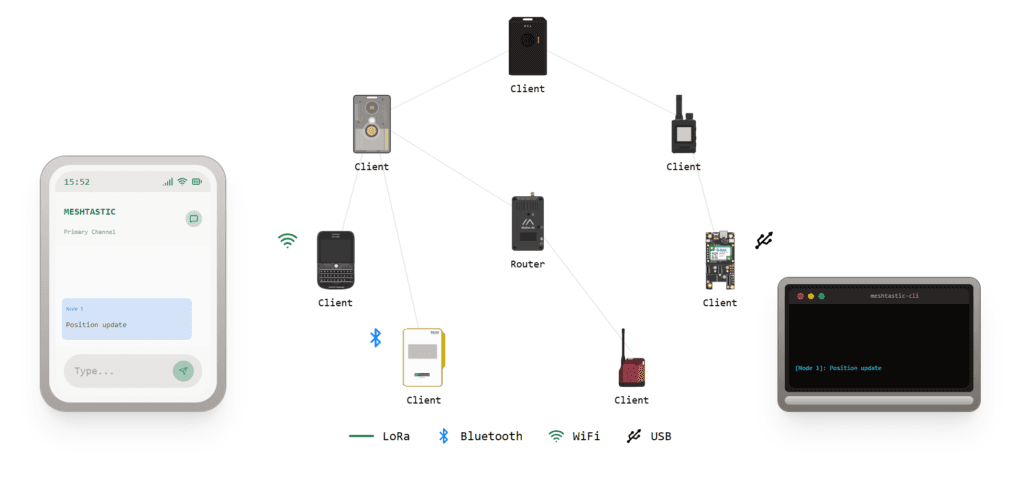
Meshtastic clients usually should stay as clients, not routers
Most Meshtastic nodes should stay CLIENT, not ROUTER. Use CLIENT_MUTE for quiet handhelds, CLIENT_BASE for a strong attic node, and save routing roles for rare infrastructure.
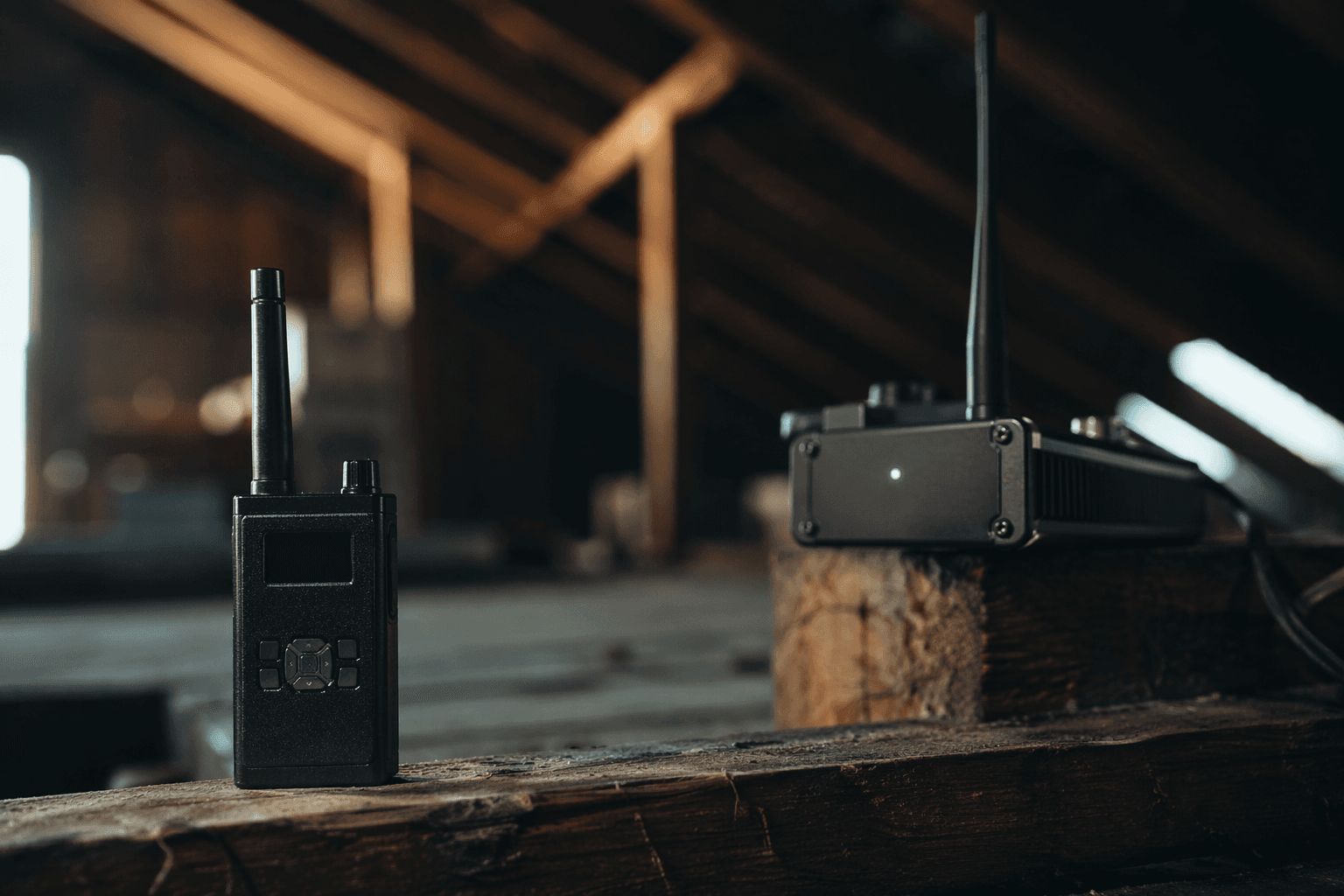
A pocket handheld, a car rig, and a roof or attic node should not all share the same Meshtastic role. The default CLIENT role is usually the right call because it already receives, sends, and intelligently repeats traffic, which fits the project’s off-grid, low-power, no-cell-tower design. The field fix is to stop promoting every node and start matching the role to placement, power source, and how much airtime the node should really spend.
Start with CLIENT, because most nodes belong there
CLIENT is not a passive setting. Meshtastic’s managed flooding system expects nodes to rebroadcast packets within the hop limit, and CLIENT participates in that process with smart delays that help keep the mesh stable. That makes CLIENT the flexible, general-purpose answer for most devices.
Use CLIENT when the node is doing ordinary Meshtastic work from a desk, car, pack, or home location and you do not have a very specific reason to change it. A lot of beginners assume a node must be turned into a router to be useful, but that is exactly how you end up with extra collisions, lower delivery rates, and less effective range.
Mute the node when you want it to talk but not amplify the neighborhood
CLIENT_MUTE is the cleanest fix for handhelds and personal nodes in busy areas. It can send and receive, but it never repeats traffic, so it is a good fit for a device that sits close to a stronger base station or for a handheld where you do not want every keypress and every nearby packet to be part of the rebroadcast churn.
In crowded places, a pocket node does not need to add more airtime to an already noisy mesh. If your node is mostly for your own messages and location updates, or if you are standing near a solid attic or roof installation that already covers the area, CLIENT_MUTE keeps the device useful without adding rebroadcast traffic.
Use CLIENT_BASE when one node is meant to carry the load
CLIENT_BASE is the role for the node that has the best seat in the house. Think attic, roof, or any other spot where the antenna is high, clear, and likely to hear more of the mesh than the handhelds do. It behaves like CLIENT, but it gives priority to rebroadcasting messages to or from its favorited nodes, which makes it a strong fit for a small cluster that depends on one well-placed station.
A roof node set to CLIENT_BASE can help nearby personal devices get the benefit of good placement without turning the whole area into a packet fountain. Meshtastic also has Zero-Cost Hops for favorite routers, a feature designed to let a mesh of well-placed infrastructure routers act more like a single hop and preserve precious hops inside the 7-hop limit.
Treat ROUTER and REPEATER like specialized tools, not upgrades
ROUTER and REPEATER are where most people go wrong. Meshtastic’s configuration guidance keeps the role set to CLIENT, CLIENT_MUTE, or CLIENT_BASE unless you have a specific, well-understood reason to use something else. Unnecessary routers can increase packet collisions, reduce delivery rates, and even decrease range because they burn through hops too early.
ROUTER is aggressive by design. It cuts in line before other nodes have a chance to rebroadcast, which can be useful in strategic stationary deployments but damaging in the wrong place. REPEATER behaves similarly to ROUTER, but it turns off broadcast traffic such as telemetry and only responds to other nodes’ packets instead of originating messages. That distinction sounds tidy on paper, but in the field both roles can crowd out the natural behavior of nearby rebroadcast roles.
The biggest practical risk is that ROUTER and REPEATER can force other rebroadcast roles in their coverage area to cancel their own rebroadcasts. Instead of making the mesh stronger, you can end up suppressing the very redundancy that helps Meshtastic survive weak links and rough terrain.
ROUTER_LATE exists for the awkward middle ground
Meshtastic added ROUTER_LATE because some sites are important for traffic passage without being ideal for full ROUTER behavior.
Audit your nodes by place, power, and purpose
When you walk your own mesh, the decision tree is simple:
- If the node is a normal handheld or mobile device, leave it as CLIENT.
- If the node should transmit and receive but should never add more rebroadcast traffic, use CLIENT_MUTE.
- If the node sits in an attic, on a roof, or anywhere else that gives it a clean radio advantage, CLIENT_BASE is the role that makes that placement count.
- If you are thinking ROUTER or REPEATER, stop and ask whether the deployment is truly strategic, stationary, and well understood.
- If the node is only there because you assumed “more router” means “better mesh,” it probably should not be a router.
Do not confuse range records with everyday role choice
Meshtastic’s range-test page lists a current ground record of 331 km, a previous ground record of 254 km, and a current air record of 206 km. Those numbers are real, but they are not normal operating targets for a backyard mesh. Record runs depend on carefully chosen modem settings and antennas, which means they are useful for proving what the radios can do, not for justifying reckless role changes.
At DEF CON 2025, attendees reported more than 2,000 individual nodes connected during the event deployment. At that scale, a mesh that behaves politely at a few dozen nodes can get unstable once the airtime fills up.
Use the planner before you guess
Meshtastic’s Site Planner can predict radio coverage in the browser using the ITM, or Longley-Rice, model, which is a much better starting point than guessing which node should become a router. If you are deciding where to put the attic box, whether the roof node needs CLIENT_BASE, or whether a stretch of trail really needs infrastructure, model the coverage first and then assign roles.
This article was produced by Prism’s automated news system from verified source data, official records, and press releases, then run through automated quality and moderation checks before publishing. The system is built and supervised by the people who set the standards it runs under. Read our full AI policy.
Did this article answer your question?