Meshtastic user loses transmit after firmware update, community suggests reset tests
A Heltec V3 kept receiving after a 2.7.15 update but stopped sending, pushing Meshtastic users back to basic reset checks. The first fix: test with two known-good radios.
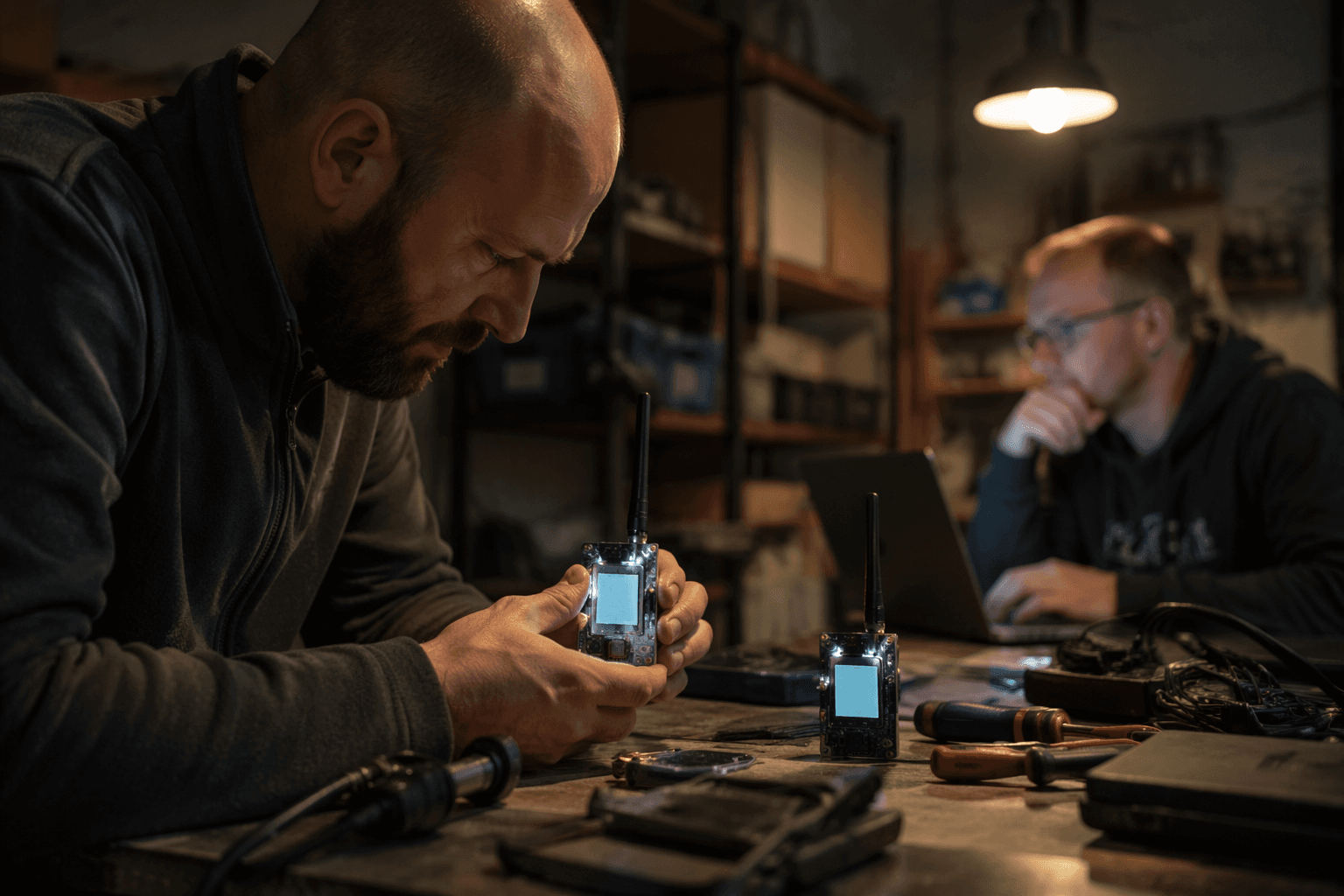
A Heltec V3 running Meshtastic firmware 2.7.15.567b8ea kept hearing traffic but stopped sending messages after an update. The issue came up in GitHub Discussion #484.
Messages were no longer getting through even though receive still worked, and the user asked whether there was a full reset that would preserve settings and keys. In the same thread, the user said some links were direct at about 10 km, while others were one, two, three or four hops away. They also said they were using default radio settings and that the medium-fast preset only produced a successful cloud checkmark about one time out of 100.
The first move was to take the mesh out of the equation and test with two known-good devices only, instead of trying to diagnose the issue through a larger network. Exact distance, whether the link is truly line of sight, antenna gain, default radio settings and whether position data is set correctly all matter on Meshtastic hardware.
If a node can receive but not transmit reliably, the cause can be as simple as a bad path, a mismatched antenna or a preset that does not fit the route. Meshtastic's LoRa configuration docs require a node's region to be set or it will not transmit packets at all, and devices need identical region and modem preset settings, or identical custom modem settings, to communicate fully. The radio settings also include transmit power, max hops and transmit-enabled.
Position settings also came up because they affect how a node behaves on the mesh. Meshtastic supports position from either the radio or the paired phone, and fixed position is a valid configuration.

In an April 2025 Heltec V3 discussion, an owner lost longer-range node visibility after an update, and another participant could see zero nodes after moving to a current beta build. The Licensed Operator setting may no longer have matched after the update.
Strip the test down to two radios and make the packet path prove where the failure is.
This article was produced by Prism’s automated news system from verified source data, official records, and press releases, then run through automated quality and moderation checks before publishing. The system is built and supervised by the people who set the standards it runs under. Read our full AI policy.
Did this article answer your question?