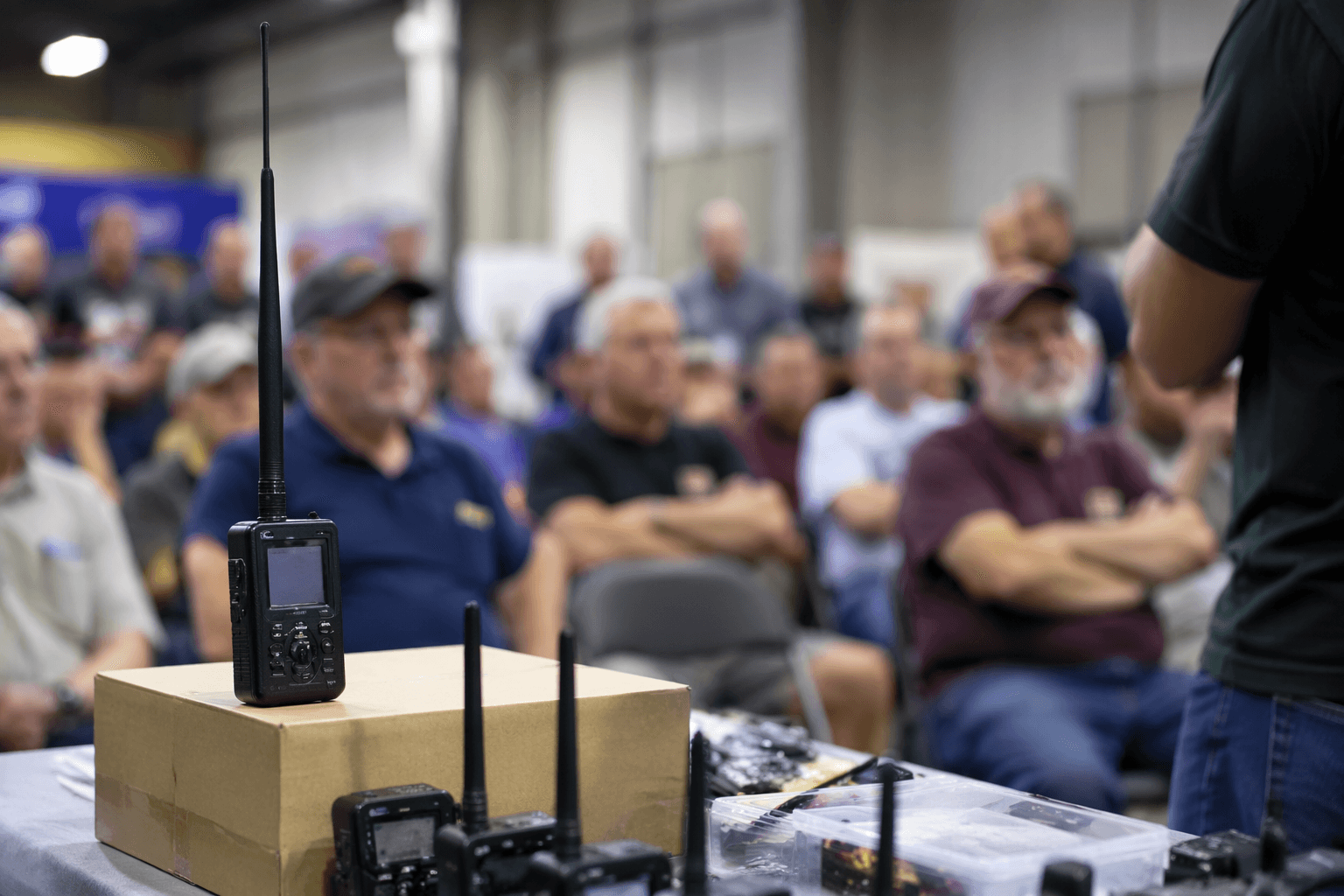
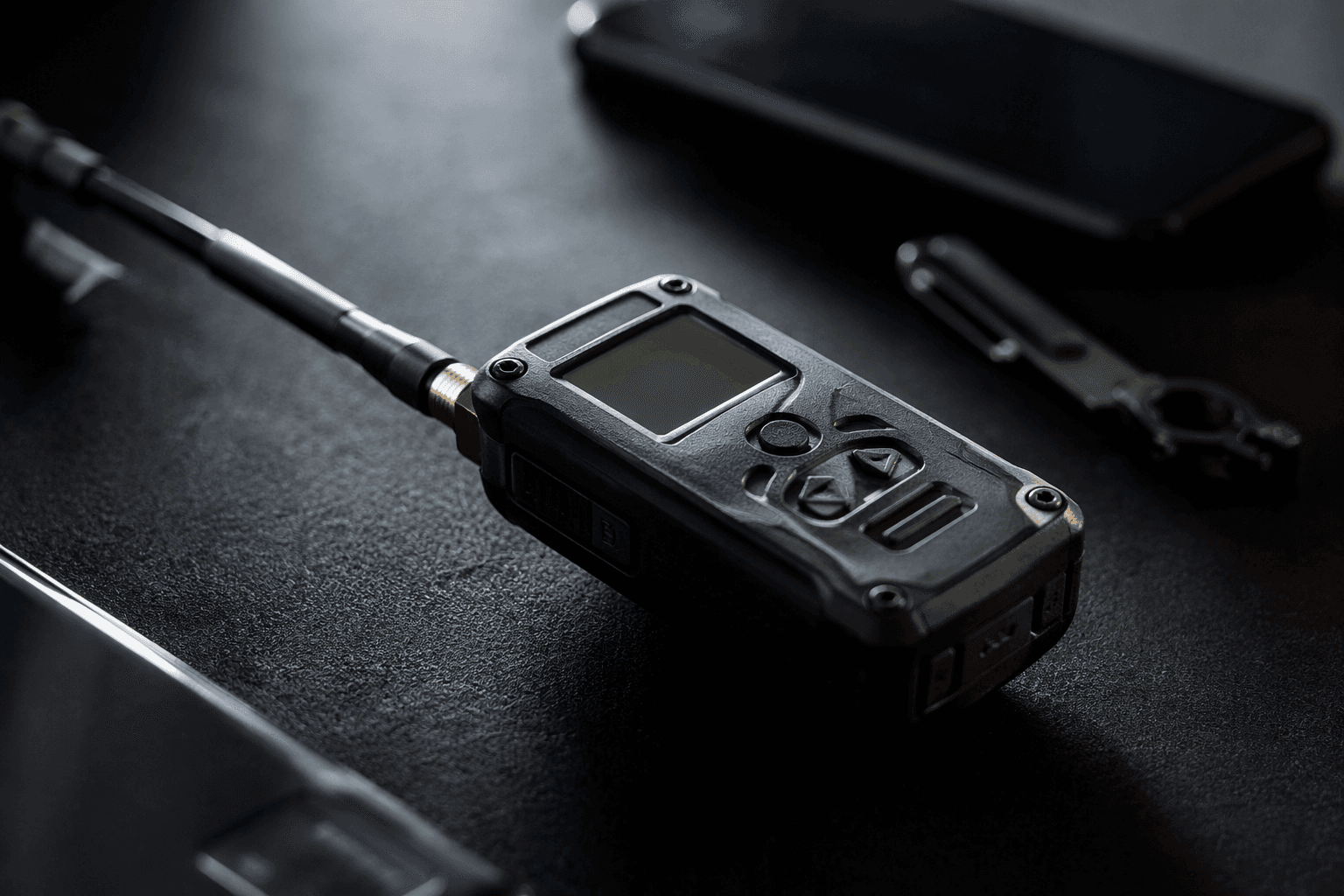
Rokland guide explains Meshtastic basics, range, antennas, and legal setup
Most “Meshtastic doesn’t work” complaints start with setup mistakes. Get the region and antenna right before first power-on, and the mesh starts making sense.
Get the first two decisions right
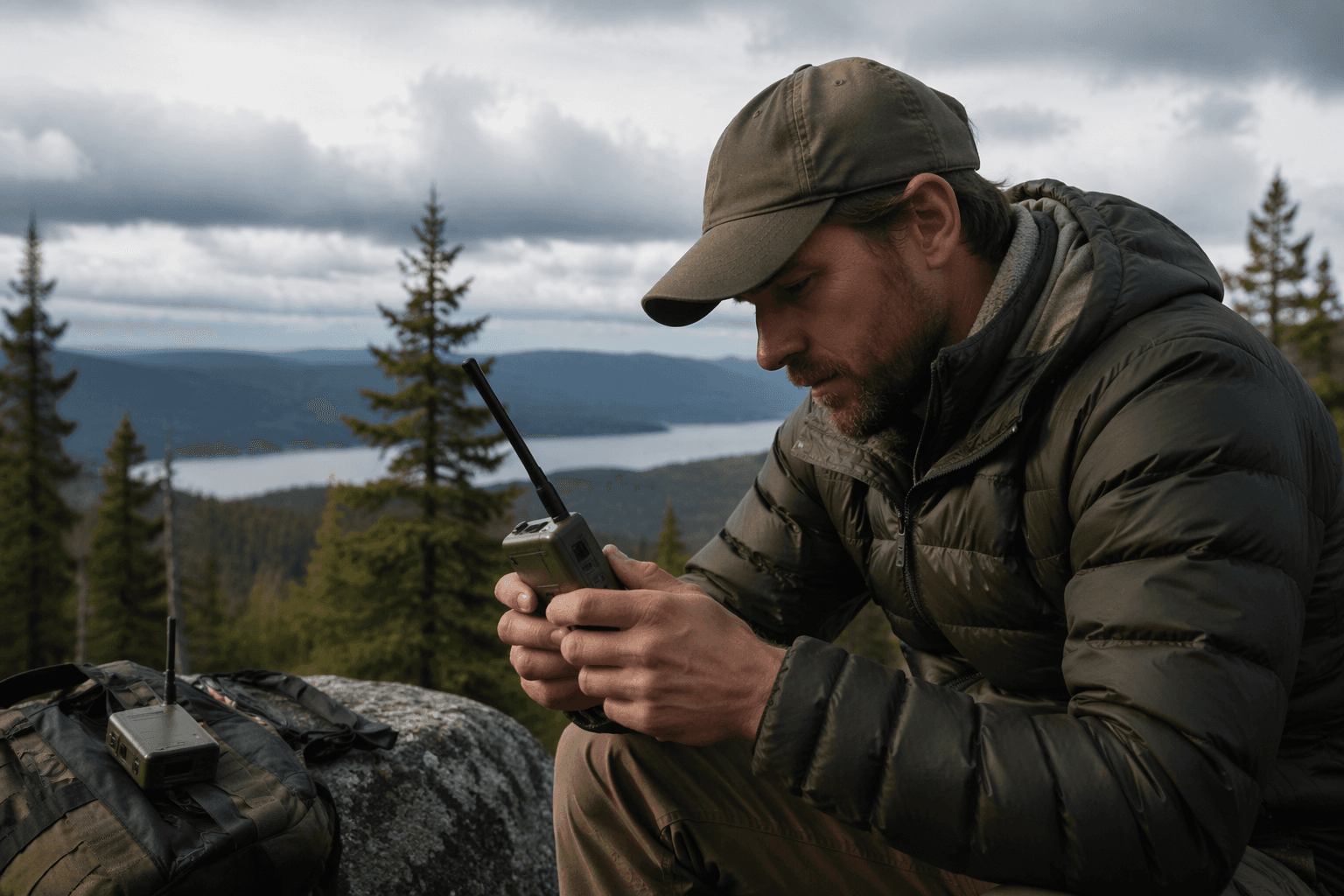
Most first-node frustration comes from the same two mistakes: the wrong region setting and a bad antenna choice. Meshtastic is not a cell network, and it is not supposed to behave like one. It is a low-power mesh that passes messages node to node without cell service, Wi-Fi, or a subscription, so the first job is not chasing bars on a screen. It is making sure the radio is legal, the hardware is set up properly, and your expectations match how a mesh actually behaves.
That matters before you ever blame the device. A lot of newcomers power up a node and expect an active local network to appear instantly. In reality, the first session often tells you something simpler: how the node behaves, how much coverage exists where you are, and whether there are enough nearby radios for the mesh to wake up at all.
Set the region before you do anything else
The region setting is not a formality. Frequency ranges and power limits vary by country, so the correct region is part of lawful operation as well as usable operation. If you skip that step, you are not just risking poor performance. You are setting the radio up to operate outside the rules for where you are.
That is why the cleanest first power-on sequence is boring on purpose: power it on, pair it to the app, set the region correctly, and only then start testing. Once that is done, you can judge the node on its actual behavior instead of on a setup mistake. For a first-time user, this is the difference between a radio problem and a configuration problem, and those are not the same thing.
Don’t expect a crowded mesh on day one
A new node often shows you the size of the local ecosystem before it shows you much of anything else. If there are few nearby radios, the mesh will feel quiet, even if the hardware is working perfectly. That is normal. It means you are learning the density of the network around you, not discovering that the device is dead.
That early silence is useful if you read it correctly. One of the most practical lessons in the beginner guide is to spend time observing coverage before assuming the hardware is the problem. If the node is on the correct region and the app connection is fine, then your next question is not “What broke?” It is “How far can this actually hear, and who else is out there?”
Range depends on the environment, not just the radio
Range in Meshtastic is shaped by more than transmitter power. Terrain, buildings, antenna quality, antenna placement, and the number of nearby nodes all affect how well the mesh performs. That is the real-world part people miss when they look at range as a single number.
A flat open area with good placement can feel completely different from a dense neighborhood with walls, roofs, hills, or bad mounting height. The mesh is only as useful as the conditions around it. If the radio seems underwhelming indoors, that does not automatically mean it is defective. It may simply be doing what low-power mesh radios do when the environment works against them.
Bigger antennas are not always better
This is where a lot of people overbuy. Rokland’s guidance is blunt on the point that larger antennas are not automatically the answer. Higher gain narrows the radiation path, which can help in some flat or rooftop situations, but that same trait can be less ideal at other elevations or in tighter environments.
That tradeoff matters because antenna choice changes the shape of your coverage, not just the strength of it. A gain-heavy antenna can be useful when you want to push farther across open space, but it is not a magic upgrade everywhere. If your site is constrained, uneven, or full of nearby obstacles, a more aggressive antenna pattern can be the wrong fit even when it sounds like the “better” one on paper.
Placement can matter as much as the antenna itself
A good antenna in a poor spot is still a poor setup. Rokland’s guide puts antenna placement in the same conversation as antenna quality for a reason. Height, orientation, and where the radio sits relative to obstacles all influence how the mesh behaves.
That is why the first tests should be methodical. Change one thing at a time. Move the antenna, then observe. Adjust the placement, then observe again. If you change the region, the antenna, the location, and the battery profile all at once, you will have no idea which decision actually improved or damaged the result.
Choose hardware with the use case in mind
The guide’s examples of the WisMesh Pocket and WisMesh Tag are useful because they show the tradeoffs clearly. Portability, battery life, display size, GPS, and transmission frequency all shape how the node will work in the field. There is no universal “best” Meshtastic device, only the right balance for how you plan to carry and use it.
A smaller, more portable node may make sense when you care about grabbing a quick field setup and letting it run. A device with more room for display or GPS may be better when the node needs to tell you more while it is running. The important part is not chasing features in the abstract. It is matching the hardware to the kind of mesh work you actually want to do.
The practical first-node checklist
Before you start troubleshooting range, use the same order every time:
1. Power on the node.
2. Pair it to the app.
3. Set the correct region.
4. Confirm the antenna is appropriate for the environment.
5. Spend time watching coverage before changing hardware again.
That sequence prevents the most common self-inflicted problems. It also keeps you from treating a quiet mesh like a broken one when the real issue is that you have not yet given the radio a fair test.
Meshtastic works best when the setup is disciplined
The beginner mistake is thinking the first node should instantly prove the whole system. It usually does the opposite. It shows you whether you picked the right region, whether the antenna fits the terrain, and whether the local mesh is dense enough to be interesting yet. Get those first choices right, and the rest of the testing becomes useful instead of frustrating.
This article was produced by Prism’s automated news system from verified source data, official records, and press releases, then run through automated quality and moderation checks before publishing. The system is built and supervised by the people who set the standards it runs under. Read our full AI policy.
Know something we missed? Have a correction or additional information?
Submit a Tip