FauxHammer says resin printer usability matters more than specs
FauxHammer's message is blunt: resin printer numbers impress at unboxing, but lids, ventilation, cleanup and daily ergonomics decide whether a machine earns desk space.
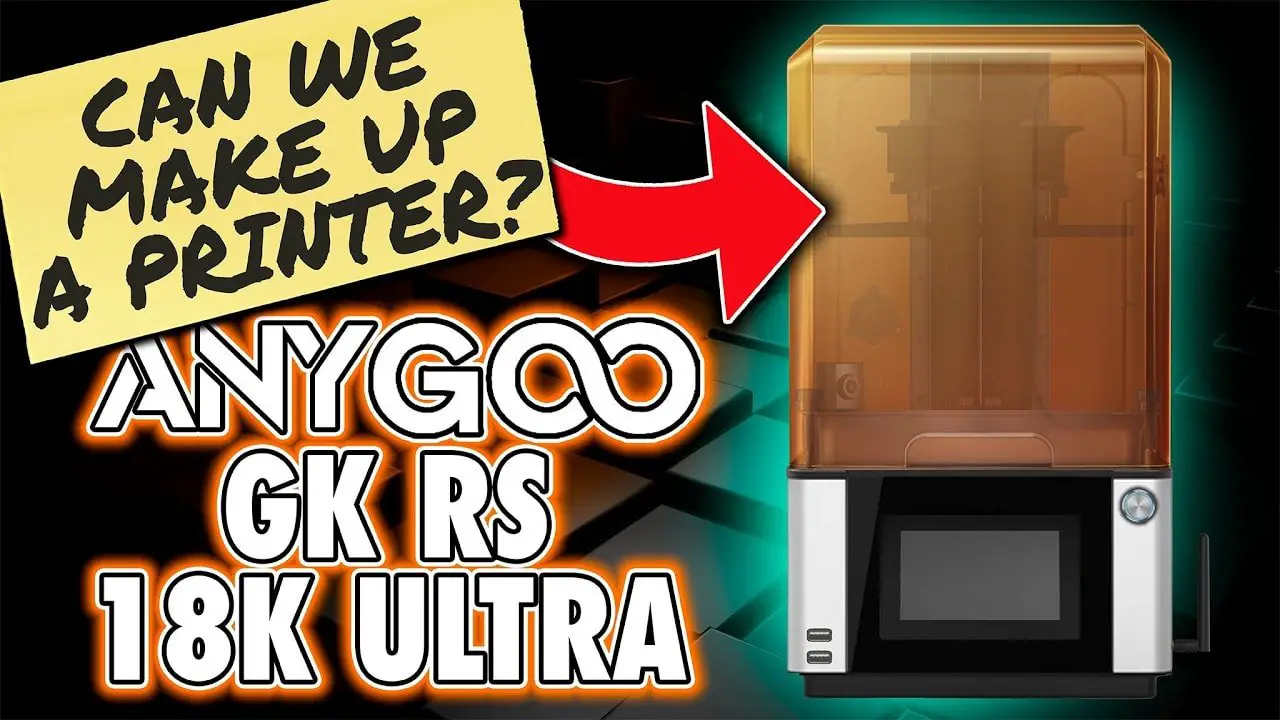
The shiny numbers on a resin printer box fade fast once the vat is full and the gloves are on. What stays with you is whether the machine is easy to vent, easy to clean, and easy to live with at a hobby desk after the novelty wears off. That is the core of FauxHammer’s latest take, and it lands squarely in the world miniature painters actually inhabit: one where a printer is only useful if it fits the workflow, not just the spec sheet.
What still matters after the first month
FauxHammer’s argument is simple but useful: modern resin printers are generally better than older ones, but every model still seems to trade one convenience for another compromise. A premium machine may skip a basic comfort feature, while a budget model may advertise a headline number that looks impressive without improving the prints that matter for miniatures. Once the box is open, the questions stop being about marketing and start being about lids, ports, ventilation, extraction, and how the machine feels to use every day.
That shift matters because resin printing is not a one-step hobby tool. You are not just buying layer resolution or screen size. You are buying a whole experience that affects how often you print, how much cleanup you tolerate, and whether the printer feels like a natural part of your painting bench or a temperamental side project that slows everything down.
Why safety and setup are part of usability
The U.S. Consumer Product Safety Commission has been very direct about the risks around 3D printing. Its guidance points to fire, electrical, chemical, and mechanical hazards, and it specifically treats resin-based systems as a concern because they involve standing volatile liquids and alcohol used in post-processing. That makes ventilation and chemical storage part of the usability conversation, not an optional extra.
The same logic shows up in workplace safety guidance from the Occupational Safety and Health Administration, which lists protective equipment that may be needed for hazards including chemical exposure, such as gloves, safety glasses, and respirators. For a miniature painter, that is a reminder that the real cost of a resin printer is not only the machine itself. It also includes the gear and habits needed to handle resin cleanly and safely without turning your hobby room into a stress point.
There is also a broader industry reason this has become more visible. The CPSC has been publishing additive-manufacturing hazard discussions since at least 2019, and consumer 3D-printing safety materials since 2020. Its additive-manufacturing program also works with standards organizations such as UL, ASTM, and CSA, which shows how far resin printing has moved from niche gadget territory into a real consumer safety category.
The workflow hidden behind the print
For miniature painters, the most important part of printer usability is what happens after the job finishes. Formlabs’ basic finishing sequence for SLA prints lays out the full chain clearly: washing, cleaning the build platform, drying, post-curing, support removal, sanding, priming, and painting. That is the real pipeline your printer has to support, because the machine does not end the job when the last layer cures.
Formlabs also says its automated post-processing can deliver finished 3D printed parts in as little as 11 minutes in some workflows. That number is a good reminder that design choices can save real time, but it also underlines the bigger point: the printer is only one link in a process that still includes handling, cleaning, curing, and finishing. If access is awkward, the wash process is clumsy, or support removal is messy, every miniature you print inherits that frustration before it ever sees primer.
Formlabs’ own safety materials add another useful contrast. It says its SLA systems typically do not need intricate infrastructure, extensive ventilation, or specialized power requirements. That is a product-design advantage, and it shows why some resin systems feel easier to bring into a normal hobby space than the older reputation of resin printing might suggest. Even so, the CPSC guidance means you still want to think carefully about the room, the airflow, and the way you store resin and alcohol.
What to look for when you buy
If you are choosing a resin printer for miniatures, the smartest question is not “What is the highest number on the box?” It is “Which machine will still be pleasant to use after a year of printing and cleanup?” That means judging the small things that keep showing up in daily use.
- A lid that is easy to remove and replace without making every print feel like a chore.
- Ports and access points that make ventilation and extraction practical in your actual workspace.
- A layout that keeps post-processing simple when you move from the printer to washing and curing.
- Enough physical access for routine cleaning, because resin workflow gets old fast when every wipe-down is awkward.
- A setup that makes safe handling straightforward, including gloves, eye protection, and, when needed, respiratory protection.
- A footprint and power setup that fit the room you already have, rather than forcing you to redesign the hobby area around the machine.
That is where FauxHammer’s reality check lands hardest. The printer that looks best in a launch video is not always the one that will survive the grind of miniature production, especially when you are printing batch after batch for painting projects. The machine that stays in use is usually the one that minimizes friction at the exact moments that matter most: opening, cleaning, ventilating, post-curing, and getting back to the table.
The decision that lasts beyond unboxing
Once the excitement of a new machine fades, resin printing becomes a habit built on convenience, safety, and repetition. FauxHammer’s point is that those are the features worth paying attention to, because they determine whether a printer becomes part of your painting workflow or just another expensive box on the desk. The smartest buy is the one that makes the whole process easier to live with, not the one that wins the spec-sheet race and loses the daily-use test.
This article was produced by Prism’s automated news system from verified source data, official records, and press releases, then run through automated quality and moderation checks before publishing. The system is built and supervised by the people who set the standards it runs under. Read our full AI policy.
Know something we missed? Have a correction or additional information?
Submit a Tip