Mobile Gaming Gear Guide: Controllers, Compatibility, Charging, Streaming
A practical guide to choosing mobile controllers, charging solutions, and streaming settings that reduce lag, improve comfort, and ensure cross-platform compatibility.
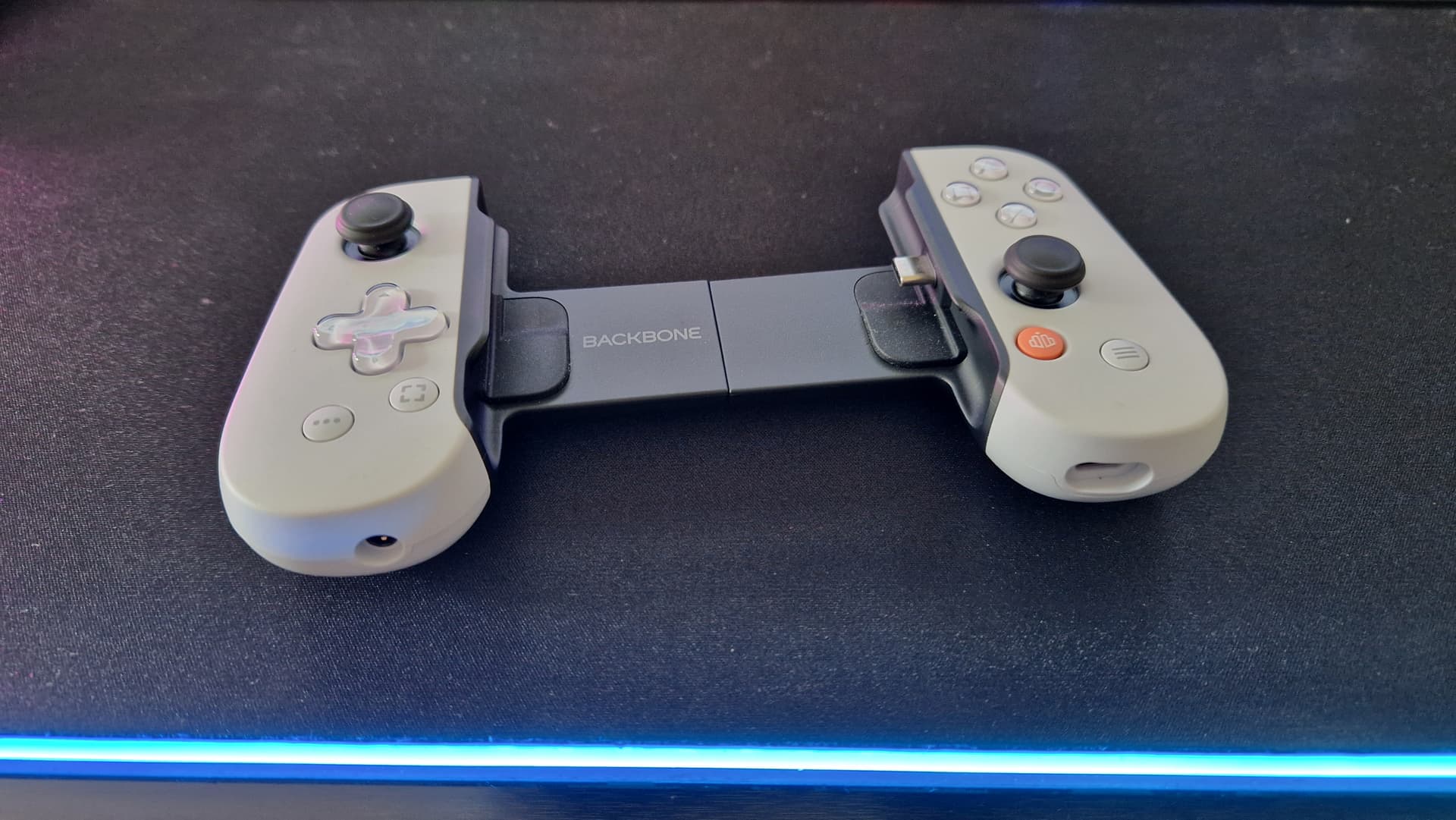
Choosing the right controller, charging setup, and streaming settings changes how your phone performs as a gaming device. Controller form factors divide into three practical camps: clip-on units that attach to one side for portrait or one-handed play, cradle controllers that grip the phone at the sides for balanced landscape sessions, and full-frame controllers that enclose larger phones and deliver a console-like layout. Match form factor to your usual play style and session length to avoid hand fatigue and button reach problems.
Connectivity matters more than looks. USB-C wired connections generally deliver the lowest latency and the most consistent input reporting for competitive play. Bluetooth is more convenient for casual sessions and multi-device use, but expect slightly higher input lag and occasional pairing issues. Cross-platform compatibility is not one-size-fits-all: iOS phones use Lightning on older models and USB-C on newer ones, while Android devices broadly support USB-C. Supported input APIs and driver implementations differ between platforms, so verify whether a controller advertises compatibility with iOS input APIs or Android HID before buying.
Input lag and thermal throttling have real gameplay impact. For long cloud-streaming sessions, prioritize controllers with passthrough charging so your battery doesn’t tank mid-match. Look for mounts that keep vents clear or that include airflow features - sustained CPU/GPU load without cooling will lead to frame drops and higher latency. Passthrough charging via USB-C is preferable to wireless charging in performance sessions because it avoids additional heat and power inefficiency.
For portrait and one-handed play, choose lightweight clip-on controllers with reliable mount stability and ergonomic thumbstick placement. For landscape sessions that mimic console play, opt for cradle or full-frame controllers with generous device size limits and firm clamps to prevent wobble when you fidget. Before committing, check device size limits, mount stability, whether button mapping is adjustable, and if the controller’s companion app supports per-game presets and firmware updates.
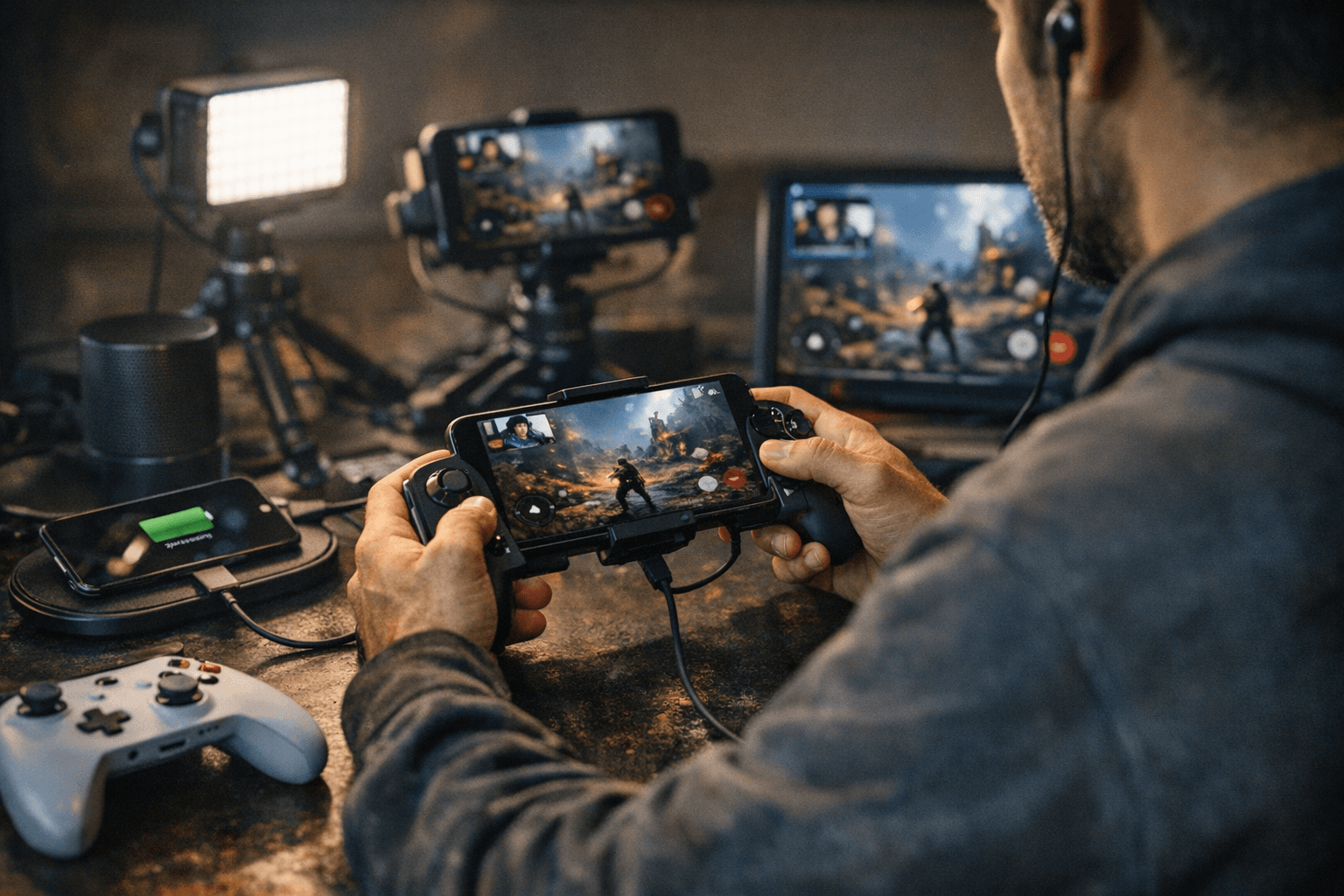
Accessories complete the setup. A solid phone stand keeps the screen at a natural angle during co-op or streaming, while mobile earbuds or headphones with low-latency codecs reduce A/V sync problems. For cloud streaming, prefer a 5 GHz Wi-Fi connection or wired backhaul where possible, enable any low-latency mode in the service client, set client resolution to match your bandwidth rather than maxing it out, and close background apps to free CPU and network resources.
This gear checklist helps you make pragmatic choices instead of chasing each shiny new peripheral. Verify compatibility with your exact phone model, prioritize wired input for competitive play, and plan for cooling and passthrough power if you stream or play for hours. The right combo saves you lag, frustration, and a lot of wasted cash.
This article was produced by Prism’s automated news system from verified source data, official records, and press releases, then run through automated quality and moderation checks before publishing. The system is built and supervised by the people who set the standards it runs under. Read our full AI policy.
Did this article answer your question?