How to Choose and Use a Mobile Controller for Better Gaming
Wrong controller choice is the single biggest cause of mobile input lag; the right pick under $50 can outperform a $169 premium model once you match hardware to your game.
The real reason your inputs feel broken
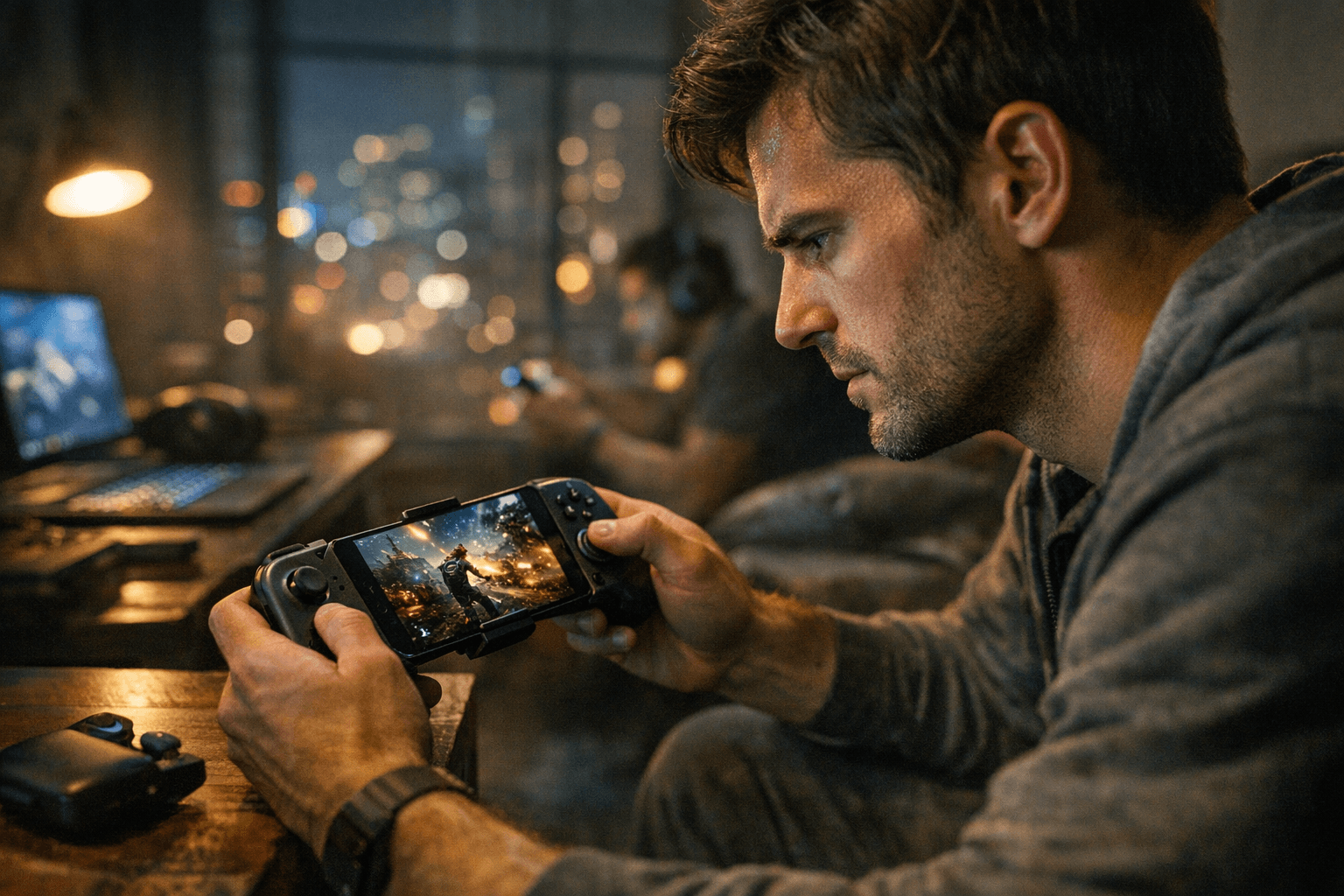
A poorly chosen mobile controller does not just feel uncomfortable; it actively costs you shots, races, and parries. Touchscreen inputs are imprecise by design, but the fix is not simply "buy a controller." Buy the wrong one and you trade thumb fatigue for Bluetooth dropout, or swap smeared taps for a mushy deadzone that swallows your aim entirely. According to input calibration research, setting your analog deadzone to 10% means your stick must travel 0.5mm before the game registers any movement at all. That is not a small margin in a fast-paced shooter. The competitive community calls this "travel lag," and it is one of the most misunderstood settings in titles like Apex Legends and Warzone Mobile. Getting the hardware and the configuration right together is what actually fixes the problem.
iPhone or Android: Your first fork in the road
Platform is where every buying decision should start, because it eliminates roughly half the market immediately. iPhone users running iOS on a USB-C device (iPhone 15 and later) need to prioritize either MFi-certified controllers or USB-C wired passthrough models that explicitly confirm iOS support. The GameSir G8 Plus MFi, priced at $79.99, earned Apple's Made for iPhone/iPad certification specifically to address the connectivity reliability issues that plagued earlier iOS controller pairings; its wired connection delivers what GameSir markets as zero-latency input. For lightning-port iPhones, Bluetooth HID remains the primary option, which introduces its own latency considerations covered below.
Android players have more flexibility. The standard for Android compatibility is Bluetooth HID (Human Interface Device) profile support or USB-C passthrough, and most well-regarded controllers confirm one or both. When Delta Force Mobile launched in April 2025, its initial controller support was limited to the Backbone One, a detail that stranded Android players using other hardware until a broader update rolled out. That episode is a good reminder to verify game-specific controller support alongside OS-level compatibility before purchasing.
USB-C wired or Bluetooth: The latency decision
For competitive shooters, the answer is wired USB-C, full stop. A wired connection provides stable, low-latency input with no radio interference, no battery management overhead, and no re-pairing headaches. The added benefit of passthrough charging means a long cloud-gaming session does not drain your battery to zero while you play. The Backbone One Xbox Edition, at $109.99, is built around this philosophy: USB-C passthrough, a dedicated Xbox button, and magnetic adapters that keep your phone secure even with a case installed.
Bluetooth makes sense for a different kind of player. If you primarily play RPGs, strategy games, or emulated titles where split-second precision matters less than comfort over a two-hour session, a high-quality Bluetooth pad with proven pairing reliability is easier to live with day-to-day. The Backbone Pro, at $169, adds Bluetooth to the Backbone line for players who need that flexibility, with full-sized thumbsticks and improved build quality over the original. If you go Bluetooth for any genre, disable nearby competing Bluetooth devices before a session; radio congestion is the most common cause of the intermittent dropout that gets misdiagnosed as controller defect.
Clip/backbone-style, full-size, or boutique: Matching form to game
Once you know your platform and connectivity preference, form factor determines the rest of the experience.
Clip-style and backbone controllers clamp or telescope around your phone, turning it into a compact handheld. The Backbone One 2nd Gen is consistently cited as the travel pick: compact enough to drop in a bag, solid for a wide range of genres, and immediately familiar to anyone who has used a Switch Lite. These controllers excel at cloud streaming services and live-service shooters where you want console inputs without carrying extra hardware. The trade-off is ergonomic ceiling: extended sessions over 90 minutes can cause grip fatigue on narrow clip designs.
Full-size detachable controllers are the answer for tablet play, long RPG sessions, or anyone who experiences button fatigue with compact layouts. The GameSir G8 Plus Galileo uses an extendable bridge to cradle devices up to the size of a Samsung Galaxy Tab S10 Ultra, houses a 500mAh rechargeable battery in each grip half, and equips Hall Effect joysticks that eliminate the drift problem plaguing traditional potentiometer sticks. It retails at $79.99 but has been widely available at $47.49 during sale events, making it a strong value at either price point.
Boutique and vertical controllers serve specific niches: classic Game Boy-style layouts for emulator purists, vertical grips for shmup players who hold their phone in portrait orientation, or specialized retro designs. Only buy into these if you have already confirmed your play patterns match the form factor exactly.
The shortlist: Three scenarios, three answers
Rather than a ranked list, here are three specific purchase scenarios:
- Best under $50: The CRKD Atom regularly retails under $20 and provides a functional entry-level Bluetooth controller for players testing whether physical controls suit their style before committing to a premium model. The GameSir G8 Plus Galileo frequently drops to $47.49 during sale periods, which represents better hardware at roughly the same ceiling.
- Best for shooters: A wired USB-C controller with MFi certification (iOS) or confirmed Bluetooth HID (Android), Hall Effect sticks, and tactile shoulder triggers. The GameSir G8 Plus MFi at $79.99 meets every one of those criteria for iPhone users. Mechanical-feeling face buttons and analog triggers matter here; haptic-only feedback is not a substitute.
- Best for travel: The Backbone One 2nd Gen. Small, reliable, and broadly compatible, it has been called the go-to travel companion by multiple hardware reviewers for its balance of portability and genre versatility. If you want built-in Bluetooth for use with multiple devices on a trip, the Backbone Pro covers that at a higher price.
The setup checklist that fixes 80% of problems
Even the right controller will underperform with a bad setup. Work through these steps before concluding there is a hardware issue:
1. Pair or connect correctly. Bluetooth controllers need to appear in your phone's Bluetooth settings, not just in a companion app.
Wired controllers should trigger an OS prompt on first plug-in; grant it. For iOS, check that "Game Controller" appears in settings under connected accessories.
2. Map your buttons in-game. Most modern titles auto-detect a connected controller, but competitive games like shooters require manual deadzone adjustment.
Open the game's controller or input settings and reduce the deadzone to the lowest value where stick drift does not appear. The performance gap between a 10% and 2% deadzone is audible in how immediately the camera responds.
3. Check case fit. A thick phone case is the silent saboteur of clip-style controllers.
If your phone does not seat fully into the controller's clamp, the phone can shift under input pressure and generate phantom movement. Either remove the case or confirm the controller ships with magnetic adapters or a case-compatible fit, as the Backbone One Xbox Edition does.
4. Update firmware. Controller firmware updates occasionally add OS compatibility, fix Bluetooth stack bugs, or improve polling rates.
Check the manufacturer's companion app or support page before diagnosing a connectivity issue as hardware failure.
5. Kill battery optimization for Bluetooth. Android's aggressive battery management can suspend Bluetooth processes during gameplay.
In your phone's battery settings, exempt the game and the controller's companion app from optimization. This single fix resolves the majority of mid-session disconnect complaints.
6. Test in practice modes first. Before a ranked match, spend five minutes in a practice or free-roam mode testing aim, movement, and all mapped buttons.
This surfaces deadzone and mapping issues in a low-stakes environment.
One honest caveat before you buy
Controller preference is genuinely subjective in ways that spec sheets do not capture: grip texture, stick tension, trigger travel. Where possible, handle a friend's controller or visit a store that has demo units. The gap between a controller that looks good on paper and one that feels correct in your hands can determine whether you actually reach for it every session or leave it in a drawer. Reliable connectivity and proper calibration will improve your game more than any combination of RGB lighting or marketing superlatives. Get those two things right, and everything else follows.
This article was produced by Prism’s automated news system from verified source data, official records, and press releases, then run through automated quality and moderation checks before publishing. The system is built and supervised by the people who set the standards it runs under. Read our full AI policy.
Did this article answer your question?


