Xbox explains cloud gaming on Android and how it differs from remote play
Xbox’s Android cloud-gaming setup makes one thing clear: the network matters more than the phone’s chip. Remote play, server streaming, and GeForce NOW are not the same.
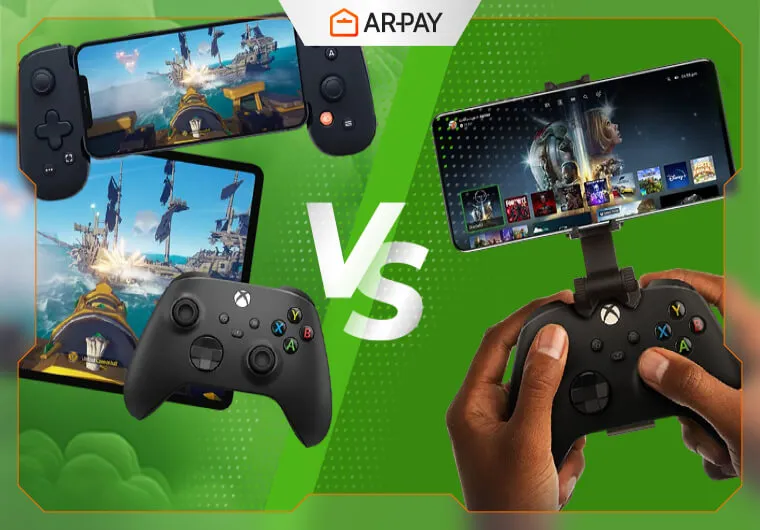
Xbox’s Android cloud-gaming setup makes one thing obvious fast: the phone is not doing the heavy lifting. Microsoft’s cloud gaming system streams the game from remote hardware, while the handset is mostly the screen and the input layer, which is why the best-looking phone in the store does not automatically deliver the best cloud session.
Cloud gaming is not the same as remote play
Xbox’s support docs draw a clean line between the two ideas. Cloud gaming streams from Microsoft’s servers, so the game can run even when there is no console sitting in your house, while remote play connects directly to your own console wherever you are. That difference matters because both can feel like “playing on my phone,” but only one is actually using Microsoft’s cloud hardware.
Remote play is still a useful feature when you want your home console in another room, but it is a very different setup from cloud gaming. The remote-play model depends on your console being on and reachable, while cloud gaming is a separate service built around server-based streaming. In mobile terms, that means the question is not just whether your phone can run a game, but where the game is actually being rendered.
What actually decides whether it feels good on Android
The biggest myth in cloud gaming is that phone specs are the main event. They are not. Because the game is rendered off-device, a flagship chip does not rescue a shaky connection, and an expensive phone does not make Microsoft’s or NVIDIA’s servers any closer.
What matters first is connection stability. Xbox and NVIDIA both point the conversation back to the network, not the handset’s processor, and NVIDIA’s Android app FAQ specifically recommends an in-home 5GHz Wi-Fi connection for the best experience. That is the kind of detail that separates a smooth stream from a stream that feels delayed, compressed, or uneven.
The rest of the phone still matters, just for different reasons. Screen quality shapes how readable the stream looks, battery life can disappear quickly when the display stays on and wireless radios stay busy, and heat builds up when a device is decoding video for long sessions. If the connection is weak, even a premium OLED panel cannot save the experience. If the connection is solid, a midrange phone can often feel far better than its price tag suggests.
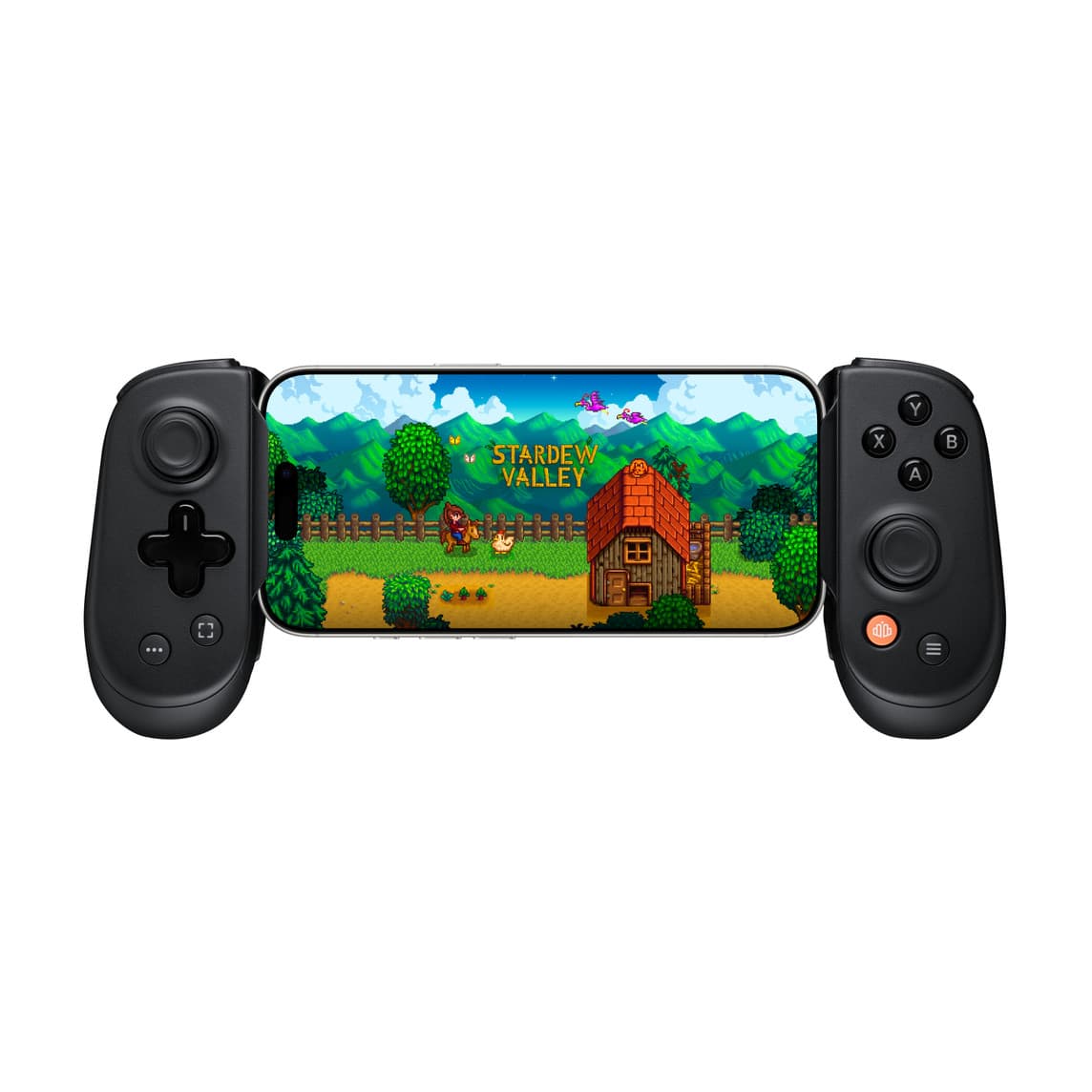
Controller support sits in the same practical bucket. Since the phone is acting as the display and input device, the way you control the game matters almost as much as the screen you are watching it on. Cloud gaming is not about squeezing more power out of the handset, it is about making sure the input path is clean enough that the remote hardware feels local.
GeForce NOW shows how broad cloud gaming has become
NVIDIA’s GeForce NOW is a good reality check for anyone still treating cloud gaming like a niche demo. NVIDIA says the service works on phone, iPad, TV, handheld and more, and its marketing goes further, describing support for 4,500+ PC games. On the app listing, NVIDIA says GeForce NOW gives access to 1,500+ games and adds new games every GFN Thursday.
The supported-device list is broad enough to show how mainstream the category has become: laptop, desktop, Mac, Chromebook, SHIELD TV, select Samsung and LG TVs, iPhone, iPad, Android devices, Steam Deck, VR headsets, Linux PC and more. That spread matters for mobile players because it shows cloud gaming is no longer framed as one app on one phone, but as a way to keep the same library moving across screens.
NVIDIA also keeps the access model flexible. The service offers Performance and Ultimate membership tiers, and players can launch it in a supported browser or use the app. That browser-or-app choice is a practical detail mobile gamers feel immediately, because it changes how quickly you can jump into a session and whether you are locked into a single install path.
Why cloud gaming keeps pulling players in, and why it can still fall apart
The appeal is easy to understand. You skip downloads and installs because the work happens in the cloud, and you can play on devices you already own instead of waiting for a console refresh or a gaming PC build. That is especially persuasive on phones, where convenience is the whole point of the platform.
But cloud gaming has also been shaped by failure as much as by promise. Google launched Stadia in November 2019 and shut it down on January 18, 2023, a sharp reminder that the technology can be impressive while the business around it stays fragile. The hardware on your desk or in your pocket is only one part of the story; service support, library breadth, and device compatibility are what decide whether a cloud platform lasts.
Xbox’s Fortnite cloud-gaming page shows the upside clearly. Fortnite can be played on iPhone or iPad Safari, Android phones and tablets, Windows PC and more through Xbox Cloud Gaming without a paid subscription. That kind of access lowers the barrier for anyone who wants to jump in quickly, without a console install or a subscription gate.
That is the real myth-bust here: cloud gaming on Android is not about turning a phone into a console. It is about turning the phone into a very capable window onto someone else’s hardware, and the whole experience rises or falls on the stream, the network, and the screen in your hand.
This article was produced by Prism’s automated news system from verified source data, official records, and press releases, then run through automated quality and moderation checks before publishing. The system is built and supervised by the people who set the standards it runs under. Read our full AI policy.
Did this article answer your question?