Creator Premieres NBA 2K26 Trade Deadline Update Tracking Moves and Rating Changes
A creator premiered a YouTube stream on 2.6.2026 that walked through NBA 2K26’s trade-deadline roster update, showing which real-world moves and rating changes are reflected in-game.

A creator-hosted YouTube premiere on February 6 ran a line-by-line review of NBA 2K26’s trade-deadline roster update, giving players a clear read on which real-world transactions have landed in the sim and what changed for ratings and roster slots. The stream's title referenced 2.6.2026 and focused on verifying in-game accuracy after a busy trade cycle, a practical service for anyone syncing saves, running MyLEAGUE franchises, managing MyTEAM lineups, or adjusting MyPLAYER builds.
The creator opened with an itemized pass through recent moves, marking which player relocations were already applied and calling out transfers that remain pending. The walkthrough separated pure roster swaps from items that required deeper edits, such as rating adjustments, position reassignments, and contract or rotation updates. For players who base strategies on up-to-date depth charts, the information cut through confusion: knowing whether a starter has been replaced, a backup promoted, or a position tag changed matters for badges, tendencies, and lineup optimization.
Rating changes were a key focus. The stream cataloged rating bumps and downgrades tied to the trade activity and role shifts, helping viewers understand how those numerical tweaks will affect matchup outcomes, shot success, and defensive assignments. Position movement and roster slot edits were also highlighted; those changes influence who gets minutes in default lineups and how position-based defensive matchups are handled in online play and MyLEAGUE simming.
Community relevance was threaded throughout the premiere. The creator pointed out how delayed or missing updates can ripple into MyTEAM market pricing, online matchmaking fairness, and franchise save integrity. For career players, switching teams in the real world can change takeovers, team chemistry, and minutes expectations; the streamer showed how to inspect a roster update to confirm those shifts before making build or lineup decisions.
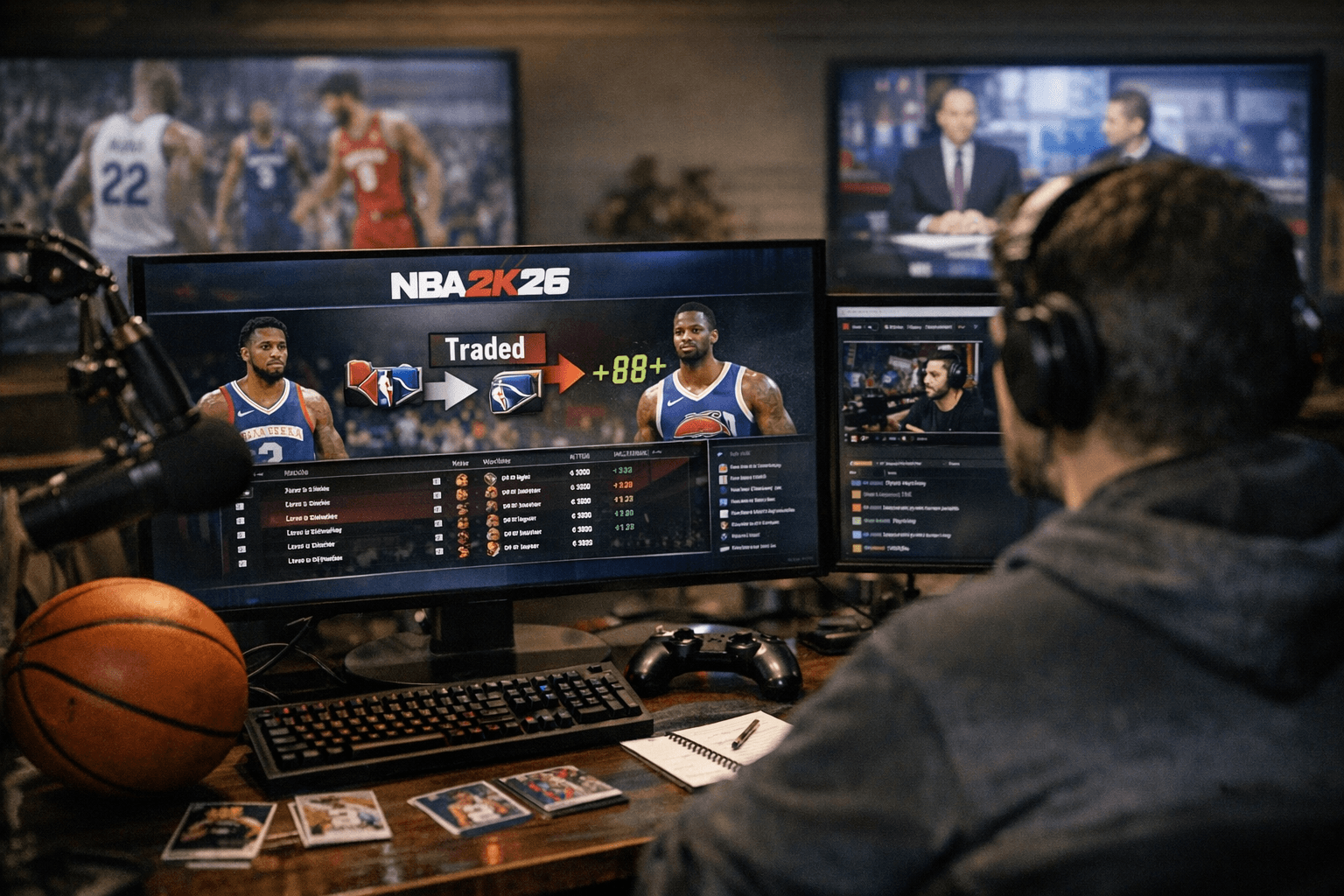
Practical takeaways included checking your roster version after the automatic update, reviewing starting lineups and position tags before launching ranked matches, and recalibrating MyPLAYER tendencies if your role changed in the update. The stream also encouraged franchise managers to manually adjust rotations if simmed minutes don’t match the new real-world depth chart.
This kind of creator-driven audit matters because it moves beyond headline trade lists to the nitty-gritty of how the sim represents those moves. For readers, the immediate next steps are simple: verify your NBA 2K26 roster sync, adjust builds and rotations based on confirmed changes, and keep an eye on subsequent patches or creator follow-ups if any transactions remain unreflected.
This article was produced by Prism’s automated news system from verified source data, official records, and press releases, then run through automated quality and moderation checks before publishing. The system is built and supervised by the people who set the standards it runs under. Read our full AI policy.
Did this article answer your question?