NBA 2K26 badge requirements guide helps players plan MyPLAYER builds
NBA 2K26’s builder now locks badge goals into your attributes, so one bad choice can wreck a MyPLAYER before MyCAREER even starts.
Badge thresholds are the first build decision that matters
If you want a MyPLAYER that actually feels finished in NBA 2K26, the badge plan has to come first. The badge system drives how your player performs in shooting, finishing, playmaking, defense, and rebounding, and the wrong early choice can leave you paying VC for a build that never reaches the tier you wanted.
That is the real trap here: badge requirements are not just menu trivia. With 43 badges split across Bronze, Silver, Gold, Hall of Fame, and Legend, every threshold you chase changes the rest of your build path. A sharp shooter, a slashing wing, a defensive anchor, and a balanced all-around template all ask for different sacrifices, and the higher the badge tier, the tighter those sacrifices become.
The new builder turns badge chasing into a blueprint
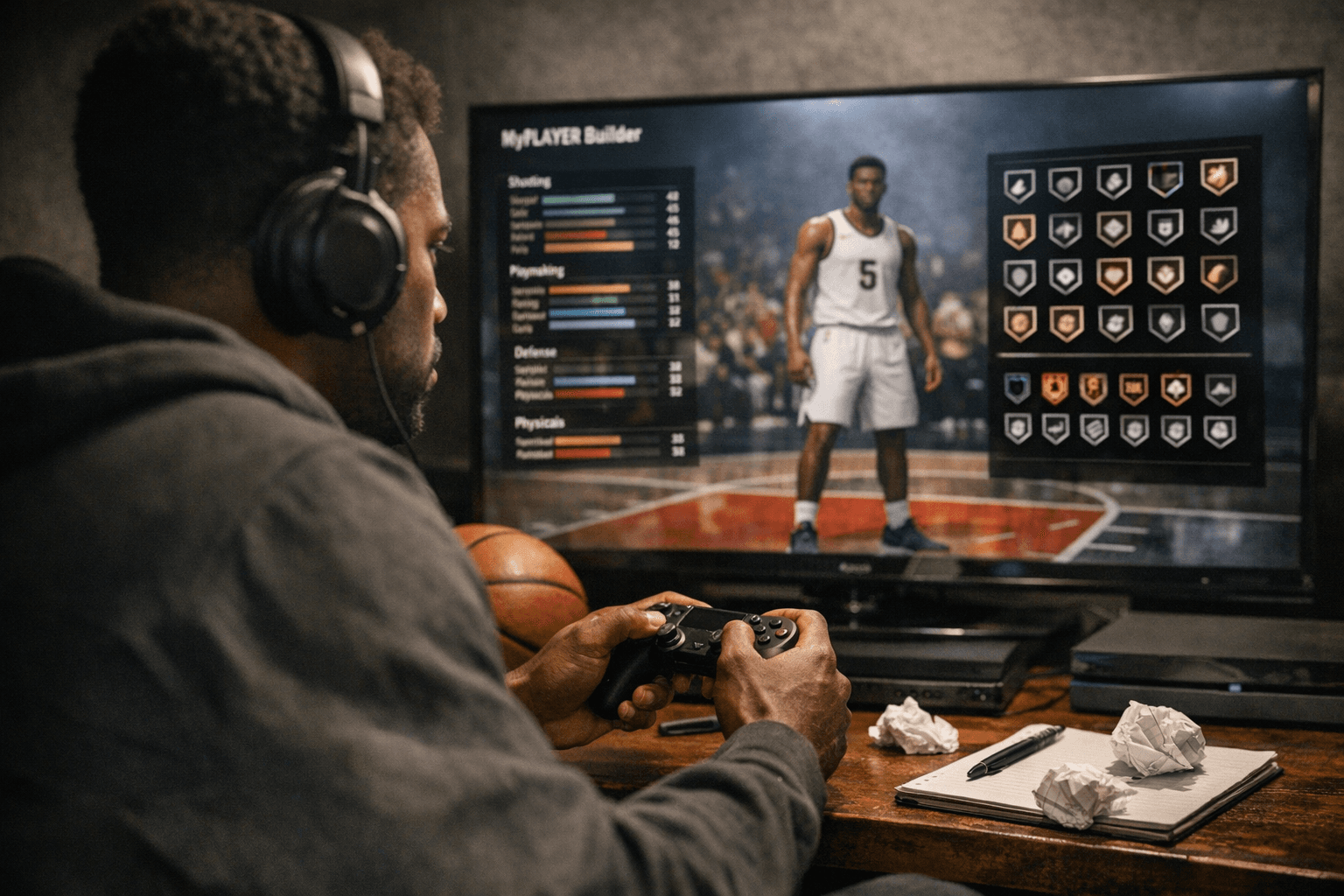
2K’s redesigned MyPLAYER Builder finally treats badge planning like the serious decision it is. The Build By Badges feature lets you choose your desired badges and tiers, then automatically locks in the minimum attribute points required. That matters because you are no longer guessing your way toward a build and hoping it lands where you want.
The builder also adds two tools that make the tradeoffs clearer. The Animation Glossary lists every animation with its attribute requirements and height requirements, so you can see right away when a badge goal collides with movement or size choices. The Scouting Report goes a step further by showing a build’s best badges and attributes, plus its strengths and weaknesses. As Erick Boenisch, VP of NBA Development at Visual Concepts, put it, “This year’s Builder gives players deeper insights at every step.”
Why the 43-badge tier structure changes how you spend VC
The badge tiers in NBA 2K26 are not just labels. Bronze, Silver, Gold, Hall of Fame, and Legend form a ladder that shapes the entire build, because each tier demands a different amount of attribute investment before you can reach it. If you want to hit a top-end badge tier, you are effectively deciding which other parts of the build will be thinner.
That is why the old habit of spreading attributes around just to stay flexible can backfire. A build that tries to do everything often ends up doing nothing at the highest level, while a more focused build can secure the badge tiers that actually matter in online play. Community tracking from Deltia’s Gaming and NBA 2KLab reinforces that point, with published badge charts built around the 43-badge structure and the same five tiers, even if the full requirement grid is still only partly filled out from what 2K has revealed so far.
For players who have spent years tweaking builds, that partial picture is the important warning sign. You should treat badge requirements as a working plan, not a late-game adjustment. If the attribute threshold is the gate, then the build choice is the key, and you do not want to discover too late that your wingspan, scoring focus, or defensive spread has pushed you out of reach of the tier you were chasing.
MyCAREER makes those choices matter even more
NBA 2K26’s MyCAREER mode, Out of Bounds, is built as a story-rich experience, and it does not drop MP into the league in a clean, featureless sandbox. The journey starts in Vermont and runs through 16 Key Games, which means your build has to survive more than a handful of test runs in the builder. A weak badge path can make the opening stretch feel like work instead of progression.
That story structure is why badge planning is such a practical time-saver. If you know you want a build that plays like a perimeter sniper, a rim-running finisher, or a lock-heavy defender, you can align your attributes around that identity before the MyCAREER grind starts. The badge guide is not just about optimization for its own sake. It is about making sure the player you create can actually support the role you want to play through those key games and into online play.
How to use the badge guide before you lock yourself in
The smartest way to approach NBA 2K26 builds is to reverse the usual process. Do not start with a vague athlete type and hope the badges work out later. Start with the badge tier you care about, then check the attribute requirements and height gates that the builder now exposes so clearly.
- Decide which badge tier you actually need, not just which one sounds nice on paper.
- Check the attribute thresholds first, because those are what the builder locks in automatically.
- Use the Animation Glossary to avoid creating a player who is strong on paper but limited by height requirements.
- Compare the Scouting Report’s strengths and weaknesses against the role you want in MyCAREER and online play.
- Keep in mind that if you chase a specialty build, you are usually giving up some versatility elsewhere.
That is where a lot of MyPLAYER regret comes from. Players see one elite badge, spend the VC, and then realize the rest of the build can no longer support the animation set, the finishing package, or the defensive ceiling they wanted.
The broader 2K26 context is still moving
This all sits inside a game that is still being tuned. 2K’s official patch notes show Season 6 preparations arriving on March 30, 2026 for PS5 and Xbox Series X|S, then on April 3, 2026 for PC. That matters because build advice in NBA 2K is never completely frozen, and the game’s meta can shift as updates keep landing.
Even the face of the game signals how much attention 2K is putting on the current cycle. The official NBA 2K26 homepage features Shai Gilgeous-Alexander, Angel Reese, and Carmelo Anthony on the cover, while the builder and MyCAREER systems push players toward more deliberate decisions from the start. In NBA 2K26, the cleanest path is the one you map before you spend the first point of VC, because once those badge thresholds are set, your MyPLAYER either fits the build or fights it for the rest of the year.
This article was produced by Prism’s automated news system from verified source data, official records, and press releases, then run through automated quality and moderation checks before publishing. The system is built and supervised by the people who set the standards it runs under. Read our full AI policy.
Know something we missed? Have a correction or additional information?
Submit a Tip