New Lakers Jersey and Court Mod Manager Simplifies NBA 2K26 Swaps
A new mod manager for Lakers fans cuts jersey and court swaps in NBA 2K26 to a few clicks, replacing risky IFF file juggling with a simple UI.
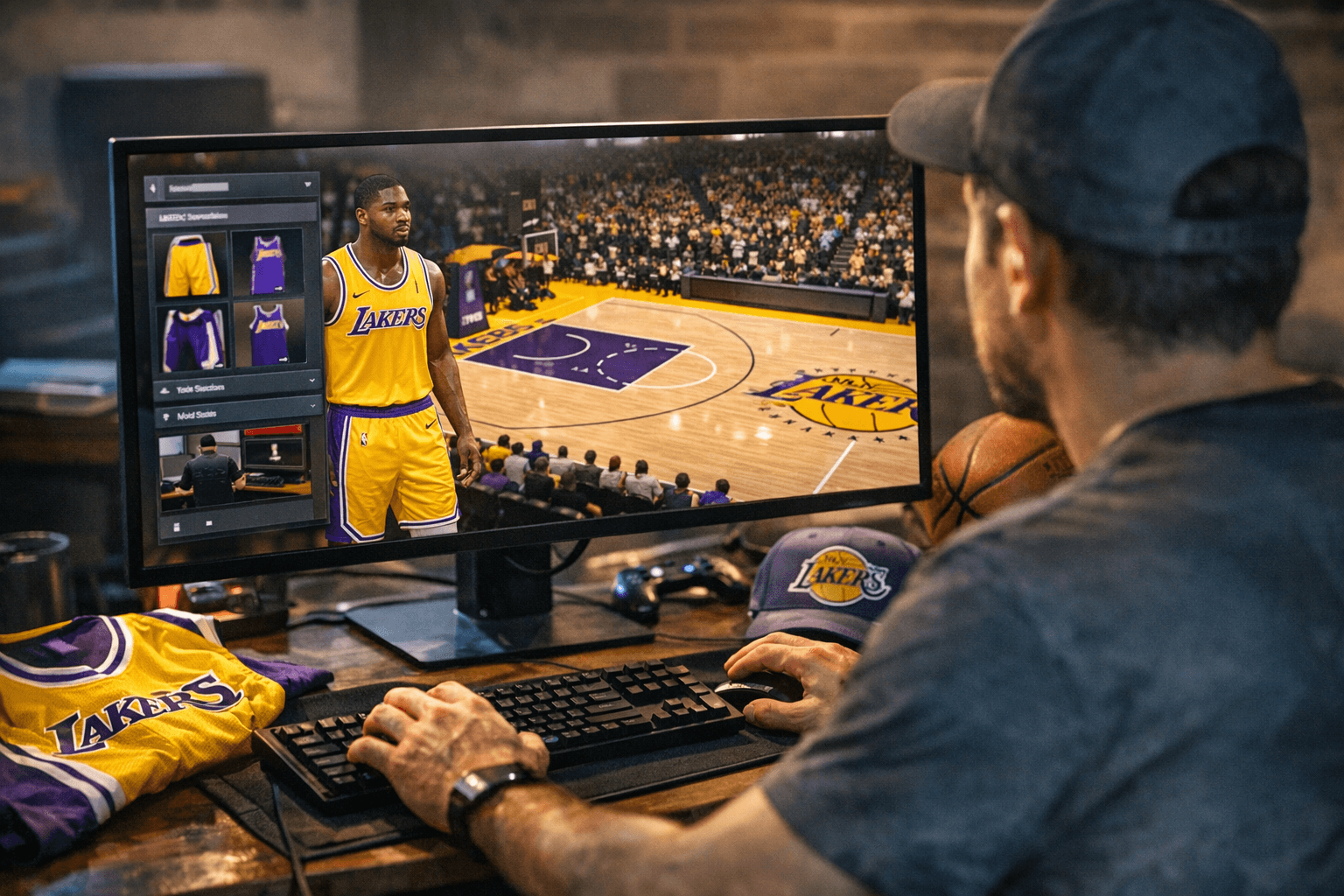
Swapping Lakers jersey and court packs in NBA 2K26 has always been a friction point: locate the correct IFF files, overwrite them in the right directory, adjust the config text file, and hope nothing breaks. A community tool released March 30 on 2KSpecialist aims to make that entire process obsolete.
The Lakers Jersey and Court Mod Manager is a Windows utility built for MyNBA era play, inspired by doublesync's NBA 2K21 IFF Randomizer. The tool gives users full control of their Lakers modding setup through a point-and-click interface, replacing the manual file-juggling workflow that has long been the primary source of corrupted saves and broken load orders in Lakers-specific packs.
Setup requires three steps: extract the release archive, open the included Path.txt and update it to match your NBA 2K26 install location, then launch the manager and select whichever jersey and court pack you want active. The manager defaults to the Modern Era configuration but surfaces alternate era options directly through the UI, no manual file navigation required.
The depth of the pack library is the real draw. The tool ships with jersey sets spanning the 2001 championship era, the Showtime era, Noche Latina alternates, Finals commemorative kits, and the current 2024-25 rotation, among others. Courts were sourced as far back as 2K17 conversions, though the author noted on release that some early-era court floors carry quality limitations from those original assets, with higher-resolution replacements listed as a future priority.
Beyond simple swaps, the manager supports randomized jersey and court combinations, which the author noted is particularly effective in eras with limited jersey slots where fixed 22-slot setups produce less variety. The tool includes a README and a community tutorial video walking through the extract-and-point workflow.
The release formally credits doublesync's earlier IFF Randomizer as its conceptual ancestor, a nod that reflects how this corner of the modding ecosystem has matured: tools now build on tools, and single-file releases are giving way to full utilities that handle compatibility and long-term usability. For MyNBA era builders producing broadcast content or running multi-season simulations, that shift means less time spent firefighting broken file paths and more time on the actual sim.
Installation instructions were still pending on the 2KSpecialist post at release, but the included README covers the path configuration step. Before running any mod manager for the first time, backing up your NBA 2K26 install folder and any active save files remains the standard precaution for reversing to a clean state.
This article was produced by Prism’s automated news system from verified source data, official records, and press releases, then run through automated quality and moderation checks before publishing. The system is built and supervised by the people who set the standards it runs under. Read our full AI policy.
Did this article answer your question?