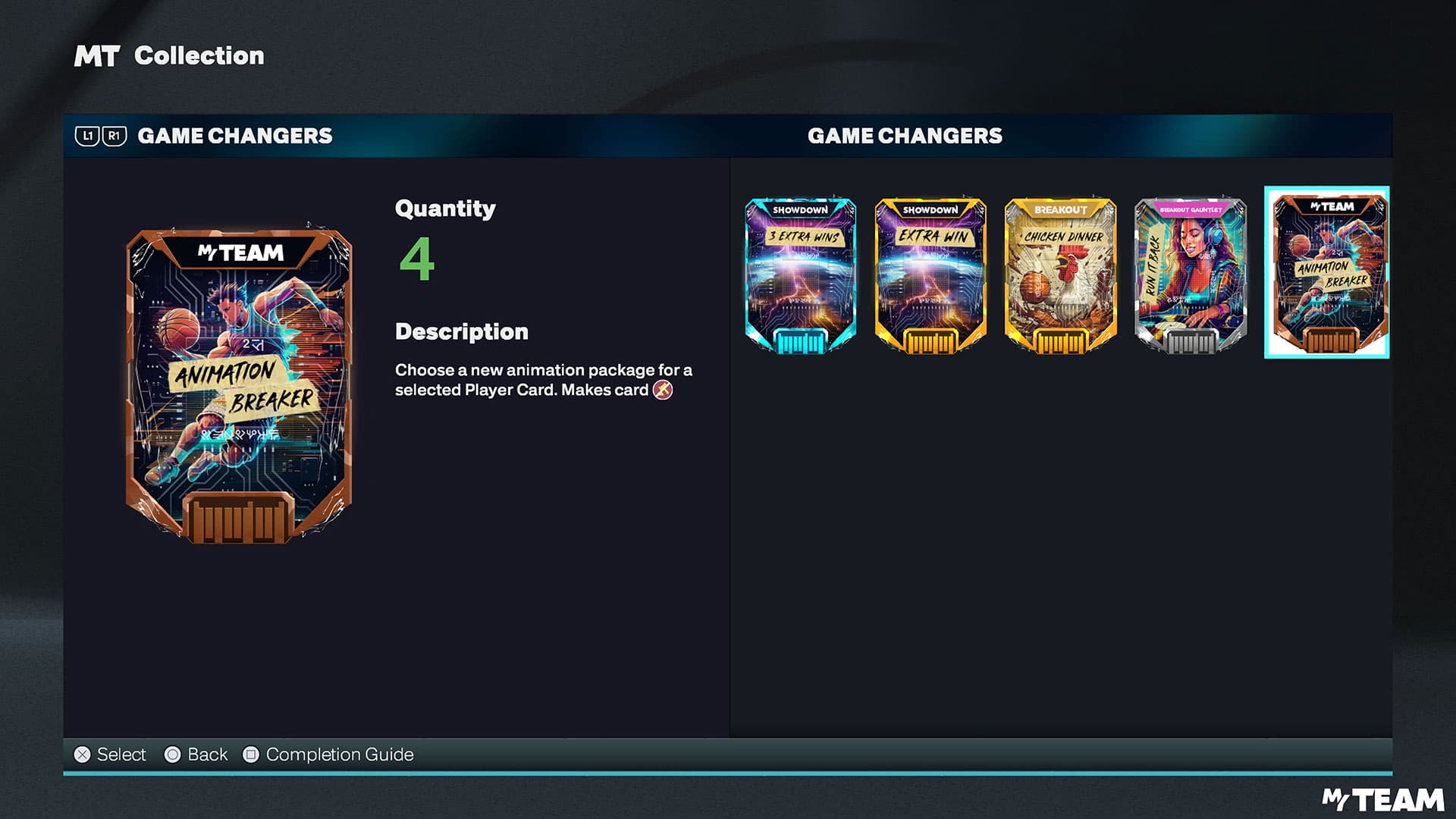
NBA 2K26 MyTEAM Mobile brings cross-progression and full gameplay on phones
MyTEAM Mobile is more than a menu app: with cross-progression, controller support, and real gameplay, it can move your MyTEAM grind forward.

MyTEAM Mobile is the real portable MyTEAM playbook
If you only want a place to check cards, 2K already had that covered years ago. NBA 2K26: MyTEAM Mobile is built for something better: moving your actual MyTEAM progress, your lineup decisions, and even full gameplay sessions onto a phone or tablet without making the mode feel hollow.
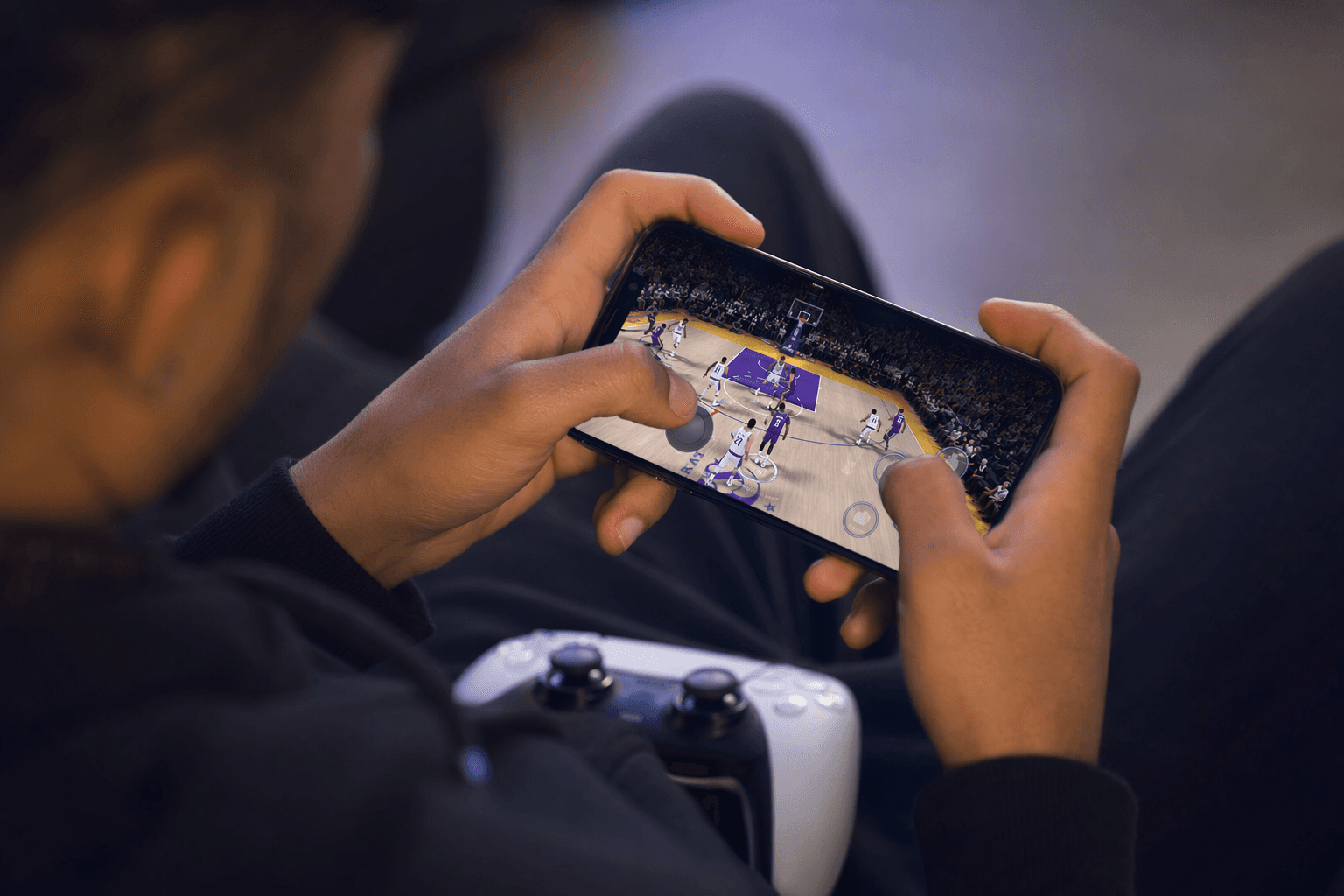
That is the pitch, and it is the part that matters most. You can build and adjust lineups on the go, claim rewards, work the Auction House, and jump into both single-player and multiplayer MyTEAM modes from mobile. More important, 2K says the app supports gameplay itself, not just menu management, so this is not a stripped-down side screen dressed up as a companion.
How cross-progression actually works
The biggest reason MyTEAM Mobile matters is simple: it can carry your MyTEAM grind forward instead of splitting it in half. Cross-progression works when you sign in with a PlayStation or Xbox account, which lets your progress sync between console and mobile so you can keep leveling up, claim rewards, and stay active away from your main setup.
That convenience has clear limits, and they are easy to miss if you assume every login works the same way. Mobile-to-PC syncing is not supported, and neither is mobile-to-Nintendo Switch syncing. If you log in through Guest, Game Center, Apple, or Google, your progress stays on mobile only. In other words, if you want the full payoff, the console account is the move.
For players who bounce between couch, commute, and desk, this is the difference between a useful extension and a dead-end app. On mobile, the practical wins are obvious: checking rewards, tweaking your lineup, and keeping your card collection moving are all faster than firing up a console session for the same chores.
What you can do on mobile that actually saves time
The best mobile use cases are the ones that remove friction from the grind. MyTEAM Mobile lets you collect players through mode rewards and the Auction House, which means you can stay involved in roster-building even when you are nowhere near the TV. You can also manage NBA and WNBA superstars on the go, which gives the app real roster utility instead of just dashboard convenience.
That matters because MyTEAM rewards are rarely about one giant session anymore. They are about constant small decisions: redeeming a reward card, checking whether a lineup needs a tweak, or grabbing a player before a market shift disappears. Mobile is strongest when those are the only tasks standing between you and the next game.
This is where the app feels like a real progression tool. It is not trying to replace console play, but it is absolutely useful for the parts of MyTEAM that get in the way of playing MyTEAM.
Controller support is the line between usable and clunky
A lot of mobile sports apps fall apart the second you ask them to do more than tap menus. MyTEAM Mobile avoids that problem by supporting PlayStation DualSense controllers, Xbox wireless controllers, and other compatible Bluetooth controllers. That is the difference between a novelty and something you can actually use for gameplay sessions.
The support matters because 2K is not pretending touch controls are the ideal answer for everything. If you want the familiar feel of sticks and buttons, you can keep it, which makes the mobile version more credible for anyone who cares about shot timing, defensive positioning, and quick in-game adjustments. A controller turns the app from a management layer into an honest-to-goodness portable way to play.
That said, the portable advantage is still about flexibility, not superiority. Console and PC are still the better places for long sessions, deeper focus, and a full setup. Mobile wins when the goal is to keep momentum alive.
The WNBA addition makes the mobile angle bigger, not smaller
NBA 2K26 MyTEAM is the first NBA 2K title to fully integrate WNBA Player Cards into MyTEAM, and that is a much bigger shift than it sounds like on paper. 2K says MyTEAM Mobile lets fans collect and manage NBA and WNBA superstars on the go, so the portable layer now tracks one of the mode’s biggest roster changes too.
Visual Concepts vice president Erick Boenisch framed that WNBA integration as a way to give players a deeper way to engage with women’s basketball. That lines up with what MyTEAM is becoming in NBA 2K26: not just a place to stack names, but a broader roster ecosystem where NBA and WNBA talent live in the same mode.
For mobile players, the payoff is practical as much as symbolic. If you are managing cards, chasing rewards, or building out a lineup around WNBA Player Cards, the phone app has to keep up with the main mode. In NBA 2K26, it does.
Why returning players need to pay attention to the app split
There is one easy mistake here: assuming the NBA 2K25 MyTEAM Mobile app is the same thing as the NBA 2K26 version. It is not. 2K makes it clear that NBA 2K25 MyTEAM Mobile and NBA 2K26 MyTEAM Mobile are separate apps, which matters if you still have an older install sitting on your phone.
That separation fits a broader pattern. 2K support documents show MyTEAM Mobile already existed in NBA 2K24 and NBA 2K25, and NBA 2K26 turns it into a more serious part of the ecosystem by adding progress syncing with console accounts. This is not a one-off experiment anymore. It is a continuation of a mobile strategy that now sits alongside cross-gen MyTEAM progression and a shared VC wallet within the same console family.
The broader structure tells you what 2K wants here: account-based continuity, less wasted movement, and more reasons to stay inside your MyTEAM ecosystem even when you are not at home.
The cleanest way to think about MyTEAM Mobile
NBA 2K26: MyTEAM Mobile launched on Friday, November 28, 2025, alongside NBA 2K26 Season 3, and 2K used a Pink Diamond Jalen Brunson MyTEAM card as the signup hook for anyone who downloaded and played a game in the app. That promotion made the point clear from day one: this was meant to be a progression tool, not a gimmick.
And that is still the right way to judge it. If you sign in correctly, MyTEAM Mobile lets you keep your team moving, claim rewards, manage cards, and even play real games without losing your place. If you choose the wrong login path, or expect PC and Switch syncing to work, the convenience disappears fast.
So the answer is straightforward: MyTEAM Mobile is not just a companion app with limits. It is a legitimate extension of MyTEAM, and for the right tasks, it is the fastest way to keep your grind alive when the console is out of reach.
This article was produced by Prism’s automated news system from verified source data, official records, and press releases, then run through automated quality and moderation checks before publishing. The system is built and supervised by the people who set the standards it runs under. Read our full AI policy.
Did this article answer your question?