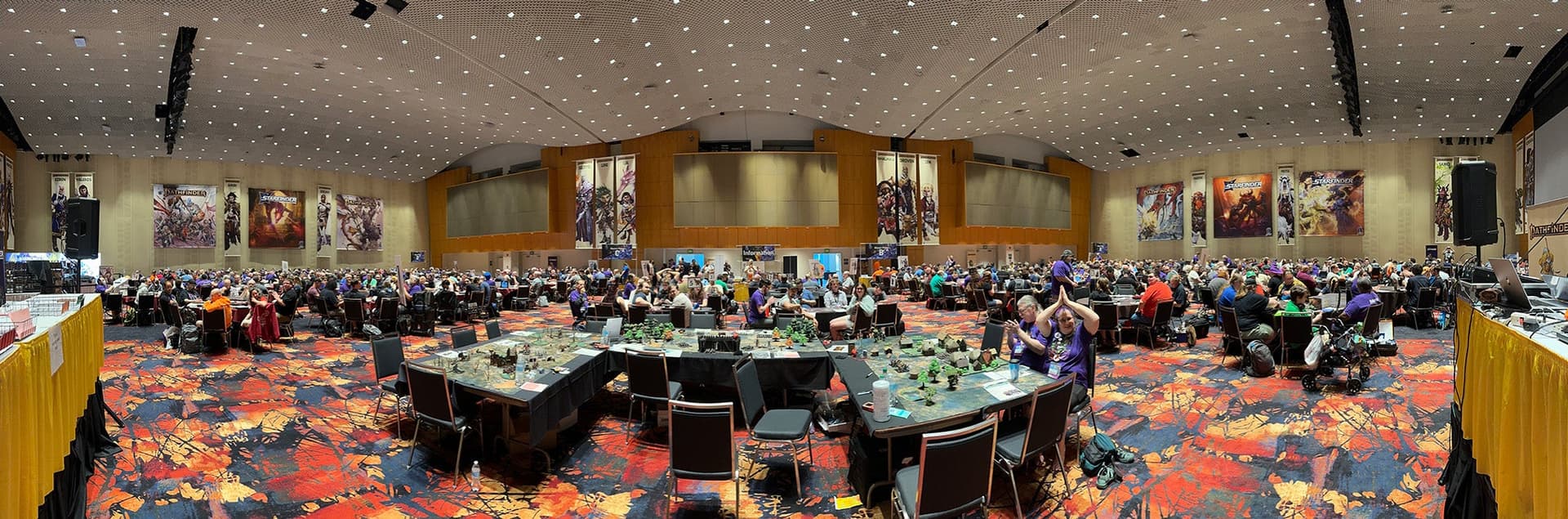
From Download to Table: A Complete Guide to 3D-Printed Pathfinder Minis
Paizo Printables and third-party STLs are only useful if you can get them off the build plate and onto the table fast. Here's the repeatable workflow that actually works.
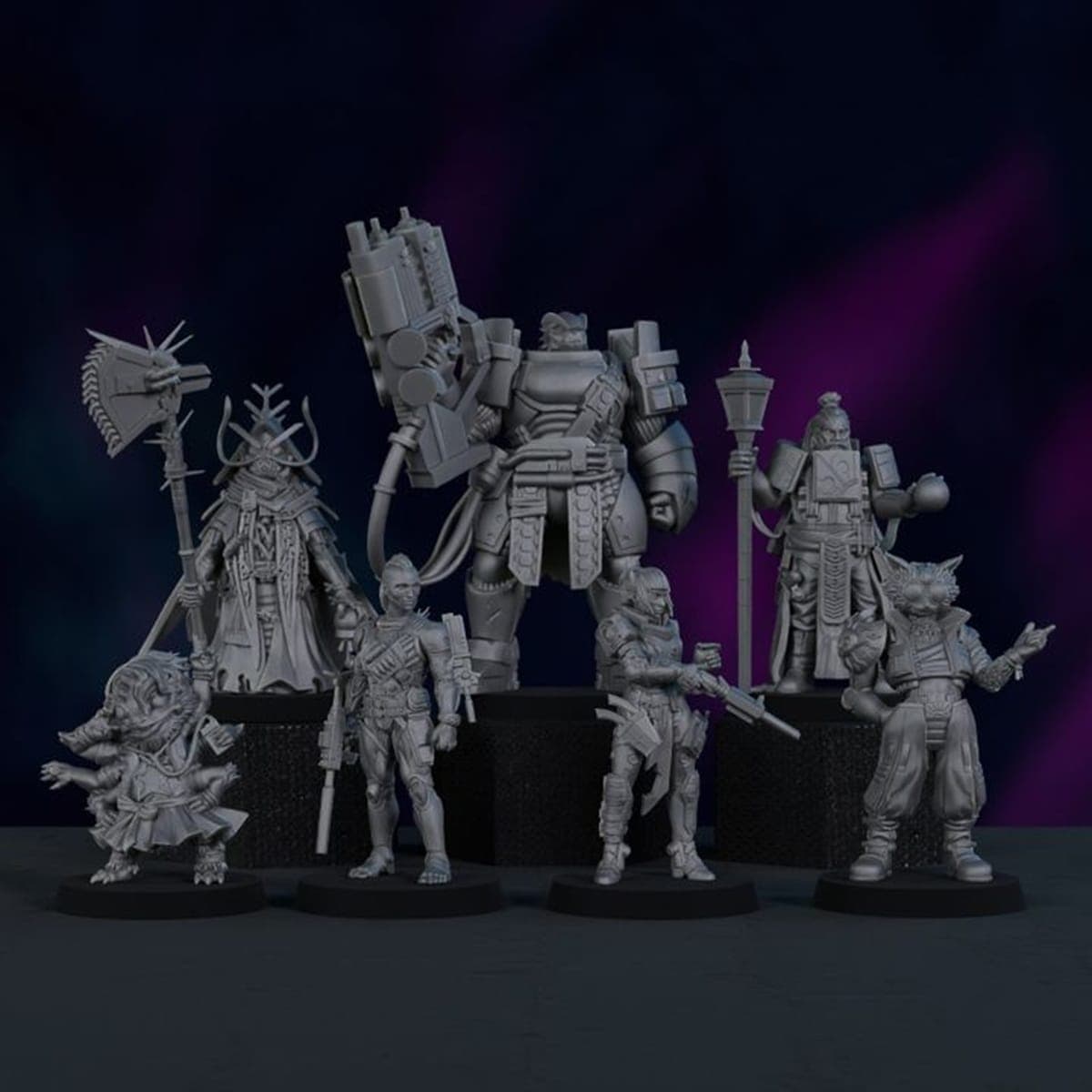
The gap between "I just bought this STL pack" and "these minis are on the table tonight" is where most GMs give up. The print fails, the supports rip off a face, the primer coat goes chalky, and suddenly you're back to using coins and bottle caps for encounters. That doesn't have to be your experience. With a repeatable workflow and a few hard-won habits, 3D-printed minis stop being a project and start being a prep shortcut.
Check Licensing Before You Slice
Before a file ever touches your slicer, confirm what you're actually allowed to do with it. Licensed STLs from programs like Paizo Printables, which bundle statblocks and encounter content with the model files, are intended for personal use at the table. Redistribution rules vary by creator, and third-party marketplaces like MyMiniFactory and Titan Forge each have their own terms. Read them once, file them mentally, and move on. It takes two minutes and saves a headache later.
When downloading, grab both the supported and unsupported versions if the creator provides them. Supported files have pre-built supports baked in, which makes resin printing more predictable. Unsupported files look cleaner but require you to generate your own supports in the slicer. Both have a place in your workflow depending on your comfort level.
Pick the Right Printer for the Job
Pathfinder minis are conventionally printed at 28-32mm hero scale, measured by head height. That scale rewards fine detail, which means resin (SLA or DLP) printers are the right tool for character models, NPCs, and anything with a face. Filament (FDM) printers are more economical and better suited to large monsters, terrain pieces, or flat tokens where surface texture matters less.
If you're managing a mixed print queue, use the resin printer for your encounter-critical character minis and batch the big stuff on filament. Before you commit to a full print, open the model in your slicer and verify the actual dimensions. Scale inconsistency across a session's worth of minis is immediately noticeable at the table, and correcting it takes seconds in software but is impossible once the resin has cured.
Dialing In Your Resin Slicer Settings
Resin printing punishes guesswork. A good starting baseline for most consumer resins: base layer exposure between 35-60 seconds depending on your specific resin, normal layer exposure of 1-3 seconds, a bottom layer count of 4-6 layers, and a layer height of 0.025-0.05mm for fine detail work. Your resin manufacturer will have a recommended starting point; treat it as a floor, not a ceiling, and test with a small calibration print before running a full plate.
Orientation and support placement are where most beginners lose prints. Orient models to minimize large horizontal overhangs. When adding manual supports, keep them away from faces and fine details; a support nub on a character's cheek is almost impossible to clean up without damage. Place multiple models on the build plate to maximize efficiency, but leave enough separation between them so a single failure doesn't cascade into neighboring prints.
Post-Processing Without Wrecking the Print
Fresh resin prints are fragile and still chemically active. Rinse immediately in isopropyl alcohol or the solvent your resin manufacturer recommends, then cure in a UV chamber. Don't skip the cure step or shorten it; under-cured resin stays tacky and will never paint cleanly.
Remove supports with flush cutters, not your fingers. Work slowly around delicate areas. Any remaining nubs get a light sand. For larger gaps or print artifacts, a two-part epoxy putty fills and sculpts well before priming. Filament prints have their own cleanup: remove stringing with a heat gun or careful trimming, then sand and prime to knock down layer lines before paint.
Priming and Painting for the Table
Prime everything before paint touches the model. A spray primer in grey or white gives you a consistent base coat that paint adheres to; brush-on primer works fine for small batches or touch-ups. Once primed, the core painting sequence is straightforward:
1. Apply a mid-tone base color to the entire surface area you're working on.
2. Wash recesses with a darker ink or wash to add depth and define detail.
3. Dry-brush or layer highlights onto raised areas to bring the model forward visually.
4. Pick out final details (eyes, belts, weapon edges) last, when the base color won't smear.
For GMs painting encounter-ready batches, the assembly-line method is the real time-saver. Paint all your goblins or soldiers to step one, then move every model to step two, then step three. You'll finish ten models in the time it would take to complete three individually.
Sealing, Basing, and Oversized Models
Seal finished minis with matte varnish. Gloss seals protect better but look wrong at the table; matte is the standard for a reason. Scenic basing with sand, static grass, or small decorative pieces adds visual cohesion across a session's minis and makes your table look intentional rather than assembled from random sources.
For models that exceed your printer's build volume, most large STL files can be split into printable parts using tools in your slicer or in free software like Meshmixer. If the file was supplied as a single piece without pre-cut sections, you'll need to do that splitting yourself before printing. It's worth the effort; printing a Large or Huge monster in sections is far more reliable than attempting a single oversized print that risks partial failure.
Converting Prints to VTT Tokens
Not every session happens in person, and a painted mini can do double duty as a virtual tabletop token. Photograph your finished minis against a consistent background in good light, crop to square, and remove the background so the token displays cleanly inside Foundry VTT, Roll20, or Fantasy Grounds. Transparent PNG is the format you want.
If you're working with digital assets directly, many STL creators also provide OBJ or PNG render files that can go straight into a VTT without any photography. Check your download package before setting up a photo rig.
Troubleshooting the Most Common Failures
Repeated resin print failures almost always come down to three things: a damaged or loose FEP film at the bottom of the vat, an unlevel build plate, or resin that's too cold. Check all three before assuming the file is the problem. Resin prints best at room temperature; if your workspace is cold, warm the resin bottle slightly before pouring.
For filament prints, verify nozzle temperature is dialed in for your specific material, check bed adhesion (a PEI sheet or a thin layer of glue stick makes a significant difference), and if you're seeing inconsistent extrusion or brittle prints, your filament may have absorbed moisture. Drying filament in a food dehydrator or dedicated filament dryer before printing is a quick fix that many beginners overlook.
When supports fail specifically, the fix is almost always orientation and density. Reorient the model so fewer surfaces need support, and increase support point density near heavy overhangs.
Building a Reusable Mini Library
The long-term payoff of this workflow isn't any single print; it's the library you build over time. A small set of pre-painted staples, iconic classes, common humanoid enemies, and a handful of large monsters, covers the majority of encounters in most Pathfinder 2e campaigns. Licensed programs that bundle statblocks with STL files, like Paizo Printables, accelerate this because the output is immediately playable: you print the model, you have the statblock, and the encounter is ready.
Invest time in making the workflow repeatable, not just possible. A well-organized print queue, a labeled storage system, and a consistent painting cadence turn 3D printing from a side project into the fastest path from new adventure to populated table.
Know something we missed? Have a correction or additional information?
Submit a Tip