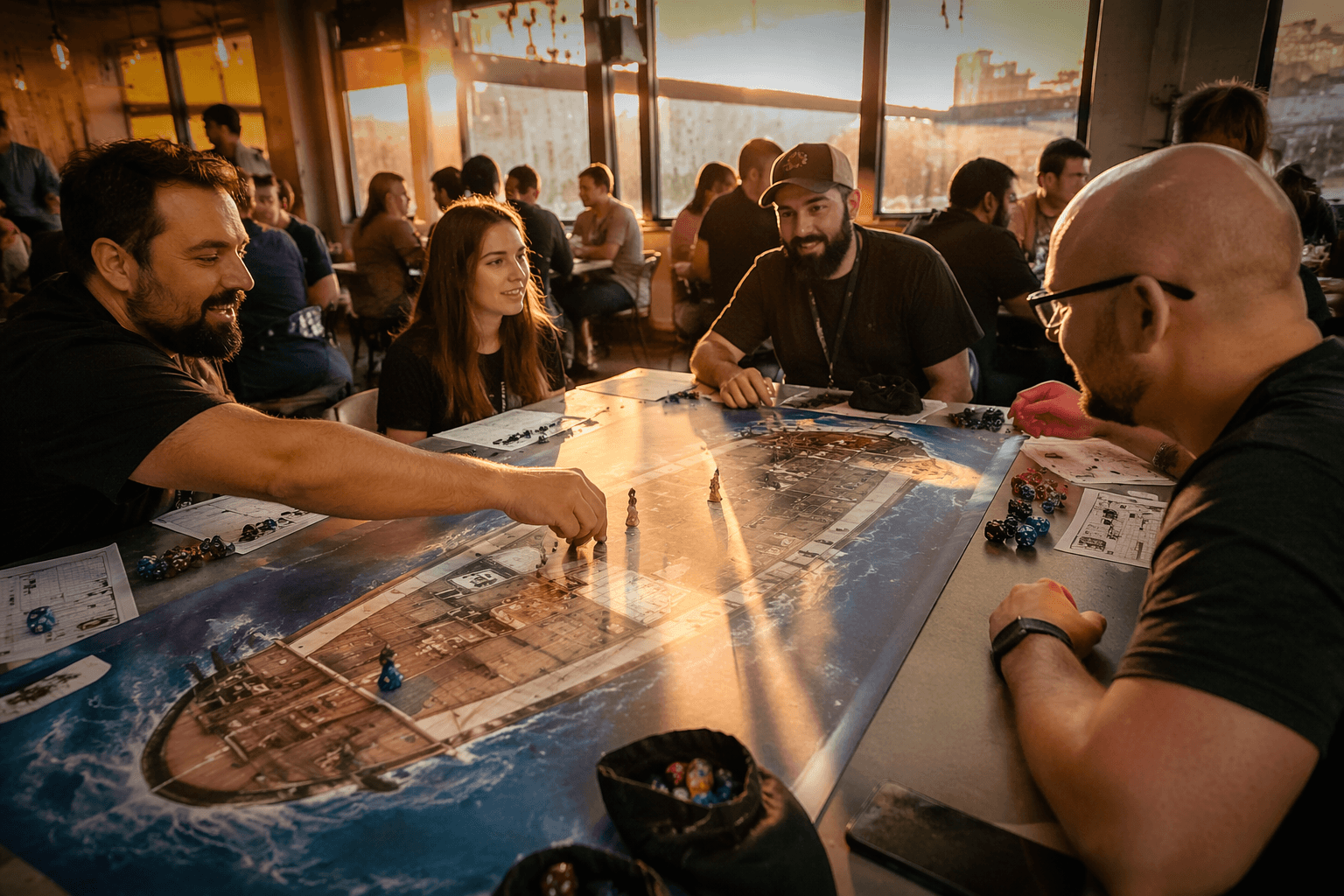
How to Audit Your Pathfinder Campaign After Every Paizo Update
Every Paizo errata season rewrites something you've already prepped. Here's a six-step audit process that keeps your campaign running cleanly after every update.
Paizo just published its Spring 2026 errata, touching Player Core, GM Core, Player Core 2, and Guns & Gears Remastered. The GM Core update corrected pricing on 5th-rank wands and reworked alchemical bomb rule language. The Guns & Gears changes revised the Inventor's Overdrive failure duration and overhauled the entire Firework Technician archetype. These are not cosmetic tweaks: they are the kind of changes that silently break encounter math, invalidate prepped NPC builds, and put automation in your VTT out of sync with the printed text. Paizo runs this cycle every season, and every season, something you built last month needs a second look.
The process for managing that doesn't have to be chaotic. Treat every major release or errata drop as a mini audit of your campaign assets, and work through it in a consistent order. The goal is to finish that audit before you sit down with your players, not during initiative.
Back Up Before You Touch Anything
The instinct after a big release is to update everything immediately. Resist it. Before applying any digital content updates or opening your world in a patched system, make a full backup. For Foundry VTT users, that means copying the entire world folder out of your user data directory. Demiplane NEXUS users should export campaign data if the platform supports it. Roll20 GMs can snapshot their campaigns when that option is available. This isn't overcaution: a system patch that ships the week after a Paizo release is often a rapid community response, and rapid patches sometimes introduce their own bugs. A ten-minute backup is insurance against losing hours of encounter prep.
Read the Official Errata Summary First
Paizo publishes errata summaries on its blog, tagged on the FAQ page with the season and printing they apply to (for example, "Spring 2026, 1st Printing"). These posts are your fastest route to understanding scope. Reading the summary tells you whether the errata touched spells with altered targeting or heightening, updated feat prerequisites, or changed creature resistances and HP values. That scan shapes everything that follows, because it tells you which parts of your campaign are affected at all. If your current arc is melee-heavy and the errata only touched arcane spell lists and a niche archetype, your prep burden is minimal. If the errata hit a core mechanic your party relies on, you know to prioritize those sections.
Audit Your Digital Toolchain
This is where the practical work happens, and where most disruptions originate. The Foundry VTT PF2e system is a community-maintained, volunteer-developed project running under an official partnership with Paizo. It is actively updated after every major release, and the GitHub releases page tracks every change in granular detail. After a Paizo drop, check the PF2e GitHub changelog and the Foundry package page for updated compatibility numbers before running anything in your live world.
The same applies to Demiplane NEXUS, which handles its own digital errata updates and typically publishes a dedicated blog post when a patch goes live. Roll20 sheet maintainers and any automation modules you run, including PF2e-specific graphics packs and macro libraries, also need verification. The safe approach: install all updates in a dedicated test world first, run through the affected mechanics there, and only migrate to your live campaign once behavior looks correct. Skipping this step and updating mid-campaign is how you discover a broken automation during a climactic encounter.
Talk to Your Players Before the Session, Not During
When errata affects class features, spell lists, or feat prerequisites, the players who built characters around those options need time to respond. Announce changes as soon as you know what hit them, and give a short window, even just one session, for players to retool affected builds. If the change is a meaningful mechanical shift (a net buff or nerf to something central to how a character plays), consider a rolling house rule during that conversion window rather than applying the new text with no runway. Players who feel ambushed by a rule change mid-session lose investment. Players who get a heads-up and a reasonable adaptation window usually absorb it cleanly.
This is especially relevant when a release like Guns & Gears Remastered changes an entire archetype. Anyone playing a Firework Technician-adjacent build deserves to know immediately, not when they attempt an ability in combat and find its behavior has changed.
Handle Organized Play Separately
If you run Pathfinder Society or Starfinder Society, errata management intersects with scenario scheduling in ways that require their own workflow. Paizo now publishes two Pathfinder Society scenarios per month as of January 2026, each running roughly 2-3 hours with a single level band. That cadence is fast enough that a production delay or cancellation can leave an event slot empty with short notice. Keep a short rotation of substitute scenarios you know well and can run without additional prep. The Organized Play monthly update, posted to the Paizo blog each month, is the authoritative source for scenario availability, event policy changes, and GM boon announcements. Build a habit of checking it in the same pass you use for errata notes.
Run a Targeted Test Encounter Before Going Live
The final step is the one most GMs skip and most regret: run a short test encounter focused specifically on the mechanics most changed by the update. If the errata touched spells, build a magic-heavy encounter in your test world. If it revised skill feat prerequisites or social mechanics, run a skill challenge. This catches automation mismatches and calculation errors while they're still a test-world problem rather than a live-table problem. It doesn't need to be long, a single scene is enough to surface most issues, and the prep time investment is far less than the disruption of discovering a broken rule mid-session.
The Pattern Behind the Process
Paizo's remaster and errata cadence is active and intentional. The Spring 2026 cycle followed a Spring 2025 cycle, which followed a Fall 2024 cycle before it. This isn't going to slow down, and that's not a criticism: it reflects a living game being carefully maintained. The six steps above, backup, read the summary, audit the toolchain, communicate with players, check organized play, and test before you run, are designed to fit into the week between a release announcement and your next session. Followed consistently, they keep your digital automation and your printed rules in sync, protect the prep work players have already invested in their characters, and ensure that the rules changes Paizo intended to improve the game actually reach your table as improvements rather than surprises.
This article was produced by Prism’s automated news system from verified source data, official records, and press releases, then run through automated quality and moderation checks before publishing. The system is built and supervised by the people who set the standards it runs under. Read our full AI policy.
Did this article answer your question?