Pathfinder GMs Get a Practical Playbook for Scheduling, Records, and Backups
Most Pathfinder groups don't die from bad adventures - they collapse from scheduling drift and lost chronicle sheets. Here's the operational fix.
Most Pathfinder tables don't implode over a rules dispute or a bad GM call. They dissolve quietly: someone misses three sessions without warning, the shared Google Drive turns into a graveyard of mislabeled PDFs, and the Discord server goes two weeks without a message. The group didn't fail dramatically; it just stopped.
Investing a few hours upfront to standardize scheduling, archiving, and backups saves dozens of hours of dispute resolution and rework later. What follows covers the six operational areas where groups most commonly break down, with ready-to-copy artifacts you can implement this week.
Lock In Your Scheduling Platform (and Stick to It)
Platform churn is its own failure mode. Pick one canonical scheduling tool and commit: Warhorn for organized play lobbies, a dedicated Discord scheduler, or a shared Google Calendar. The specific tool matters less than the rule that everyone uses the same one, every time.
From there, standardize your session window. Something like "Tuesday evenings, 7-10pm local" gives players a recurring anchor to protect on their calendars and gives you the predictability to plan multi-arc campaigns. For cross-timezone groups, fairness requires rotation: maintain two time windows with explicit signup rules so no subset of players always draws the late-night short straw.
Your session cadence rules should be pinned and permanently visible:
- One canonical scheduling platform, no exceptions
- Standard session window posted and linked in every channel
- RSVP required with a 48-hour advance deadline as the floor
- Absences require advance notice; latecomer policy stated before session one
- Time-zone rotation schedule documented for multi-region tables
When players know what's expected before the first session, the attendance conversation never needs to happen awkwardly mid-campaign.
Archive Everything, Organize It Once
Chronicle sheets are the paper trail of organized play. Lose them and you lose a player's history. For organized play groups, maintain a standardized archive in a shared Google Drive or Dropbox folder, with each file named using a consistent convention: session date, adventure name, attending players. That naming format costs nothing and saves hours of archaeology when someone needs to verify a scenario credit six months later.
A practical archive taxonomy for a session folder looks like this:
- `YYYY-MM-DD_AdventureName_AttendanceList.pdf` for chronicle sheets
- `YYYY-MM-DD_SessionNotes_[ArcName].md` for GM notes
- `Handouts/` subfolder for scanned or photographed physical materials
- `CharacterHistory/` subfolder for individual player milestone logs
For home campaigns, the same logic applies with different content: archive XP, loot, downed creatures, key NPC names, and roleplay highlights. These aren't just sentimental records; they're the mechanical scaffolding you'll need when a new player joins in arc three and asks what happened to the Cult of the Peacock Spirit.
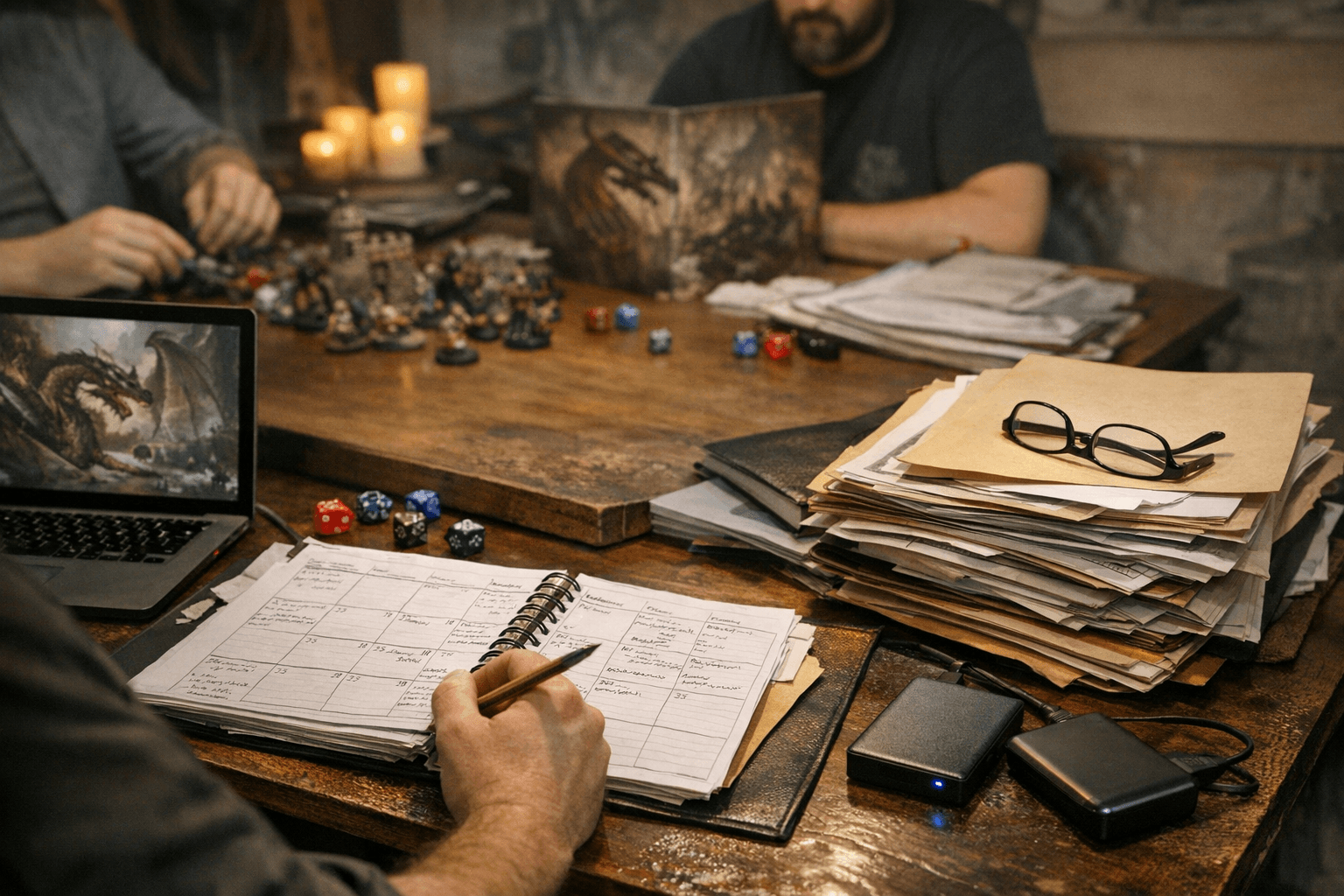
If you're running on Foundry or Roll20, export journals and scene data periodically, not just when something breaks. For physical groups, photograph handouts and store them in the same cloud folder. A session zero checklist kept in this archive handles new-player onboarding without requiring the GM to reconstruct the same four explanations from memory every time someone new joins.
The 3-2-1 Backup Checklist
Treat "only one copy" as "no copy." Here is the backup rule set to implement now:
1. 3 copies of every critical file: your working version plus two backups
2. 2 different storage media: one local (an external SSD), one cloud (Google Drive, Dropbox, or equivalent)
3. 1 offsite copy: your cloud backup serves as this. If your computer dies, the session chronicles survive.
For Foundry or Forge worlds running live sessions, export a world backup weekly. Don't wait for a crash. If you rely on community-maintained tools like character managers or Nexus services, record essential static information locally: character names, key items, milestone notes. Partner services go down; a local text file doesn't. And at least once per arc, actually restore from backup to confirm the archive isn't corrupt. A backup you've never tested is a backup you don't actually have.
Community Rules That Prevent 90% of Disputes
A short, published code of conduct does more work than you'd expect. It doesn't need to be a legal document; it needs to cover four things: expected behavior at and between sessions, attendance policy, table etiquette during play, and a clear dispute resolution path. For public-facing groups and organized play lodges, also maintain a moderator roster with a visible contact procedure. Players need to know who to reach when something goes wrong, and they need confidence that person will act.
On the platform side, use slow-mode channels and dedicated threads for scheduling and character discussion to cut noise. Reserve a read-only channel for logkeeping and rule clarifications. Editable shared spaces accumulate noise and accidental deletions; a locked archive channel prevents both.
When the VTT Goes Down Mid-Session
It will happen. Foundry crashes, Forge has an outage, the internet dies at the worst possible moment. Groups that keep playing through it are the ones who planned for it beforehand.
Keep a defined fallback ready before every session: voice call plus a shared Google Doc for tracking roll results and outcomes, or plain text descriptions in Discord to keep the scene moving. For organized play, the fallback extends to ownership verification: if Paizo Connect or a similar service is unavailable, players should know in advance how to provide alternate proof of purchase, including screenshots of order receipts, redemption codes, or paizo.com order history. Require these to be submitted to a table officer before the session starts if there's any question, not during it.
Keeping the Group Alive for the Long Arc
The operational systems above keep a community functional. A few additional practices keep it healthy through personnel changes and the inevitable platform migrations.
Rotate scenarios and allow new players to trial limited arcs before committing to a full-campaign rotation, especially when membership churn is high. Forcing someone into a 20-session arc commitment before they know the table is the fastest way to lose them after session three.
Solicit anonymous feedback periodically with a short form, four to six questions sent after every arc or every two months. You'll surface timing conflicts, GM workload issues, and platform frustrations before they become resignations. Groups that wait for players to speak up directly are the ones who get blindsided when three players leave at once.
Celebrate the milestones: a 100th session, an end-of-arc party, a player's promotion to Venture-Captain in organized play. These moments build the shared identity that makes a community durable. The operational infrastructure is what keeps the lights on; the celebrations are what make people want to come back for the next arc.
This article was produced by Prism’s automated news system from verified source data, official records, and press releases, then run through automated quality and moderation checks before publishing. The system is built and supervised by the people who set the standards it runs under. Read our full AI policy.
Did this article answer your question?