How to make Milky Way photos look like the scene you saw
Clean the file first, then rebuild the sky with restraint. The fastest wins come from noise reduction, careful color work, and a separate foreground.
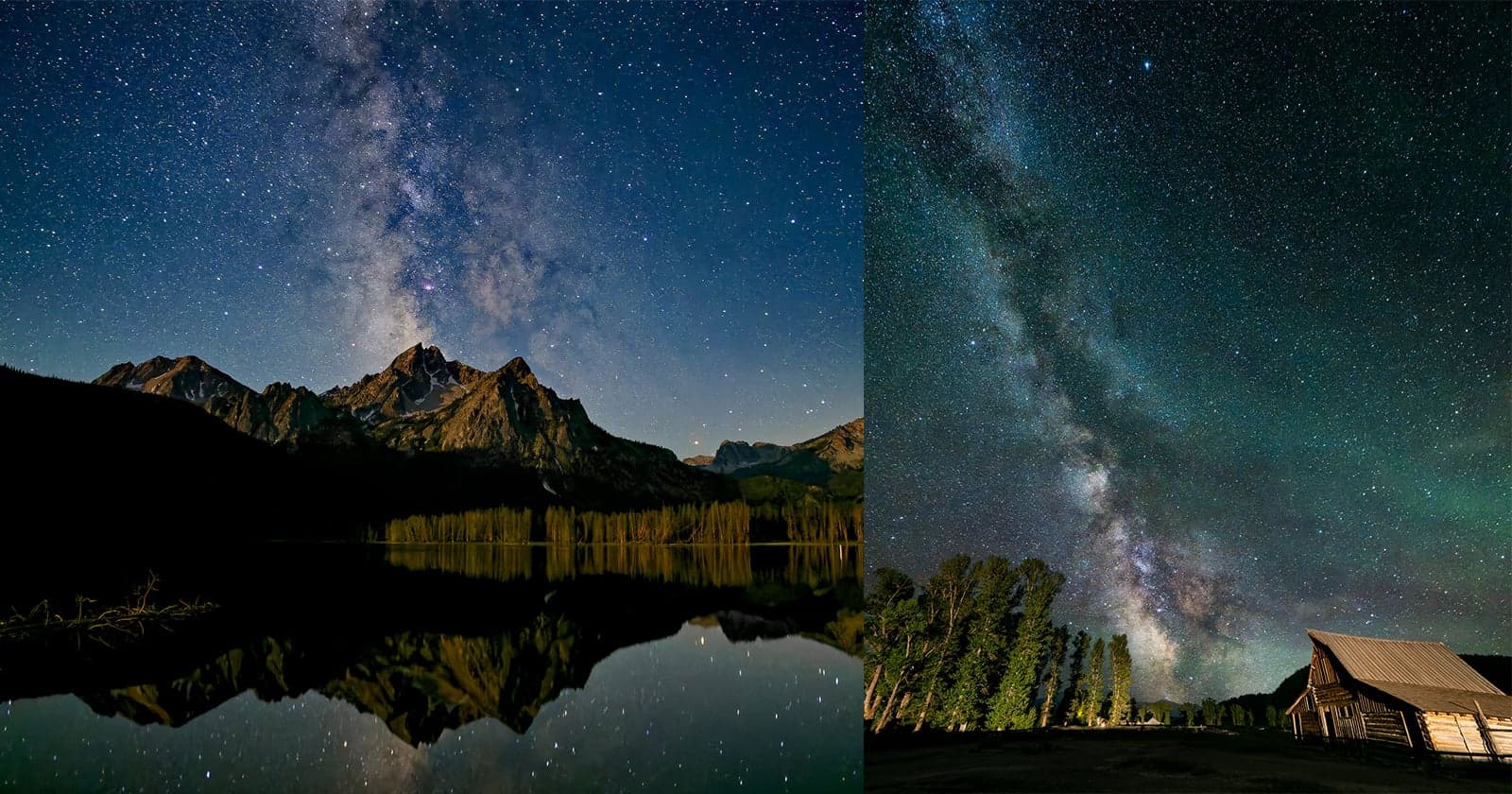
The fastest way to rescue a flat Milky Way RAW file is not to attack the sliders harder. It is to clean the file first, then rebuild the sky with just enough color and structure to match the night you remember. That is the logic Matt Suess uses when a magical field moment comes back to the computer as a gray, noisy frame.
Start with the cleanup pass
Suess starts with DxO PureRAW 6, which DxO positions as the first step in a RAW workflow rather than the last. The software applies camera-and-lens-specific calibration, optical corrections, AI-powered noise reduction, and automatic sensor dust removal before the file moves on to Adobe Lightroom, Photoshop, Capture One, or PhotoLab. DxO’s 2026 update adds DeepPRIME XD3 for Bayer sensors, along with workflow-speed improvements and stronger noise reduction, so the first pass is about making the file easier to edit instead of pretending the camera nailed it.
That matters because the problem is usually not one single flaw. A Milky Way file often arrives with lifted gray noise, a little color pollution, some optical softness at the edges, and a foreground that fell apart once the exposure stretched to hold the sky. Cleaning all of that in one place gives you a file with room to breathe, which is why the rescue begins before you ever start dialing in contrast or color.
The tutorial sits in a sponsored DxO piece, and DxO is also offering the PetaPixelSummer2026 code for 20 percent off PureRAW 6 and Nik Collection 9 through July 10, 2026. That commercial layer does not change the workflow itself, but it does show where the industry is placing its bets: on pre-editing tools that take the technical burden off the photographer before the creative work begins.
Work in layers, not panic moves
The important mindset shift is to stop treating the image as one broken thing. Suess works as if the sky and foreground are separate problems, because they usually are. He is not chasing a one-click miracle. He is reducing the technical mess first, then rebuilding the image in pieces so the final frame still feels like the place he stood in.
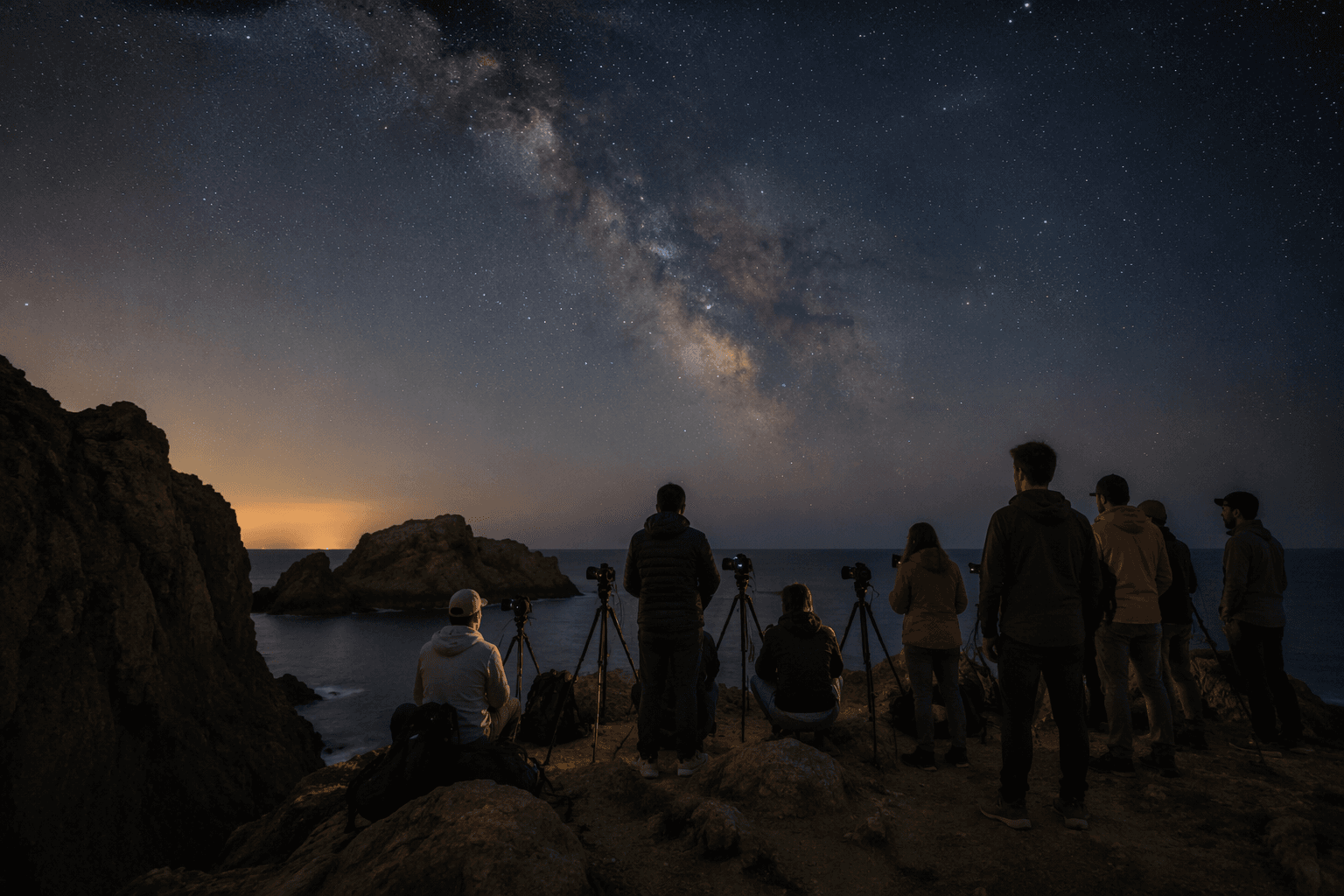
1. Start with a conservative file.
Suess generally caps Milky Way work around ISO 6400. He will push to ISO 12800 occasionally, but mainly to see what the denoising software can actually hold together. That ceiling lines up with what many modern cameras can do well enough for night work, which is why the method feels practical rather than extreme.
2. Run the RAW through PureRAW before you open your editor.
This first pass removes a lot of the ugly part of the file: sensor noise, optical issues, and dust spots that become obvious once you stretch the shadows. The biggest visual improvement often comes here because the frame stops looking like a technical problem and starts looking like a photograph again.
3. Set the sky before you chase drama.
The goal is not to force the Milky Way into a neon ribbon or bury it in a black void. Develop for color and structure first, then let contrast support what is already there. A believable night sky still has tonal variation, and that subtlety is what makes the image feel like the real scene instead of a screenshot of a filter.
4. Target one channel or one area at a time.
If a color cast lives in one part of the frame, fix that part, not the whole image. If one channel needs help, correct that channel without flattening everything else. That restraint keeps the sky from turning synthetic, and it keeps one fix from wrecking another.
5. Build the foreground separately.
The land does not have to obey the same edit as the stars. Treat the foreground as its own exposure and its own tone curve, then blend only when the image needs it. That keeps the rocks, trees, or snow believable while the sky stays clean and sharp.
Keep some noise if it tells the truth
Suess is clear about one thing that runs against a lot of editing instinct: he is willing to keep some noise if it preserves a believable sense of place. That is the heart of the workflow. Night photography is not supposed to look sterilized, and if the cleanup pushes the file so far that it no longer feels like the sky you stood under, the edit has gone too far.
This is where the conservative ISO ceiling makes sense. ISO 6400 is not a magic number, but it is a useful baseline, and PetaPixel’s broader night-photography coverage notes that it remains a reliable one across many modern camera brands. Suess’s own limit is less a rule than a guardrail: start where the file is still manageable, use the software to remove the worst of the damage, and leave enough texture behind that the scene still feels real.
Why Suess’s method carries weight
OM SYSTEM says Suess has worked as an official ambassador since 2017, and the company has put him in front of photographers as an educator, not just a showcase shooter. It hosted a free online night-sky event with him on August 11, 2025, called “Shooting the Stars,” and a separate four-session “Under the Stars” masterclass series from July 15 to August 8, 2025, covering the Milky Way, star trails, Aurora Borealis, post-processing secrets, and a group critique session.
That teaching role fits the rest of his story. A PetaPixel profile from April 17, 2026 says Suess built his first darkroom at 12, was shooting star trails on color slide film as a teenager in Connecticut, and once studied mechanical engineering with dreams of designing rockets for NASA. He does not sound like someone selling a shortcut. He sounds like someone who has spent decades learning how to pull a photograph back toward the memory that made him stop and shoot in the first place.
That is the real rescue: clean the technical mess, keep a little honest noise, and finish the frame so it looks like the night you remember when you looked up.
This article was produced by Prism’s automated news system from verified source data, official records, and press releases, then run through automated quality and moderation checks before publishing. The system is built and supervised by the people who set the standards it runs under. Read our full AI policy.
Did this article answer your question?


