TourBox Dynamic Panel V2 cuts Lightroom clutter for photographers
TourBox’s new Dynamic Panel V2 moves Lightroom’s most-used controls into floating panels, adding crop, tone curve and color tools without sacrificing screen space.
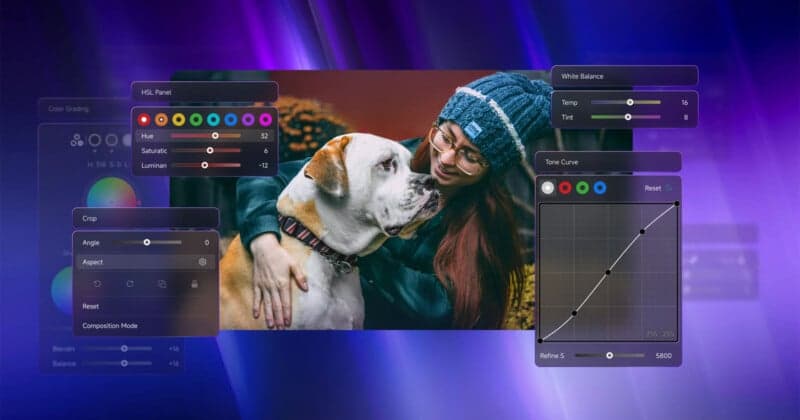
TourBox rolled out Dynamic Panel V2 to attack a pain point every Lightroom editor knows: too many panels, too much clutter, and not enough room to actually see the photo. The update is built for photographers who want a full-screen Develop workflow with tactile control, and it pushes hardest on the tasks that slow culling and refinement the most, especially cropping, tonal shaping and preset browsing.
The new version expands TourBox’s earlier floating-panel system with a more capable crop module that adds aspect ratio controls, rotation, zoom and reframe functions. It also introduces Composition Mode, which TourBox says is meant to make crop adjustments more precise for photographers cleaning up framing after import. For anyone spending long sessions fine-tuning compositions, that is the kind of change that can save repeated trips back to Lightroom’s sidebars.
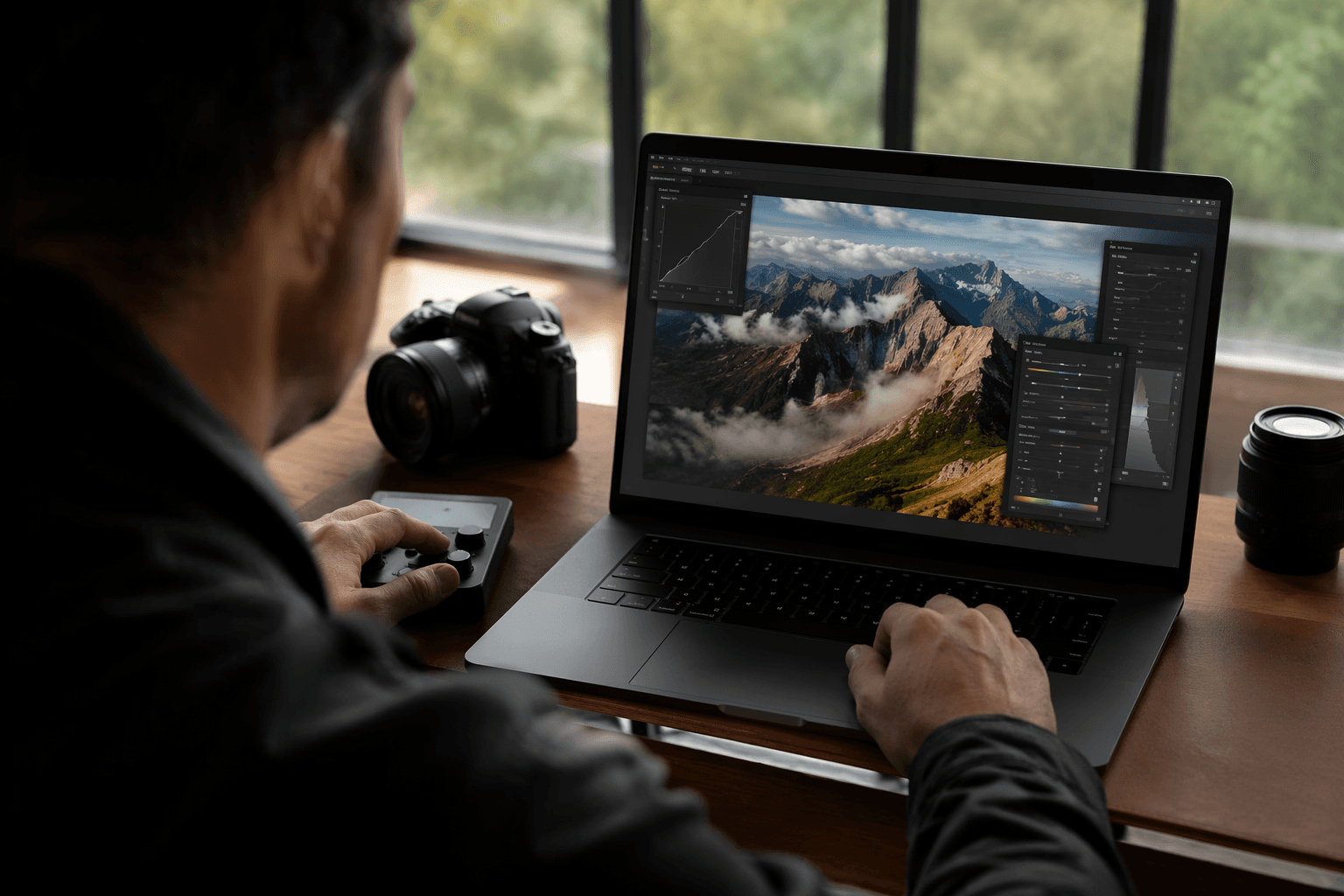
TourBox also added a dedicated Tone Curve panel, letting users make curve edits through the TourBox hardware instead of hunting through Lightroom’s native panel stack. That matters in workflows built around careful contrast and tonal control, where keeping adjustments visual and immediate is faster than clicking through nested interface elements. A new Color Grading panel follows the same logic, giving photographers a more physical way to work with wheels and related color controls. For preset-driven editing, Dynamic Panel V2 adds a Preset Panel that lets users browse, preview and apply looks more directly.
TourBox did not strip out the original floating controls. Exposure, contrast, white balance, shadows, highlights, saturation and other familiar adjustments are still there, and the company’s broader pitch remains the same: keep the image visible, keep the workspace uncluttered, and move the controls people use most often onto dedicated hardware. The system first arrived for Lightroom Classic in October 2025, and TourBox later added Lightroom support through TourBox Console. TourBox says Dynamic Panel support is free, but it still requires TourBox hardware.
That hardware piece is where the product’s audience becomes clear. The original Dynamic Panel worked with everything from the wired TourBox Lite, which was priced at $95, to the TourBox Elite Plus at just under $300. TourBox’s current Elite listing puts that controller at $201 and highlights Bluetooth/USB-C connectivity, dual-channel Bluetooth 5.0, haptic feedback, more than 150 actions in a single preset layer and up to 30 customizable presets. Adobe’s own June 2026 Lightroom Classic release notes show Lightroom Classic kept evolving alongside these third-party tools, which is exactly why TourBox still has a niche among power users who want speed without giving up screen real estate.
This article was produced by Prism’s automated news system from verified source data, official records, and press releases, then run through automated quality and moderation checks before publishing. The system is built and supervised by the people who set the standards it runs under. Read our full AI policy.
Did this article answer your question?


