Cheap 2.4GHz remote makes Kodi and MiSTer living rooms easier to use
A bare-bones 2.4GHz dongle can turn Kodi or MiSTer from bench gear into something anyone can drive from the couch.
Why this tiny remote matters
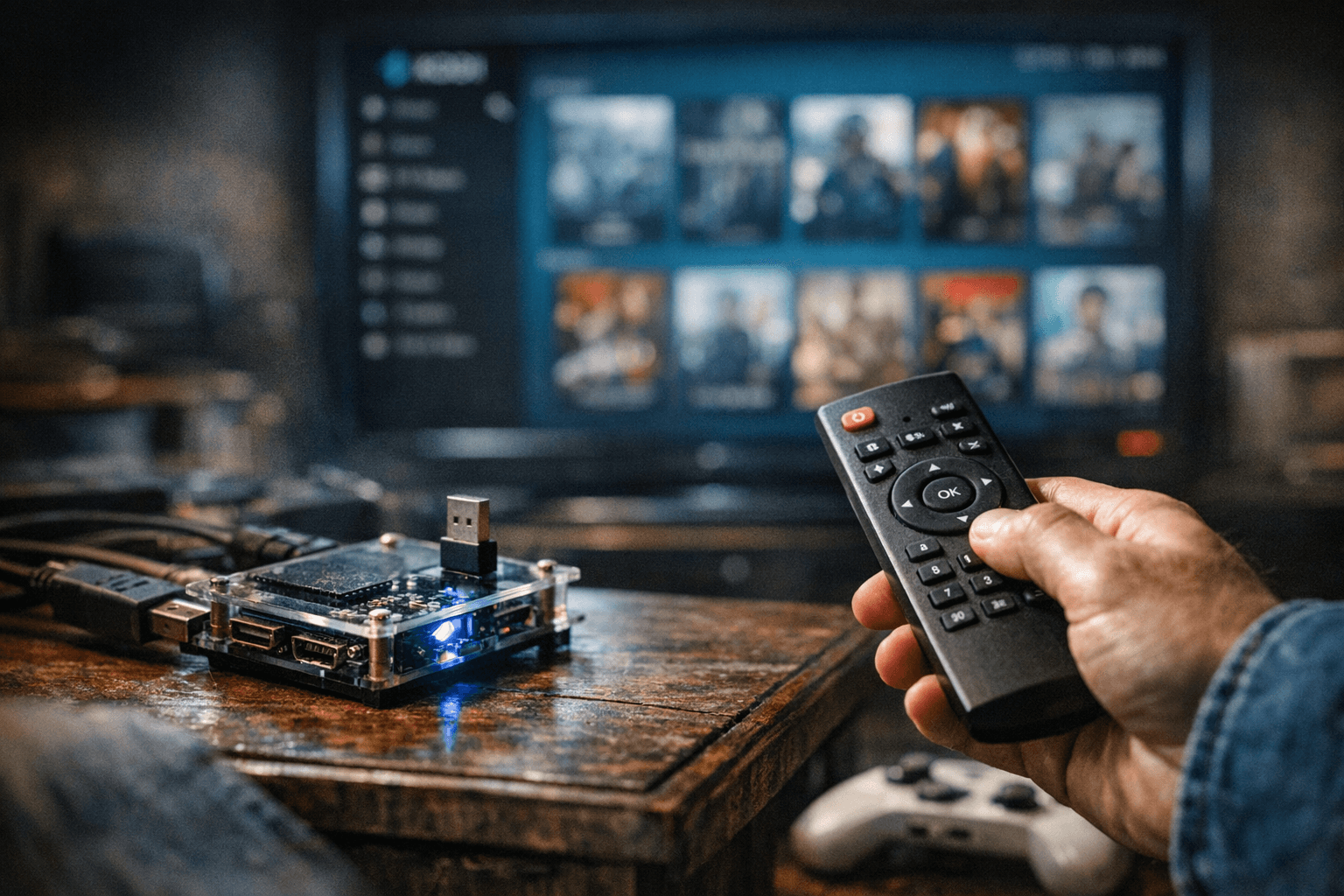
The easiest way to make a Kodi or MiSTer setup feel finished is often the least glamorous part: a cheap 2.4GHz remote with a USB receiver. Bob’s April 23 RetroRGB tip is not about a new feature or a flashy addon, it is about shaving off the friction that turns a nice retro rig into a clunky hobby project. If you have ever paused a game, reached for a full keyboard, and remembered why your living room still feels like a workbench, this is the kind of fix that lands immediately.
The appeal is simple. This remote is minimalist, wireless, and direct USB, with no built-in IR. That means it does not try to be a universal media wand, and that is exactly why it works so well as a dedicated navigation tool for a retro setup.
How it fits Kodi without fighting the interface
Kodi is built around the “10-foot” model, which is the right mental frame for this whole story. It is meant to be used from across the room, not hunched over a desk, and Kodi explicitly supports RF remotes such as 2.4GHz dongles and Bluetooth remotes alongside CEC, MCE infrared remotes, game controllers, and web interfaces. In practice, that means a cheap USB remote does not have to be a hack. It plugs into a control philosophy Kodi already understands.
That matters even more if your box runs on Windows or Raspberry Pi hardware, because the remote Bob describes is reported to work cleanly there too. Kodi’s documentation also notes that MCE infrared remotes should work out of the box on Windows and Linux, which explains the broader menu of control options. The real takeaway is not that one device wins forever, but that Kodi gives you several good paths, and a small RF remote is one of the least annoying.
Why MiSTer owners should care
MiSTer is even more interesting here because many builds are optimized for controller accuracy, not menu convenience. If you are using SNAC or another low-latency input path, you usually want those devices doing the game input heavy lifting, not doubling as a menu wand. MiSTer’s documentation says it supports a wide variety of input devices, including keyboards and USB/Bluetooth controllers, and it also includes OSD-based controller assignment tools for practical setup work.
That is where a tiny 2.4GHz remote earns its keep. It gives you a quick way to move around the MiSTer interface, back out of menus, and handle simple adjustments without dragging a keyboard into the room or rebinding your primary controller just to launch something. MiSTer also notes that some controllers may need a reboot into the menu core before they behave properly, which is another reason a dedicated, always-ready remote can be less fiddly than repurposing whatever gamepad happens to be nearby.
The convenience is the point, not the spec sheet
This is not the kind of accessory that changes what your machine can emulate. It changes how you live with it. Bob’s use case is the right one: keep the remote close for system menus and volume control, and stop using a gamepad or a full-size keyboard for little chores like launching content, backing out of menus, or taming audio when a game or video starts louder than expected.
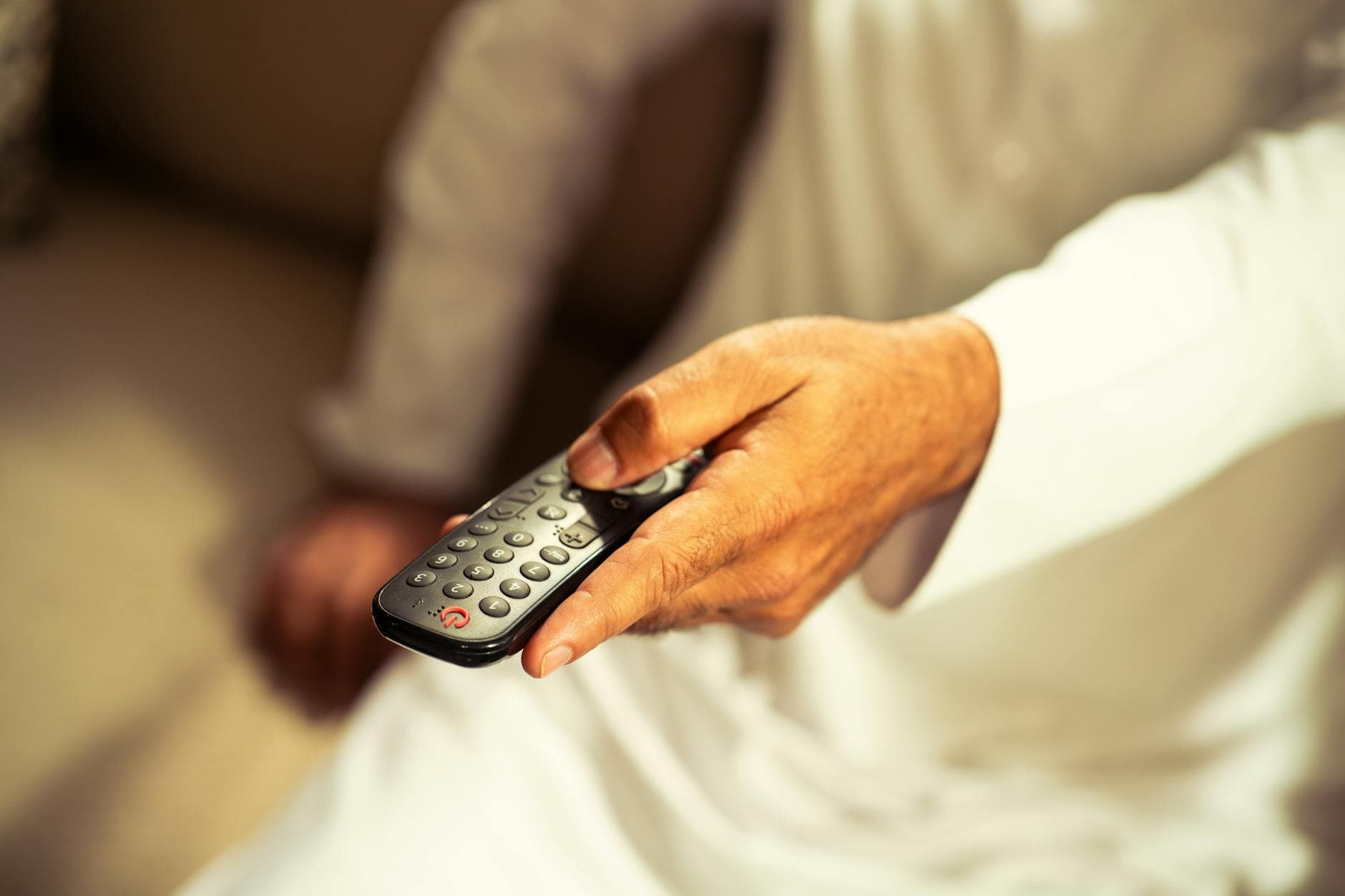
That small amount of friction adds up fast in a family room. A setup that needs a keyboard every time someone wants to switch games is a setup that quietly discourages use. A setup that can be driven from the couch feels like a console again, which is the whole point of putting retro hardware under the TV in the first place. For Raspberry Pi Kodi boxes and occasional MiSTer use, that “good enough and always nearby” behavior is often worth more than fancy features you never touch.
Where the cheap remote falls short
The obvious compromise is that there is no IR built in, so this remote cannot replace every task a traditional media-center wand might handle. If you want TV power, receiver volume, or broad device integration, an RF-only remote will not cover the whole room. Kodi’s control ecosystem still leaves room for CEC, MCE remotes, and other mixed setups for exactly that reason.
That mixed approach shows up in the Kodi Community Forum too. In an August 2022 discussion, users including raven6679, Klojum, and MatteN describe a common real-world split: one IR blaster for the television and another 2.4GHz RF remote for Kodi itself. The same thread also captures the downside of cheap Chinese RF remotes, which can suffer from weak range, inconsistent button behavior, or flaky IR-cloning reliability. So yes, the bargain bin can be messy, but that is also why a plain USB receiver remote stands out when it just works.
MiSTer’s newer convenience layer makes the case stronger
MiSTer has also been growing a more polished support layer around the core hardware. MiSTer Extensions includes a web-based Remote feature that lets you manage MiSTer from another device on your network, which is a strong sign that convenience and navigation have become part of the platform’s real user experience. That does not replace a handheld remote for sitting on the couch, but it does show how the ecosystem is maturing around practical control, not just raw fidelity.
Put that together with Kodi’s remote-friendly design and the argument gets clearer. A cheap 2.4GHz remote is not exciting in the abstract. It is exciting because it solves the annoying part of living with these machines, the part where a great setup still feels a little unfinished every time you have to reach for a keyboard.
The practical verdict
For a Kodi box, a Raspberry Pi media center, or a MiSTer living room rig that already has its core controls sorted, this kind of remote is a very sensible buy. It is especially useful if your main controller is already dedicated to gameplay, if you value a clean couch setup, or if you want guests and family members to be able to navigate without a lesson first. The lack of IR is the tradeoff, but for the right setup, that tradeoff is what keeps it simple.
Bob’s point lands because it is not really about a remote. It is about reducing the last bit of awkwardness between a hobby machine and a living-room machine, and that is usually the difference between something you tinker with and something you actually use.
This article was produced by Prism’s automated news system from verified source data, official records, and press releases, then run through automated quality and moderation checks before publishing. The system is built and supervised by the people who set the standards it runs under. Read our full AI policy.
Did this article answer your question?
