Legal Blu-ray disc ripping opens new path for game preservation
A new Blu-ray drive mod turns disc dumping into a normal PC task, and that could be a real preservation shortcut for GameCube, Wii, Xbox, and Xbox 360 libraries.
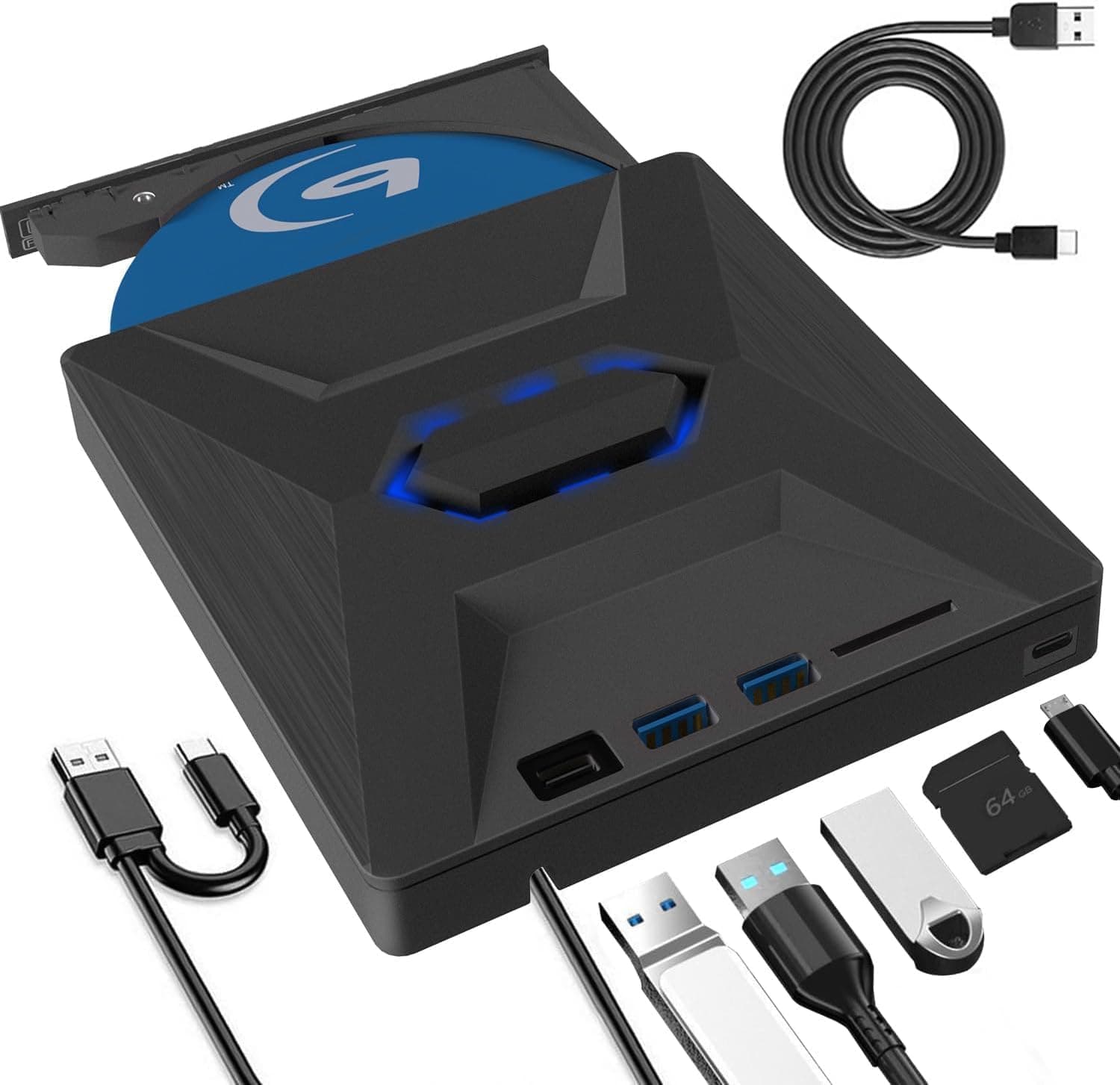
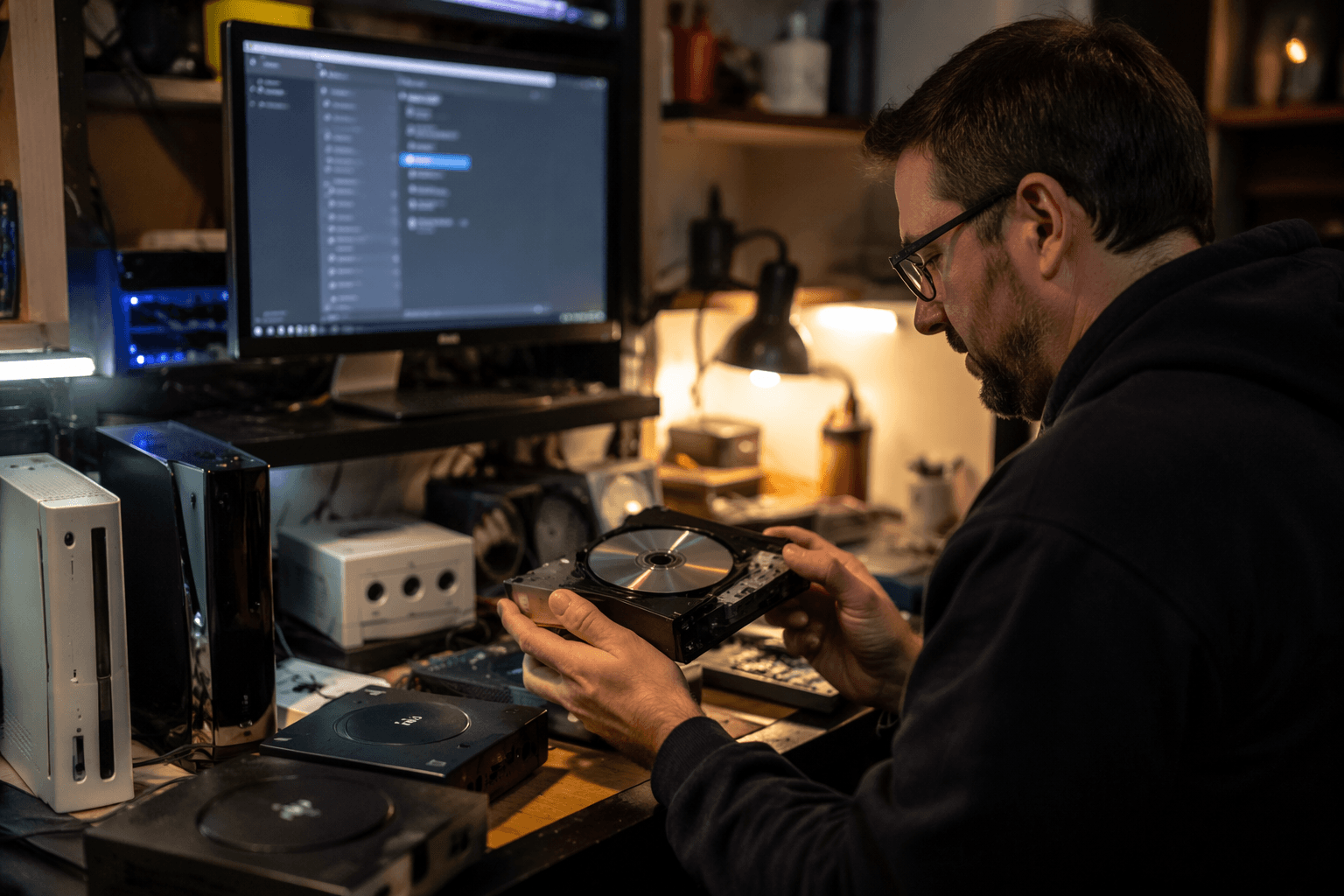
The biggest shift this week is simple: disc backups just got less weird. OmniDrive turns certain Hitachi-LG Blu-ray drives into legal ripping tools for GameCube, Wii, Xbox, and Xbox 360 discs, which takes a lot of the pain out of preserving physical libraries before they disappear into dead lasers and brittle plastics.
Why OmniDrive matters
For years, disc-based preservation has depended on awkward, console-specific workarounds. OmniDrive changes that by making the Blu-ray drive itself part of the preservation workflow, as long as you have one of the supported MediaTek MT1959-based Hitachi-LG drives and flash it with the custom firmware. Dolphin’s own documentation now points to that route for ripping GameCube and Wii discs, which is the kind of endorsement that matters because it ties the method directly to real emulator use, not just theory.
The practical payoff is bigger than the headline suggests. GameCube and Wii owners can use the same general PC hardware they already understand, and Xbox and Xbox 360 collectors finally have a less fussy path to backing up discs for archival use and emulation. TechSpot notes that the tool first surfaced in February 2026 and only drew wider attention in late May, which tracks with how preservation breakthroughs often spread: slowly at first, then all at once when people realize they no longer need a stack of rare, aging drives to get the job done.
The important part is what gets unlocked, not just what gets supported
OmniDrive’s appeal is that it lowers the barrier between owning a disc and making a usable backup. That matters for people with shelves of GameCube and Wii originals, but it also matters for the broader preservation scene because it nudges disc dumping away from fragile, platform-specific hacks and toward a more normal PC workflow. Time Extension says the tool supports a wide range of classic systems, including Xbox, Dreamcast low-density GD-ROM data, and even encrypted discs for PS3, PS4, PS5, Xbox Series, and Wii U, which tells you this is not a one-system curiosity.
That breadth is why the development feels important even if your day-to-day focus is only on retro software. A single, supported route for ripping discs means fewer obscure edge cases, fewer dead ends, and less dependence on old hardware that is already getting harder to trust. For emulator users, that is not a small convenience. It is the difference between postponing a backup and actually building one.
Evercade Nexus is the hardware story worth caring about
The same week also gave us a different kind of signal: Blaze Entertainment showed the Evercade Nexus in person for the first time, and that matters because it moves the device from announcement territory into something that feels like a real product cycle. Blaze announced the handheld on March 31, 2026, with pre-orders opening on April 1, and Evercade says it is launching in October 2026 at £169.99, $199.99, or €199.99.
The box includes a Banjo-Kazooie Double Pack cartridge, which is a smart move because it immediately frames the Nexus as a serious cartridge-first handheld rather than a generic retro slab. Blaze says the system has a 5.89-inch IPS screen, dual analogue sticks, WiFi 6, TATE mode, wireless headphone support, and EverSync local multiplayer. That is a very different pitch from the smaller, more constrained handhelds that usually define this part of the market, especially if you care about 32-bit and 64-bit-era games feeling native instead of squeezed into compromises.
Time Extension’s coverage of the first in-person showing, in a May 2026 video featuring Sean Cleaver, reinforces that this is meant to be a step up from the existing EXP model. That is the detail that should make you pay attention if you buy hardware for comfort as much as for library access. A bigger screen, proper analogue sticks, and wireless audio support are not luxury extras in this niche. They are the features that decide whether a handheld stays in your bag or ends up in a drawer.
The preservation ecosystem is getting more layered, not less
What makes this week interesting is that none of these moves exist in isolation. Retro preservation still leans on services and tools like Vimm’s Lair and RetroArch, and the point is not that one replaces the other. The point is that the ecosystem is becoming more mature, with legal disc ripping, emulator support, and licensed physical hardware all pulling in the same direction.
That matters because the old divide between “original hardware people” and “emulation people” is getting less useful. OmniDrive gives collectors a cleaner way to archive what they already own. Dolphin makes that archive usable in an emulator workflow. Evercade keeps the physical side of the hobby alive with a new cartridge-based handheld that is clearly trying to move beyond baby-step retro hardware. Put together, you get a scene that looks less like a nostalgia bubble and more like an infrastructure stack.
What to actually do with this information
If you own GameCube, Wii, Xbox, or Xbox 360 discs, OmniDrive is the rare preservation development that changes your setup instead of just your mood. Check your Blu-ray drive model before you get too excited, because the key requirement is one of the supported Hitachi-LG units based on MediaTek MT1959 hardware. If your goal is to preserve and play, this is the sort of route that can finally make a backup workflow feel practical instead of heroic.
If you are shopping handhelds, the Evercade Nexus deserves attention for the same reason. The combination of a 5.89-inch IPS screen, dual sticks, WiFi 6, TATE mode, and wireless headphone support suggests a device built for actual use, not just shelf appeal. That is the kind of detail that separates a meaningful retro handheld from another piece of nostalgia bait.
The week’s real story is that preservation is becoming easier to do right. When a Blu-ray drive can legally dump discs for emulation, and a new handheld arrives with the kind of features people actually use, the hobby stops feeling like a workaround and starts looking like a system that can keep old games playable on purpose.
This article was produced by Prism’s automated news system from verified source data, official records, and press releases, then run through automated quality and moderation checks before publishing. The system is built and supervised by the people who set the standards it runs under. Read our full AI policy.
Did this article answer your question?
