MiSTer roundup spotlights 1Retro save sync and controller adapter support
1Retro turns MiSTer saves into a single cross-device workflow, and the controller adapter news makes the setup feel less like a hobby bench and more like one living system.
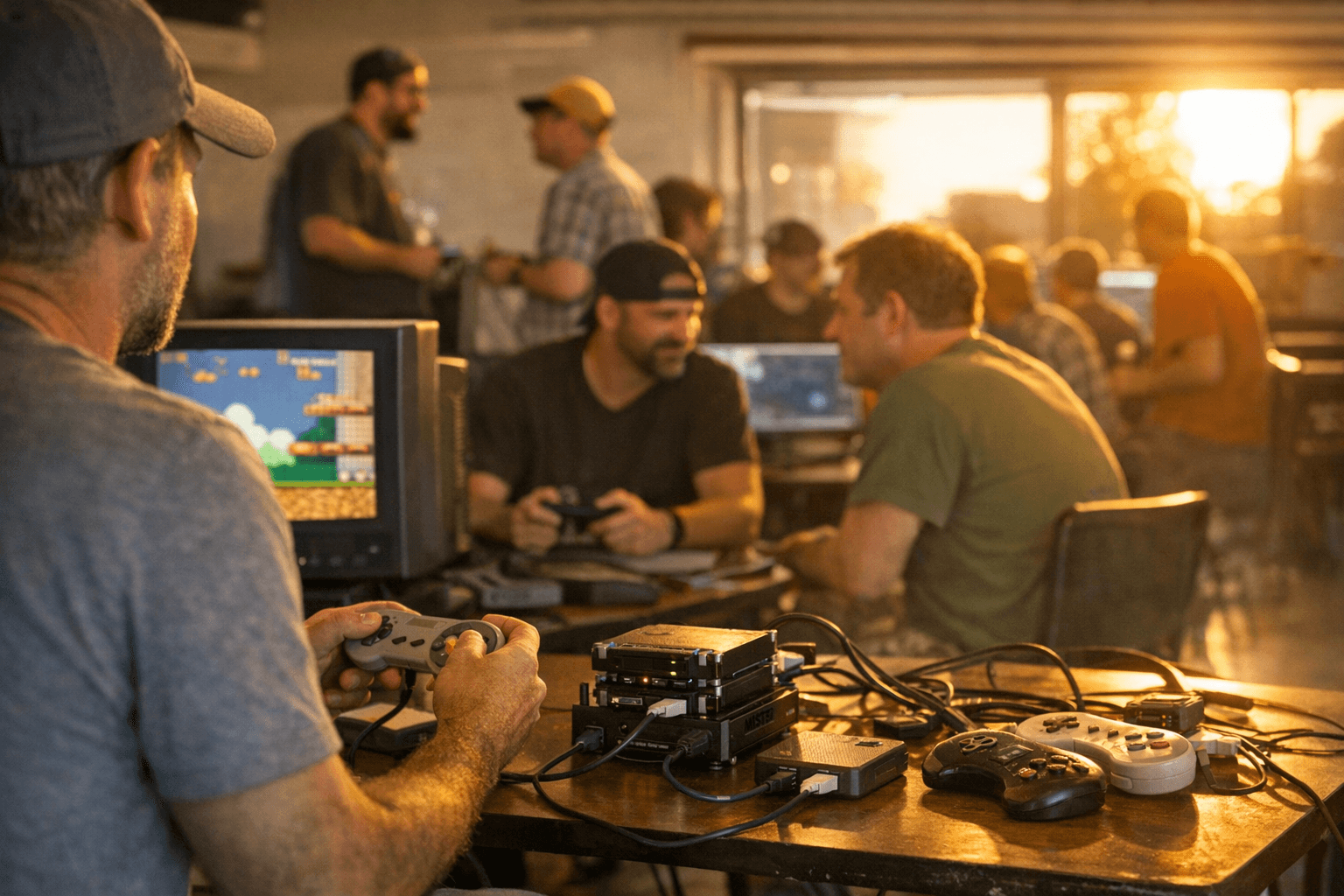
Why this roundup matters
The useful part of this MiSTer roundup is not another burst of core churn. It is the way the ecosystem is starting to behave like one synchronized retro setup, where a save started at the desk can keep moving on a handheld, then land on MiSTer hardware without any file juggling. That matters because MiSTer, as an open-source project built to recreate classic computers, consoles, and arcade machines on modern hardware, has always been strongest when it removes friction instead of adding it.
RetroRGB’s April 20 roundup frames that shift clearly. The headline is 1Retro, a lightweight save-sync tool that runs directly on MiSTer, watches save directories, uploads changes to a cloud service, and pulls newer versions back down automatically in the background. That is the kind of practical workflow change that gets used every night, not just admired in a changelog.
1Retro turns saves into a shared workflow
The reason 1Retro stands out is that it is not limited to one box or one save format. RetroRGB says it works with any core that writes standard save files, and it uses QR-code-based device authorization, so you are not pecking away at a password prompt on the MiSTer itself. That matters more than it sounds like, because the fewer setup steps you need on the hardware, the more likely you are to actually keep your saves in sync instead of promising yourself you will do it later.
The cross-platform reach is the real selling point. RetroRGB says 1Retro also syncs with Mac, Windows, and Linux emulators, OnionOS handhelds, and Analogue Pocket, which makes it useful whether your play session starts in software emulation, continues on a portable, or finishes on FPGA hardware. RetroRGB also showed a live demo syncing a Legend of Zelda save between OpenEmu and MiSTer, which is exactly the sort of concrete daily-use case that makes this feel like a preservation tool and not just a convenience feature.
There is already a larger pattern behind this. The MiSTer world has seen other save-sync tools before, including mister_cloud_saves, which already syncs MiSTer saves to and from a cloud server, supports multiple MiSTer devices, and handles both saves and save states. Analogue Pocket users have also had desktop support through pocket-sync for Mac, Windows, and Linux, which can back up and restore save files. 1Retro sits in the middle of that trend and makes the workflow feel more unified across devices.
The bigger software story behind 1Retro
1Retro is also easier to understand if you look at the developer’s broader direction. The GoLEm project was introduced on November 30, 2023 as a drop-in replacement for MiSTer firmware with a simpler, gaming-first experience, and it specifically aimed to avoid terminal- and keyboard-heavy setup for tasks like Bluetooth controller and Wi-Fi configuration. That same announcement also pointed to cloud features and support for Mac, Linux, and Windows desktops, so the emphasis on syncing and low-friction onboarding has been there for a while.
That history explains why 1Retro’s cloud authorization and desktop compatibility feel so deliberate. The point is not to turn MiSTer into a dashboard full of extra chores. It is to make the setup behave like the rest of a modern play environment, where progress follows you instead of sitting trapped on one card, one folder, or one machine. The 1Retro organization also shows a wider 1FPGA-related software ecosystem around the tool, which reinforces that this is part of a broader push toward a more connected MiSTer workflow.
Controller support is the other half of the story
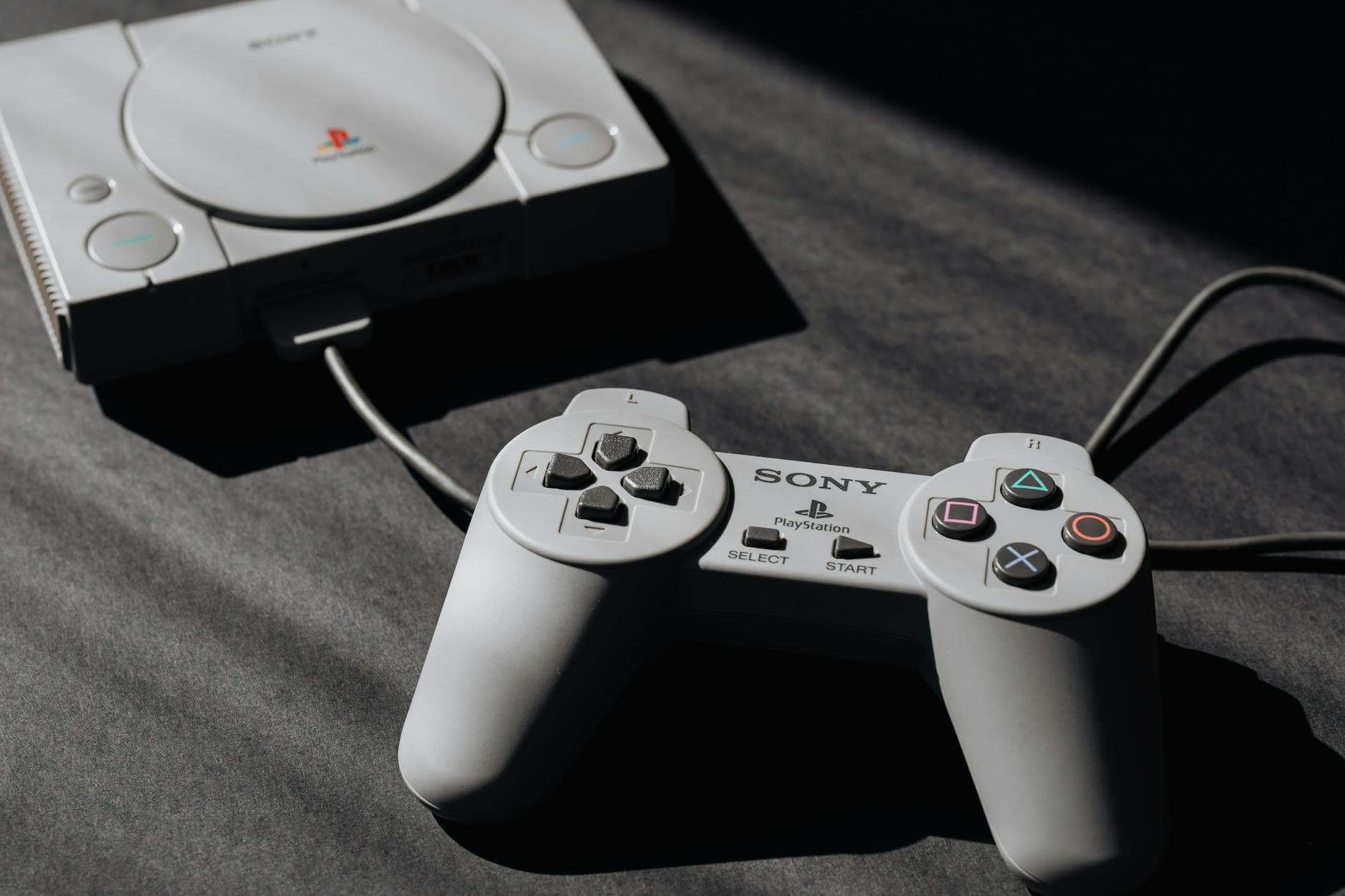
The roundup’s other practical win is the Multi Controller Adapter, which aims to let original pads from SNES, NES, Genesis / Master System, PC Engine, Saturn, PlayStation, Neo Geo, 3DO, and N64 work on MiSTer, PC, and Raspberry Pi. That is a big compatibility list, and it points to the same theme as 1Retro: the best retro setups are the ones that let you use the gear you already own across more than one platform.
This is not a novelty feature. If you are already moving saves between OpenEmu, a handheld running OnionOS, Analogue Pocket, and a MiSTer box, being able to use the same original controller family across those systems keeps the experience coherent. It also helps preserve the feel of the hardware, which still matters when the whole point is to get closer to the original machine rather than just run the software.
What the active core scene adds
The roundup also reminds you that save sync and controller support are only useful because the underlying scene is still alive. CoinOp Collection showed a work-in-progress Edward Randy build on MiSTer and also released Tumble Pop publicly, while the roundup noted a Dark Seal update and a Hamgeek vendor mention. Those details matter because they show the platform still has active arcade development alongside the quality-of-life tools.
That balance is the real story here. A MiSTer setup gets a lot more useful when you can boot a new core, keep a long RPG save moving between desktop and FPGA, and plug in the right original controller without fuss. The hobby stops feeling like separate silos and starts feeling like one synchronized library, which is exactly where the most practical retro projects are heading.
This article was produced by Prism’s automated news system from verified source data, official records, and press releases, then run through automated quality and moderation checks before publishing. The system is built and supervised by the people who set the standards it runs under. Read our full AI policy.
Did this article answer your question?

