RetroTINK 4K firmware adds SD card storage for modelines
Mike Chi’s experimental RetroTINK 4K firmware now stores many modelines on the SD card, cutting the four-slot juggling act for custom display setups.

RetroTINK 4K owners who live and die by exact timings just got a lot more room to breathe. Mike Chi’s experimental firmware v1.21.0 adds the ability to store many modelines on the SD card for both RetroTINK 4K models, replacing a setup that had forced users to manage only four slots with care.
That sounds small until you’ve spent an evening swapping profiles between consoles, output modes and capture requirements. For the people building CRT emulation chains, feeding picky scalers or trying to keep a monitor and a capture card equally happy, modelines are the difference between a clean picture and a headache. The new arrangement lets users keep more custom timings on hand and pair them with profiles when needed, without overwriting the last setup that actually worked.
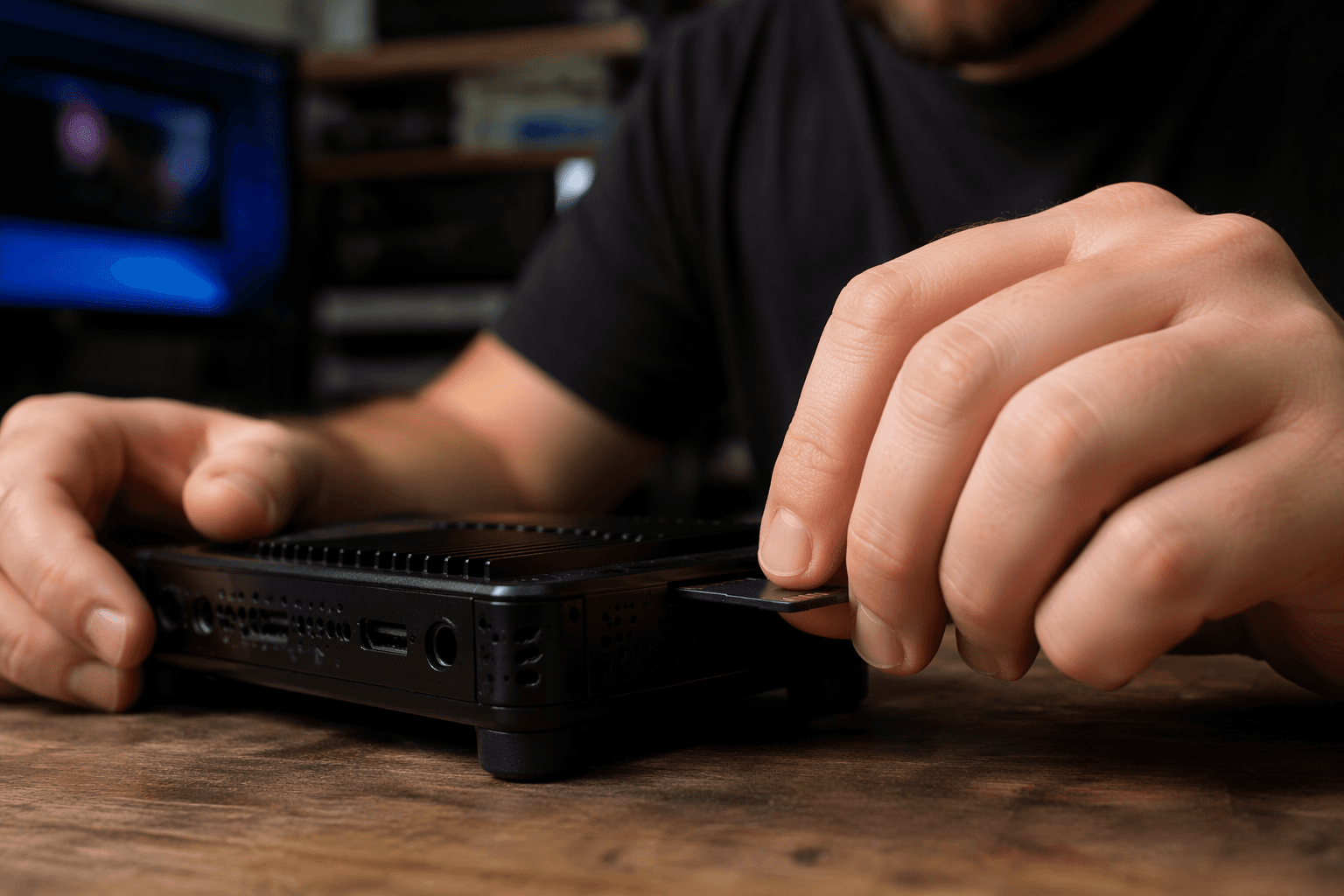
The firmware repository backs up why this matters so much. Custom profiles, CSC files, banner images, input modes, mask overlays and modelines all live on the SD card rather than on the RT4K itself, so expanding SD-card modeline storage directly expands the practical ceiling for how many tuned setups can sit ready at once. The same instructions also say RT4K owners update through the SD card, and RetroRGB says users can extract the firmware files to the card and rename or remove existing modeline files if they want to reorganize their stack.
The timing fits the RetroTINK 4K’s recent pattern. The firmware repository lists the latest stable build as 1.9.6, dated 2025-11-04, and the latest experimental build as 1.9.9.9, dated 2026-04-29. RetroRGB’s June 7 roundup identified v1.21.0 as experimental and said community testing is being sought, with a likely final modeline pack expected to land in a later official release.

That kind of iterative rollout is familiar territory for the RT4K scene. RetroRGB has already covered experimental RetroTINK 4K features like 240p downscaling workflows and 480i output support, while profile packs from builders such as Wobbling Pixels have kept Pro and CE setups moving forward. This latest change is less about flashy new output modes than removing friction from the daily grind, and for anyone balancing consoles, regions and displays, that is exactly the sort of upgrade that makes the box feel more useful overnight.
This article was produced by Prism’s automated news system from verified source data, official records, and press releases, then run through automated quality and moderation checks before publishing. The system is built and supervised by the people who set the standards it runs under. Read our full AI policy.
Did this article answer your question?
