RomM turns a tiny always-on box into a retro game library hub
A tiny always-on mini PC running RomM can replace card juggling with one clean library, one metadata source, and wireless access from handhelds.
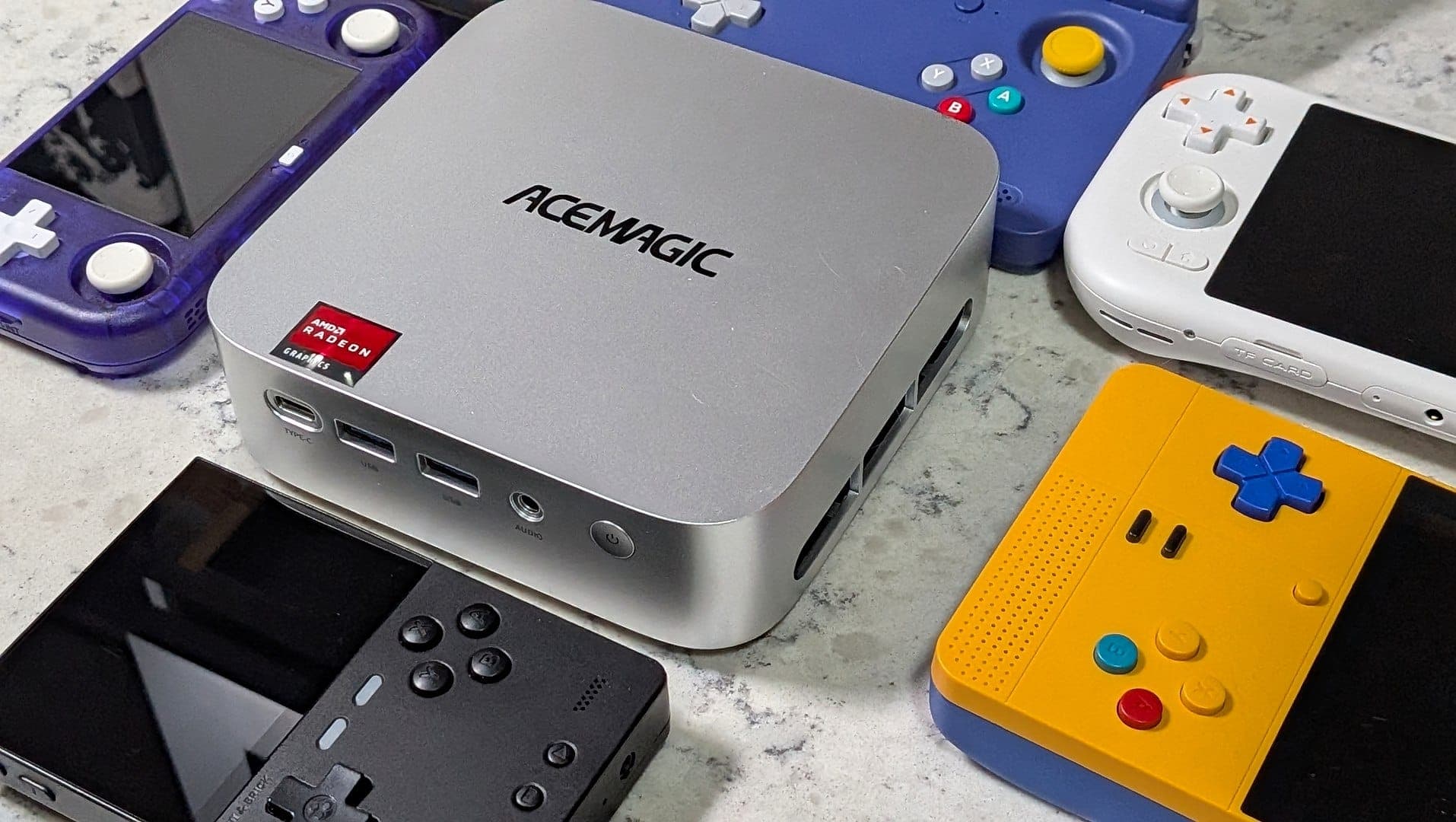
RomM turns retro clutter into one living library
The best thing about RomM is that it attacks the mess you actually live with: SD cards everywhere, duplicate ROM sets, BIOS files in the wrong folder, and metadata scattered across half a dozen apps. Put it on a tiny always-on box like the ACEMAGIC Kron Mini K1 and you stop treating your collection like a pile of files and start treating it like a service.
RomM describes itself as a self-hosted ROM manager and player, and that wording matters. It is not just a file browser with a pretty skin. It can scan, enrich, browse, and play a game collection from a clean web interface, which is exactly what makes it useful once your library grows beyond a few dozen games and the real pain becomes organization, not emulator horsepower.
What RomM takes off your plate
If you have ever kept one ROM set on a handheld, another on a PC, and a third copy on an external drive “just in case,” you already know the problem RomM solves. It gives you one canonical place for ROMs and BIOS files, so you are not constantly wondering which version is current or which device has the right artwork, box data, and save-ready structure.
Its library support is broad enough to cover the messy reality of retro collecting. RomM says it supports metadata for more than 400 platforms, pulls from IGDB, Screenscraper, and MobyGames, grabs custom artwork from SteamGridDB, and can surface RetroAchievements data. It also handles multi-disc games, DLCs, mods, hacks, patches, and manuals, which is the sort of detail that matters when your collection is no longer just a folder full of cartridges dumped years ago.
That is the real selling point for collectors: RomM reduces setup friction. Instead of hand-tuning metadata in every frontend and re-copying files every time you try a new device, you point your tools at one library and let the server do the unglamorous work.
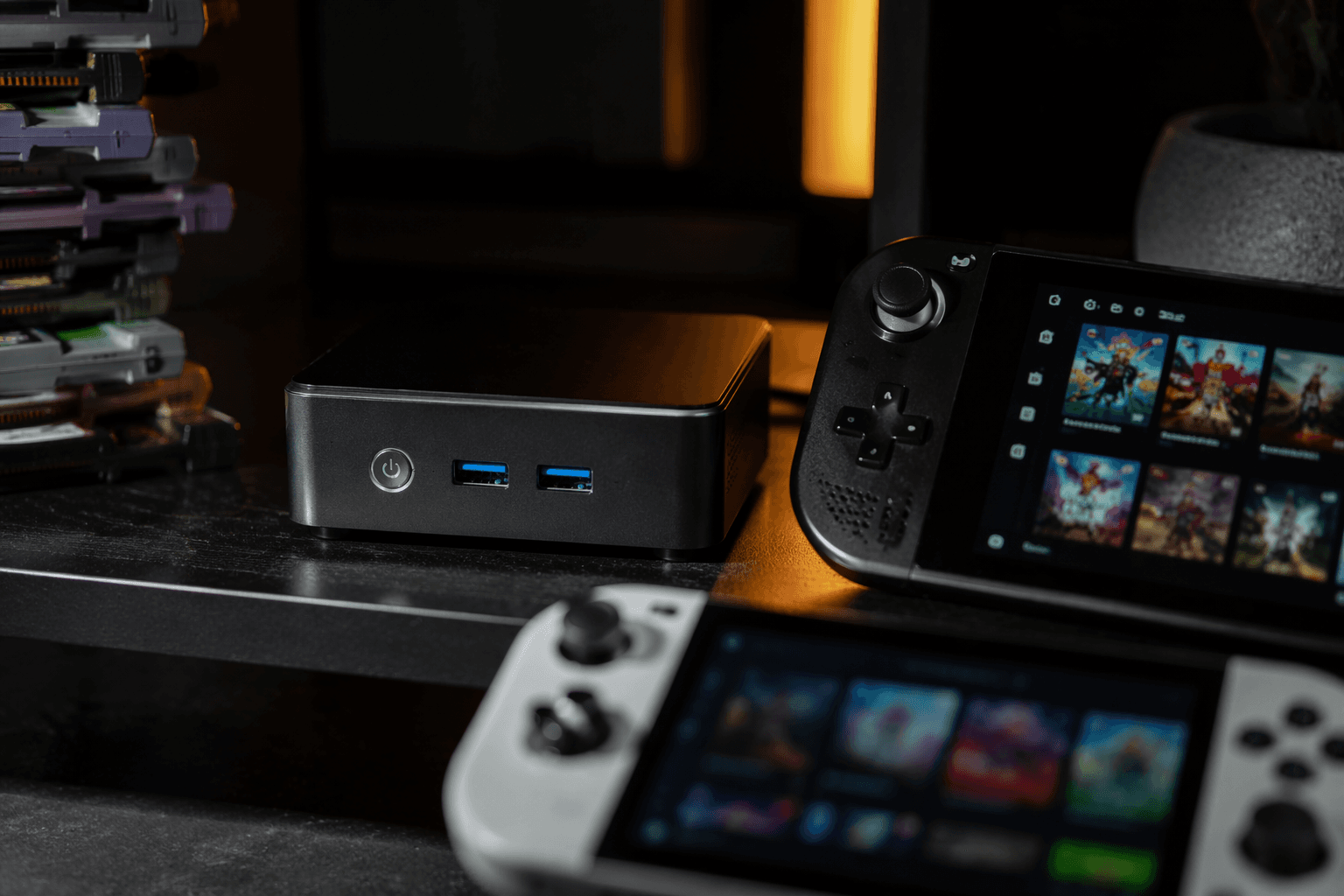
Why the Kron Mini K1 fits the job
The Kron Mini K1 makes sense here because it is not trying to be a gaming monster. ACEMAGIC specs it as a Ryzen Embedded R2544 system with 4 cores, 8 threads, a 3.35 GHz base clock, boost up to 3.7 GHz, Radeon Vega 8 graphics, 16 GB of DDR4 memory, and a 512 GB M.2 SSD in one listed configuration. That is plenty for serving a retro library, and it is a far better fit for a quiet always-on role than a box built around brute-force emulation.
The practical appeal is the shape of the machine as much as the chip inside it. ACEMAGIC says the K1 includes dual exhaust cooling, Wi-Fi 5, Bluetooth 4.2, and triple 4K display support, and its US store lists free shipping in 3 to 5 business days, a 30-day money-back guarantee, and a 2-year warranty for current purchases. Best Buy and Newegg also list K1 mini-PC configurations based on the Ryzen Embedded R2544, which tells you this is a mainstream little platform, not some one-off DIY experiment.
For this use case, that matters. You are buying a low-drama box that can sit on a shelf, stay on, and keep your collection available without turning into another project.
How RomM changes the way you manage a collection
RomM’s structure is built around two core folders: ROMs and BIOS files. That sounds basic, but it is exactly what makes the system sane. When the library lives in one place, with one structure, your handhelds and frontends stop fighting each other over where the files are, and your metadata stays tied to the same source of truth.
The Quick Start guide makes another useful point: RomM can work without a metadata API for basic use, but IGDB API keys are recommended to avoid setup problems, especially with plugins such as Playnite. That tells you what kind of project this is. RomM is designed to be the backbone, not a throwaway app you open once and forget.
The ecosystem around it reinforces that idea. RomM has official integrations for Playnite and muOS. The Playnite plugin lets you import your RomM library into Playnite, while the muOS app connects to your instance so you can fetch games wirelessly from an Anbernic device. Add in browser and handheld workflows, plus support for EmulatorJS and RuffleRS in the image listing, and the picture gets clearer: this is meant to be the central shelf behind your various frontends, not another silo.
Who actually benefits, and where it beats a NAS
This setup is most valuable if your pain point is curation, not raw storage. If all you need is a dump truck for files, a NAS or external drive can absolutely do the job. But if you want metadata, artwork, cross-device access, and a clean way to keep handhelds, PCs, and web browsing pointed at the same collection, RomM on a small always-on machine is the smarter hobbyist move.
A NAS is often better at being a NAS, and an external drive is cheaper at being a drive. Neither one solves the retro-specific mess nearly as well. RomM gives you scanning, enrichment, browsing, and playback in one place, and the Kron Mini K1 gives you a compact, quiet host that can live in the background without demanding attention.
There is also a long-term value argument here. RomM’s docs say migrating to a new machine means copying Docker volumes, which is a clean sign that the project expects you to keep using it over time rather than rebuild everything from scratch every season. That is what makes the whole approach feel more like infrastructure than tinkering.
In the end, the tiny always-on box is the point. Once RomM is sitting there as the canonical library, the old ritual of swapping SD cards, redoing metadata, and hunting for the “good” copy of a set starts to feel obsolete.
This article was produced by Prism’s automated news system from verified source data, official records, and press releases, then run through automated quality and moderation checks before publishing. The system is built and supervised by the people who set the standards it runs under. Read our full AI policy.
Did this article answer your question?
