RPCS3 Adds Built-In Video Recording Settings to Its Configuration Menu
RPCS3 now surfaces video recording controls under Configurations > Recording, giving PS3 emulation a built-in capture workflow that turns bug reports and regression tests into shareable proof.
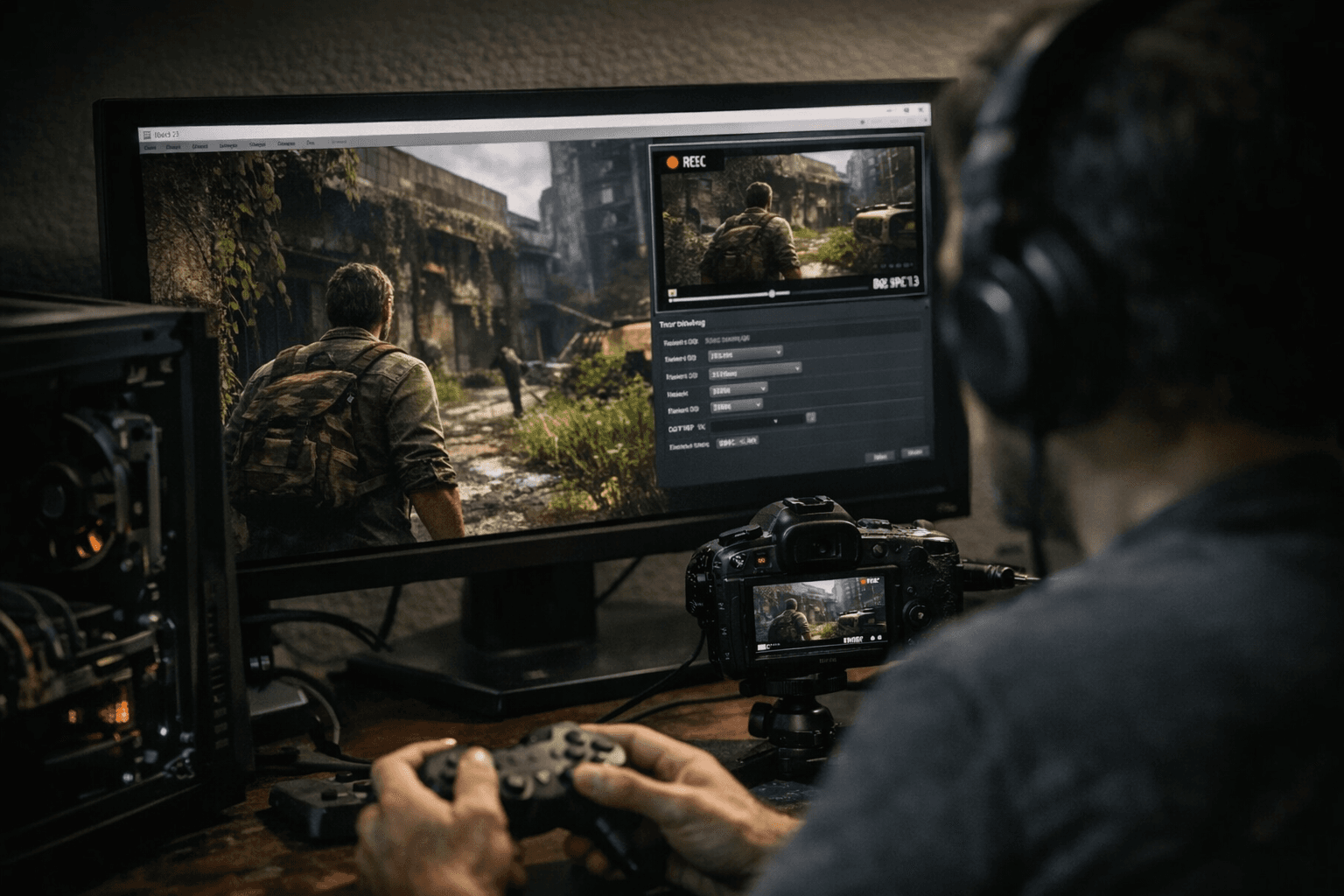
RPCS3 shipped a dedicated Recording section inside its main configuration menu, bringing gameplay capture out of the shadows and into the same settings dialog used for graphics, audio, and input. Finding those controls no longer means hunting for a keyboard shortcut or relying on an external capture tool: open Configurations, navigate to the Recording tab, and the options are right there.
The change matters most to anyone who has ever tried to file a useful RPCS3 bug report. Reproducing an emulation issue consistently requires that every capture use the same encoder settings, the same frame rate, and the same output format, so a developer looking at two clips can rule out recording variables and focus on the actual regression. With recording parameters buried behind a hotkey and no persistent settings UI, that kind of disciplined documentation was more work than most users would bother with. A dedicated configuration tab changes the calculus.
Contributor Megamouse has driven the bulk of RPCS3's recording infrastructure over the years, starting with the original video encoder and F11 start/stop functionality, then layering in audio capture, and later adding an overlay recording toggle. Surfacing all of that work under a single, labelled configuration section is the logical endpoint of that investment.
The practical workflow is now straightforward. Before loading a game, open Configurations and set the Recording tab to the output format and resolution appropriate for the session. Hit F11 when the relevant behavior occurs, and RPCS3 writes the clip to a location you have already chosen rather than wherever it last defaulted. That clip can go straight into a GitHub issue or a forum thread as reproducible evidence, whether the goal is documenting a graphical glitch in a title that is almost playable, confirming a performance regression across two build versions, or marking the moment a previously broken game finally boots clean.
For preservation work specifically, consistent in-emulator recording closes a gap that screen-capture overlays never fully addressed. External tools capture what the OS compositor sees, which can introduce frame timing artifacts or miss internal emulator state. Recording built into RPCS3 itself captures what the emulator is actually rendering, frame by frame, making clips a reliable record of emulation fidelity at a specific point in the project's history.
RPCS3 runs on Windows 10 and later, Linux 6.6 and later, macOS, and FreeBSD, and roughly 69 percent of titles in its compatibility list are playable without game-breaking issues. With capture now configured in the same menu as everything else, documenting the state of that remaining 31 percent just became substantially more consistent.
This article was produced by Prism’s automated news system from verified source data, official records, and press releases, then run through automated quality and moderation checks before publishing. The system is built and supervised by the people who set the standards it runs under. Read our full AI policy.
Did this article answer your question?

