tico brings native C++ emulation frontend to Nintendo Switch
tico is pushing Switch emulation toward a console-style front end, with native C++, RetroAchievements, and experimental Dolphin support for GameCube and Wii.
tico is trying to make Switch emulation feel like it belongs on the handheld itself, not inside a developer menu. The project’s GitHub README calls it the first custom emulation frontend for Nintendo Switch, and it leans hard into a controller-first, native C++ interface built for performance, simplicity, and long-term portability.
That pitch matters because tico is not trying to replace every emulator core with a single all-in-one package. Instead, it presents a unified front end that automatically organizes games, manages assets, and launches emulator cores. The app supports retro systems across one library, including PlayStation 1, PSP, and Dreamcast, while also adding RetroAchievements and a console-like interface that aims to feel closer to a real system UI than a homebrew utility. The repository also makes clear that tico is an independent homebrew project, with no affiliation to Nintendo or Sony.
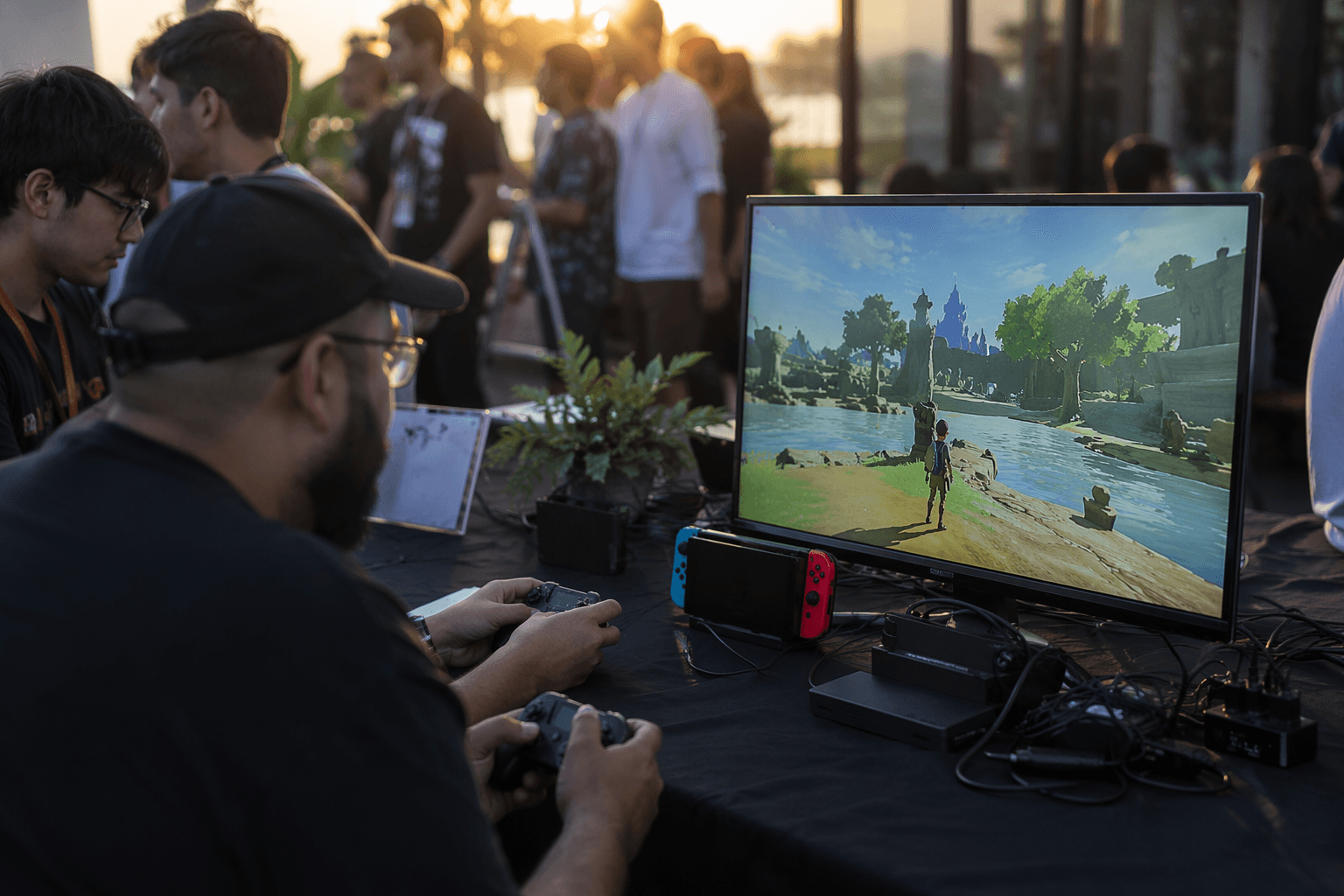
The biggest jump so far came in version 0.7.0, which added experimental GameCube and Wii support through the Dolphin emulator core. That release also enabled Dolphin Boost Mode by default at 1785 MHz CPU and 768 MHz GPU, a reminder that this is still pushing hard against Switch hardware limits even as it opens up a long-requested use case. Users can override those values with sys-clk, but the default tells you exactly where the project thinks performance needs to land.
Version 0.7.1 tightened the package further with a new Vulkan backend, a fixed updater, onboarding tips for new users, and fully hidden passwords in Settings > Accounts. Those are small touches on paper, but they are the kinds of details that make a front end feel finished. A community guide built from feedback in the tico Discord says setup was tested on Horizon OS 22.1.0 and tico 0.7.0, with Dolphin enabled from an Experimental section and cores installed over Wi-Fi. The same guide lays out a structured folder setup under sdmc:/tico/roms/, including separate paths for GameCube and Wii content.
That setup story is where tico starts to look more like a console shell than another front end project. Recent tutorial coverage has focused on the appeal of running GameCube and Wii on original Switch hardware without Android or Linux, and the issue tracker already shows demand for more cores and cover downloads. tico is still young, but the direction is clear: if it can keep smoothing setup, navigation, and day-to-day use, it may be the rare Switch homebrew project that feels native enough to pull more people in.
This article was produced by Prism’s automated news system from verified source data, official records, and press releases, then run through automated quality and moderation checks before publishing. The system is built and supervised by the people who set the standards it runs under. Read our full AI policy.
Did this article answer your question?