Spring refit checklist: update marine electronics, calibrate sensors, check autopilot
A panel that powers up is not enough. This spring refit guide shows how to triage electronics so you update, calibrate, and cross-check the gear that actually keeps you oriented.
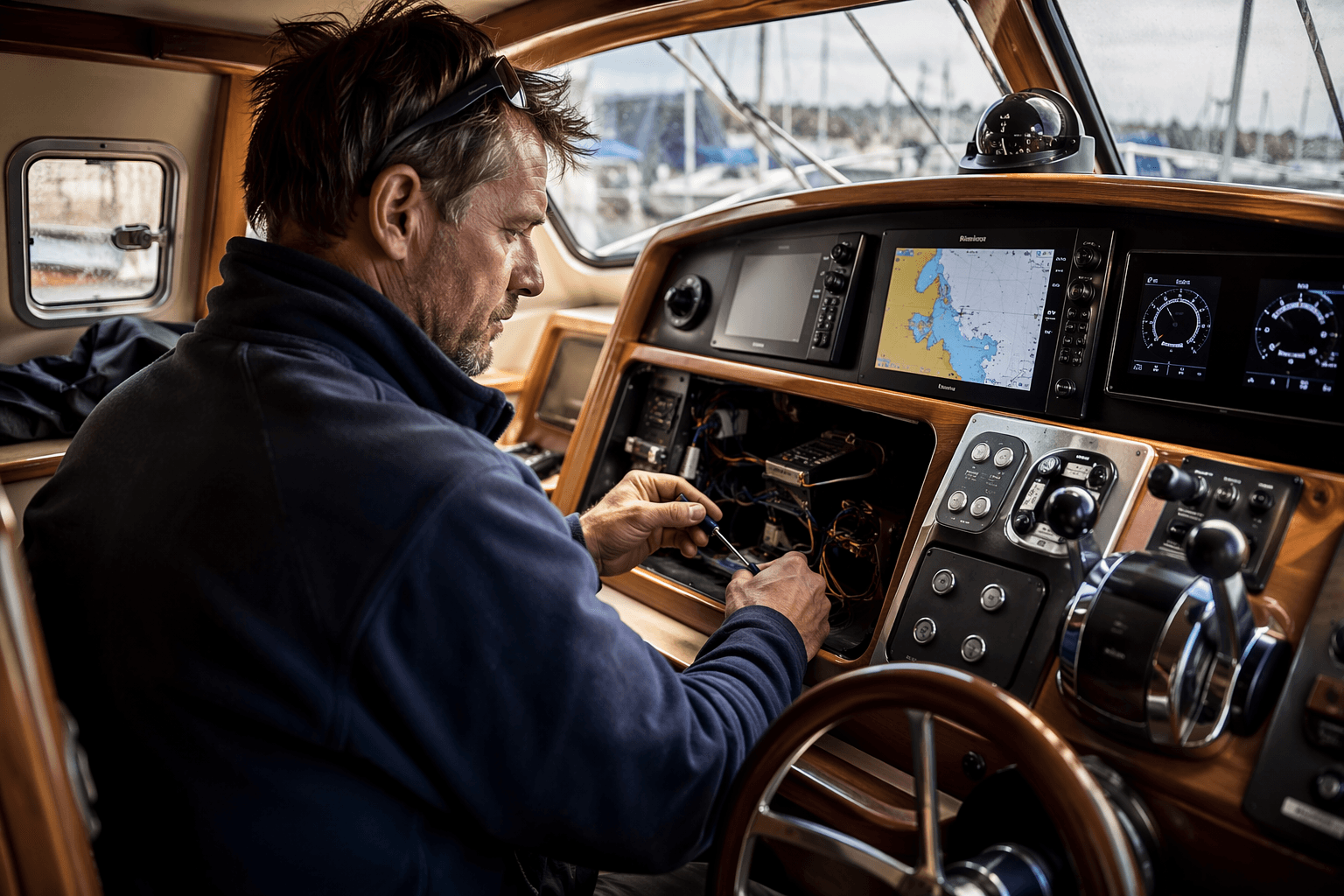
A plotter can look alive on the berth and still be wrong once you leave the dock. Toby Heppell’s checklist in Yachting Monthly focuses on the gap between “working” and “accurate,” where bad calls creep in.
Start with the gear that changes your decisions underway
Before you worry about convenience features, focus on the systems that shape heading, speed, wind, and depth. Those are the numbers that feed route planning, sail trim, and the small corrections that keep you out of trouble in a crowded harbor or a fog bank. If one of them is drifting, the rest of the electronics suite tends to drift with it.
Put software, charts, calibration, and battery health ahead of cosmetic tidy-up jobs. A fresh-looking control head means very little if the sensor behind it is stale, the autopilot has not relearned the boat, or the power supply is too weak to keep the data stream clean.
Update software before you trust the numbers
Manufacturers still use software releases to fix bugs, improve compatibility, and add features, so this is not busywork. Garmin marine device software updates can come wirelessly through ActiveCaptain or be downloaded with Garmin Express to an SD card as part of routine spring and winter maintenance. Raymarine keeps separate support and update pages for registration, manuals, and dealer help.
Make the update job practical instead of vague. Power up every major display, check whether the charting and instrument software match the latest release path for that model, and confirm that the update method fits your setup, whether that means Wi-Fi, app-based transfer, or a memory card. If you are mixing brands, do not assume a single software refresh on the chartplotter fixes the whole boat.
- confirming power at the helm, nav station, and any remote displays
- checking that charts and firmware are current
- saving settings before you update, so you can recover custom pages and alarms
- re-testing every screen after the reboot, not just the main plotter
A sensible weekend plan starts with:
Inspect power and corrosion before you chase deeper faults
A spring electronics problem often starts as a power problem. Loose terminals, green corrosion, tired batteries, or a connection that barely survived winter can make a perfectly good sensor look unreliable. If a display flickers, boots slowly, or drops off the network when loads change, that is your cue to inspect the supply before you blame the instrument.
Work methodically through the boat’s electronics feed, especially the terminals at the battery bank, bus bars, and network backbone. Look for heat discoloration, moisture, cracked insulation, and any salt residue that could be creeping into connectors. Make sure the entire system has enough stable voltage to support accurate data, because weak power can create the kind of intermittent gremlins that are hardest to diagnose at sea.
Battery health matters here because electronics are rarely alone. A chartplotter, AIS, sensors, and autopilot all draw from the same onboard supply, and the problem often shows up first as flaky behavior rather than a dead screen. If the boat’s electrical backbone is tired, calibration work done afterward may still be compromised.
Calibrate the sensors that drive the rest of the boat
Garmin’s High Performance Marine Heading Sensor must be calibrated on the water after installation, or compass readings may be inaccurate. Heading is not just one display among many; it is the reference point that helps the rest of the system make sense of the world. If the heading sensor is off, apparent-wind data and route calculations can drift right along with it.
After the dockside wizard, Raymarine Evolution needs a 15 to 20 minute trip so the system can learn the vessel’s deviation field, and acceptable maximum deviation should be under 15 degrees, ideally under 5 degrees on GRP boats.
Take the time to run the boat in the conditions the system needs, not just alongside the dock. If the compass lock or deviation capture never gets done properly, the autopilot and all the calculations built on its heading reference lose confidence.
Treat the autopilot as a system, not a switch
Raymarine Evolution autopilot systems need recalibration after software is updated, so an update is not the end of the job. It is the trigger to run the setup again and verify that the new software still agrees with the boat’s actual behavior.
Raymarine’s wind-vane mode needs suitable wind-direction data and still uses the fluxgate compass as the primary heading reference, which means the pilot is only as good as the information coming into it. If the compass reference is off, wind mode may seem busy and responsive while quietly steering against bad assumptions.
That is where mixed-brand installations and older gear deserve extra scrutiny. If your boat pulls depth from one sensor, wind from another, and heading from a third, the job is not to hope the network agrees with itself. It is to cross-check the data with a handheld compass, a second display, or a known landmark until the numbers line up.
Cross-check the network instead of trusting one screen
Airmar’s NMEA 2000 SMART sensors can feed depth, speed, temperature, attitude, wind speed, apparent wind direction, and dynamic true wind into the network. That makes them powerful, but it also makes the system more interconnected than many owners realize. When one data stream is wrong, the error can spread into sail trim, target speeds, and autopilot behavior before you notice it.
NMEA standard updates are made available at no cost to member manufacturers in good standing. The standards, the hardware, and the software all move together. Keep them aligned.
The most useful habit is to compare instruments against each other before the season starts. Depth should agree with charted water where you know the bottom, speed should make sense against a GPS readout in calm water, and wind direction should be consistent with the apparent movement you feel on deck. When the figures disagree, do not chase the prettiest display first. Chase the source.
This article was produced by Prism’s automated news system from verified source data, official records, and press releases, then run through automated quality and moderation checks before publishing. The system is built and supervised by the people who set the standards it runs under. Read our full AI policy.
Did this article answer your question?