The Sims 4 launches new player hub for basics and controls
The new Sims 4 player hub is built for fast onboarding, not browsing. It points overwhelmed players straight to Create a Sim, Build Mode, controls, and cheats.
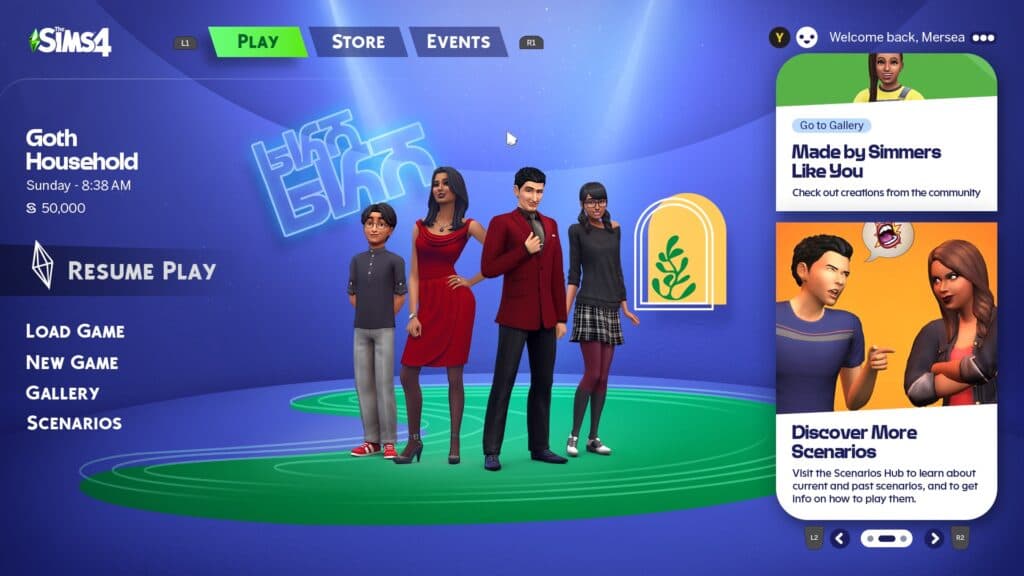
If you boot up The Sims 4 after a long break and the interface feels like a wall of menus, EA has a faster way back in. The new player hub is built as a shortcut for both first-timers and returning Simmers who need to get functional quickly, with basics, controls, and cheat help all in one place.
A faster on-ramp for the first session
The Sims 4: New Player Hub is not trying to teach every system at once. EA positions it as a practical starter resource that helps players brush up on the basics and learn cheat codes, which is exactly the kind of support that cuts down on early-session confusion. That matters in a game where the real challenge is often not what to do, but where to start.
The hub’s strongest value is that it gets players moving before the game starts to feel intimidating. Instead of asking you to memorize everything in advance, it nudges you toward the essentials first: make a Sim, move the camera, enter Build Mode, and learn enough of the interface to get a household running. For a returning player, that is often the difference between abandoning a save and settling back in.
What the hub wants you to learn first
EA’s companion page, Get Started with The Sims 4!, makes the learning path clearer. It focuses on Create a Sim, Build Mode, camera movement, and other starter tips, which tells you exactly where the publisher thinks the real friction begins. If you have not played in a while, those are the mechanics that decide whether the game feels approachable or overwhelming.
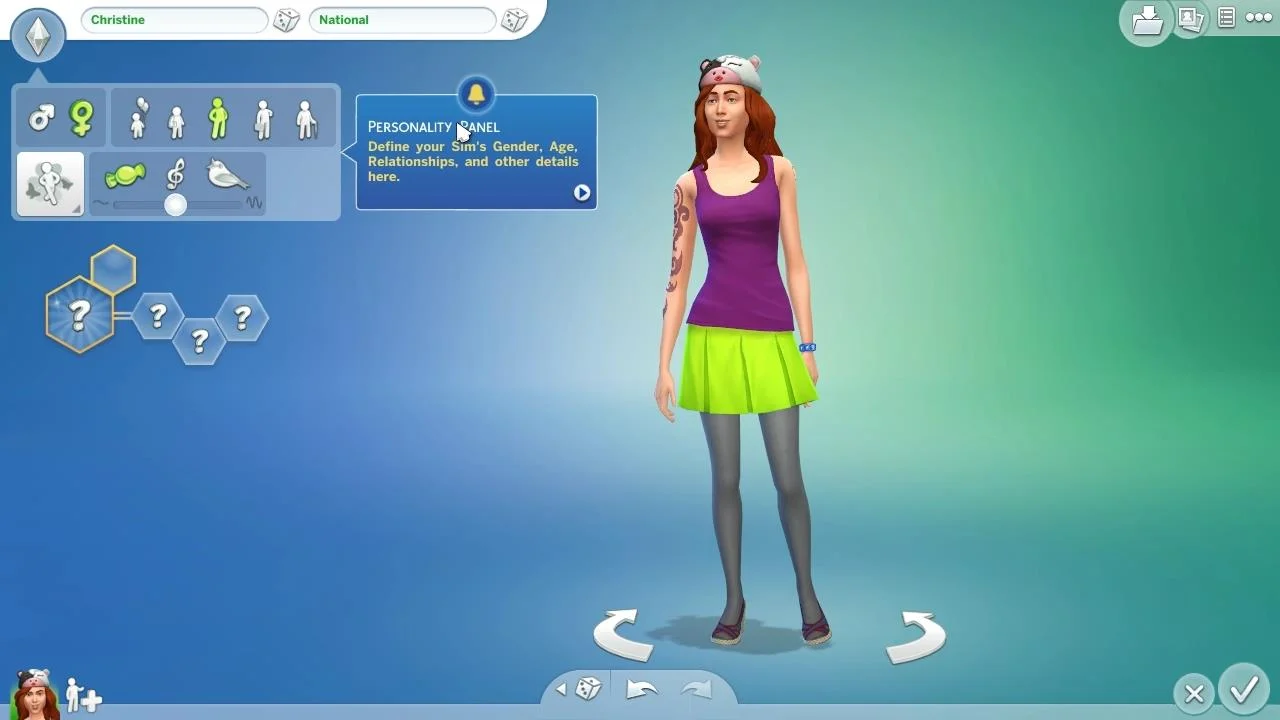
Create a Sim is the first obvious stop because it is the gateway to everything else. EA frames The Sims 4 home experience around personal expression, saying players can personalize Sims and build and design homes using Build Mode. That combination defines the early game loop: make a household that feels like yours, then shape a lot around it without needing to master every advanced system on day one.
The camera tips are just as important as the creation tools. A lot can go wrong in The Sims 4 before the first Sim even eats breakfast, and knowing how to move the view around a lot keeps the game from feeling clumsy. The hub’s value is that it treats those basics as the real foundation, not side information.
Cheat codes are part of the starter kit
EA is also folding cheats into the onboarding experience instead of treating them like a separate expert topic. The New Player Hub explicitly says beginners and experienced Simmers alike will find helpful tips and can brush up on the basics, learn the cheat codes. That is a smart move in a game where many players use cheats to fix awkward starts, speed up building, or recover from a messy household situation.
The official cheats FAQ gives the practical steps for PC and Mac players: open the Cheat Console by pressing Ctrl + Shift + C while in game, then press Enter after typing a cheat. EA also separates cheats by mode, which keeps the system from turning into one huge, confusing list. The FAQ breaks them into PC Cheats, Build Mode Console Cheats, and Live Mode Console Cheats, so the help you need matches the way you are actually playing.
That split matters because Build Mode and Live Mode solve different problems. Build Mode cheats are there when you want to place objects, shape lots, or work around construction limits, while Live Mode cheats belong to the day-to-day simulation side of the game. For players who are only trying to survive their first session or clean up a rough save, having those categories clearly separated removes a lot of guesswork.
Why returning players get as much value as newcomers
EA does not pitch the hub as a one-time welcome screen. It is presented as a refresher resource for players coming back after a long break, which fits The Sims 4 better than a traditional beginner guide ever could. This is a game where your last session might have been months ago, and the details you forgot are usually the ones that matter most: controls, camera movement, cheats, and where the useful menus live.
That is also why the hub lands as more than promotional filler. In a community where players bounce between packs, mods, challenges, and long breaks, a dependable basics page saves time every time you return. The game’s systems are deep enough that even experienced players can feel rusty, and the hub is designed to get you functional again without forcing a full relearn.
EA’s own “Ways to Start Playing The Sims 4” page reinforces that logic. It describes The Sims 4 as “a big game with lots to discover” and tells players who are not sure where to begin to choose one of the recommended focuses or “go wild on your own.” That framing matches the series’ open-ended design: there is no single correct path, but there is a lot of value in getting pointed toward the right first step.
How the hub fits the rest of EA’s Sims 4 support
Taken together, the New Player Hub, Get Started with The Sims 4!, and the cheats FAQ form a compact onboarding lane. One page tells you the basics are worth brushing up on, another points you to Create a Sim and Build Mode, and the FAQ shows exactly how to open and use the cheat console on PC and Mac. The structure is useful because it treats the game like a set of connected systems rather than a single giant tutorial.
That approach also matches the tone of The Sims 4 home page, which invites players to create a unique world of Sims that is an expression of you and to explore and customize every detail from Sims to homes and much more. The new hub does not replace that promise. It gets you to the point where you can actually use it without feeling buried under controls and menus.
For anyone reopening a dusty save or starting fresh after months away, that is the real job of the hub. It does not ask you to master The Sims 4 before you play, only to find the shortest path from confusion to control.
This article was produced by Prism’s automated news system from verified source data, official records, and press releases, then run through automated quality and moderation checks before publishing. The system is built and supervised by the people who set the standards it runs under. Read our full AI policy.
Did this article answer your question?