TwistedMexi Warns Sims 4 Players to Avoid Sketchy AI Mod-Fix Tools
TwistedMexi called out a flood of "AI slop" mod-fix tools preying on post-patch panic - here's how to spot them before they wreck your saves.
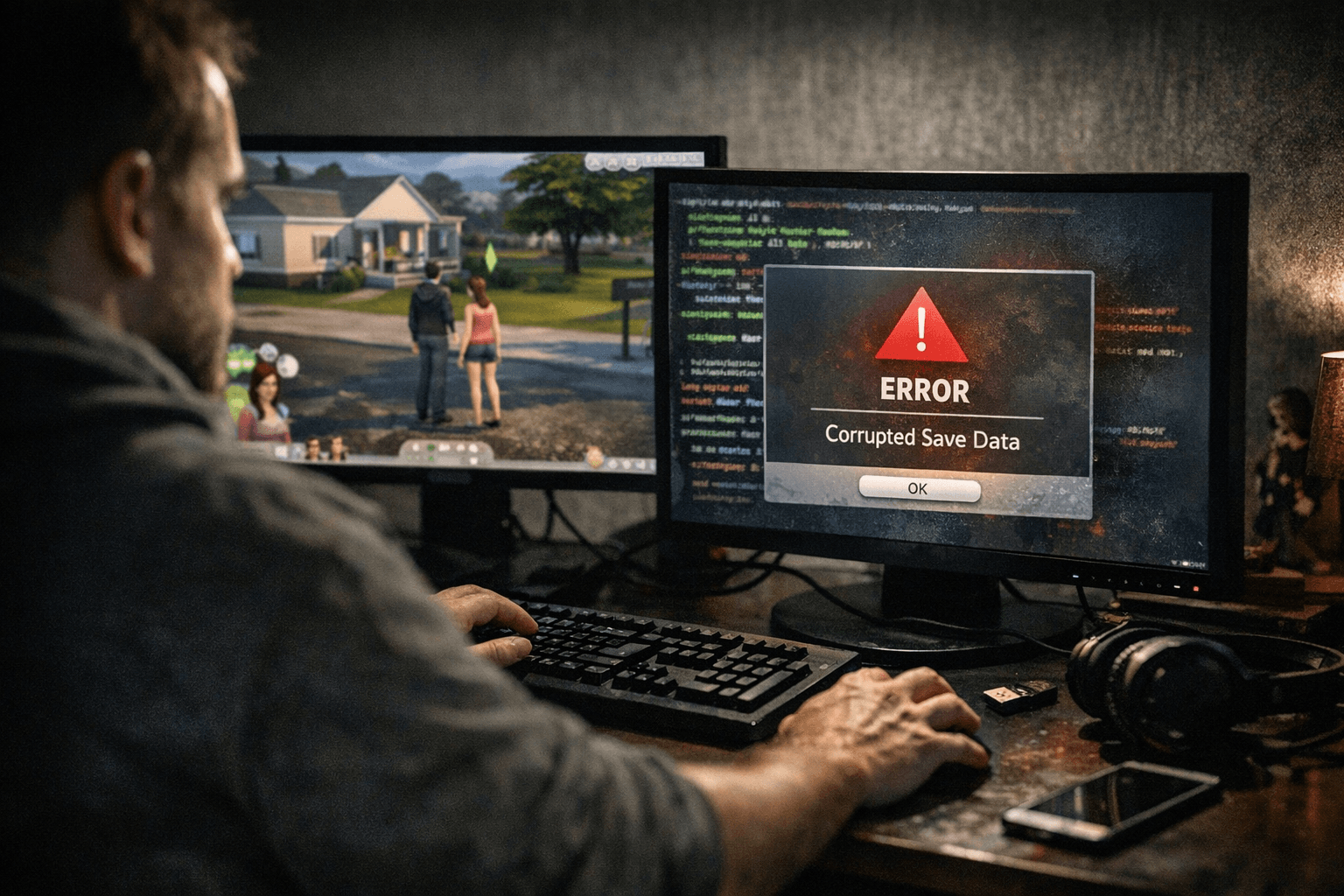
TwistedMexi, the creator behind TOOL, BetterExceptions, and Better BuildBuy, issued a pointed Discord warning to the Sims 4 community about a wave of unvetted third-party utilities flooding social feeds since the March 2026 patch chaos. The message was blunt: these programs are dangerous, and players need to stop downloading them.
"Unfortunately these have become so commonplace and so destructive to players games that this announcement has become necessary," TwistedMexi wrote. "At this point, it seems like every few days a new tool pops up out of nowhere claiming to automagically fix all of your mod woes."
The timing is not accidental. The March 17 update (version 1.122) introduced the new in-game Marketplace but simultaneously broke .package file loading for a significant portion of the playerbase. A hotfix on March 18 resolved the core CC loading failure, and a second patch on March 23 addressed lingering issues, but the three weeks of scrambling left thousands of players desperate for a quick fix. That desperation is exactly what these tools are exploiting.
The programs circulating carry generic names like "Mods Saver," "Mods Fixer," and "S4 Mod Magic." The red flags are consistent across all of them: no identifiable creator, no documented history in the Sims community, no public source code, and vague descriptions of what the software actually does to your Mods folder. Some are being shared through unofficial channels rather than established mod hubs like CurseForge or the Sims 4 section of Nexus Mods. Before running anything that claims to touch your Mods folder, check the creator's name against their community footprint, run the executable through VirusTotal, and confirm the download came from a host you can verify.
The stakes are concrete. A program with write access to your Mods folder can move, rename, or delete files in ways that corrupt save data, particularly saves that reference CC by file path. At the worse end, TwistedMexi's concern is that bad actors are bundling malware or telemetry inside superficially helpful utilities and using the post-patch urgency to drive downloads before anyone scrutinizes the source.
If you already installed one of these tools, the priority is damage assessment. Check your Mods folder for unexpected subfolders, renamed files, or anything the program may have "reorganized" without your instruction. Restore from a save backup before the tool ran if your game is now behaving differently. TwistedMexi's own ModGuard, which sits inside your Mods folder and intercepts compromised .ts4script code, adds a practical safety layer going forward.
For the actual work of diagnosing broken mods after a patch, BetterExceptions remains the established standard, with over 1.2 million downloads on CurseForge and a consistent update history tied directly to EA's patch cycle. The manual 50/50 method, splitting your Mods folder in half and testing each half in isolation to isolate a broken file, is slower but carries zero risk of a third-party program touching your saves. It is the approach the community has relied on through every major patch disruption, and the March 2026 mess is no exception.
TwistedMexi's warning carries particular authority not just because of the creator's catalog, but because TOOL and BetterExceptions are themselves mod-management utilities. When the person who builds these tools tells you a new class of tools is dangerous, that is a practitioner's read, not a general caution. Back up your saves before any troubleshooting session, keep downloads to creators with a verifiable track record, and give any new "fixer" program the same skepticism you would an unsolicited email attachment.
This article was produced by Prism’s automated news system from verified source data, official records, and press releases, then run through automated quality and moderation checks before publishing. The system is built and supervised by the people who set the standards it runs under. Read our full AI policy.
Did this article answer your question?