Apple’s Vehicle Motion Cues aims to ease car sickness
Apple’s animated dots may ease car sickness by giving your eyes a motion signal to match what your inner ear feels. The feature looks simple, but its logic tracks with real motion-sickness research.
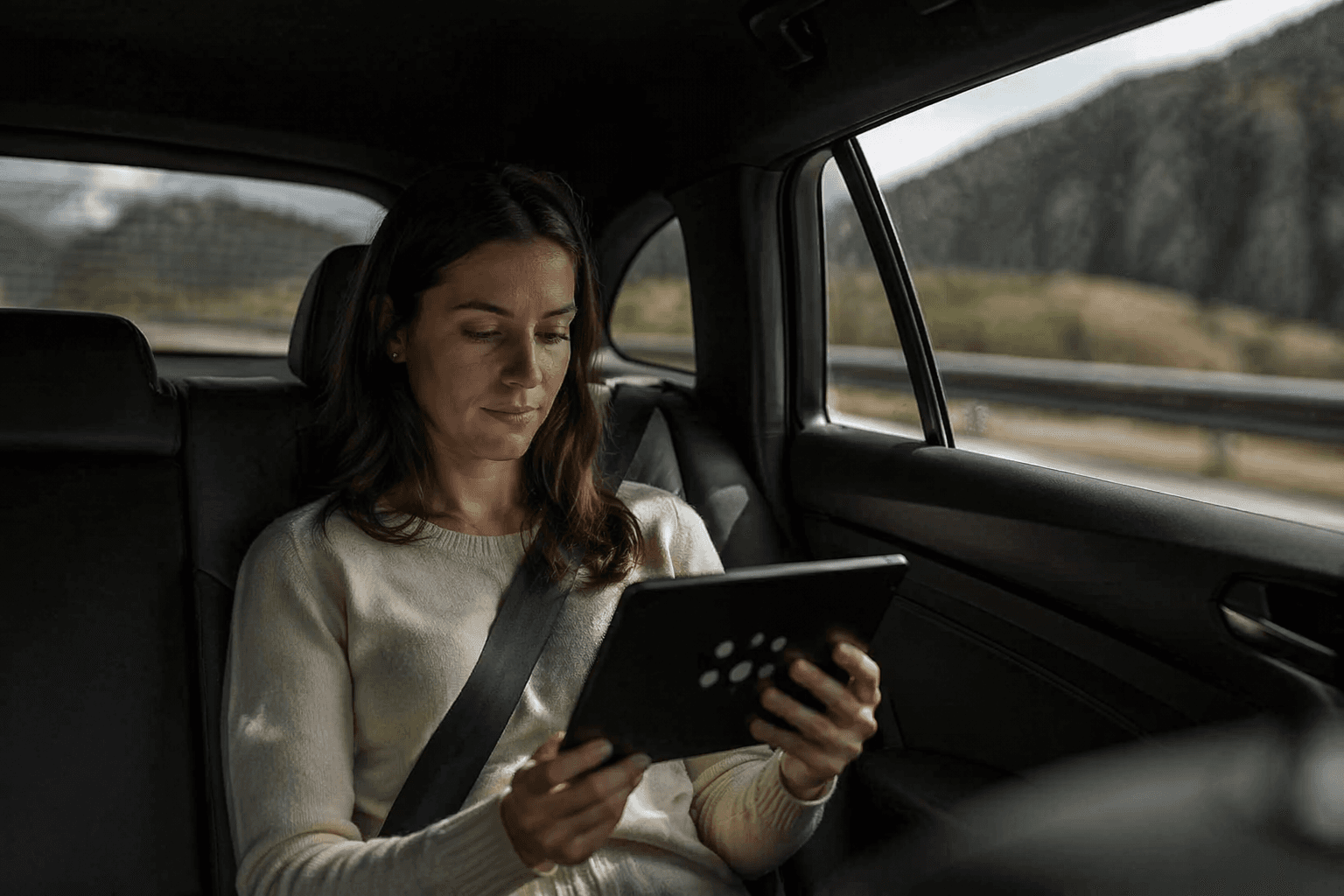
Apple’s Vehicle Motion Cues tries to solve a familiar problem with an unusual fix: animated dots that move at the edge of your screen while you ride in a car. Introduced for iPhone and iPad in May 2024, and later documented for Mac laptops, the feature is meant for passengers who want to keep using a device without aggravating nausea. It is not a cure-all. It is a visual aid built around the idea that motion sickness often comes from conflicting signals, and that the right cue at the right time can blunt that conflict.
How Vehicle Motion Cues works
The feature places animated dots along the edges of the display to represent how the vehicle is moving. Apple says those cues may help reduce motion sickness when you are a passenger in a moving vehicle, especially when you are seated facing forward. That placement matters: the dots stay out of the way of the main screen content while still giving the brain a stable reference point for motion.
On iPhone, Apple says the feature can be set to Automatic, shown or hidden manually in Control Center, and customized for pattern, color, larger dots, or more dots. On Mac, Apple later added Vehicle Motion Cues to Motion accessibility settings for laptop computers, extending the same basic idea to a larger screen. Apple’s support guidance is also blunt about limits: do not use the feature while operating a moving vehicle.
Why the dots might help
The science behind Vehicle Motion Cues is the familiar sensory-conflict theory of motion sickness. In plain terms, your inner ear may feel movement that your eyes do not fully confirm, or your eyes may focus on a screen that tells one story while your body tells another. That mismatch is what makes a phone screen in a winding car feel worse than staring out the window.
A 2024 review in Ergonomics concluded that visual cueing systems can mitigate motion sickness in some vehicle configurations. The review also found that those cues appear more effective when presented in the peripheral field of view rather than only in central vision. That finding helps explain Apple’s design choice: the dots sit at the margins of the screen, where they can register as motion guidance without hijacking what you are doing.
The broader implication is bigger than one phone feature. Related research suggests motion cueing may become more useful in vehicles as people spend more time reading, working, and using devices on the road. Another 2024 review pointed to the possibility that integrating such systems into highly automated vehicles could improve passenger acceptance. Apple’s dots may look playful, but they sit squarely inside a serious design conversation.
How it compares with older remedies
Vehicle Motion Cues does not replace the usual advice for motion sickness. It works best when it supports, rather than fights, the basics: sit facing forward, keep your body aligned with the direction of travel, and avoid asking your eyes to process a screen in a way that intensifies the mismatch with your inner ear. Apple’s feature is essentially a digital version of giving your brain a motion reference.
That makes it different from older remedies that rely mostly on behavior and environment. Traditional tactics can help, but they are passive and inconsistent, especially when you need to keep reading, messaging, or working while riding. Vehicle Motion Cues offers a more deliberate visual signal, which may be useful when the window view is poor, the road is rough, or you simply cannot stop using your device. Still, the feature should be treated as a tool, not a guarantee.
Who is most likely to benefit
The best candidates are passengers who already know that screen use on the road makes them queasy. If you are seated facing forward and want to keep working, reading, or scrolling, the feature is designed for exactly that situation. The fact that Apple lets you switch it on automatically or manually also makes it practical for people who do not want to think about it every time they get into a car.
It may also appeal to users who are sensitive to subtle motion cues and prefer to tune their screen experience rather than stop using it altogether. Apple’s customization options, including dot pattern, color, size, and density, suggest that the company sees this as an accessibility feature as much as a comfort setting. That framing fits Apple’s broader 2024 accessibility push, which also included Eye Tracking, Music Haptics, and Vocal Shortcuts.
Who should temper expectations
Drivers should ignore it entirely, since Apple says it should not be used while operating a moving vehicle. Passengers who cannot face forward may also get less out of it, because Apple says the feature works best in that seated position and the research favors peripheral cues over central ones. If your nausea is severe, or if your symptoms come on fast and hard, a screen-based aid may not be enough on its own.
It is also worth being realistic about what the feature is solving. Vehicle Motion Cues reduces one piece of the discomfort by adding visual motion context, but it does not change the road, the speed, the traffic, or the fact that your body is still moving. That is why the feature is promising, not miraculous. Its value lies in narrowing the gap between what your eyes see and what your body feels.
Apple’s odd little dots are a good example of how accessibility features can start with a niche complaint and end up pointing toward a larger design shift. As more people work and entertain themselves inside moving vehicles, the line between comfort feature and mainstream utility gets thinner. Vehicle Motion Cues suggests that sometimes the smartest fix for motion sickness is not stronger medicine, but a better signal.
This article was produced by Prism’s automated news system from verified source data, official records, and press releases, then run through automated quality and moderation checks before publishing. The system is built and supervised by the people who set the standards it runs under. Read our full AI policy.
Did this article answer your question?