Choosing the right keycap profile for typing and sound
Choosing the right keycap profile affects typing posture and sound. Match profile choice to your layout, stem type, and what you want from feel and acoustics.

Keycap profile changes more than aesthetics; it alters the angle of your fingers, hand posture, perceived travel and the board's acoustic signature. If you're picking your first profile, start by matching your keycap shape to your typing goals, comfort, speed, swap-ability or that coveted deep thock.
Cherry profile is the low, sculpted workhorse of the custom scene. Its modest height and row sculpt make it comfortable for long sessions and it pairs especially well with gasket mounts and heavier cases that soften feedback. OEM profile sits a touch taller than Cherry and mimics the feel of many prebuilt boards; choose it if you want a familiar desktop surface with slightly more pronounced tops. SA and MT3 live at the tall, sculpted extreme. SA offers deep, round tops and a longer travel feel that produces a richer, more resonant sound suited to vintage aesthetics and heavier typing. MT3 aims for a similar deep-typing character with sharper ergonomic contours on the home row, trading some speed for deliberate, tactile placement. DSA is uniform and low across all rows, excellent for ortholinear setups or anyone who frequently rearranges keys and layers; coming from sculpted rows, DSA can feel flatter and change muscle memory.
Profile also plays a big role in sound. Taller profiles like SA and MT3 tend to produce a deeper, more resonant tone. Lower profiles such as Cherry and DSA give tighter, shorter sounds. Material further shapes that voice: PBT typically resists shine and feels denser on the fingers, while ABS can sound brighter and allows certain manufacturing methods like doubleshot legends.
Compatibility matters. Most MX-style keycaps fit Cherry MX stems, but low-profile mechanical caps and Topre/Alps stems are different beasts, confirm stem compatibility before ordering. Layout and bottom-row variations are another common pitfall; decide ANSI versus ISO early and select a base kit that matches your build (75%, 65%, TKL, ortho, etc.). Only buy novelty or accent kits after you confirm the main alpha and modifier compatibility.
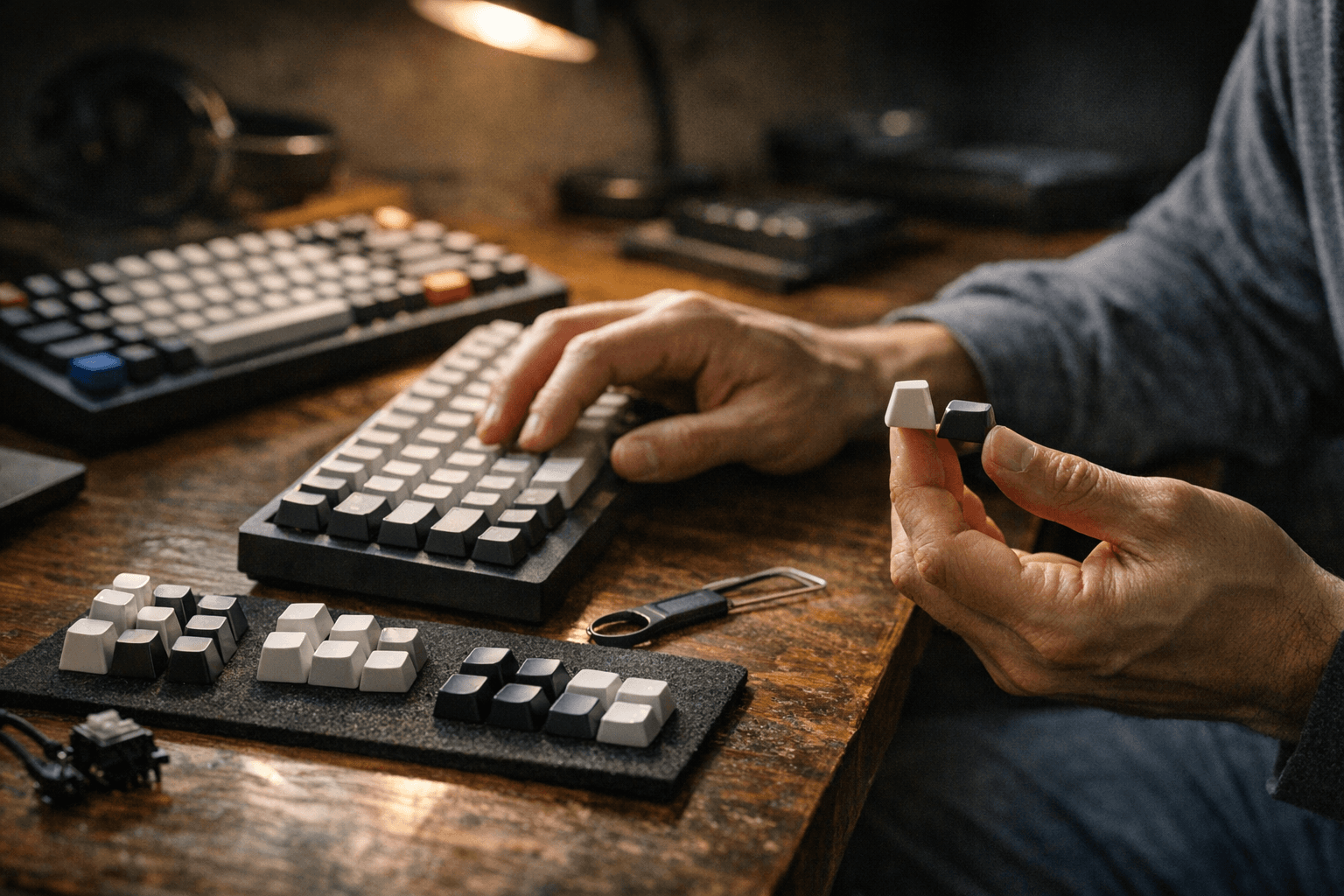
Practical picking advice: try before you buy when possible via switch or keycap testers and friends' boards. If you’re coming from laptop scissor switches, Cherry is a safe, ergonomic transition. If you chase a heavy thock and vintage vibe, look to SA or MT3. If you swap legends frequently or want flat uniformity, DSA or XDA will suit you better.
For first-time buyers, verify stem type and layout, start with a base kit for your case and layer needs, and save accent novelties until your alpha/mod set is locked in. Get your hands on samples, listen to sound tests, and you'll avoid costly returns, your next set should suit both your fingers and your speakers.
Know something we missed? Have a correction or additional information?
Submit a Tip