Comprehensive mechanical keyboard buyer's guide for newcomers and hobbyists
Detailed buyer's guide breaks down switches, mounts, keycaps, hot-swap vs soldered PCBs, wired vs wireless, and firmware to help pick the right mechanical keyboard.
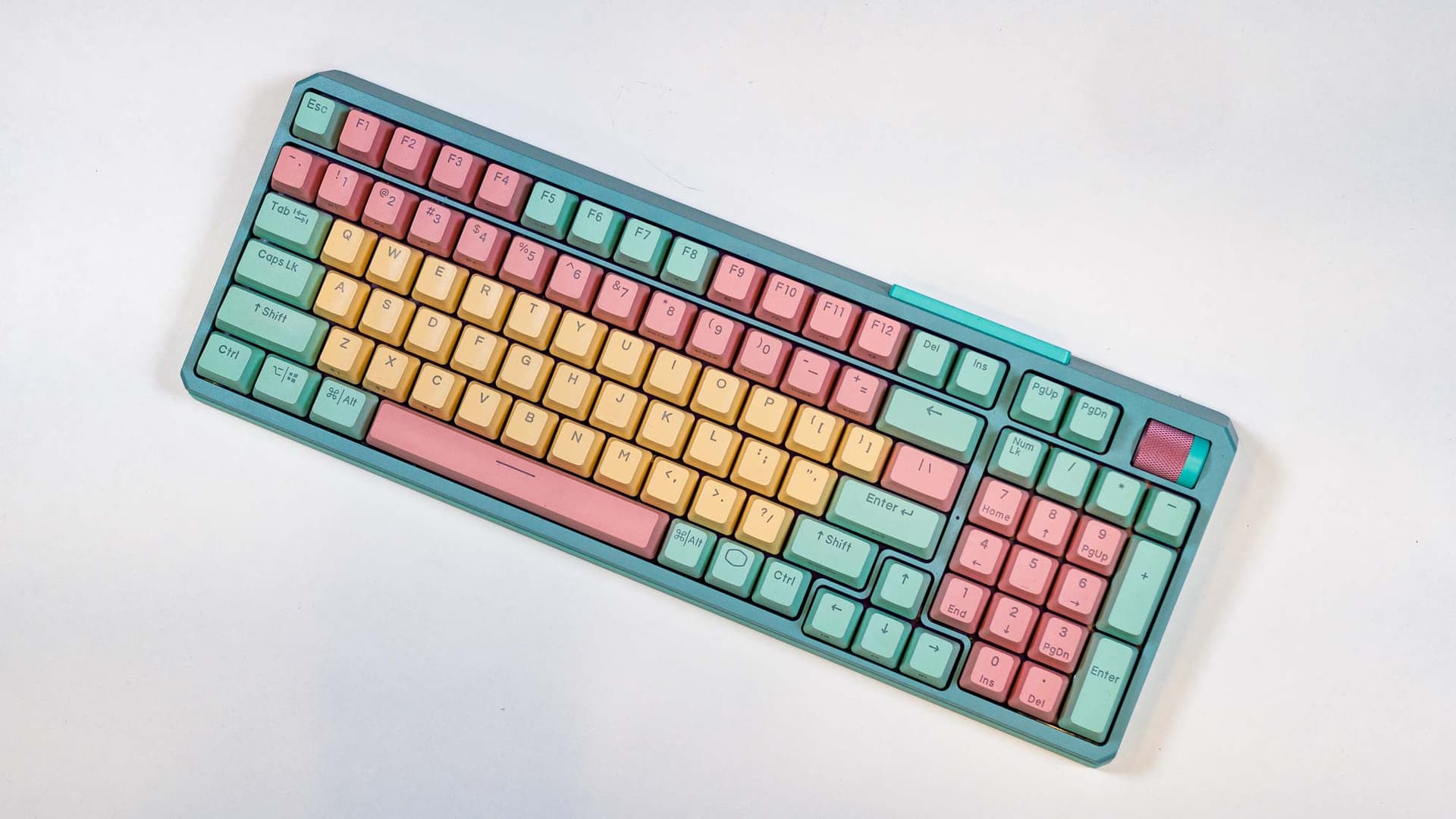
This guide breaks down the decision points that matter when choosing a mechanical keyboard, with practical context for first-time builders and seasoned collectors alike. Focused comparisons of switch types, mount styles, keycap materials and profiles, PCB options, connectivity trade-offs, and firmware ecosystems give you the framework to pick hardware without getting lost in GAS.
Start with switches. Linear, tactile, and clicky options change everything about typing and gaming. Linears feel smooth and consistent for fast keypresses. Tactile switches add a bump that helps with typing accuracy. Clicky switches pair a tactile bump with an audible click for feedback, but they draw attention. Consider switch weight and whether you plan to lube or mod them; proper lubing and good stabilizers often improve perceived quality more than swapping switches alone.
Mount style influences sound and flex. Tray mounts are simple and rigid. Top-mounts give a bit more flex and a different resonance, while gasket-mounts isolate the plate with foam or rubber for a softer, thockier sound. The mount interacts with case material and plate choice, so listen to sound clips or try boards in person when you can.
Keycaps shape feel and tone. PBT resists shine and has a matte texture; ABS can be smoother and shinier over time. Profile choice, Cherry, OEM, SA, DSA, changes finger travel and row sculpting, so pick a profile that matches your typing posture. Budget your build for caps that feel good under your fingers; keycaps often outlive the board.
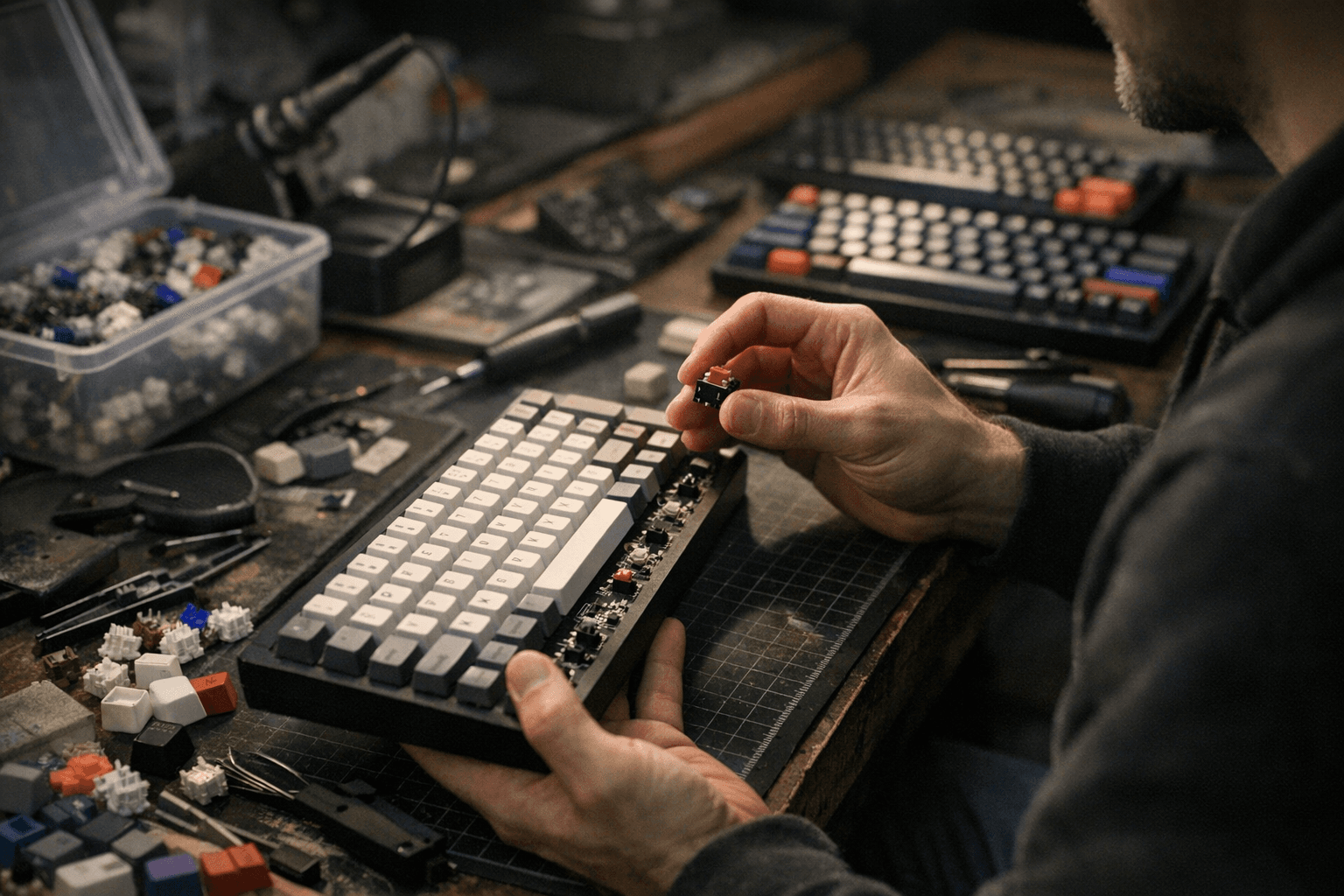
Hot-swap versus soldered PCBs is a practical crossroads. Hot-swap lets you test and swap switches without soldering, ideal for newcomers and frequent tinkerers. Soldered PCBs can allow more compact or cheaper designs and sometimes better electrical coupling, but they lock you into chosen switches unless you desolder and resolder.
Wired versus wireless trade-offs are straightforward: wired still offers the lowest latency and no battery management. Wireless gives mobility and cleaner desk aesthetics but requires attention to battery life and pairing. Evaluate real-world latency and battery figures for models you consider, especially if you game competitively.
Customization and firmware matter. QMK and ZMK unlock deep remapping, layers, and macro control across many boards. Vendor utilities can be easier for basic remaps but may lock you into a vendor ecosystem. If you plan to flash custom layouts, factor firmware support into your purchase.
Testing methodology you can use: evaluate typing feel across common switches, listen to sound signature with different caps and mounts, measure latency and battery life for wireless units, and inspect stabilizer quality and build finish. Consistent, side-by-side comparisons reveal what actually matters for your setup.
The takeaway? Prioritize what you touch most: switches, keycaps, and stabilizers. If you are new, choose a hot-swap TKL with PBT caps to experiment without soldering. If portability or a clean desk is key, accept some battery trade-offs for wireless. Our two cents? Try switches before committing, keep a small budget for lubing and stable switches, and focus on one upgrade at a time so your keyboard evolves without emptying the wallet.
Know something we missed? Have a correction or additional information?
Submit a Tip