Creative Fabrica launches AI tools for instant 3D print models
Creative Fabrica unveiled AI tools that turn text prompts into validated, print-ready 3D files in seconds. This removes steep CAD barriers and speeds idea-to-print for consumer printers.

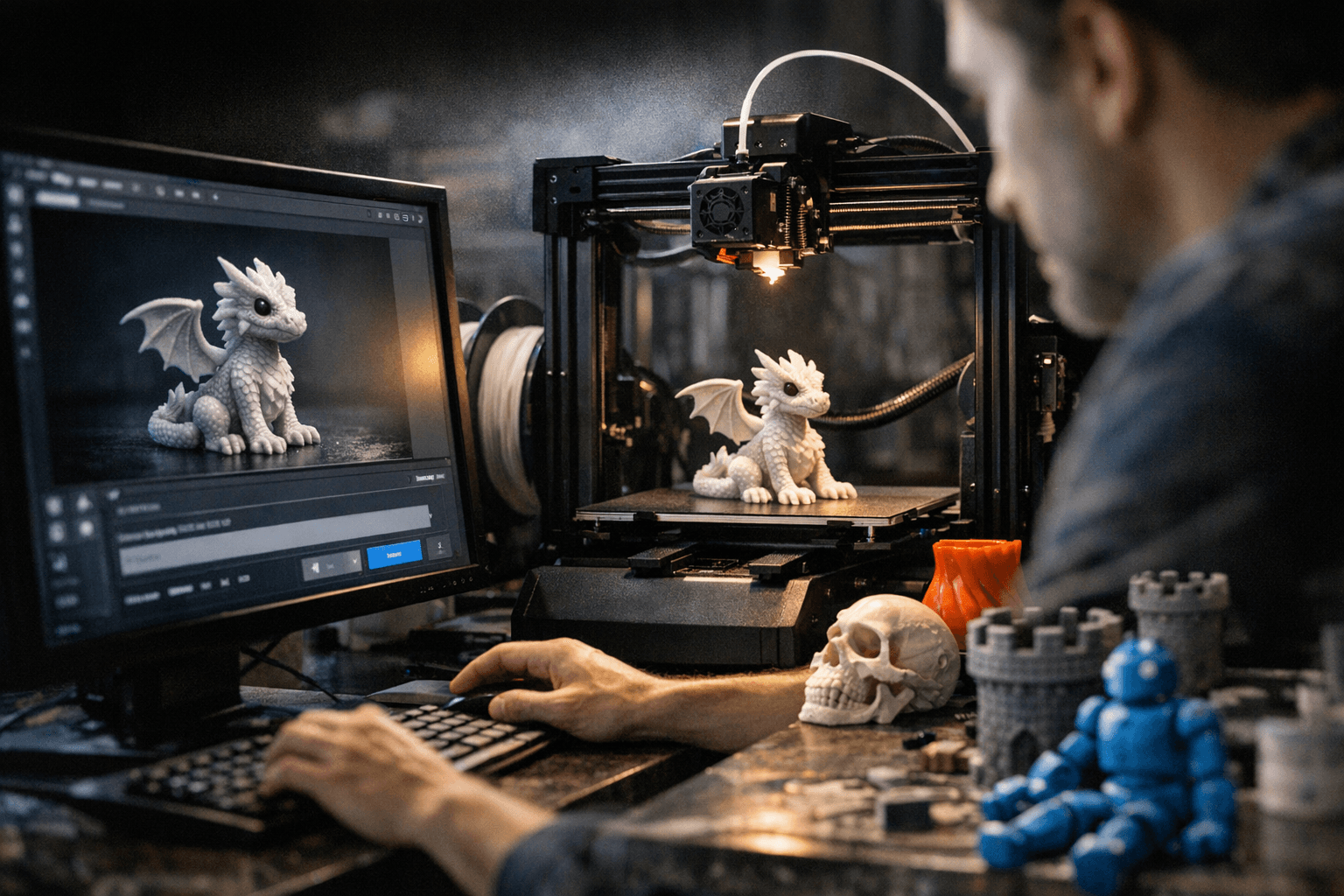
Creative Fabrica announced today a set of AI-powered tools that convert text prompts directly into validated, print-ready 3D models within seconds. The workflow generates models, runs automated validation and repair checks such as wall thickness and manifold tests, and exports finished files in common 3D-print formats so creators can move from idea to printable file without deep CAD skills.
The core selling point is immediacy and practical readiness. Instead of building geometry by hand or wrestling with complex model fixes, makers submit a prompt and receive a file the system has already checked and repaired for common printability issues. Automated validation targets the usual failure points makers encounter at the slicing stage, trimming the iteration loop between design and successful first-layer prints.
This matters for the many hobbyists and small creators who work with consumer FFF and MSLA printers. Lowering the technical barshortens time to prototype, reduces filament and resin waste from failed prints, and helps people who want to produce small runs or one-off pieces without investing in full CAD training. The export step hands off files ready for your slicer, accelerating the path from prompt to slice settings to test print.
Creative Fabrica is also including licensing and intellectual property guidance for AI-generated designs. That guidance aims to clarify rights and reuse terms for models produced by the tools, which is important for makers who sell prints or upload designs to marketplaces. Clear licensing reduces uncertainty about what you can legally modify, reproduce, or monetize when a model originates from an AI-assisted workflow.
For practical use, the toolset will not replace careful workflow hygiene. Designers should still confirm validation results against their own printer tolerances and slicing profiles. Small test prints remain the fastest way to verify overhang behavior, support removal and surface finish on your specific machine and material. When you plan to sell or distribute prints, follow the licensing guidance and document provenance so customers and platforms can see how the model was generated.
The takeaway? This is about shaving hours off model prep and lowering the CAD learning curve so you can focus on iteration and production. Our two cents? Treat the AI-generated file as a head start, not a final guarantee: run a quick calibration print, check the repaired areas in your slicer, and confirm licensing before commercial use. If you do that, prompt-driven modeling can become a reliable part of your toolchain.
Sources:
Know something we missed? Have a correction or additional information?
Submit a Tip