Keychron Launcher Guide Enables Timed Auto Sleep and Backlight Off
Keychron published a Launcher web app guide showing how to set timed auto sleep and backlight off to save battery on supported wireless keyboards.
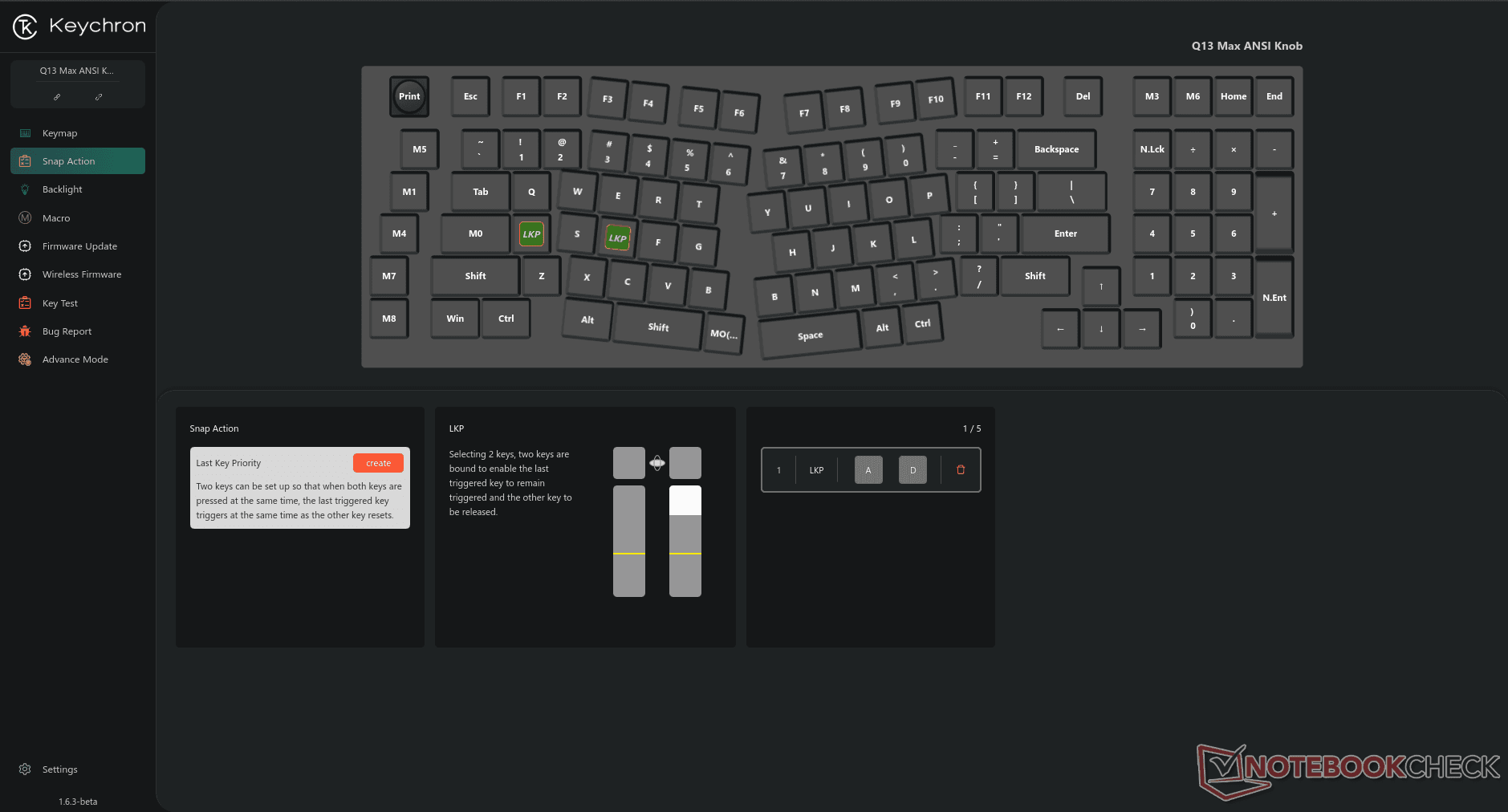
Keychron published a step-by-step Launcher guide that walks users through configuring Auto Sleep Mode and automatic Backlight Off timers in the Keychron Launcher web app. The update matters because it gives owners of tri-mode and wireless Keychron boards precise control over power and lighting behavior, which can cut idle drain and extend battery life for long-running setups.
To use the feature, open Keychron Launcher in a supported browser, Chrome, Edge, or Opera, and connect the keyboard either with a cable or via the 2.4G receiver as required. Click "Connect" in the Launcher UI to establish communication with the board. From there, open "Advance Mode" on the left function bar to reveal the timer controls. The Launcher exposes editable fields for hours, minutes, and seconds so you can set exact start times for Backlight Off and for Auto Sleep Mode; submit your choices with the page's Submit control. The guide warns that the Backlight Off start must be earlier than the Auto Sleep start, and the page notes the supported ranges for each field so values stay within valid limits.
This change is practical for streamers, developers, and anyone who keeps a keyboard powered and lit for long periods. Turning lights off before the keyboard enters sleep state avoids unnecessary RGB draw, and setting a separate auto-sleep timer ensures the board actually suspends radio activity or deep-sleeps after a predictable interval. For tri-mode boards, which juggle wired, Bluetooth, and 2.4G connections, having Launcher-driven timers reduces the need to manually toggle power settings between sessions.
Keychron positions the guide as part of its ongoing Launcher documentation and customization push, making more of the board's behavior configurable without third-party tools or firmware flashing. The fact that the guide is web-based means the UI is accessible on multiple operating systems as long as users run a supported browser and have a required physical or receiver connection. The step-through nature of the instructions, connect, open Advance Mode, edit hours/minutes/seconds, and submit, keeps the process approachable for newcomers while offering the granularity power users expect.
Keychron published the guide on January 26, 2026. For readers, that means an immediate, low-effort way to conserve battery and tidy up nightly rigs: set Backlight Off to a few minutes of inactivity, set Auto Sleep a bit later, and let the Launcher handle the rest. Expect community threads to share favorite timer combos as users test settings across different Keychron models.
Know something we missed? Have a correction or additional information?
Submit a Tip