Practical stabilizer guide to fix wobble rattle and thock
Stabilizer mods dramatically reduce wobble, rattle, and improve thock. Use screw-in PCB stabilizers or clip and lube plate mounts, then test and iterate.
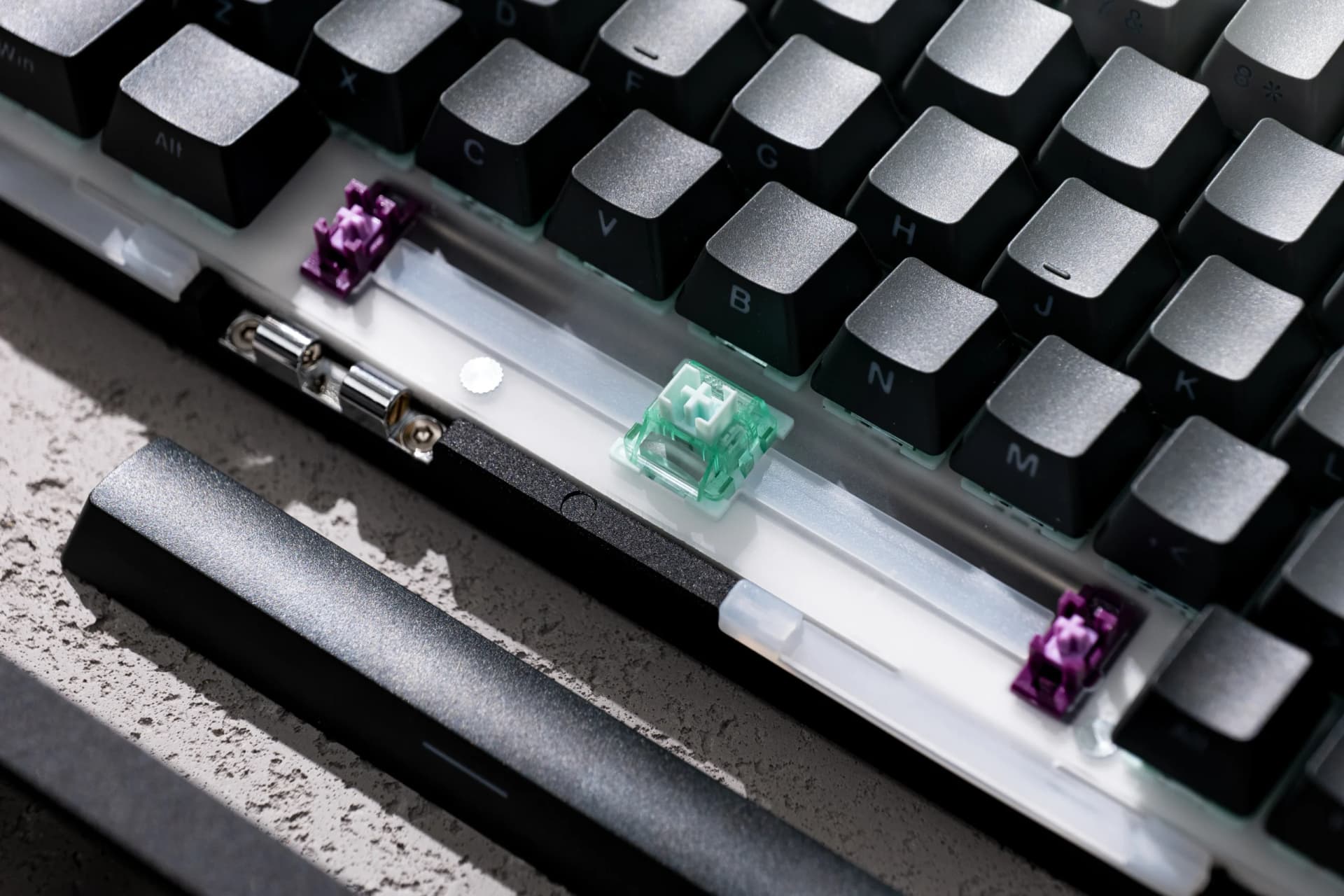
Stabilizers on the big keys, spacebar, Enter, Shift, Backspace, are one of the fastest ways to change how a board feels and sounds. Choose the right hardware and follow a consistent mod flow and you can turn a jangly spacebar into a deep thock, reduce rattle, and tighten up key wobble without changing switches or keycaps.
If you want the easiest, most repeatable improvement, buy screw-in PCB-mount stabilizers from established makers such as Durock, TX, or Cherry-clone screw-ins and install them correctly. For plate-mounted-only boards, clip and lube the stabilizers in place or switch to a compatible PCB or plate if your case supports it. Plate-mounted variants are often a workable compromise when replacing the PCB is impractical.
Start with a baseline: assemble your board with the stock stabilizers and type. Record short typing clips with consistent microphone placement so you can judge changes objectively. Next, clip the stabilizer stems when applicable. Use flush diagonal cutters to remove the top two small plastic legs on the stabilizer insert to prevent friction and binding. Only clip compatible stabilizers and consult brand-specific visual guides before cutting.
Optional damping mods come next. Add thin foam strips or neoprene under the PCB or inside the case to alter resonance. The band-aid mod, a small foam pad under each stabilized key, tames bottom-out harshness and is reversible. Lubrication is the core of the transformation: use a medium-thick polycarbonate and nylon-safe stabilizer lube such as Krytox GPL 205G0 or an equivalent. Coat the wire legs and the housing contact points, and apply a light coat to the stem. Avoid over-lubing; test after light applications and add more only if needed.
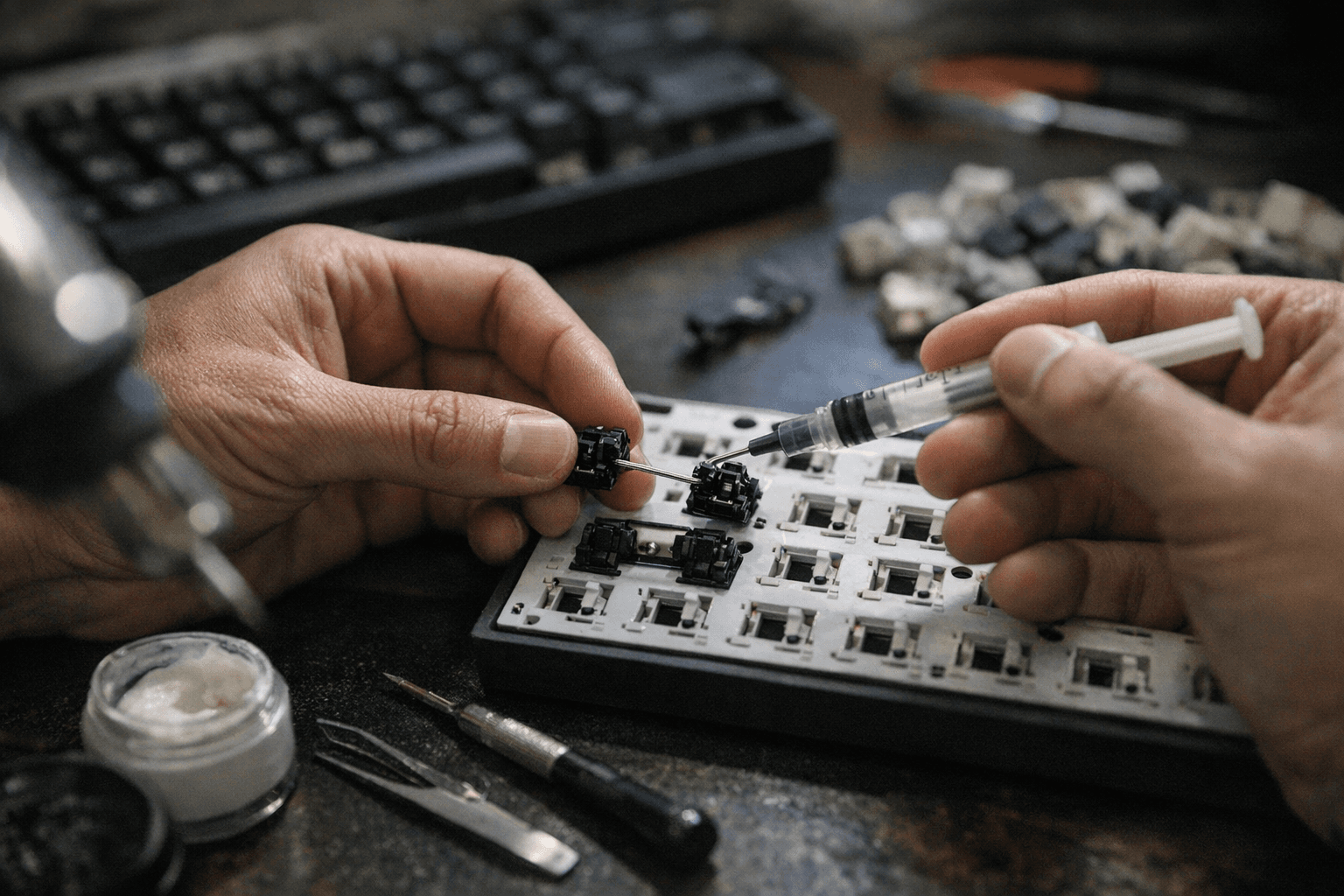
Wire shaping and minor bends can reduce metal-on-plastic friction for some brands but follow trusted visual guides for your specific stabilizer. Reassemble and iterate: compare your recorded clips, adjust lube amount, try different foam thicknesses, and retest until the acoustics and feel meet your target.
Troubleshooting is straightforward. If you hear rattle, confirm the housing is fully seated and screws are torqued evenly, and add a thin band-aid pad under the insert. If keys feel sticky after lubing, disassemble, clean with isopropyl alcohol, and reapply sparingly. For heavy typists who want deeper thock, consider thicker PBT or doubleshot keycaps and a denser case material such as aluminum to change the board’s overall resonance.
Community videos and step-by-step photos for specific stabilizer models are plentiful; search for your stabilizer brand plus "clip and lube" for visual guidance. Nail these mods and your board will reward you with less wobble, cleaner sound, and a much more satisfying thock, and you’ll have a repeatable process to tune future builds.
Know something we missed? Have a correction or additional information?
Submit a Tip