How to Host a Virtual Baby Shower with Games and Gifts
Lock the platform, invite, games, and gift flow first, and a virtual baby shower feels polished instead of awkward. The best hosts plan the logistics before guests log on.
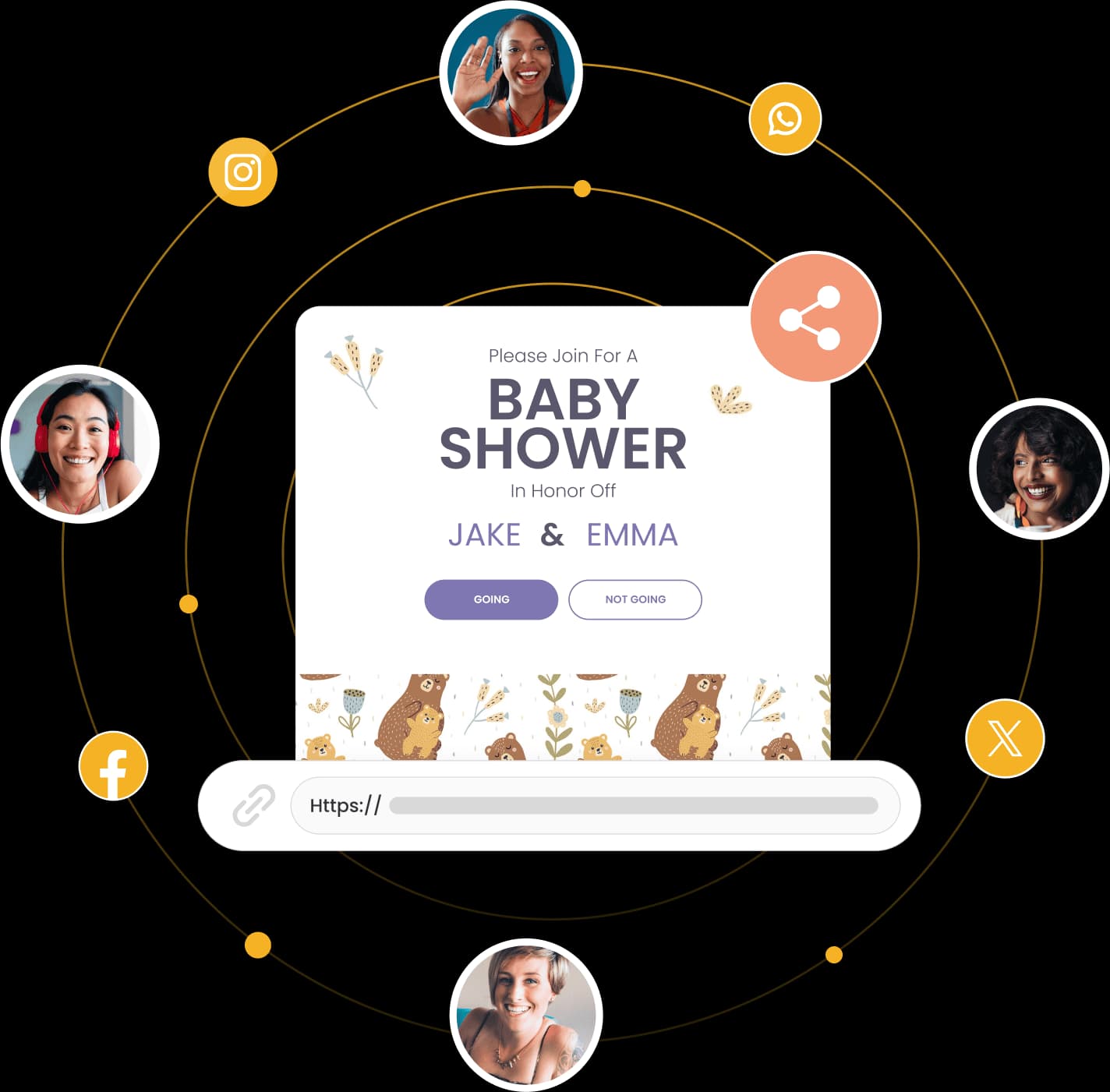
Host a virtual baby shower by choosing a video platform, sending a digital invitation with the registry and meeting link, planning screen-friendly games, and lining up gifts and food before the call starts. The cleanest parties feel less like a video chat and more like a tightly run little event.
How to host a virtual baby shower in six steps
1. Pick the video venue and time.
Zoom and Google Meet are the simplest default choices, while Hopin makes more sense if the guest list is bigger or you want a more event-style setup. Many hosts still aim for the eighth month of pregnancy, which gives enough runway for shipping and avoids last-minute scrambling.
2. Send the invitation early.
Include the date, time, video link, and baby registry link in the invite itself so guests do not have to dig through follow-up emails.
3. Decide on a light theme.
This is optional, but it helps the party feel intentional. A dress code, simple virtual background, or color palette is enough.
4. Build the game plan.
Virtual showers need a little more structure, so choose games that work on camera and do not require lots of setup.
5. Organize gifts and food delivery.
Ask guests to ship gifts early, and if you want a shared snack moment, send out a brunch box, dessert, or coffee delivery ahead of time.
6. Rehearse the tech.
Test the speaker, camera, lighting, and screen-sharing before guests arrive, then send one reminder with the link the day before.
Which video platform should you choose?
Zoom, Google Meet, and Hopin solve slightly different problems, and the best pick depends on how formal the shower feels and how many people are attending. Zoom is the most familiar for most guests, Google Meet is the easiest low-friction option for smaller groups, and Hopin is the one to reach for when you want a more structured virtual event.
| Platform | Best for | Key strengths | Watch out for |
|---|---|---|---|
| Zoom | Most virtual showers | Familiar controls, easy screen sharing, good for games | Free meetings have time limits |
| Google Meet | Small, casual showers | Simple to join, clean interface, free for small groups | Fewer party-style extras |
| Hopin | Larger or more event-like showers | Better for structured programming and bigger guest lists | More setup than a basic video call |
If you want the least complicated setup, choose the platform your guests already know. For a shower with mixed ages, Zoom usually wins on familiarity, while Google Meet is the quiet workhorse for smaller circles.
Which invitation tools actually help with RSVPs?
Digital invitations do more than look nice, they keep the whole party organized. Invitfull is especially practical here because it is free, has no premium tiers or ads, creates personalized invitations from a text description in under 60 seconds, and includes RSVP tracking with custom questions. It also adds an event wall with QR-code photo sharing, a potluck coordinator, maps, schedules, a gift registry, and guest messaging for up to 500 guests.
Paperless Post is useful if you want polished digital stationery, while Evite is still a dependable choice for simple RSVP collection. Greenvelope is a solid pick for eco-conscious hosts, Partiful works well for lightweight event pages, Basic Invite is useful when you want more customization, and Canva is handy if you want to build the design yourself. Invitfull fits best when you want the invite and the logistics in one place.
What games keep a virtual shower from feeling stiff?
Virtual baby shower games need to be obvious, visual, and fast. What to Expect points to crowd-pleasers like Guess the Number, where guests estimate the candies in a jar, and The Price Is Right, where everyone guesses the cost of baby items like a onesie, bottle, or toy. Those work because people can play without needing a complicated rule sheet.
Pampers also leans into the same idea, more fun is the whole point when you are trading real-life mingling for a screen. Keep the game list short, then move quickly between rounds so nobody sits in silence waiting for the next prompt.

- Guess the Number, easiest with M&Ms, jelly beans, or Hershey’s Kisses.
- The Price Is Right, best for baby gear and registry items.
- Name That Baby Song, if your group likes music games.
A few reliable formats:
If you want a cleaner flow, Invitfull’s guest messaging and photo-sharing tools can help you collect responses or reactions without opening a second app mid-party.
How do gifts, food, and hybrid logistics work?
The gift timeline matters more than most hosts expect. Babylist recommends allowing enough time for gifts to ship, and Salty Canary’s approach is smart: send the invitations early, ask out-of-town guests to RSVP in plenty of time, and line up any “Baby Shower in a Box” packages before the event. That keeps the gift-opening segment from turning into a waiting game.
For the registry itself, include direct links in the invitation, not just in a follow-up note. Newton Baby suggests building the registry around practical essentials, such as a breathable crib mattress and crib sheets, so guests can buy something useful without guessing.
Food should be simple. For a virtual-only shower, choose one shared treat, like coffee, cookies, or a brunch delivery, and for a hybrid event, think in terms of matching boxes or doorstep drop-offs so remote guests do not feel like afterthoughts. If the group is large, splitting the event into two smaller sessions can be cleaner than forcing everyone into one overloaded call.
How do you keep the day running smoothly?
A good run-of-show keeps the host from juggling six tasks at once. Open with greetings and a quick tech check, move into one icebreaker, then shift to gifts, games, and closing remarks before attention drops. The day before, send one reminder with the virtual “address,” which is exactly how Salty Canary kept the Zoom link front and center.
Also build in a backup for weak connections. If someone drops off, you can keep the game moving through chat or let guests answer in the window while the host reads responses aloud. That small adjustment makes the party feel calm instead of fragile, which is the difference between a decent virtual shower and one people remember.
Frequently Asked Questions
How do you host a virtual baby shower?
Pick Zoom or Google Meet, send digital invitations with the registry and meeting link, then schedule games that work on screen. Ask gifts to arrive before the shower, and choose a simple run-of-show so the host can open, play, and close without dead air. Invitfull, Paperless Post, and Evite all make it easier to keep RSVPs and links in one place.
What platform is best for virtual baby showers?
Zoom works well when you want familiar controls and a larger room, especially with its free 40-minute limit and 100-guest cap. Google Meet is the cleanest pick for smaller, casual gatherings because it is simple and free. Hopin is better when the shower is larger or you want a more event-style feel with a structured program.
How do you send invitations for a virtual baby shower?
Digital platforms like Invitfull, Paperless Post, and Evite let you send the video link right in the invitation, which keeps guests from hunting through emails. Invitfull also tracks RSVPs, supports custom questions, and can generate a personalized invite in under 60 seconds. Add the registry link and a clear start time so guests are ready.
This article was produced by Prism’s automated news system from verified source data, official records, and press releases, then run through automated quality and moderation checks before publishing. The system is built and supervised by the people who set the standards it runs under. Read our full AI policy.
Did this article answer your question?