Dollar General login pages direct employees to username, Employee ID, support line
Dollar General’s login screens route workers by username or Employee ID, with password reset, profile updates, and ERC support built in. If you are locked out, the page itself tells you the next step.

What the login page is really asking you to do
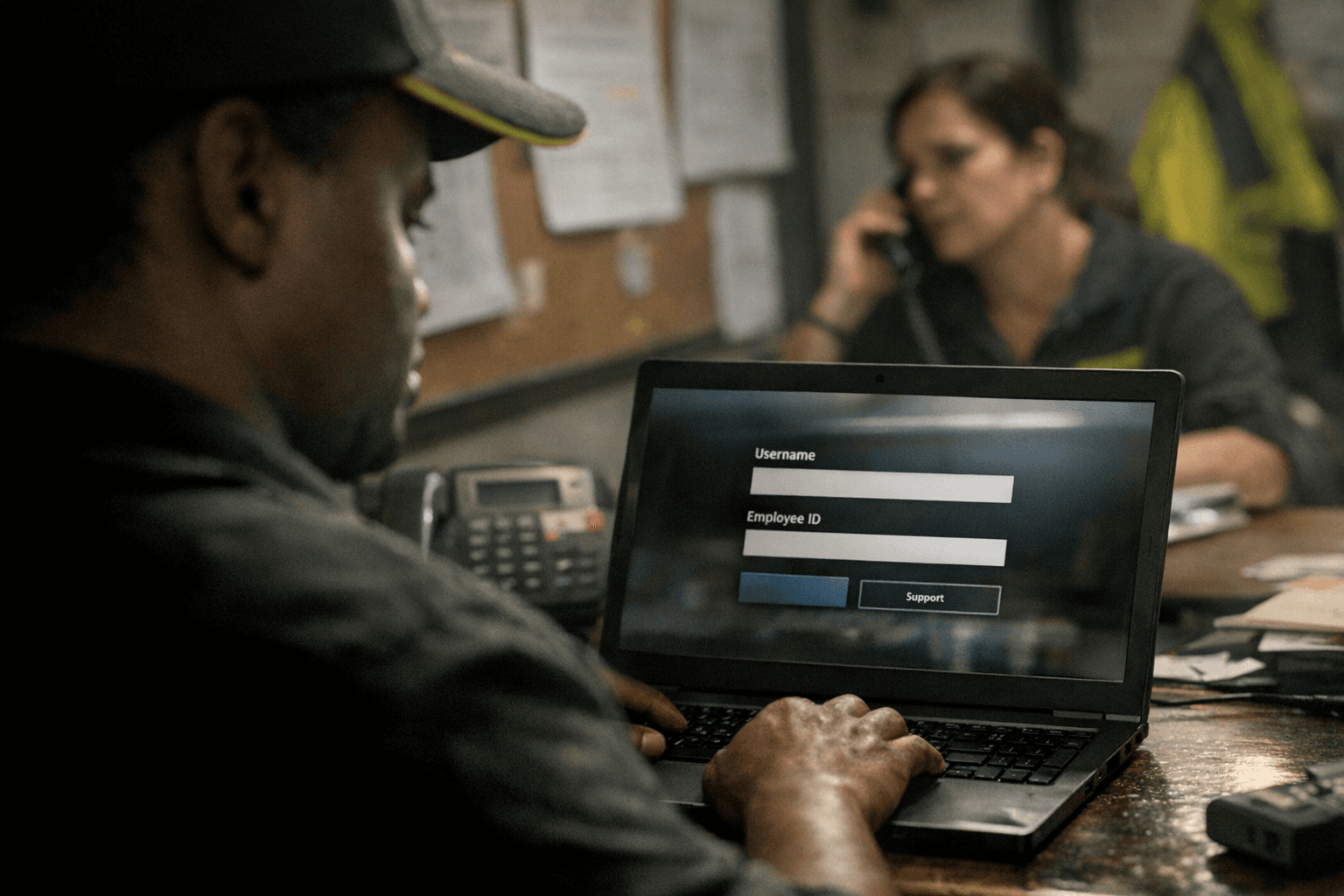
Dollar General’s access screens are built around one basic rule: use your username if you have a DG email account, and use your Employee ID if you do not. That sounds simple until you are standing on a break, trying to check a schedule, payroll item, or HR message, and the page gives you a different prompt than the one you expected. The key is to follow the exact instruction shown on the screen in front of you, because the company’s login pages can surface different directions depending on whether your account is new, locked, expired, or linked to a different internal tool.
That self-service setup matters in a business with scale. Dollar General said it employed about 194,200 full-time and part-time workers as of February 28, 2025, and operated 20,594 stores as of January 31, 2025. It also runs 30-plus distribution center locations, which means a login issue can hit a store associate, a district manager, or a warehouse worker just as easily as an office employee. When access breaks down, it is not just an IT nuisance. It can delay payroll access, scheduling, onboarding, and internal communication at a company where fast handoffs matter.
Which username do I use?
If you have a DG email account, the login page points you to your username. If you do not have a DG email account, it directs you to your Employee ID. That split is important because using the wrong credential is one of the easiest ways to create a login loop that looks like a password problem when it is really an account-type problem.
The practical rule is straightforward: do not guess which path applies to you. If the screen says username, use the username tied to your DG email account. If it says Employee ID, use that number instead. This matters especially for employees moving between stores, coming back from leave, or working in jobs where they may not use a DG mailbox every day. In a company this large, the system is built to route different groups through different entry points, and the login page is telling you which one applies.
If you do not know your Employee ID
Dollar General has a separate Employee ID lookup page for workers who cannot remember their EID. The form asks for your legal first name, birth month, birth day, birth year, year hired, and the last four digits of your Social Security number. That is a strong signal that the company expects some employees to recover access through verification rather than through a manager doing it manually.
Use that flow before you start trying random passwords or re-registering yourself in a hurry. A missed year hired, a typo in your birth date, or an incorrect last four digits entry can stop the lookup cold and make it look like the portal is broken when the problem is the information you entered. For employees who have been at Dollar General a long time, this is especially useful if they have not used the same internal system in months and no longer have their EID memorized.
How password recovery works
Dollar General’s IAM landing page makes the company’s approach clear: self-service comes first. Employees can register or update an IAM profile, use self-service password reset to change DG passwords, or get help from a help desk or business liaison if needed. That means the login pages are not a dead end. They are part of a broader access-management system that is designed to handle routine recovery without forcing every problem through a human ticket.
If you forgot your password, start with the forgot-password option on the login screen. If the page says your password expired, follow the prompt to create a new one. One version of the login page also indicates that an expired-password user may be asked to update account data before getting back into the system. That can feel like extra friction, but it usually means the account needs fresh information before it will let you move forward.
The most common mistake is treating every access problem like a password problem. Sometimes the issue is expired credentials. Sometimes it is a profile that needs to be updated. Sometimes the account is new and still needs registration. The screen is usually telling you which of those situations you are in if you slow down long enough to read it.
If the reset link does not work
When self-service fails, do not keep clicking the same reset link over and over. Dollar General’s own login and IAM pages point employees toward escalation paths when the standard flow is not enough. One version of the login page tells workers who cannot get in to contact the Employee Resource Center at 1-888-237-4114, and the IAM landing page also directs employees to a help desk or business liaison for password help.
That is the point where you shift from self-service to support. Before calling, make sure you know which screen you were on, whether you were using username or Employee ID, and whether the error mentioned an expired password, a locked account, or a registration issue. Those details can shorten the call and keep you from being bounced from one reset attempt to another. In a retail environment where every minute matters, especially during a busy shift or when you are away from your home store, that kind of clarity saves time.
Common mistakes that trigger access problems
A lot of login trouble comes from simple mismatches, not system failures. Employees often get tripped up by using the wrong credential type, entering an Employee ID on a username screen, or trying to use an old password after the system has already marked it expired. Another frequent issue is assuming one login method works for every internal tool, when Dollar General’s pages can route differently depending on the account state and the system you are trying to reach.
There is also a basic record-keeping lesson buried in the setup. Register when you are told to register. Keep your Employee ID available. Update your account data if the system asks for it. That sounds routine, but for a company spread across tens of thousands of stores and a large distribution network, small lapses can turn into payroll delays, missed schedule checks, or a blocked onboarding step.
Why this access flow matters on the floor
For Dollar General workers, login access is tied directly to work. Schedules live there. Internal messages live there. Benefits administration can live there. So can the tools you need to fix a mistake before it spills into the next shift. In a company founded in 1939 and headquartered in Goodlettsville, Tennessee, the login page may seem like a tiny piece of the operation, but it sits at the front door of a much larger labor system.
That is why the company’s self-service-first model matters. It gives workers a path to reset passwords, retrieve an Employee ID, update IAM details, and escalate only when necessary. For a workforce of roughly 194,200 people spread across 20,594 stores and more than 30 distribution center locations, access is not just an administrative detail. It is part of how the job gets done.
This article was produced by Prism’s automated news system from verified source data, official records, and press releases, then run through automated quality and moderation checks before publishing. The system is built and supervised by the people who set the standards it runs under. Read our full AI policy.
Did this article answer your question?