Dollar General workers can reset passwords, recover logins fast
Password expiration, a missing Employee ID, or a role change can lock Dollar General workers out fast. The fix usually starts with the IAM page, not the Help Desk.
What usually blocks DGME access
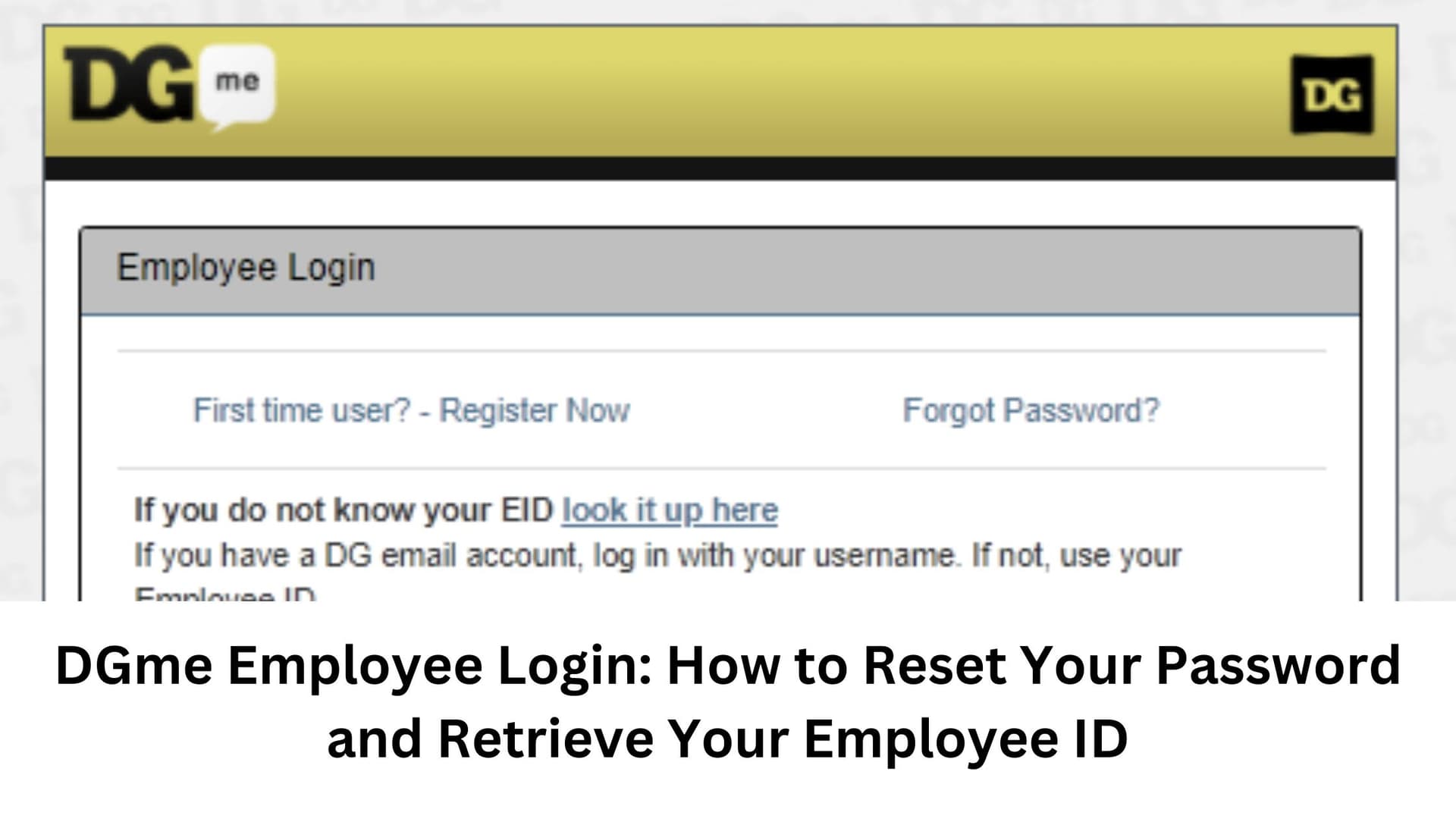
Most Dollar General login failures are not full account breakdowns. They usually come from the basics: the wrong username format, an expired password, a forgotten Employee ID, or a profile that has not been registered for self-service reset. Dollar General’s own login and IAM pages point workers to three paths right away: register or update an IAM profile, change DG password(s), or get help from the Help Desk or a business liaison.

That matters because a login problem can slow down the things workers need most quickly, including payroll checks, schedule lookups, and other self-service tasks. For store associates and district managers, the fastest fix is usually the simplest one: confirm whether you should sign in with your DG email username or your Employee ID, then move to the official reset tools before assuming the account is damaged.
Start with the fastest recovery path
If you cannot get in, begin with the password reset flow tied to Dollar General’s identity-and-access-management system. The company says self-service password reset is designed to remove the need to contact the Help Desk for password reset support, but it only works after profile registration is complete.
That profile registration step is not just paperwork. Dollar General says the registration creates challenge questions that are used to validate identity before a password can be reset. In practice, that means a worker who has not completed profile setup may hit a wall even if the password itself is the real problem.
How to reset your password step by step
1. Open the IAM landing page and choose the password option.
2. Use the profile-registration tool first if you have not already set it up.
3. Complete the challenge questions so the system can validate your identity.
4. Move to self-service password reset and create a new password.
5. If the reset fails, try a different password that meets the company’s rules.
Dollar General’s password-reset guidance says passwords expire every 90 days, cannot be reused within 10 rotations, and must meet defined complexity requirements. If a password is rejected because it is too close to an old one or does not satisfy the rules, the system tells the user to try again with a different password.
One older part of the reset process still reflects the company’s enterprise setup: self-service reset may require installation and acceptance of an ActiveX control from Courion Corporation. That does not change the basic fix, but it helps explain why some workers may see a toolset that feels more complicated than a typical consumer login screen.
If you changed roles or lost your Employee ID
Role changes can create access issues even when no one has done anything wrong. A new assignment, a transfer, or a change in job function may mean the old login format no longer works cleanly, especially if the employee does not know whether the system wants a DG email username or an Employee ID.
That is where Dollar General’s separate Employee ID lookup page becomes useful. The page tells users to complete all fields and click Submit to retrieve the Dollar General Employee ID, which is a practical fallback when a worker cannot remember the number needed to sign in or to complete a reset. Keep that ID handy once you recover it, because it can save time the next time a password expires.
What to do when the reset tools do not solve it
If the login still fails after the reset flow, Dollar General points workers to the Employee Resource Center at 1-888-237-4114. That number is the clearest escalation path in the company’s login help, and it is the next call to make when an account problem is blocking access to payroll, scheduling, or other employee self-service tasks.
The Help Desk also remains part of the process, but Dollar General’s materials make a distinction between helping a worker get back into the system and supporting routine password reset. The profile-registration process is meant to reduce the need for Help Desk intervention, while the help side can only see one set of challenge questions used to validate identity. In plain terms, the more complete your profile is, the more likely you are to solve the problem without delay.
Why this matters in a company DG’s size
Dollar General is not a small employer with a handful of local logins. The company said it had 20,594 stores across the United States and Mexico as of January 31, 2025, marked its 85th anniversary in 2024, and reported $40.6 billion in fiscal 2024 net sales. With that kind of footprint, even a simple password issue can ripple across a huge workforce spread through stores, distribution operations, and support roles.
That scale also helps explain why access tools are built into the employee system instead of handled case by case. When a password expires every 90 days and workers across thousands of locations depend on the same sign-in flow, a missed reset can quickly turn into a payroll headache or a scheduling problem. For employees trying to stay ahead of a shift start, the smartest move is to keep the Employee ID close, use the official IAM path first, and escalate only when the built-in recovery steps fail.
The practical takeaway
The fastest fix is usually procedural, not technical. Check whether you are using the right username, retrieve your Employee ID if needed, register your IAM profile, answer the challenge questions, and use self-service reset before calling for help.
If that still does not unlock the account, the Employee Resource Center is the next step. For Dollar General workers, knowing that sequence can mean the difference between a quick reset and a lost morning waiting on access to payroll, schedules, or shift information.
This article was produced by Prism’s automated news system from verified source data, official records, and press releases, then run through automated quality and moderation checks before publishing. The system is built and supervised by the people who set the standards it runs under. Read our full AI policy.
Know something we missed? Have a correction or additional information?
Submit a Tip